
Client Session Balance App is an app template for consultants, coaches, tutors, trainers, wellness practitioners, and other session-based service providers who need a clear view of prepaid or allocated client sessions. Teams can add client records, review current balances, and log completed sessions from one organized location. This helps reduce manual calculations, prevent missed updates, and give staff a consistent process for monitoring how many sessions each client has used or has remaining. It is especially useful for independent professionals and small service businesses managing recurring appointments or session packages.
With Jotform, this app template can be adapted using a no-code app builder and an intuitive drag-and-drop interface. Customize pages, navigation, colors, and content to match your operating process, then connect forms and tables to support data collection and session-tracking workflows. The app can be shared through a direct link or QR code for convenient mobile access by authorized team members. Jotform App Templates make it easier to create a branded operational resource without coding, helping staff find client details, record activity, and review balances in a single experience.
Related templates
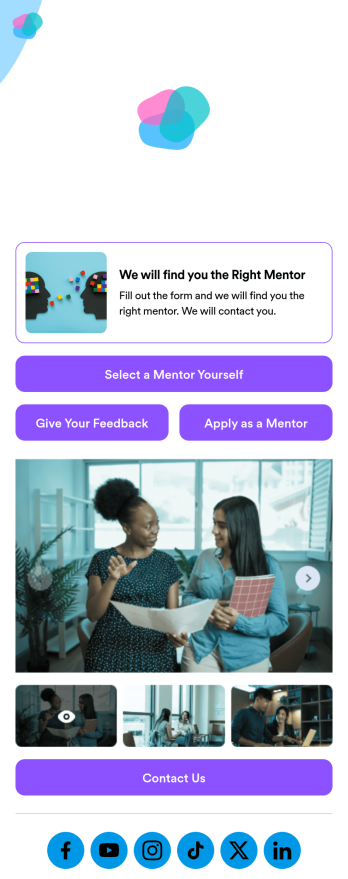
Custom Mentorship App
A mentorship app is a type of mobile application used by career development services or mentorship programs. This type of app connects mentees with mentors to assist with personal or career development goals. To create your own, use this ready-made Mentorship App Template from Jotform Apps. Set up mentorship request forms, mentor applications, feedback surveys, and more.Want to personalize your Mentorship App to suit your needs? Simply use Jotform’s drag-and-drop builder to make any changes you need. Add or remove forms, change color schemes and font types, add our Card element to organize your app, select a suitable app icon, and more. Foster more meaningful connections in your network with this Mentorship App from Jotform.
Go to Category:Consulting Apps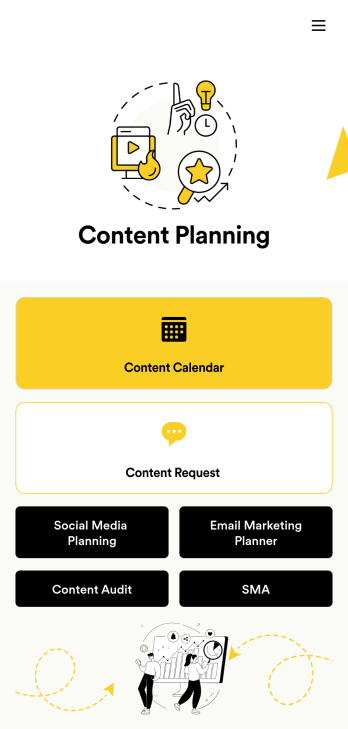
Content Planning App
A content planning app is commonly used by marketing teams to manage content calendars. With Jotform Apps, you can build your own Content Planning App for free. Add a content calendar, brainstorm notes, content audits, and so much more. You can even integrate your app with 250+ platforms to send data straight to your other marketing accounts — all with no coding required.Customizing your Content Planning App is easy and intuitive with Jotform’s drag-and-drop builder. Add or remove forms, switch up fonts and colors, choose a unique app icon, upload branding assets and images, and so much more. Once you’re happy with your app, all you need to do is share it with your team. Embed it in your online workspace or send it via link so your team members can download it to their mobile, tablet, or desktop device.
Go to Category:Company Portal Apps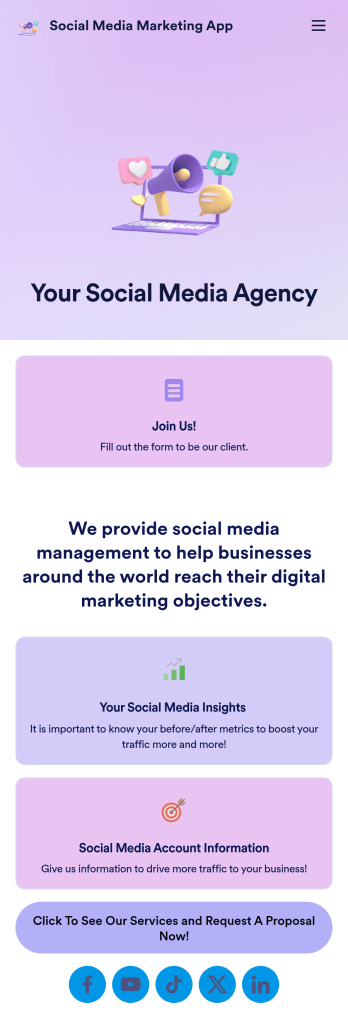
Social Media Marketing App
A social media marketing app is used by social media managers or marketing agencies to list their services, accept proposal requests, and list their contact information. With this ready-made Social Media Marketing App, your business can provide clients with a convenient mobile app — which they can instantly download onto their smartphone for easy access.Need to make design changes? Add your company logo and branding, update the listed services, and change the app background, colors, and icon for a personal touch. No coding knowledge is required with our drag-and-drop builder! Give your customers a quicker way to contact you and book your services with a custom Social Media Marketing App.
Go to Category:Consulting Apps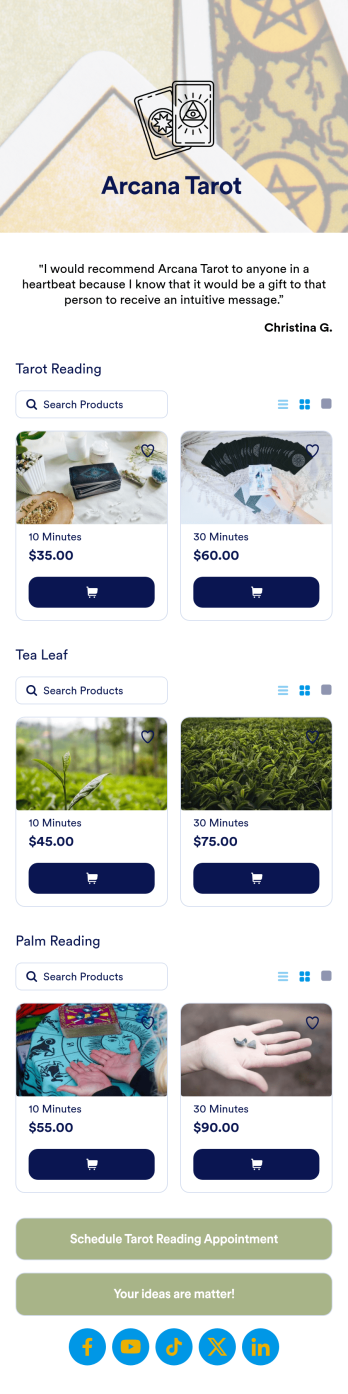
Tarot Reading App
Give your clients a better way to schedule tarot readings with this free Tarot Reading App from Jotform. The app is ready to be downloaded onto any iOS or Android device, but feel free to customize it to better suit your needs with our drag-and-drop no-code builder. Once you’ve shared your app, you’ll be able to manage appointment bookings and feedback on the go!Want to add your specific booking schedule, personalize design elements, and make other changes to this Tarot Reading App without coding? No problem — just drag and drop with our no-code builder to get the exact app design you want. You can then share your unique Tarot Reading App with a copy-paste link for clients to download and use the app directly from their personal devices.
Go to Category:Entertainment Apps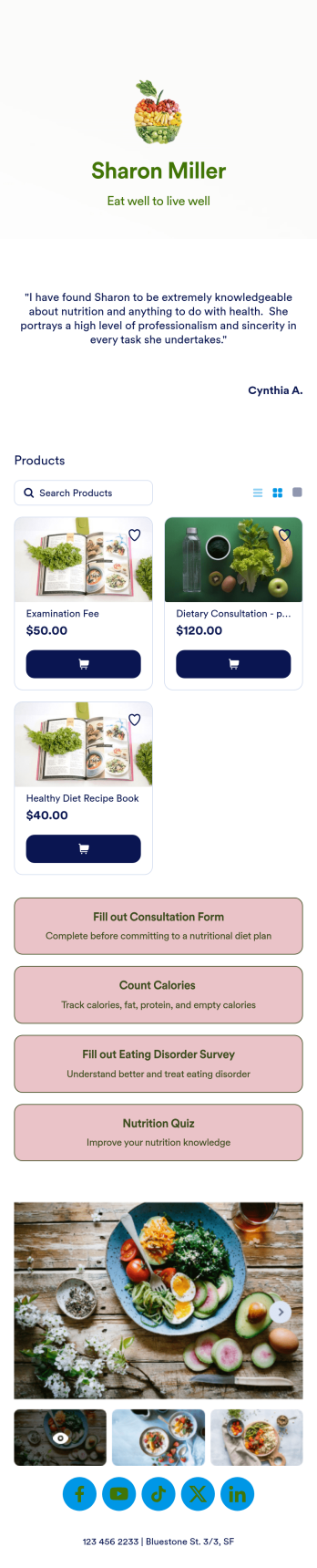
Dietitian App
Create a custom Dietitian App for your customers to use with Jotform’s free no-code app builder. Start by customizing the app template to match your branding — then share it with a link, via email, or by adding the app to your social media bio. You can then start collecting consultation forms, calorie reports, surveys, and more, which are stored securely in your Jotform account and ready to view on any device.Feel free to update this Dietitian App’s design to better match your needs. Add or remove forms, change the app icon to your logo, choose a new background, and more by dragging and dropping elements. Your custom Dietitian App can then be download instantly onto any iOS or Android device — perfect for giving your clients an easy way to stay in touch with your business on the go.
Go to Category:Healthcare Apps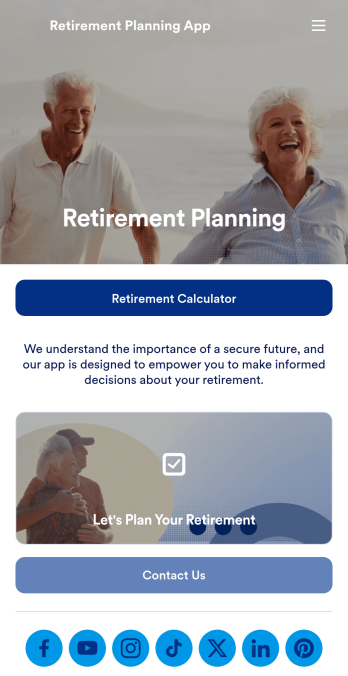
Retirement Planning App
A retirement planning app is used by retirement planners to gather important information from their clients. With this ready-made Retirement Planning App, your business can quickly and efficiently collect contact details, payments, e-signatures, and more from any device. Simply customize the app and share it with a link or via social media to start collecting responses!Add your company logo and branding, update forms within the app, and change fonts and colors in seconds with our intuitive drag-and-drop builder — no coding knowledge required. You can include a retirement calculator for clients to use, plus your contact information so they can get in touch. Take your retirement services to the next level with a free Retirement Planning App that works great on any device.
Go to Category:Consulting Apps