
Clock In Clock Out App helps teams record work time in a clear, repeatable way by giving staff a simple place to clock in, clock out, and review past entries. It’s a practical fit for shift-based workplaces, mobile crews, and growing small businesses that need consistent time tracking without relying on paper timesheets. Use it to support accurate payroll prep, reduce missed punches, and give managers a quick view into attendance patterns through a History area and an employee list.
With Jotform, you can turn this app template into a branded self-service experience using a no-code app builder and a drag-and-drop interface. Connect clock actions to your data collection workflow, keep employee records organized, and update the app as your policies change. Share the app with a link or QR code so employees can access it on the go, while your team centralizes time data in one place for easier follow-up and reporting.
Related templates
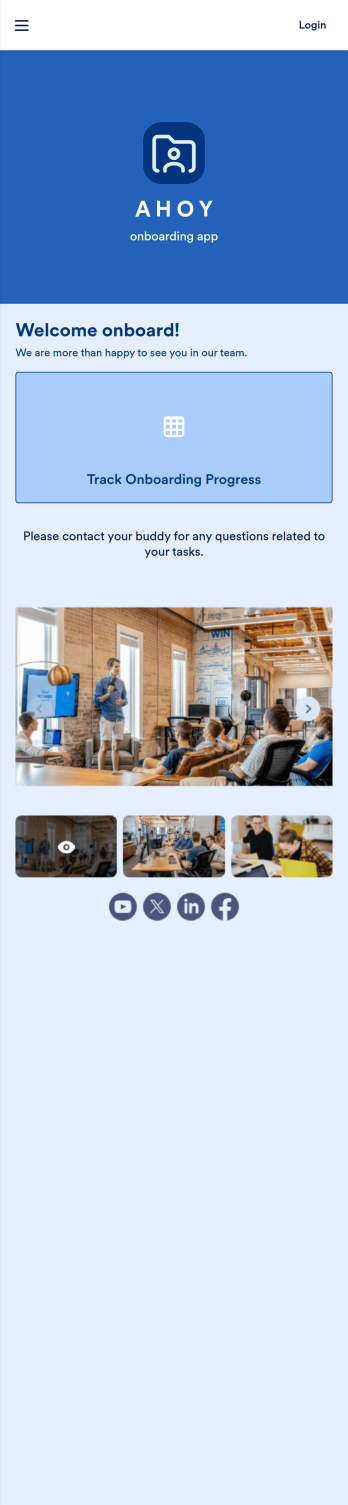
Custom Employee Onboarding App
An employee onboarding app makes it easier to integrate a new employee into your company by making important internal resources available on any device. Simplify the transitional period and successfully onboard new hires with a fully custom Employee Onboard App powered by Jotform. This ready-to-use mobile app includes a table for tracking onboarding progress, company photos and social links, and a separate page with team contact information. New hires can download the app onto their mobile device or computer for easy access at any time.Customize this Employee Onboarding App for your company in just a few clicks. Without coding, you can use our drag-and-drop builder to add forms and tables, embed links, upload documents and training videos, create new pages, update fonts and colors, and much more. When your app is ready to use, it can be sent directly to new hires via email invites or the app link. Successful employee onboarding can be the key to business success — so get started with an efficient, easy-to-use Employee Onboarding App tailored to your company.
Go to Category:Company Portal Apps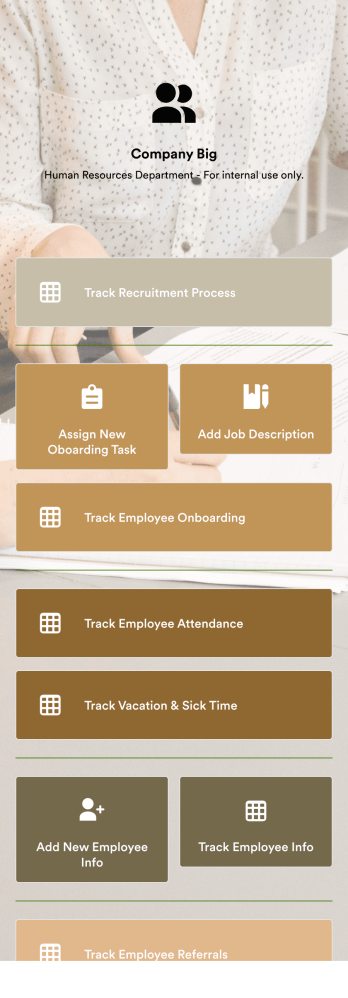
HR Management App
An HR management app keeps all your recruiting tools in one place that can be accessed from any device. Support your human resources team with a fully custom HR Management App powered by Jotform. This ready-to-use template includes multiple HR forms and tables to help you keep all of your data organized in one central location. You and your HR team can download the app onto any smartphone, tablet, or computer for easy access to your forms, tables, and other resources.Want to modify this app template for your company? You won’t need any coding knowledge – with our intuitive builder, all you need to do is drag and drop to add or update forms, tables, links, documents, pages, buttons, and other app elements. You can even change the app name, icon, fonts, colors, and splash screen to match your branding. When it’s ready to use, share it with your HR team by sending email invites or the app link. Manage new and existing employees effectively with a HR Management App built just for your HR team.
Go to Category:Company Portal Apps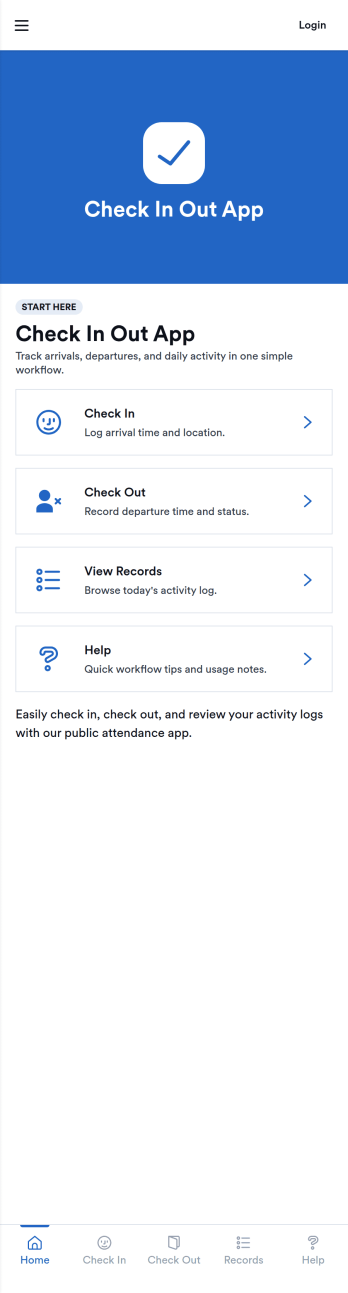
Check In Out App
Check In Out App helps you track when people arrive and leave, giving teams a simple way to maintain daily attendance records without chasing paper sign-in sheets. Use it in offices, schools, studios, clinics, coworking spaces, volunteer programs, or any environment where you need a clear view of who is currently on-site and a reliable log of activity. The app supports adding people to a list and logging check in and check out actions through connected forms, then viewing today’s records for quick confirmation during busy hours.Jotform makes it easy to turn this check in and check out workflow into a polished self-service experience using App Templates and a no-code app builder. Customize pages with a drag-and-drop interface, connect forms and tables for consistent data collection, and share the app by link or QR code so staff can log entries from any device. With Jotform, teams can keep day-to-day workflows organized and accessible while maintaining a central source of truth for attendance tracking.
Go to Category:Sign In Apps
Recruitment App
A recruitment app streamlines the hiring process for HR teams on any device. No matter what roles your team is hiring for, get started with an all-in-one Recruitment App powered by Jotform! This free, ready-to-use app template works hand-in-hand with a Job Application Form and stores submissions in a Candidate Tracker. You and your recruiting team will also be able to schedule and log interviews through the app. All form responses will be securely stored in your Jotform account in a spreadsheet, calendar, or as easy-to-read cards.Customize this app template to match your branding and meet your HR needs. No coding necessary — simply drag and drop to add forms, links, documents, buttons, images, and much more. You can also change the app icon, name, and splash screen to match your branding. When it’s ready to use, share the app link with members of your recruiting team or send email invites. Your Recruitment App can be downloaded onto any smartphone, tablet, laptop, or desktop computer for easy access to your HR team’s tools and resources.
Go to Category:Company Portal Apps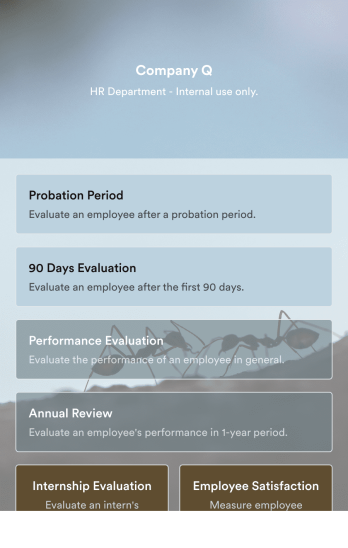
Employee Evaluation App
An employee evaluation app is used by managers or HR professionals to perform employee evaluations. With this Employee Evaluation App, you can switch from messy paper forms and start completing employee performance reviews online — a great way to create a secure database of all of your employees’ evaluations instantly. Submissions are stored in your secure Jotform account and can be converted into PDF documents automatically.Make changes to this app template with our drag-and-drop builder. Add your company logo, update evaluation questions, add or remove forms, and change fonts, colors, the background image, or the app icon for a personalized look. You can then share your custom Employee Evaluation App with members of your HR team to complete evaluations instantly on any computer, tablet, or mobile device.
Go to Category:Company Portal Apps
Custom Employee App
An employee app allows employees to access important company information and submit their own data from any device. Create an employee portal for your company with Jotform’s free Employee App. This ready-to-use template includes multiple forms such as employee referral forms, leave request forms, meeting reservation forms, COVID-19 screening forms, expense reimbursement forms, and more. Thanks to the role-based visibility condition, only selected admin users can see certain forms, such as department rotation. Using the app, employees can access and fill out any of the included forms from any smartphone, tablet, laptop, or desktop.Customize your Employee App to match your company in just a few clicks. With our drag-and-drop builder, you can easily add as many forms, links, documents, buttons, pages, and other app elements as you need. Plus, you can update fonts and colors, upload logos, and change the app icon and name to better represent your company. With Jotform’s Role-based feature, you can control access so tutors, admins, and other users see only the parts of the app relevant to them. Share your app with employees to download onto their own devices by sending email invites or the app link. Keep important company forms all in one secure, easily accessible Employee App!
Go to Category:Company Portal Apps