Clothes Inventory App helps you organize apparel stock in one place so you can quickly see what you have, add new items, and keep quantities up to date. Use it to maintain a clear catalog of clothing for a boutique, pop-up shop, online seller, costume department, or donation center where items move in and out often. With simple navigation to your catalog and add-stock flow, teams can reduce guesswork, prevent missed replenishments, and stay consistent when multiple people handle inventory.
Jotform makes it easy to turn this app template into a branded, mobile-friendly experience using a no-code app builder with a drag-and-drop interface. Connect buttons and pages to your underlying forms and workflows for fast data collection, updates, and internal self-service, then share the app with staff using a link or QR code so inventory changes can be captured from anywhere.
Related templates
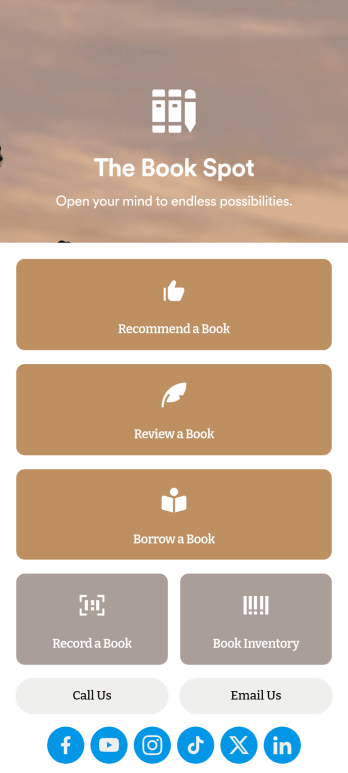
Book Recommendation App
Create an all-in-one app for your bookstore, library, or book club with Jotform’s Book Recommendation App. With this free app, you can accept submissions for book recommendations and reviews from any device. You can also record book sales and keep track of inventory and loaned books in an easy-to-understand spreadsheet with Jotform Tables.Want to make this Book Recommendation App your own? No coding required — simply drag and drop to create additional forms and pages, choose fonts and colors, link to your social media accounts, add a contact page, and anything else you want to include. Share your app with customers and readers by sending email invitations, generating scannable QR codes to place on placards or receipts, or by seamlessly embedding it in your website with a simple copy-paste code. Consolidate your forms in one convenient location with this fully customizable Book Recommendation App.
Go to Category:Inventory Apps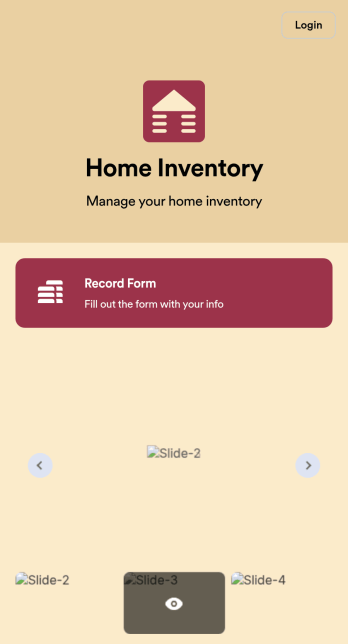
Home Inventory App
Keep track of items in your home with a free Home Inventory App from Jotform. If you’re tracking items for insurance purposes, the app includes a Home Inventory Information Record Form you can use to record details like item name, type, description, year, and more — you can even upload images of items in your home! All submissions through your app are stored securely in your Jotform account, ready to view and access at any time.Need to make changes to this app template? Add more forms, update the app background or icon, and make other design changes with no coding — just drag and drop to get the look you want. Once your app is good to go, download it onto your computer, tablet, or smartphone for quick and easy access. Stop tracking items in your home on paper and enjoy a more efficient way to get it done with this free Home Inventory App.
Go to Category:Inventory Apps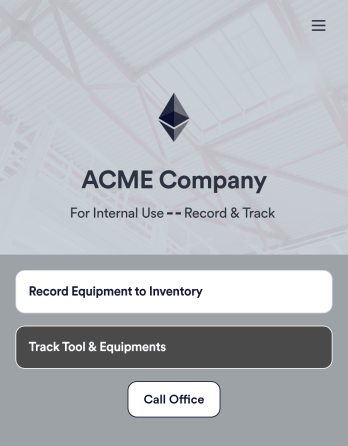
Tool Inventory App
A tool inventory app is used by companies that need to keep track of loaned out tools and equipment. This customizable Tool Inventory App allows you and your employees to record equipment name and type, date of purchase, vendor name, location, number of items, and unit cost. There is also an upload form for attaching pictures and receipts to individual entries. Submissions are stored securely in an easy-to-read database, which you can access directly from your app from any smartphone, tablet, or computer.Looking to personalize this Tool Inventory App? Using our drag-and-drop interface, you can add or change forms, choose fonts and colors, upload your company logo, update the app name, text and splash page, and more — all with zero coding. After you’re done customizing your app can be shared internally via link and then accessed and downloaded on any device. Never lose track of a tool rental again with this Tool Inventory App!
Go to Category:Inventory Apps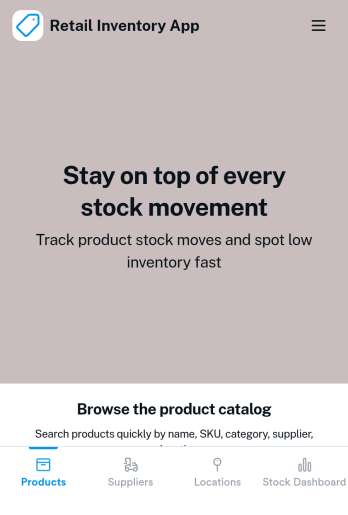
Retail Inventory App
A retail inventory app is used by retail store managers and employees for keeping records of product inventory. This free Retail Inventory App allows you to easily keep track of inventory by recording product name, inventory ID, stock location, unit price, quantity, and more through a Product Inventory Information Record Form. Product entries are stored securely in a Product Inventory Table in your account, which you can sort, filter, and search from any device. You can also share and export an inventory list with just a few clicks.If you’d like to personalize your app, just use our drag-and-drop form builder to add or change form elements, choose fonts and colors, and customize your icon and splash page—no coding required. With Jotform’s Role-based feature, you can control access so tutors, admins, and other users see only the parts of the app relevant to them. Afterwards, you can share your app with managers and employees using a link or embed it in an internal website. Start keeping detailed product inventory records with this customizable Retail Inventory app from Jotform.
Go to Category:Company Portal Apps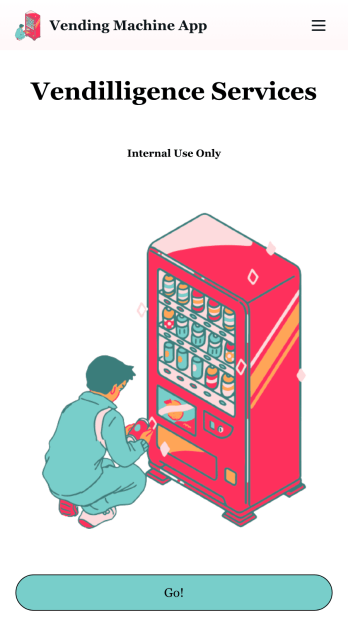
Vending Machine App
Do you have a vending machine business? Equip your employees with the tools they need to take on any request by using the free Vending Machine App from Jotform. In your custom app your employees will be able to request services and inspections, log inventory, and report any issues to the company. All employee data will be stored on your Jotform account in one easy to manage place – making work as seamless as possible for both you and your employees. Need to switch up the look and feel of your Vending Machine App? With Jotform’s no-code drag-and-drop app builder you’ll never have to worry about a tedious brand refresh. Upload your own logo or pick an app icon and background image that works for you. Send your app out to your employees via direct message, email, or even through a scannable QR code. Try Jotform’s free Vending Machine App and revolutionize your business’s workflow.
Go to Category:Inspection Apps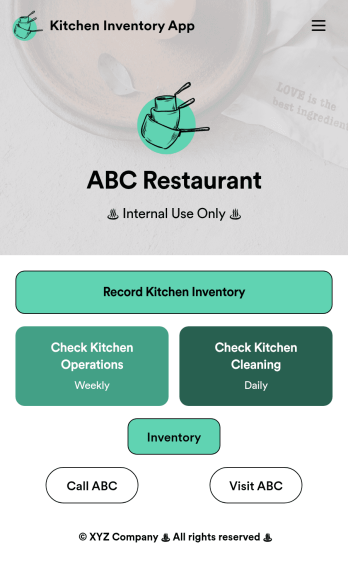
Kitchen Inventory App
Tracking inventory in your kitchen is the key to success for your restaurant. Make inventory a breeze with our free, customizable Kitchen Inventory App! It lets you bundle multiple forms in one app, so you can access our Restaurant Inventory Template and other kitchen forms from anywhere. Supervisors or employees can open the app on any smartphone, tablet, or computer to record stock inventory, report on kitchen operations, and track daily cleaning.This Kitchen Inventory App is ready to use as is, but feel free to make any modifications if necessary. Without any coding, you can add forms, text, images, links, and more. You can even change the name, icon, and splash page for your app for a fully-custom design! Monitor food usage and keep track of your inventory more efficiently with a custom Kitchen Inventory App for your restaurant.
Go to Category:Inventory Apps