Whether you own a bar, restaurant, grocery store, or liquor store, keeping an accurate count of your inventory is essential. With this free Liquor Inventory App, you and your employees can easily record and track liquor supplies by type, quantity, price, and proof. Your inventory is then stored in an easy-to-read Liquor Inventory Spreadsheet in your Jotform account.
Want to customize your Liquor Inventory App? No problem! Our drag-and-drop interface makes it simple to add or change forms, choose fonts and colors, upload your company’s logo, update the app name or text, and more — no coding necessary. Afterwards, simply download the app onto your device or share the link with your employees and you’re ready to go. Keep every bottle accounted for with this free and fully customizable Liquor Inventory App!
Related templates
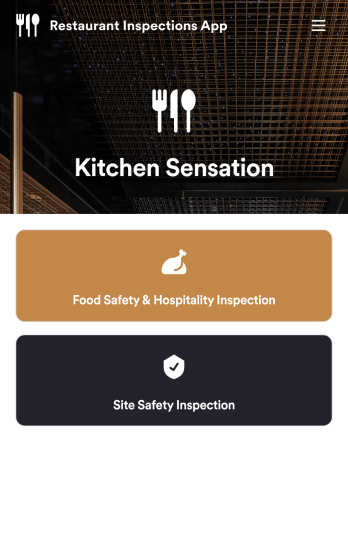
Restaurant Checklist App
A restaurant checklist app is used by restaurant owners and managers to document the condition of a restaurant by filling out inspection forms. This Restaurant Checklist App includes two forms: a food safety and hospitality inspection checklist for recording the cleanliness of the restaurant interior, and a site inspection checklist for recording the safety and cleanliness of the kitchen and service areas. Both checklists allow restaurant inspectors to date and sign inspections using an e-signature field. Reports are instantly synced and stored in your secure Jotform account for ease of access.Customize this app template to match your restaurant’s branding with Jotform’s no-code app builder. Simply drag and drop to add form elements, edit checklist items, personalize your app icon and splash screen, and more. After you’re done, you can share your app by sending a link in an email invite, and employees can then download it onto any smartphone, tablet, or computer. Ensure your restaurant is compliant with health and safety standards by creating your own fully-customizable Restaurant Checklist App.
Go to Category:Checklist Apps
Order Ahead App
Wondering how to let customers order ahead online? Giving customers the freedom to order ahead makes everything easier for both parties. With this Order Ahead App, you can collect orders for pick-up or delivery, and take payments with debit or credit cards, or even with PayPal. Customers can open your app from any device, contact your restaurant or leave reviews, and download your app to their smartphone, tablet, or computer.Want to customize your Order Ahead App to match your restaurant’s branding? Our drag-and-drop interface makes it easy to add or change forms, choose fonts and colors, upload your logo or menu thumbnail images, update the app name or text, and more — all with zero coding. After that, simply share the link on your website or social media, and you’re off and running! Make ordering ahead a breeze and sell orders online with your own personal Order Ahead App.
Go to Category:Restaurant Apps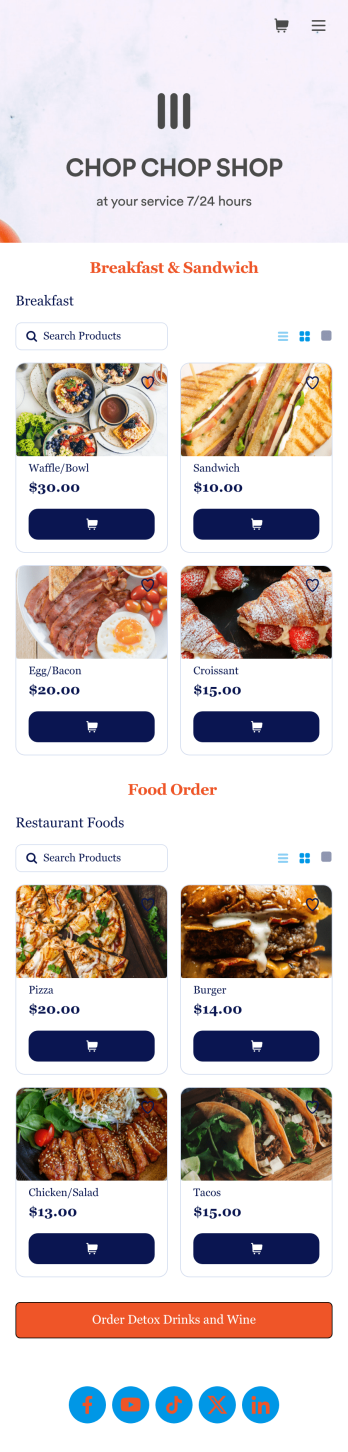
Food Order App
Discover how to sell food orders online with Jotform. No matter what type of cuisine you serve, make online ordering easy for your customers and sell food orders online with Jotform’s free Food Order App! This customizable mobile app bundles together multiple order forms and contact forms. Once they’ve downloaded your app onto their favorite device, customers can easily place their orders and submit payments all in one go. You’ll receive form submissions instantly, so you can begin fulfilling orders without delay.Customize this Food Order App for your business in just a few clicks. Jotform’s drag-and-drop interface makes it easy to create and attach forms, upload logos, add links, and include other elements in your mobile app. When you’re done customizing, share your app with customers by posting the link on your website, social accounts, or in newsletter emails. Customers can save your Food Order App onto their computer or any iOS or Android device, so they can order your food no matter where they are!
Go to Category:Delivery Apps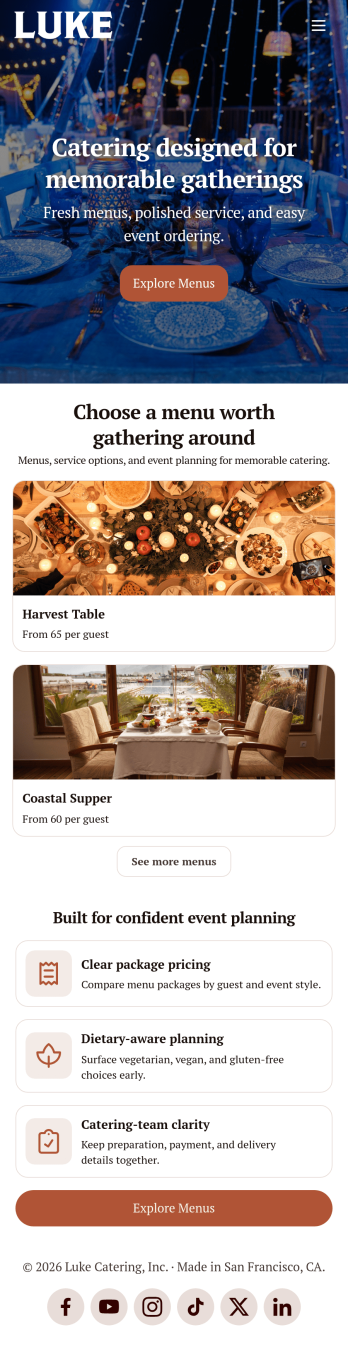
Catering App
Need to find out how to sell catering items online? A catering app allows customers to quickly and easily hire caterers and order food for their events. Get a head start creating an app for your own catering company with our free Catering App. This pre-made template includes a menu and order form for customers to access from their smartphone, tablet, or computer. Customers can easily place their orders from any device, and you’ll receive submissions instantly in your secure Jotform account.Customize your Catering App in just a couple of clicks with our no-code app builder. Simply drag and drop to add more forms, update text, upload images, embed links, and change app settings. When it’s ready, embed the app link in your website or share it on social media to start receiving orders from customers. Take your catering business to the next level and sell catering items online with a professional Catering App.
Go to Category:Delivery Apps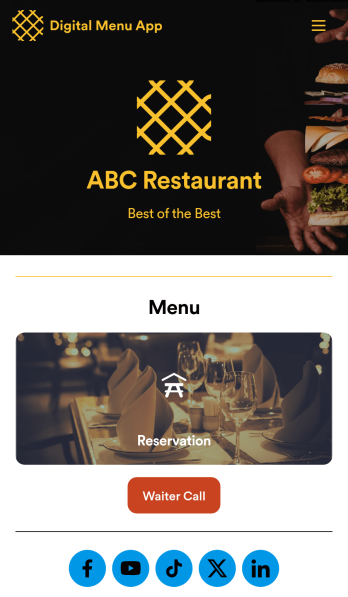
Digital Menu App
A digital menu app is used by restaurant owners to gather food orders or reservations from customers. Need to know how to sell things off your digital menu online? With this free Digital Menu App from Jotform, your restaurant can create a custom app that includes your unique menu items, reservation slots, and even a button that lets customers call your restaurant in a single click. All responses through the app are stored in your Jotform account, ready to view instantly from your own mobile device.Want to change the design of this free app template? Add your logo, update the form designs, include photos of your dishes, update the app’s background and icon, and make other changes with no coding required. Just drag and drop to get the look you want! Then customers can download your custom Digital Menu App onto their smartphone, tablet, or computer to submit orders or reservation requests whenever they like.
Go to Category:Online Store Apps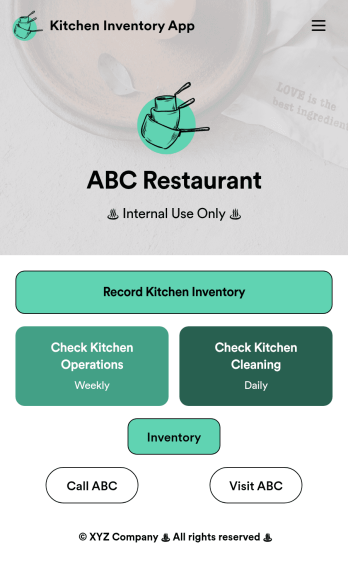
Kitchen Inventory App
Tracking inventory in your kitchen is the key to success for your restaurant. Make inventory a breeze with our free, customizable Kitchen Inventory App! It lets you bundle multiple forms in one app, so you can access our Restaurant Inventory Template and other kitchen forms from anywhere. Supervisors or employees can open the app on any smartphone, tablet, or computer to record stock inventory, report on kitchen operations, and track daily cleaning.This Kitchen Inventory App is ready to use as is, but feel free to make any modifications if necessary. Without any coding, you can add forms, text, images, links, and more. You can even change the name, icon, and splash page for your app for a fully-custom design! Monitor food usage and keep track of your inventory more efficiently with a custom Kitchen Inventory App for your restaurant.
Go to Category:Inventory Apps