
Communication Link Hub App brings important communication routes into one organized, easy-to-navigate destination. It is suited to businesses, project teams, community groups, educational organizations, and service providers that need to direct people to the right contact point without scattering links across messages or documents. Users can browse channel cards, follow convenient shortcuts, and open connected forms for inquiries, requests, or feedback. The template can support an internal communication center, a customer contact hub, a campaign landing experience, or a shared resource for partners. By giving each audience a clear path to the appropriate channel, it reduces confusion, makes resources easier to find, and encourages more consistent communication.
Jotform makes this app template easy to adapt with a no-code app builder and an intuitive drag-and-drop interface. Add or rearrange pages, update links and cards, apply your visual style, and connect forms to data collection and workflow processes without writing code. You can publish the finished app through a direct link, share it with a QR code, or embed it within an existing digital experience. These flexible Jotform App Templates help teams create mobile-friendly self-service destinations that can evolve as communication needs, audiences, and internal processes change.
Related templates
Approval Workflow App
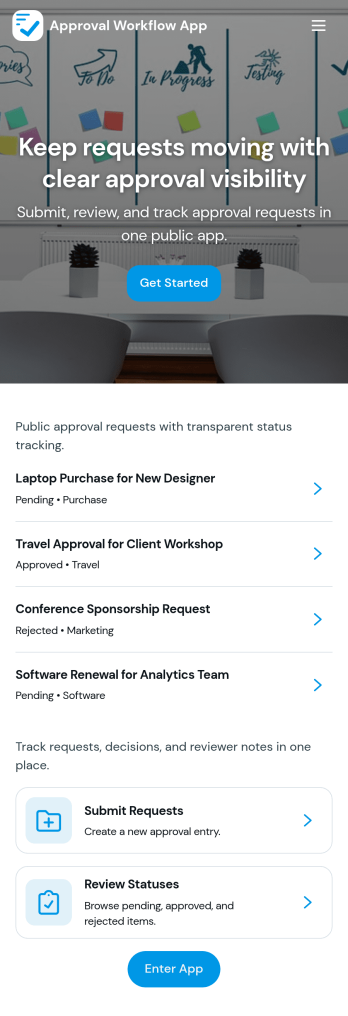
An Approval Workflow App helps teams route requests to the right reviewers, track decisions, and keep work moving without losing context in email threads. Use it for purchase requests, policy exceptions, creative reviews, time-off approvals, access requests, vendor onboarding steps, and any situation where a requester needs a clear outcome from an approver. With entry points for New Request and a centralized Review Queue, reviewers can quickly open items, check key details, and move each request from submit to review to decide while maintaining consistency across departments.Jotform makes it easy to publish this type of self-service experience using App Templates built with a no-code app builder. With a drag-and-drop interface, you can tailor the app’s pages, connect the request form to your workflow, and keep a searchable Decision History for visibility. Share the app with a link or QR code, control who can access the queue, and connect the process to the rest of your operations so request handling stays organized from start to finish.
Go to Category:Company Portal Apps
Multiplayer Drawing Game App
The Multiplayer Drawing Game App is an interactive app template for hosting creative drawing and guessing rounds among friends, students, coworkers, event attendees, or online communities. Participants can view open rounds, submit artwork in response to a prompt, and enter guesses for drawings shared by other players. Organizers can also create new rounds and review drawing and guess records from one place. It works well for classroom activities, team socials, community challenges, virtual gatherings, icebreakers, and casual competitions, giving groups a simple way to encourage participation without scattering game activity across multiple channels.Jotform App Templates make it easy to adapt this experience to different groups and occasions. Using Jotform’s no-code app builder and drag-and-drop interface, organizers can update pages, instructions, colors, buttons, and navigation without programming. Connected forms and tables support data collection and keep each gameplay workflow organized, while mobile-friendly access helps players join from nearly any device. The finished app can be shared through a direct link or QR code, creating a convenient self-service destination for rounds, drawings, guesses, and game information.
Go to Category:Entertainment Apps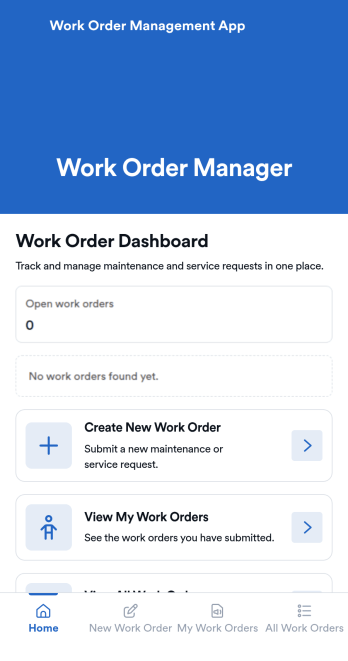
Work Order Management App
Work Order Management App is an app template designed to streamline the process of creating, assigning, and tracking work orders. Designed for maintenance teams, operations managers, service providers, and organizations, this ready-to-use template facilitates efficient task management, timely task completion, and improved operational visibility. This app template aids in the collection of essential data related to work orders, such as task details, assigned personnel, expected completion time, and status updates, providing a comprehensive overview of all ongoing tasks. It's an invaluable aid for service providers and organizations that require a centralized system for managing service requests and tasks.With Jotform's intuitive interface, customizing the Work Order Management App is a breeze. You can modify the template to suit your organization's specific needs, all without writing a single line of code. The drag-and-drop feature allows for easy adjustments and additions, ensuring that your work order management system is tailored just for you. One standout feature is the capability to collect electronic signatures, making it easier to authorize work orders digitally. This combined with the ease of use, allows for a more streamlined and efficient workflow. The data collected can be conveniently converted into sheets and reports, providing a tangible snapshot of ongoing tasks and their statuses. Harness the full potential of Jotform’s Work Order Management App to optimize your work order management process.
Go to Category:Management Apps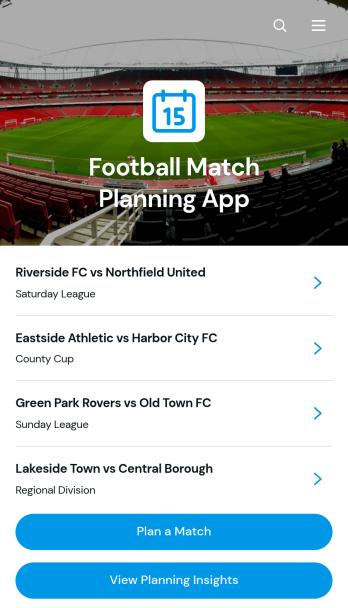
Football Match Planning App
Football Match Planning App is a ready-to-use app template for coaches, team managers, club administrators, and tournament organizers who need one place to prepare and monitor upcoming fixtures. Users can add matches, review home and away team pairings, check kickoff and venue information, follow planning status, and update match details when arrangements change. Planning insights also help organizers maintain visibility across scheduled games. By replacing scattered messages and documents with an accessible planning experience, the app helps teams coordinate responsibilities, reduce missed updates, and keep match preparation moving from the initial schedule through game day.Jotform makes the Football Match Planning App easy to adapt with a no-code app builder and an intuitive drag-and-drop interface. Customize pages, navigation, colors, fonts, and branding to suit a club, league, school, or community program. Connected forms support consistent data collection, while tables, notifications, and workflows can help staff manage updates and collaborate. Jotform App Templates can be published quickly and shared through a direct link or QR code, giving team members mobile-friendly self-service access without requiring them to download software or create a new system from scratch.
Go to Category:Sports Apps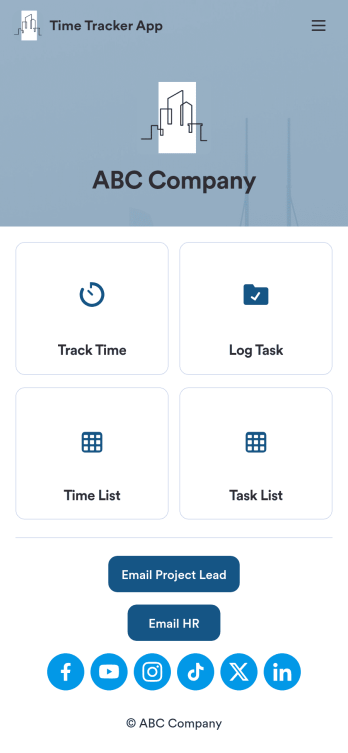
Custom Time Tracker App
A time tracker app is used to keep track of employees’ hours and tasks. With Jotform’s free Time Tracker App, managers can keep a complete record of the times employees punch in or out, task details and the amount of time employees spend on them, and view all the information in a professional spreadsheet. All submissions are stored securely in your Jotform account and ready to access on any device.Need to make changes to this app template? Be sure to add your logo, change the background image, and choose new fonts and colors for a personalized touch. You can also customize the spreadsheet layouts and make changes to the app’s forms to collect other types of information — then share the app for your employees to download onto their devices. Better manage employee information with a free Time Tracker App from Jotform.
Go to Category:Management Apps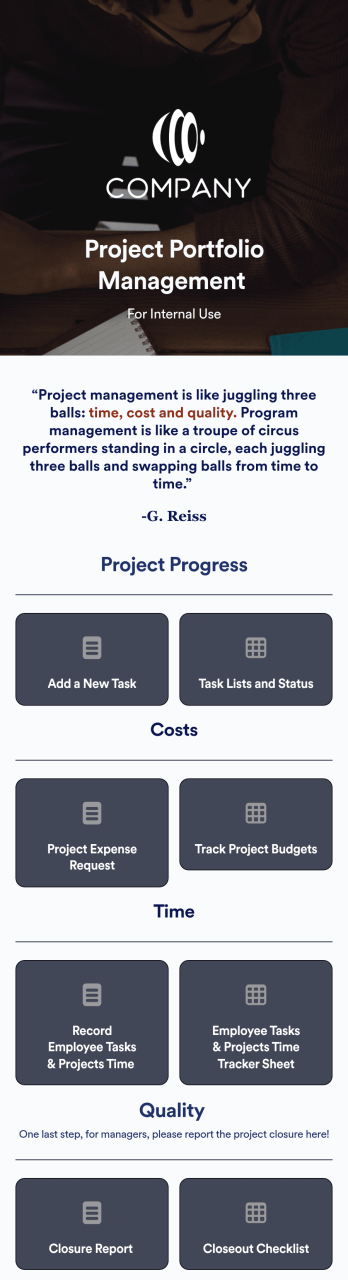
Project Portfolio Management App
A project portfolio management app is used by employees to seamlessly track and manage company projects. For businesses big or small, this ready-made Project Portfolio Management App from Jotform makes it easy to keep projects on track for success. Add project deadlines, create tables with form data, generate visual reports, and more depending on what your team needs to succeed.Personalizing this Project Portfolio Management App is a breeze with our online drag-and-drop app builder. Enrich your app by uploading personal branding assets, adding project images or videos, integrating with helpful payment or scheduling widgets, and picking fonts and colors you like. Set your team up for success with this free app from Jotform.
Go to Category:Company Portal Apps