
The Concession Stand Ordering App gives sports venues, school events, festivals, theaters, community gatherings, and temporary food stands a convenient way to accept advance food and beverage orders. Guests can browse the menu, choose items, select a pickup option, and send questions to stand staff from one mobile-friendly location. This app template helps concession operators reduce crowded ordering lines, present available products clearly, and organize pickup details during busy periods. It is especially useful for event organizers, hospitality teams, school groups, volunteers, and small food vendors seeking a smoother self-service ordering experience.
Jotform Apps makes it easy to adapt App Templates to match a menu, event, or concession workflow without writing code. Use the no-code app builder and drag-and-drop interface to update pages, product listings, navigation cards, forms, colors, and branding. Connected forms support organized data collection, while links and buttons guide customers from menu browsing to ordering, pickup information, or assistance. Once the Concession Stand Ordering App is ready, publish it through a direct link or QR code so guests can access it from their phones before or during an event.
Related templates
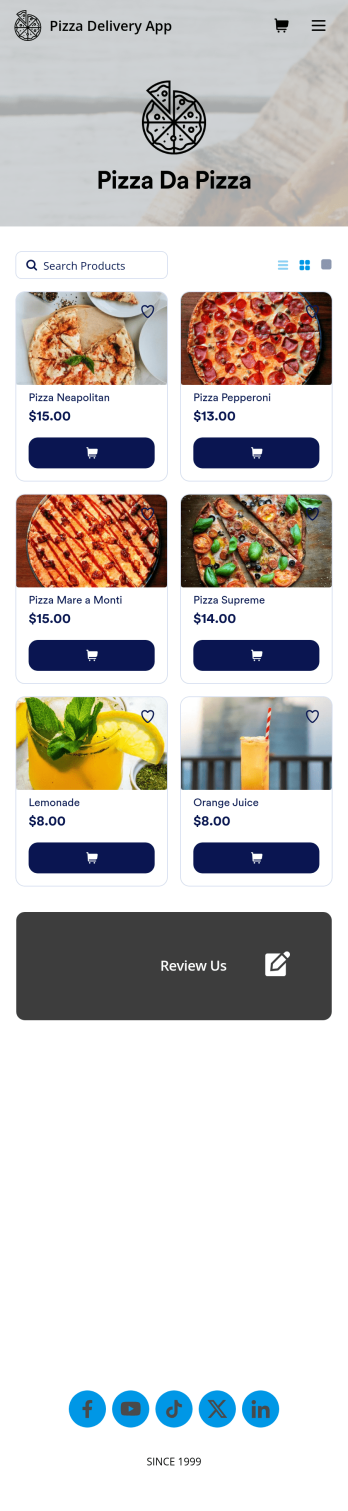
Custom Pizza Delivery App
Need to know how to sell pizza online to take your business to next level? Give your customers an easier way to order pizzas for delivery with this free Pizza Delivery App from Jotform. Start by adding your pizza and topping options to the app using our drag-and-drop builder, then connect the app with your preferred payment gateway to gather payments online — all while paying no extra transaction fees to Jotform! All orders are stored in your Jotform account, ready to be viewed, prepared, and delivered by you and your team.Need to make other changes to this Pizza Delivery App template? Drag and drop to add your company logo, change fonts and colors, and make other design updates with no coding. Not only does the app’s order form integrate with 30+ gateways like PayPal, Stripe, and Square, but it also connects with 100+ apps so you can track orders in other accounts too. Ditch time-consuming phone calls and enjoy a more efficient way to sell pizza online with a Pizza Delivery App.
Go to Category:Delivery Apps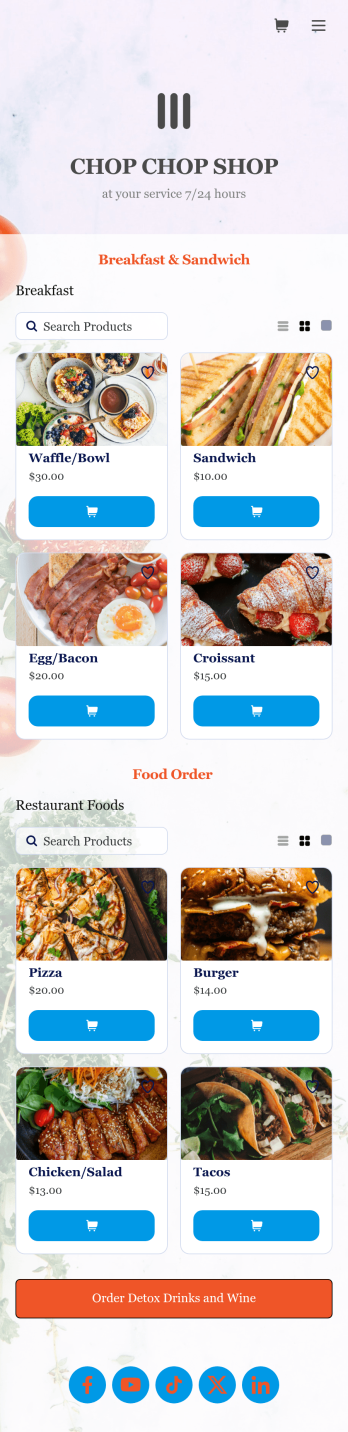
Food Order App
Discover how to sell food orders online with Jotform. No matter what type of cuisine you serve, make online ordering easy for your customers and sell food orders online with Jotform’s free Food Order App! This customizable mobile app bundles together multiple order forms and contact forms. Once they’ve downloaded your app onto their favorite device, customers can easily place their orders and submit payments all in one go. You’ll receive form submissions instantly, so you can begin fulfilling orders without delay.Customize this Food Order App for your business in just a few clicks. Jotform’s drag-and-drop interface makes it easy to create and attach forms, upload logos, add links, and include other elements in your mobile app. When you’re done customizing, share your app with customers by posting the link on your website, social accounts, or in newsletter emails. Customers can save your Food Order App onto their computer or any iOS or Android device, so they can order your food no matter where they are!
Go to Category:Delivery Apps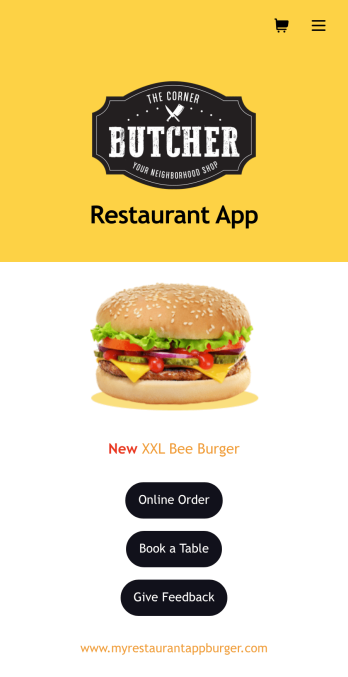
Burger Restaurant App
A burger restaurant app makes it easy for customers to place orders, make reservations, and submit feedback from any device. Whether you cook classic burgers, specialty burgers, or veggie burgers, take your restaurant to the next level with Jotform’s free and customizable Burger Restaurant App. Customers can download your app onto their computer or any iOS or Android device and fill out your online forms from anywhere. You’ll receive form submissions instantly, ready to view in your secure Jotform account.Customize this Burger Restaurant App without any coding. Using our drag-and-drop interface, you can upload your logos and branding, add or remove forms, and include other app elements such as documents, links, buttons, images, and much more. When it’s ready, your app can be shared on your website and social media accounts via the app link — sell burgers online faster than ever. Make it easier for customers to quickly and easily order your tasty burgers with a fully-custom Burger Restaurant App!
Go to Category:Delivery Apps
Customizable Coffee Shop App
Wondering how to sell coffee online? A coffee shop app is used by coffee shops as a way to collect orders from customers. With this app template, you can create an online menu with product thumbnails, descriptions, and prices, and customers can place to-go and delivery orders from their favorite device. You can also easily include item discounts, customer testimonials, location, and contact number, as well as social media links. Orders are immediately synced to your secure Jotform account, which baristas can access from a tablet or desktop at the counter.Want to make changes to this app template? Jotform's intuitive app builder makes it easy for anyone to customize the look and feel of their app with just a few clicks. No coding required — just drag and drop to add or change form elements, choose custom color schemes to match your branding, upload your logo, add payment integrations, and more. Once you’re satisfied with the look and feel of your online menu, you can share your app with customers by embedding it in your website or generating a custom QR code to hang in the window of your coffee shop. Give your customers the option to order ahead from any device and sell coffee online with this Coffee Shop App from Jotform.
Go to Category:Food & Beverage Apps
Cookie Sales Tracker App
Wondering how to sell cookies online? A Cookie Sales Tracker App is a great tool for pop-ups and bakeries alike to take cookie orders and track sales. Using this app, customers can place orders online by filling out general contact information, choosing a delivery date, and specifying if the order is for pick-up or delivery. Under order details, there are a variety of customizable options such as flavor, icing, add-ons, cookie shape, and custom order packaging. Your online orders are then stored and compiled in an easy-to-read spreadsheet in Jotform Tables, which you can access from any device.Want to personalize this Cookie Sales Tracker App? Our drag-and-drop interface makes it easy to add or change forms, choose fonts and colors, upload your bakery’s logo, update the app name or text, and more — all without any coding. Once you’re satisfied with the look and feel, just share your app via link on your website or social media and customers can open and download it on any smartphone, tablet, or computer. Sell cookies online with this Cookie Sales Tracker App!
Go to Category:Food & Beverage Apps
Restaurant Mobile App
You’ve got your hands full trying to run a busy restaurant — so the last thing you want to learn is how to sell food online. Make it easier on yourself with Jotform's free Restaurant Mobile App. With this ready-to-use template, customers can reserve a table, place orders for pick-up or delivery, pay ahead with credit card or through PayPal, and leave reviews for your restaurant. You can upload images to use for the online menu, and even showcase signature dishes on your splash page! Just share a link to your app on your website or social media, and customers can access and download it on any smartphone, tablet, or computer.Want to customize your Restaurant Mobile App to match your restaurant’s branding? Our drag-and-drop interface makes it easy to add or change forms, choose fonts and colors, upload your logo, update the app name or text, and more — all with zero coding. Take your restaurant digital to sell food online and make reservations and orders a breeze with this Restaurant Mobile App.
Go to Category:Booking Apps