
The Construction Submittal App is a centralized workspace for contractors, construction managers, engineers, trade partners, and project teams to submit and review project submittal information. Users can send a new submittal, browse existing records, and view essential details such as the project, specification section, submittal type, trade, and review outcome. It is well suited to active construction projects where teams need a consistent process for sharing product data, material details, shop drawings, and other review items. By keeping records accessible in one place, the app reduces scattered communication, improves visibility across trades, and helps project participants follow each submittal from entry through review.
Jotform makes this app template easy to adapt with a no-code app builder and a flexible drag-and-drop interface. Teams can update pages, navigation, colors, fonts, and branding while connecting forms, tables, notifications, approval steps, and other workflow resources. The finished app can support mobile data collection and self-service access for office and field users, then be shared through a direct link, embedded experience, or scannable code. Starting with Jotform App Templates saves setup time while giving each organization control over how submittal information is collected, organized, and presented.
Related templates

Hvac Invoice App
An HVAC installation app is used by HVAC companies to create and document installation and maintenance contract details for customers. With this HVAC Invoice App, inspectors can fill out an HVAC Maintenance Agreement or HVAC Installation Contract before performing any necessary services. There are separate checklists to document installation and maintenance work, as well as an equipment survey to log equipment conditions. Invoices are instantly stored in your secure Jotform account, where you can sort, filter, and search your archive with just a few clicks.Want to make changes to this app template? Jotform’s intuitive app builder allows anyone to customize any aspect of their app without any coding knowledge. Simply drag and drop to add form elements, edit text fields and checklist items, create additional pages, upload your own branding and app icon, and much more. Share your app with inspectors by sending email invites or generating unique QR codes to hang in the office. Inspectors can download your mobile-ready app onto any device and easily complete invoices on-site. Say goodbye to messy paperwork with this free all-in-one HVAC Invoice App from Jotform
Go to Category:Checklist Apps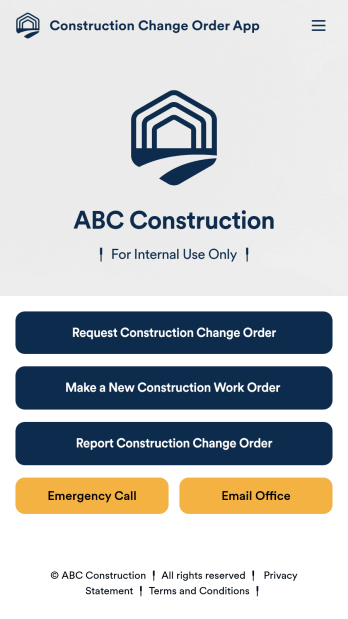
Construction Change Order App
A change order is an amendment to a construction contract that modifies the original project plans, such as adding work, altering the design, or updating the schedule. Keep track of change orders for your construction company with our free Construction Change Order App! This ready-to-use app keeps all your construction forms in one place, so you can receive new work orders, change order requests, and reports with ease. You can even use the attached Change Request Approval Process Template to streamline your approval flow for requests.Need to modify this Construction Change Order App? No coding or heavy lifting required — our drag-and-drop builder makes it easy to customize this app template for your construction company. You can easily build new forms, embed links, update text, upload images, and even change the app name, icon, and splash page. When it’s ready to be used, share your app with teammates by sending them the link to open and download onto their smartphone, tablet, or computer. Stay on top of change orders by receiving them instantly with a custom Construction Change Order App!
Go to Category:Construction Apps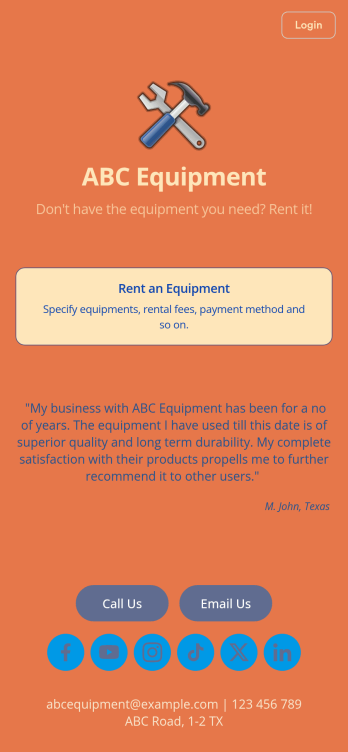
Equipment Rental App
An Equipment Rental App is used by companies that need to keep track of loaned out equipment. This app template allows customers to enter general contact and payment information, log start and end dates, and specify which equipment they’re taking out and why. There are also two digital signature boxes to be signed by both parties before submitting the agreement form. Once submitted, an Equipment Rental Agreement PDF is automatically generated. Rental agreements are stored securely in an easy-to-read spreadsheet in your online account.Personalizing this Equipment Rental App is easy. Using our drag-and-drop interface, you can add or change forms, choose fonts and colors, upload your company logo, update the app name, text and splash page, and more — all with zero coding. After you’re done customizing, your app can be shared via link and then accessed and downloaded on any smartphone, tablet, or desktop computer. Make equipment rental a breeze with this customizable Equipment Rental App!
Go to Category:Construction Apps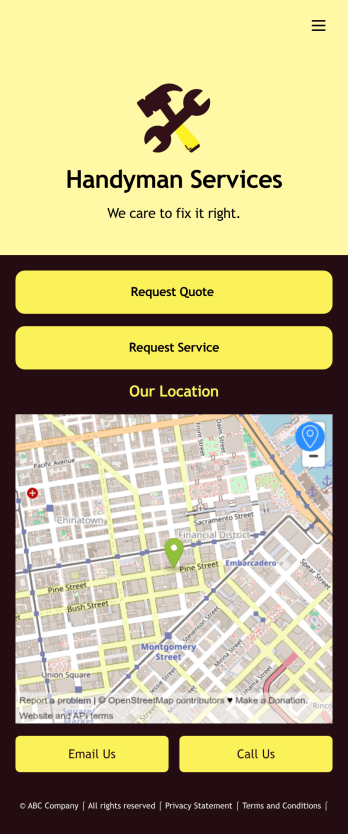
Job Bidding App
A job bidding app is used by handyman businesses to have their customers request job quotes and services. With this free Job Bidding App, customers can fill out general contact information, describe the work they need done, and upload any relevant photos. Once submitted, a PDF of the customer’s job request is auto-generated with this Handyman Proposal Template. Customers can then use the request service form to schedule a project.This Job Bidding App can be fully customized to match the branding of your business. No coding required — just use our drag-and-drop form builder to add or change forms, upload your logo, choose colors, customize your splash screen, and more. You can then have your customers access and download your app on any smartphone, tablet, or computer with a shareable link. Start receiving job quotes and service requests from your very own app with this Job Bidding App from Jotform!
Go to Category:Construction Apps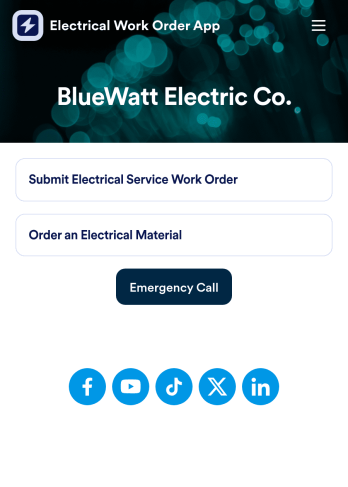
Electrical Work Order App
An electrical work order app is used by electricians for submitting service work orders, keeping track of equipment, and ordering new materials. Jotform’s Electrical Work Order App comes bundled with two useful forms: an Electrical Service Work Order Form to be filled out in detail before beginning a new job, and an Electrical Material Order Form to be filled out when an employee requires new work materials. Submission data from both forms is instantly synced and stored in your Jotform account, so everything is securely organized in one central location.Make this app template your own with just a few clicks. No coding necessary — just use Jotform’s drag-and-drop interface to add or swap out form elements, edit text fields and checklist items, install widgets, upload your own branding, and much more. After you’re done, employees can download your app onto their favorite device by opening an email invite or accessing the app link through a browser. Mobile users can also add your app to their home screen for future use with just the tap of a button. Make filling out and submitting work orders and material requests a snap with this free and fully customizable Electrical Work Order App from Jotform.
Go to Category:Construction Apps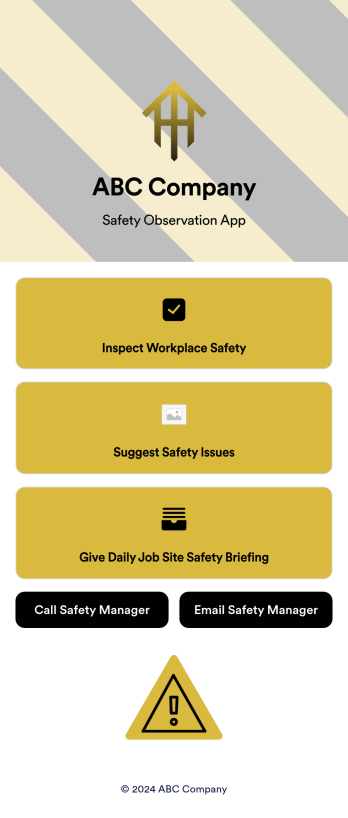
Safety Observation App
A safety observation app is a mobile app that businesses can use to collect and manage information about workplace safety. With a free Safety Observation App from Jotform Apps, you can gather safety reports, give safety briefings, and inspect job site safety from one convenient platform. Plus, include direct buttons to contact safety managers by email or phone. All submissions made in the app will be stored securely in your Jotform account — ready to view, edit, or share on any device.Want to customize your Safety Observation App? No problem! You can use our drag-and-drop app builder to upload images and videos, change fonts and colors, integrate with popular apps, and much more. Give your employees a user-friendly way to submit safety information with a free app from Jotform.
Go to Category:Checklist Apps