Contractor Billing App brings your billing workflow into one place so independent contractors and service teams can manage client accounts, create and track invoices, and monitor incoming payments without juggling separate tools. With dedicated sections for Clients, Invoices, and Payments plus a billing dashboard view, it fits common contractor scenarios like progress billing, recurring service work, and multi-job projects where you need quick visibility into what’s been billed and what’s still outstanding.
Jotform makes it easy to turn this experience into a polished, shareable app using a no-code app builder and a drag-and-drop interface. Connect the app to your form for data collection, route details into a workflow, and keep records organized for fast follow-ups. Update pages as your process changes, collaborate with your team, and share a self-service experience with clients using a simple link.
Related templates
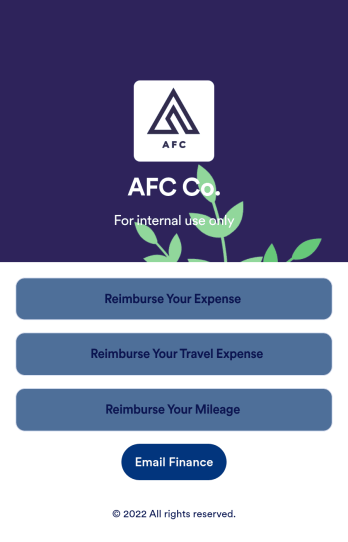
Reimbursement App
Jotform's Reimbursement App template is designed to streamline the process of submitting and managing expense reports. Ideal for corporate employees, freelancers, and small business owners, this no-code app builder allows users to easily log business or travel expenses, upload and organize receipts, and submit reports for approval. The Reimbursement App allows users to customize forms, add e-signature fields, and integrate with payment gateways, simplifying the reimbursement process for all users. Looking for a hassle-free way to manage expense reports and reimbursements? Look no further than Jotform's Reimbursement App. With a drag-and-drop builder, powerful app elements, and over 70 widgets to choose from, creating a customized app has never been easier. Add e-signature documents for quick approvals, connect with payment gateways for seamless transactions, and enjoy the flexibility of building a unique app that fits your specific needs. Plus, with features like advanced sharing options, custom URLs, and push notifications, staying on top of expense management has never been more convenient.
Go to Category:Finance Apps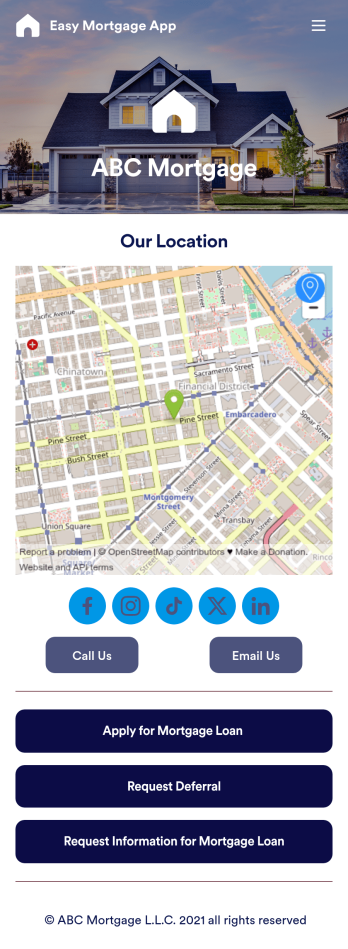
Easy Mortgage App
With Jotform’s Easy Mortgage App, members of your mortgage loan company can collect client information in the field from their smartphone or tablet — no messy paperwork required! Once the app is downloaded onto each employee’s device, they can submit mortgage loan requests for new clients, help clients request deferrals, or accept formal mortgage loan applications online.Customizing this Easy Mortgage App is, well, easy. Just drag and drop to rearrange the design, add or remove forms, include your logo for a professional touch, and make other design changes with no coding. Share the app with a link to be saved to any device instantly, and your team will be ready to start collecting information through the Easy Mortgage App and storing it in your secure Jotform account.
Go to Category:Finance & Accounting Portal Apps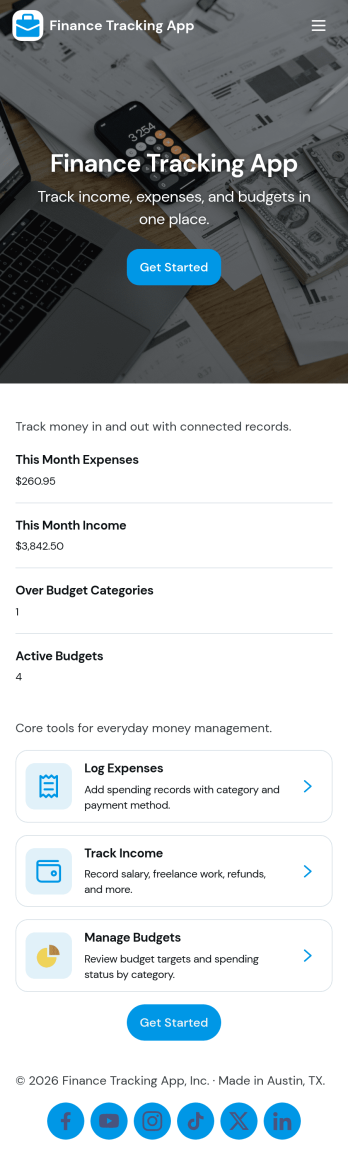
Finance Tracking App
Finance Tracking App brings your day-to-day money activity into one place so you can record transactions, review your balance, and spot patterns as they develop. It fits personal budgets, freelancers tracking business spending, and small teams that want a simple way to capture income and expenses without juggling spreadsheets. With quick actions like logging a transaction, adding an income or expense entry, and browsing transactions by merchant or category, it supports consistent habits and clearer visibility into where your money is going.Built with Jotform, this app template turns routine data collection into an easy self-service experience you can share with the right people. Use Jotform’s no-code app builder and drag-and-drop interface to tailor pages, adjust navigation, and connect entries to your data so updates stay organized. From everyday spend tracking to lightweight reporting for recurring reviews, Jotform helps you keep your workflow simple while keeping your records accessible across devices.
Go to Category:Finance Apps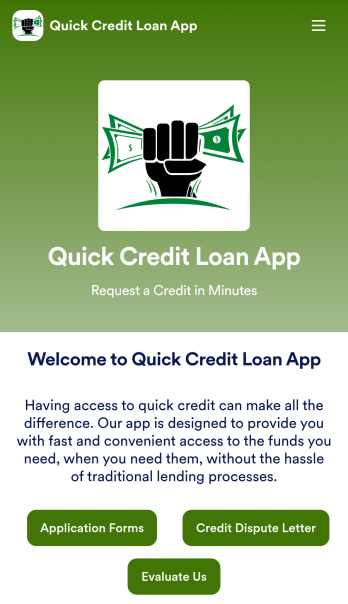
Customizable Quick Credit Loan App
Need a quick credit loan app for your business? If your financial institution needs a quick and easy way for customers to apply for a loan to improve their credit, this free Quick Credit Loan App is a great place to start. You can use the app as-is or easily customize it to fit your needs — with no coding required.Add your logo and branding, update the loan application form, include your contact information, and make other design changes in seconds. You can even connect your app with other platforms — like Salesforce, HubSpot, or Zoho — to send new leads to your CRM platform automatically. Get loan applications fast with a Quick Credit Loan App from Jotform.
Go to Category:Finance Apps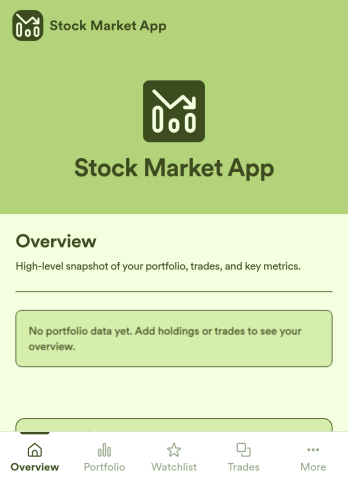
Stock Market App
Stock Market App is an app template designed to centralize and streamline financial data collection for financial service providers, fintech startups, investment platforms, and organizations. Its main purpose is to serve as a reliable platform for tracking stock market activity, monitoring investments, and providing users with a comprehensive view of their financial information in one system. With its ready-to-use functionality, this app template is an efficient solution for financial coordinators seeking to eliminate scattered data sources and bring consistency to their investment monitoring processes. The Stock Market App collects relevant financial data, making it a must-have for firms looking to simplify and optimize their investment tracking, especially in an environment of fast-paced stock market dynamics.Jotform’s no-code, drag-and-drop interface helps financial service providers easily customize their Stock Market App with their branding, fonts, and colors without the need for technical know-how. The addition of e-signature capabilities further streamlines data collection by enabling users to authenticate and approve transactions directly within the app. Ease of use is at the heart of Jotform's offering, and this extends to sharing and accessibility as well. The Stock Market App can be accessed on any smartphone, tablet, or desktop, and installed directly to users' home screens without requiring an App Store download. This seamless experience, combined with Jotform’s commitment to providing ready-to-use, effective solutions, makes the Stock Market App an invaluable addition to any financial service provider’s operational workflow.
Go to Category:Finance Apps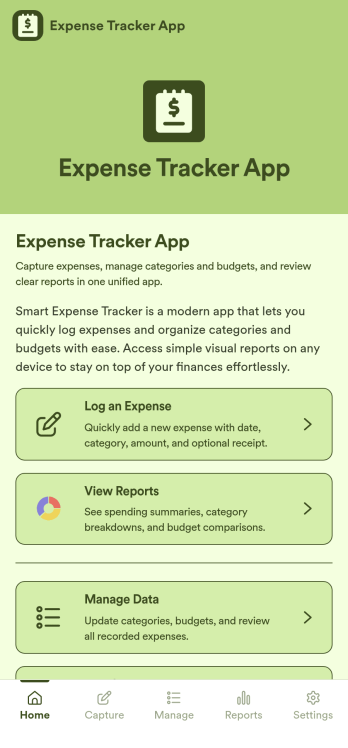
Expense Tracker App
Expense Tracker App is an app template designed to simplify and streamline the process of recording and monitoring expenses for businesses, freelancers, finance teams, and individuals. This robust app is built for making budgeting and expense management easier and more efficient, centralizing all expense data into one accessible location. Whether it’s for tracking daily operational costs, monitoring project expenses, or consolidating personal financial records, this app serves as a solid foundation for maintaining financial discipline and visibility. The app collects data related to the expenses, such as cost categories, transaction details, and corresponding notes, offering users a comprehensive view of their spending patterns. Its ready-to-use design makes it ideal for those seeking to improve their financial tracking without the need for complex setups or configurations. It's best for those who manage multiple expenses and need a reliable, convenient platform to monitor their financial activities.Jotform’s Expense Tracker App is easy to use and customizable, making it an excellent choice for all types of users, regardless of their technical expertise. The drag-and-drop interface allows for easy customization of the app to cater to specific financial tracking needs. Users can easily modify forms, adjust color schemes, and even add their logo, enhancing user experience and reinforcing their brand. The added convenience of electronic signature collection provides an additional layer of verification for expense records, enhancing accountability within teams. Moreover, Jotform’s platform supports seamless data collection, making it easier to generate comprehensive sheets and reports for analysis or audit purposes. Take control of your budgeting and expense management with Jotform’s Expense Tracker App.
Go to Category:Finance & Accounting Portal Apps