
The Data Visualization App template presents datasets in a clear, browsable experience for analysts, operations teams, consultants, educators, and organizations that need to make recorded information easier to understand. Users can review a dataset list, compare datasets through a category chart, and open individual records to view names and values. It works well for performance reporting, research summaries, operational reviews, program monitoring, and internal information sharing. By bringing key figures and supporting details into one accessible location, the app reduces reliance on scattered files and helps users identify patterns, compare categories, and communicate findings.
Jotform makes this app template easy to adapt with a no-code app builder and a flexible drag-and-drop interface. Add branded pages, adjust navigation, connect forms for data collection, and organize related resources without writing code. Teams can link the app to tables and workflows, publish updates from a central workspace, and provide convenient self-service access on mobile or desktop devices. Jotform App Templates also support direct links, QR code sharing, and embedded experiences, helping organizations turn reporting processes into polished interactive resources.
Related templates
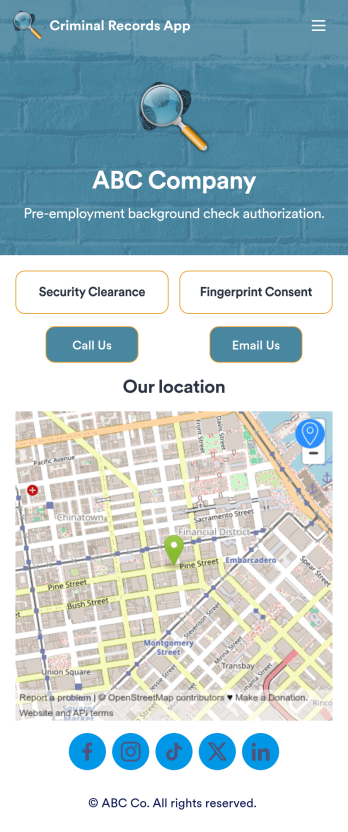
Criminal Records App
A criminal records app is used by companies and HR departments to perform background checks on new job applicants. This free Criminal Records App by Jotform includes both a fingerprint and security clearance consent form. Job applicants can fill out general contact information, answer criminal background questions, upload photos of their IDs, and provide a consent and authorization signature. There is also a place for parents and guardians to sign if the applicant is under 18.Need to customize this Criminal Records App? With our drag-and-drop form builder, you can easily swap out forms, change fonts and colors, upload images, and more — no coding required. Afterwards, just send job applicants a link to your app and have them access or download it on any smartphone, tablet, or desktop. Streamline background checks for new hires with this customizable Criminal Records App.
Go to Category:Report Apps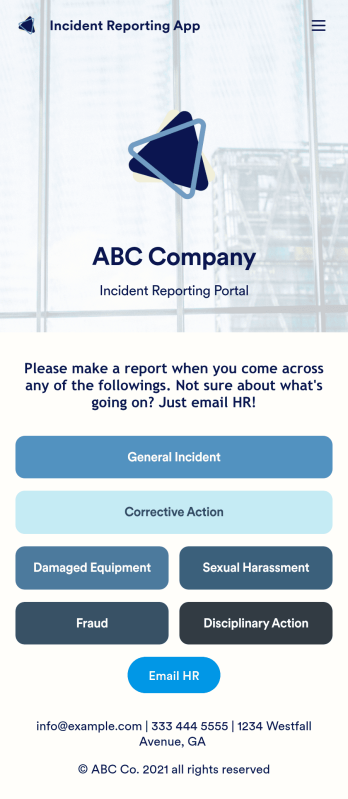
Incident Reporting App
Reporting workplace incidents helps address safety hazards and prevent future accidents. Create a custom Incident Reporting App for your company with our free readymade template. This app features report forms for general incidents, fraud, and corrective and disciplinary actions. You’ll be able to customize and share your form with other managers or supervisors, who can then access, download, and interact with your app from any device. This Incident Reporting App is ready to use as if — but feel free to make modifications using our drag-and-drop interface. Without coding, you can add new report forms, update text, upload images, and change the name, icon, and splash page of your app. When it’s ready, you can access your app from any smartphone, tablet, or computer and share it with others via link. Make it easier to record, report, and respond to incidents at your workplace with a custom Incident Reporting App!
Go to Category:Report Apps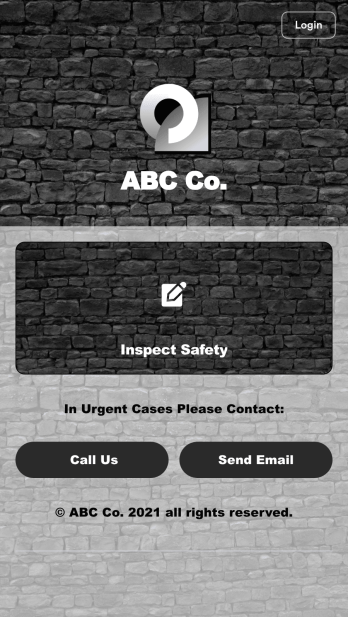
Safety Audit App
A safety audit app is used by safety auditors to perform safety inspections from their mobile devices. Have members of your inspection team perform audits without any messy paperwork using this free Safety Audit App. The app can be downloaded onto any computer, tablet, or smartphone to gather important data in the field — such as checks for fire prevention, equipment, first aid, and more.Customize this app template’s design without coding using our drag-and-drop app builder. Update items on your inspection checklist, include your company logo, change the app icon or background, and make other changes in seconds. You can then share the app via link or email to be downloaded onto iOS or Android devices. Save time and paper performing safety checks with a free Safety Audit App from Jotform.
Go to Category:Construction Apps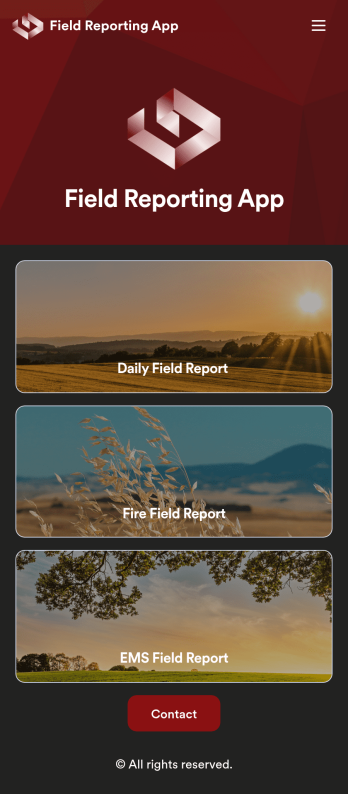
Custom Field Reporting App
A field reporting app can be used by any company that completes field reports. With this free Field Reporting App from Jotform, your employees can complete their reports directly from their smartphone or tablet! No more messy paper forms — instantly collect information online and save it to your secure Jotform account, ready to access on any device.Need to make changes to this app template? Drag and drop to get the look you want. You can upload your logo, change existing forms or add new ones, and make other design changes with no coding required. Once your custom Field Reporting App is ready to go, share it with a link to be downloaded instantly onto any iOS or Android device.
Go to Category:Booking Apps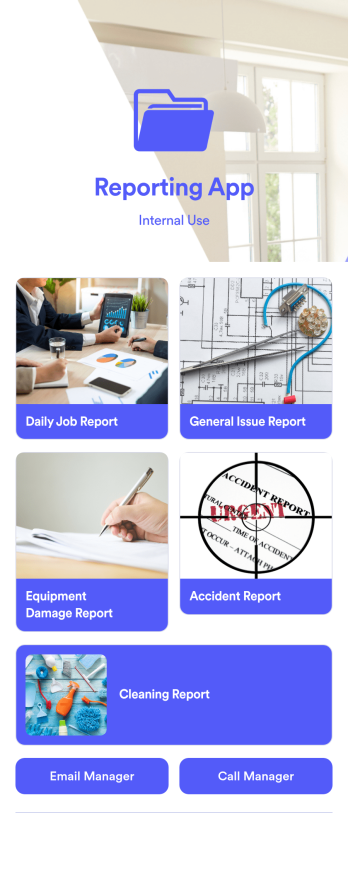
Reporting App
A reporting app is used to track and manage reports — including general daily reports, incident reports, equipment damage reports, employee write ups, and more. To create your own custom Reporting App, use this ready-made template from Jotform. Include your report forms, inquiry forms, contact forms, and more.Need to change the look and feel of this Reporting App Templates? No problem. Jotform Apps offers an intuitive drag-and-drop builder so you can make any design or content changes. Add or remove forms, select a unique app icon, integrate with widgets and platforms, choose a background image or color, and so much more. Streamline your reporting processes with Jotform Apps today.
Go to Category:Company Portal Apps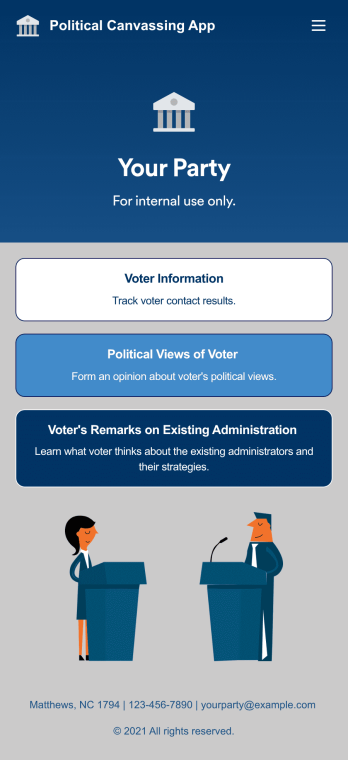
Custom Political Canvassing App
A political canvassing app is used by political parties and candidates for collecting voter information during elections. This free Political Canvassing App from Jotform includes three forms: a Political Canvassing Debriefing Form for tracking voter information, a Political Survey for gauging voters’ political views, and a Political Poll to to learn where voters stand on the current administration and their strategies. Results are instantly synced and compiled in your secure Jotform account.This app template is ready-made and requires no coding, but customizing is easy with our drag-and-drop form builder. You can add or swap out form elements, change poll and survey questions, choose fonts and colors, upload your campaign’s logo, and more. You can also personalize your app’s splash screen by adding images, contact information, and any other relevant campaign information. When you’re finished, share a link to your app on your website or social media, or attach it to a newsletter or mailing list, where it can be accessed and downloaded on any device. Empower your campaign with voter surveys and polls using this fully-customizable Political Canvassing App.
Go to Category:Report Apps