Dive Planning App brings your dive sites and dive logs into one organized place, so you can plan upcoming dives and keep track of what happened afterward. Use it to browse saved sites, review key details before heading out, and add a new dive log right from the app when you’re back on shore. It’s a practical fit for individual divers, buddy teams, instructors, and small dive groups who want a consistent way to prepare for dives and maintain a running history without juggling scattered notes.
With Jotform, you can customize this app template using a no-code app builder and a drag-and-drop interface to match how your team plans dives. Connect the app to forms and tables for simple data collection, keep your workflow tidy with clear navigation between pages, and share a single self-service link that’s easy to open on mobile before, during, or after a trip.
Related templates
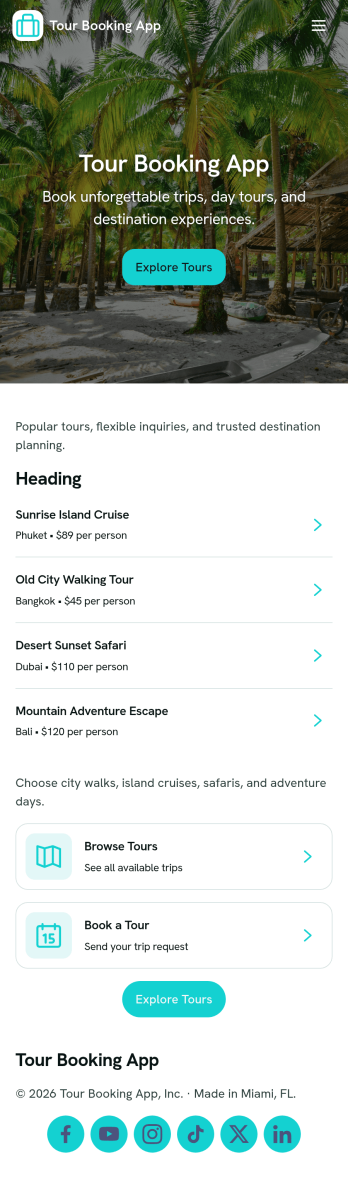
Tour Booking App
Tour Booking App brings your tour options and reservation flow into one simple, customer-friendly space. It works well for tour operators, travel agencies, and activity providers who want guests to browse available tours, pick a date or option, and reserve without jumping between emails and scattered links. With built-in navigation for browsing tours and checking My Bookings, it helps travelers quickly find what they want and revisit their plans whenever they need to.Jotform makes it easy to build and publish app experiences like this using a no-code app builder and a drag-and-drop interface. Customize the layout, connect booking forms and tables for reliable data collection, and create a smoother workflow for both customers and staff. Share your Jotform app through a link or QR code, keep requests organized in one place, and update tour details or support options as your business grows.
Go to Category:Booking Apps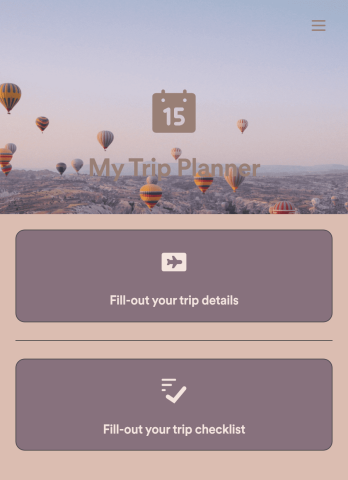
Trip Planner App
Got a big trip coming up? Make sure you’re ready for it with this free Trip Planner App. You can log trip details, complete a pre-trip checklist, and jot down notes of the places you would like to visit along the way. All information is stored securely in your personal Jotform account, which you can access on any device as a spreadsheet, calendar, or cards using Jotform Tables.Want to customize this Trip Planner App template? Change the background image, choose a new app icon, and add more pages, links, forms, and spreadsheets at the touch of a button. With our drag-and-drop app builder, you won’t need to know how to code to create your own custom mobile app! Sort out the logistics of your next big trip with the help of a free Trip Planner App from Jotform.
Go to Category:Booking Apps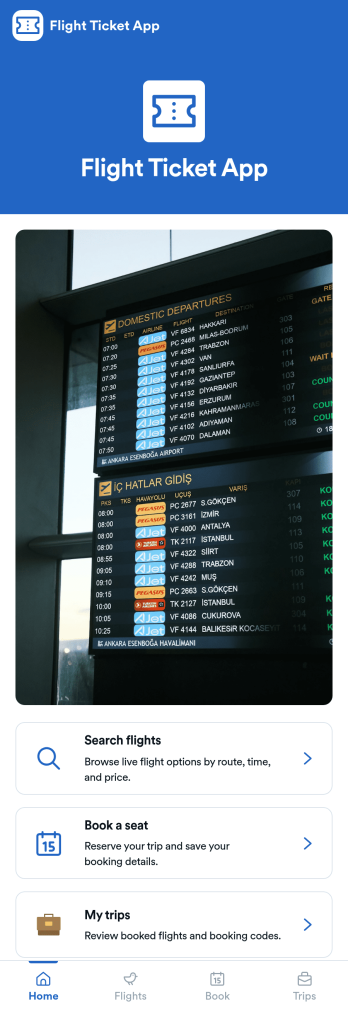
Flight Ticket App
Flight Ticket App gives travelers and travel teams a single place to search flights, choose an option, and move into booking without jumping between scattered pages. It fits airlines, travel agencies, tour operators, and corporate travel coordinators who need a simple flow for browsing available routes, selecting a flight, and guiding customers to seat booking. With quick navigation to My trips and a built-in help path, it also supports post-booking needs like checking flight status and reviewing baggage rules.Built with Jotform, this app template can be customized in a no-code app builder using a drag-and-drop interface, so you can adapt the pages, buttons, and visuals to match your process. Connect the app to Jotform forms for data collection, keep booking information organized, and create a smoother self-service workflow that you can share as a link or QR code for easy access on any device.
Go to Category:Transportation Apps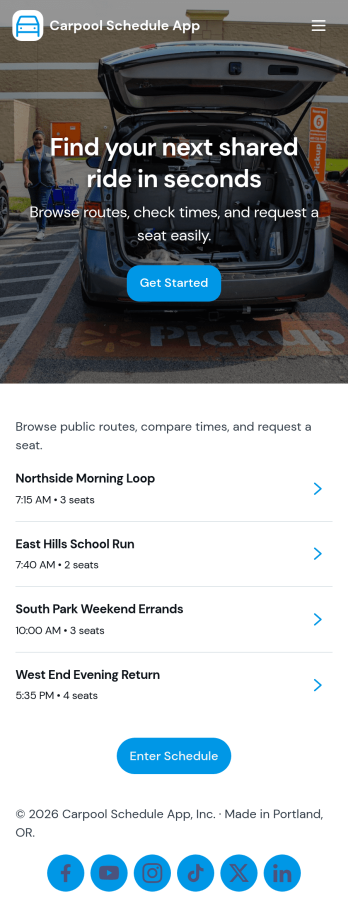
Carpool Schedule App
A carpool schedule app helps schools, workplaces, and neighborhood groups coordinate shared rides without confusion. Use it to publish available routes, let riders request a seat, and give everyone a clear view of what’s open and what’s already planned. It’s especially useful for parent carpools, team practices, recurring commutes, and community programs where multiple drivers and riders need one reliable place to stay aligned.With Jotform, you can turn this carpool schedule app into a branded, self-service experience using a no-code app builder and a drag-and-drop interface. Connect routes and ride requests to your data collection workflow, organize records in tables, and keep requests easy to manage with dedicated views like My Requests. Share the app by link or QR code so drivers and riders can quickly check routes and submit ride requests from anywhere.
Go to Category:Transportation Apps
Employee Travel Management App
Employee Travel Management App is an app template designed to transform the way companies and their employees handle business travel. This innovative application provides an all-inclusive platform to streamline trip requests, approval workflows, itinerary management, and expense tracking. The app is ideal for companies of all sizes, enabling employees to submit travel plans and receive approval in a systematic, efficient manner. It offers a central location for tracking all travel-related activities, significantly reducing the time spent on coordinating and managing business trips. The Employee Travel Management App also promotes adherence to travel policies, maintaining compliance while saving time and money. It is best suited for travel coordinators, financial administrators, and operations teams who are tasked with managing and optimizing their company's business travel.With Jotform's no-code app builder, customizing the Employee Travel Management App to fit the specific needs of your organization is effortless. The drag-and-drop interface allows you to tailor the app's features, elements, and layouts to perfectly mirror your company's brand and workflow. Whether it's adding new forms or widgets or adjusting the colors and fonts, Jotform provides a seamless, code-free experience. Furthermore, the app's cross-platform compatibility means it can be accessed and utilized on any device, be it a smartphone, tablet, or desktop, offering convenience and accessibility. The Employee Travel Management App from Jotform delivers a streamlined, efficient solution for business travel management, simplifying processes and enhancing productivity.
Go to Category:Company Portal Apps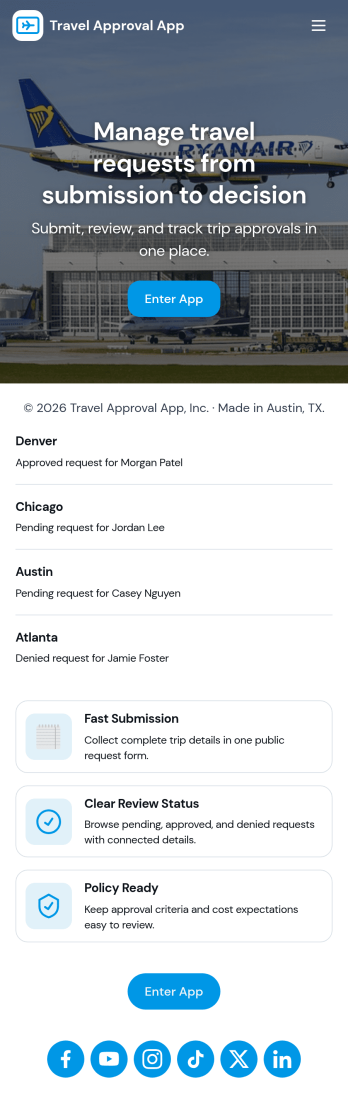
Travel Approval App
Travel Approval App helps teams collect business travel requests and route them for review in one place. Employees can submit a new request, reviewers can open a list of pending reviews, and approved trips can be referenced later for quick visibility. This layout works well for companies that need a clear intake path for travelers, a simple queue for managers, and a central spot to keep travel policy easy to find during planning.Jotform makes it easy to build and publish app templates like Travel Approval App with a no-code app builder and a drag-and-drop interface. Connect your app to forms and workflows for reliable data collection, add navigation buttons to guide users to the right actions, and share a self-service link with employees and approvers so travel requests move forward with fewer delays.
Go to Category:Trip Planner Apps