
Document Drafting App is an app template for coordinating document requests and helping people begin drafts with clearer requirements. Consultants, administrative teams, content operations groups, freelance writers, and internal service teams can use it when colleagues or clients need a consistent route to request a document. Users can start a drafting request, browse available document templates, and review suggested sections and preparation tips before work begins. By gathering the right context at the outset and keeping reference material in one accessible place, the app reduces incomplete briefs, scattered instructions, and avoidable revisions. It fits recurring needs such as proposals, reports, policies, letters, project documents, and other business materials while supporting a more consistent drafting workflow.
Jotform Apps helps teams turn this process into a branded, mobile-friendly self-service experience without coding. Start with one of Jotform’s App Templates, then use the no-code app builder and drag-and-drop interface to adjust pages, navigation, content, colors, and typography. The app builder can connect request forms with tables, notifications, approvals, and other workflow steps, making data collection and follow-up easier to manage. Once ready, publish the Document Drafting App through a direct link, personalized address, embedded experience, or scannable code so requesters and collaborators can access the same organized drafting resources.
Related templates
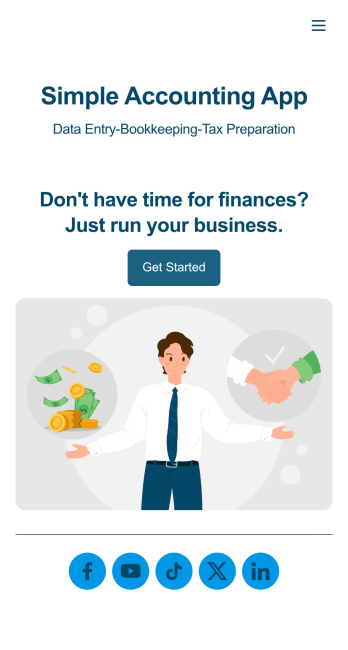
Simple Accounting App
Looking for an easy and convenient way to manage your accounting clients? With Jotform’s Simple Accounting App, you can create a bookkeeping app that works seamlessly for both you and your clients. Build your app from scratch or pick one of our ready-made app templates to spark your creativity. Add pricing information, contact forms, showcase past client reviews, and more.Customize your Simple Account App with Jotform’s easy-to-use app builder. Use our drag-and-drop app builder to change up the look and feel of your app, add powerful app elements, install helpful app widgets, and integrate with one of our 30+ payment processors, including Stripe and Square to collect fees and payments. Share your customized app via email or embed it directly into your own website. Help your clients reach their finance goals with your very own Simple Accounting App.
Go to Category:Company Portal Apps
Local Food App
Whether you’re in charge of the local farmer’s market or run a local food business, you may be wondering how to sell local food online. Use this free Local Foods App to sell local food online with ease! The app includes a product list for ordering local foods, Farm Business Registration Form, Product Feedback Survey, and Contact Form so you can collect all the information you need. Once you receive responses, you’ll be able to view them in your secure Jotform account instantly.Need to make changes to this Local Foods App template? Change the background image or app icon, integrate your form with your preferred payment processor, and make other changes with no coding. Your app can then be shared with a link or via email to be downloaded onto any computer, tablet, or smartphone. Sell local food products online with a free Local Foods App from Jotform.
Go to Category:Delivery Apps
Restaurant Mobile App
You’ve got your hands full trying to run a busy restaurant — so the last thing you want to learn is how to sell food online. Make it easier on yourself with Jotform's free Restaurant Mobile App. With this ready-to-use template, customers can reserve a table, place orders for pick-up or delivery, pay ahead with credit card or through PayPal, and leave reviews for your restaurant. You can upload images to use for the online menu, and even showcase signature dishes on your splash page! Just share a link to your app on your website or social media, and customers can access and download it on any smartphone, tablet, or computer.Want to customize your Restaurant Mobile App to match your restaurant’s branding? Our drag-and-drop interface makes it easy to add or change forms, choose fonts and colors, upload your logo, update the app name or text, and more — all with zero coding. Take your restaurant digital to sell food online and make reservations and orders a breeze with this Restaurant Mobile App.
Go to Category:Booking Apps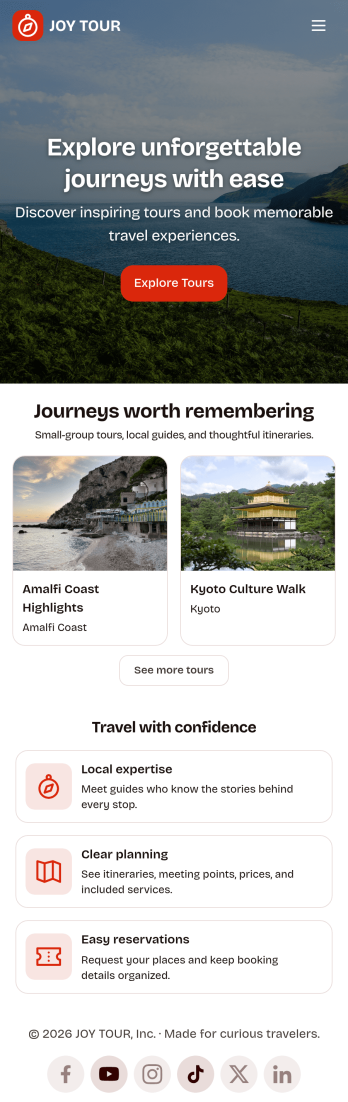
Touring App
Touring App is an app template designed to enhance the travel experience of tourists, travelers, and tour operators by facilitating destination exploration, tour booking, itinerary access, and real-time travel information delivery. Ideal for travel organizers and agencies, this mobile-friendly interface acts as a central hub for all your travel-related needs, providing all the necessary details and updates for a seamless touring experience. The app enables travelers to discover and compare destinations, plan and book tours, access detailed itineraries, and get live updates on travel information. As a result, it eliminates the need for multiple platforms and scattered information, providing a comprehensive and cohesive platform that takes your travel experience to a higher level. The Touring App is best suited for travel coordinators, guides, and touring companies seeking to offer their clients a hassle-free, all-in-one travel solution.With Jotform’s no-code app builder, you can easily tailor the Touring App to align with your brand. The drag-and-drop interface allows you to modify forms, select fonts and colors, and upload your logo, transforming the app into a unique reflection of your brand without any coding knowledge required. The app offers cross-platform compatibility, ensuring it functions flawlessly across smartphones, tablets, and desktops. Downloadable as a Progressive Web App (PWA), travelers can add the app directly to their device's home screen for instant access. No extra transaction fees are applied when collecting payments through the app, and the app's publish options can be customized to suit your needs, making the Touring App not just a travel companion, but also a sound business solution. Create your custom Touring App with Jotform today and elevate your travel business to new heights.
Go to Category:Appointment & Booking Apps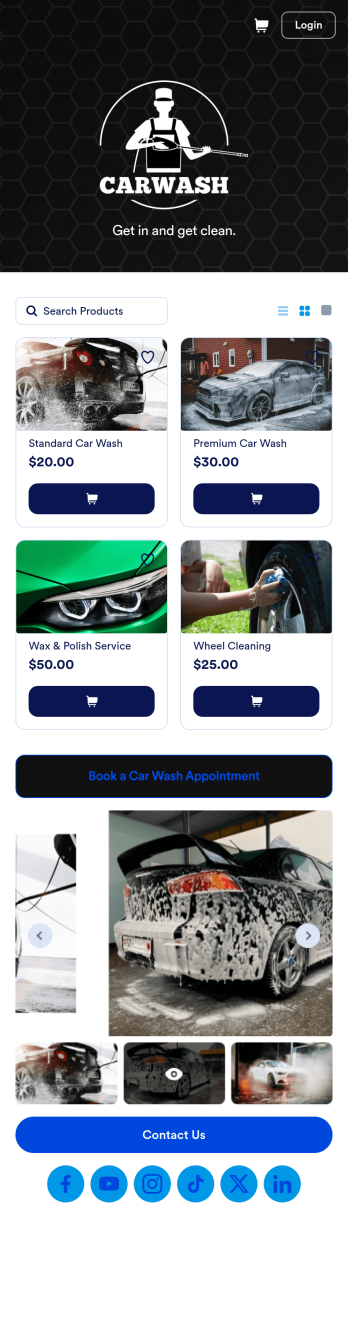
Custom Mobile Car Wash App
Wondering how to sell car washes online? Create a downloadable app for your mobile car wash customers with a free Mobile Car Wash App from Jotform. This app includes a Car Wash Appointment Form so customers can select their preferred date from a calendar and provide other booking details like name, phone number, and their car’s make and model. Also it includes a product list that customers choose a car wash service and make payments. All submissions are sent to your company Jotform account, ready to view instantly on any device.Add your logo, include other forms to collect additional info like e-signatures or payments, and make other design changes by dragging and dropping elements in our intuitive no-code app builder. Once your app is ready to be shared, copy and paste the link or invite people via email so they can download it onto their devices. Stop spending time on phone or email bookings and enjoy a more efficient booking process with this Mobile Car Wash App.
Go to Category:Appointment & Booking Apps
Beauty Salon Appointment App
A beauty salon appointment app helps clients book appointments, order beauty products, and find professionals who can help them look and feel their best. Create a mobile app for your beauty salon without any coding using our free Beauty Salon Appointment App Template. This ready-made template bundles multiple forms — including a client information form, COVID-19 consent form and an appointment form — all in one place. Clients will be able to fill out your forms from their smartphone, tablet, or computer with ease.Customizing your Beauty Salon Appointment App won’t take up any time with our drag-and-drop builder. You can easily add new forms to sell beauty supplies online, as well as add surveys, links, text, images, and even your branding for a more professional and personalized look. Once it’s ready to use, share your app by embedding the link in your website or posting it on social media. Stop wondering how to sell beauty supplies online and gather appointment bookings — create a contactless way for clients to book services and pay for products at your beauty salon with a fully-custom Beauty Salon Appointment App that works on any device.
Go to Category:Appointment & Booking Apps