The Employee Request And Recognition App gives employees, managers, and HR teams a shared space for handling workplace requests and celebrating staff contributions. Employees can submit a request, review its details and status, recognize a colleague, and browse recognition shared across the organization. It is well suited to growing businesses, distributed teams, and HR departments that want to make employee self-service more accessible while keeping requests visible and appreciation part of everyday work. By bringing these activities together, the app reduces scattered messages, supports clearer follow-up, and encourages a positive workplace culture.
With Jotform Apps, organizations can adapt this app template to their internal processes without writing code. The no-code app builder and drag-and-drop interface make it easy to update pages, navigation, forms, colors, fonts, and branding. Teams can connect data collection forms with tables, notifications, approvals, and other workflow steps to support timely action. Once ready, the Employee Request And Recognition App can be shared through a direct link or QR code, giving staff convenient access from phones, tablets, and computers.
Related templates
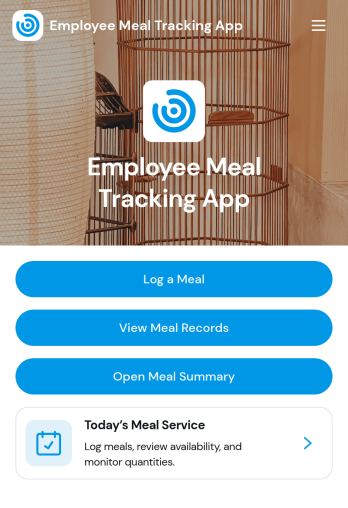
Employee Meal Tracking App
Employee Meal Tracking App helps workplaces log and review employee meals in one organized place. Staff can quickly record a meal, browse meal records, and review meal reports, making it easier to keep daily meal activity consistent across teams and locations. This works well for offices with meal programs, hospitality teams, and organizations that reimburse meals or want clearer visibility into what’s being purchased, when it’s happening, and where meals are being claimed.With Jotform, you can turn this app template into a branded self-service experience using a no-code app builder and a drag-and-drop interface. Connect the app to your meal record form for fast data collection, then route entries into tables and reports for easier tracking over time. Share the app link with employees, keep records centralized, and build simple workflow steps around meal logging and internal review without needing any coding.
Go to Category:Food and Nutrition Tracking Apps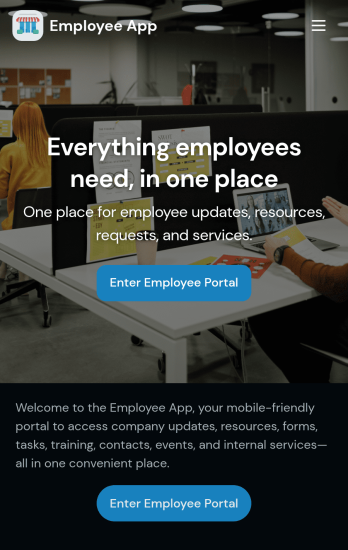
Custom Employee App
An employee app allows employees to access important company information and submit their own data from any device. Create an employee portal for your company with Jotform’s free Employee App. This ready-to-use template includes multiple forms such as employee referral forms, leave request forms, meeting reservation forms, COVID-19 screening forms, expense reimbursement forms, and more. Thanks to the role-based visibility condition, only selected admin users can see certain forms, such as department rotation. Using the app, employees can access and fill out any of the included forms from any smartphone, tablet, laptop, or desktop.Customize your Employee App to match your company in just a few clicks. With our drag-and-drop builder, you can easily add as many forms, links, documents, buttons, pages, and other app elements as you need. Plus, you can update fonts and colors, upload logos, and change the app icon and name to better represent your company. With Jotform’s Role-based feature, you can control access so tutors, admins, and other users see only the parts of the app relevant to them. Share your app with employees to download onto their own devices by sending email invites or the app link. Keep important company forms all in one secure, easily accessible Employee App!
Go to Category:Company Portal Apps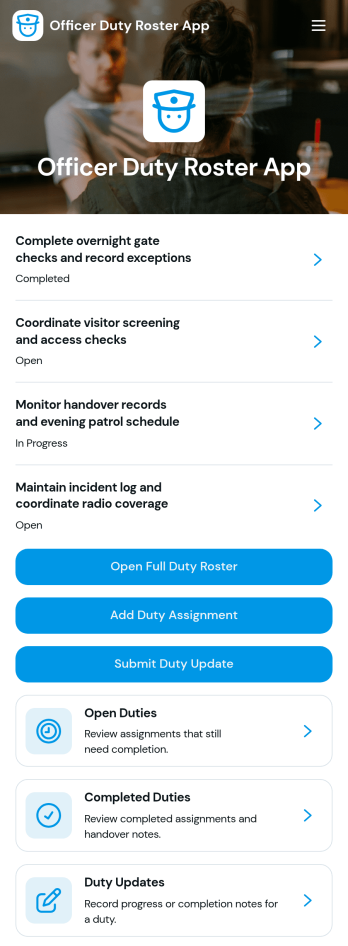
Officer Duty Roster App
The Officer Duty Roster App gives police departments, security teams, public safety units, and other officer-based organizations a central place to coordinate duty assignments. Supervisors can publish roster entries, add new assignments, review open and completed duties, and receive duty updates from personnel. Each assignment can present the responsible officer, shift, station, current status, briefing notes, and completion notes, helping teams understand who is working, where they are assigned, and what requires attention. It is especially useful for daily deployment planning, shift handovers, station coverage, event security, patrol coordination, and other operations where timely roster information supports accountability and continuity.Jotform makes this app template easy to adapt with a no-code app builder and a drag-and-drop interface. Teams can update pages, navigation, colors, fonts, images, and buttons to reflect their procedures and branding, then connect forms and tables to support data collection and workflow management. The finished app can be shared by direct link or QR code for convenient mobile access, giving officers and supervisors a practical self-service resource wherever duties are performed. Jotform App Templates also help organizations launch faster while retaining the flexibility to revise assignments, resources, and connected processes as operational needs change.
Go to Category:Scheduling and Planning Apps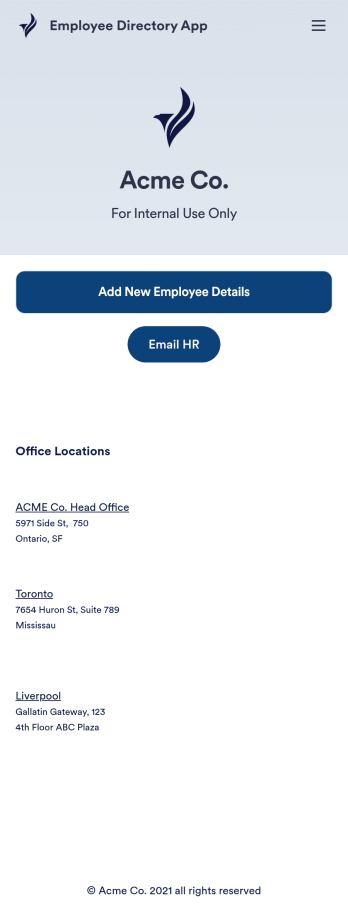
Employee Directory App
An employee directory app is used by businesses to collect information from new employees. Jotform’s Employee Directory App allows new employees to fill out general contact information, position title, manager, days of employment, and start date. If applicable, there is also space to specify an end date for contract workers. Submissions are instantly synced to an Employee Info Sheet in your Jotform account, which you can sort, filter, and search from any device.Customizing this app template to match your business’ branding is a snap. With our drag-and-drop form builder, you can add or change form elements, choose fonts and colors, upload your logo, and more — no coding required. You can also personalize your splash page by adding contact numbers and business address, or any other relevant information that might be useful to new employees. Share your app with a link or embed it in your website and employees can download it on any smartphone, tablet, or desktop. Streamline the onboarding process and keep all your employees’ information in one place with this Employee Directory App.
Go to Category:Human Resources Apps
Custom Employee Onboarding App
An employee onboarding app makes it easier to integrate a new employee into your company by making important internal resources available on any device. Simplify the transitional period and successfully onboard new hires with a fully custom Employee Onboard App powered by Jotform. This ready-to-use mobile app includes a table for tracking onboarding progress, company photos and social links, and a separate page with team contact information. New hires can download the app onto their mobile device or computer for easy access at any time.Customize this Employee Onboarding App for your company in just a few clicks. Without coding, you can use our drag-and-drop builder to add forms and tables, embed links, upload documents and training videos, create new pages, update fonts and colors, and much more. When your app is ready to use, it can be sent directly to new hires via email invites or the app link. Successful employee onboarding can be the key to business success — so get started with an efficient, easy-to-use Employee Onboarding App tailored to your company.
Go to Category:Company Portal Apps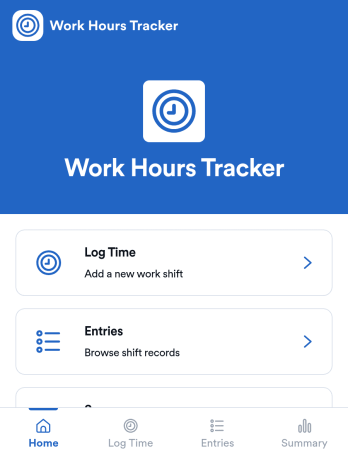
Counting Work Hours App
Counting Work Hours App helps teams record shifts and keep a clear running view of hours worked across a pay period. It works well for businesses that rely on hourly labor such as retail, hospitality, field services, and growing agencies, where missing time entries and manual spreadsheets can quickly cause payroll confusion. With quick time logging, an entries list for reviewing past shifts, and a summary view for totals and patterns, managers and employees can stay aligned on what was worked and what still needs to be added.Jotform makes it simple to turn this workflow into a mobile-friendly experience using app templates and a no-code app builder. Customize pages with a drag-and-drop interface, connect your app to the included shift form and table view, and keep data collection consistent for every employee. Share the app by link so staff can add shifts from anywhere, while supervisors can track updates in one place and keep operations moving without extra tools.
Go to Category:Activity Tracking Apps