
The Environmental Project Tracking App gives environmental teams one place to monitor active initiatives, document field progress, and coordinate project tasks. It is suitable for nonprofits, consulting teams, contractors, community groups, conservation programs, and sustainability departments overseeing restoration, waste reduction, habitat improvement, or similar work. Users can browse project records, add field updates, and track assigned tasks without relying on scattered spreadsheets or messages. Centralized access to locations, schedules, budgets, impact metrics, progress notes, and field photos helps stakeholders understand current conditions and make informed operational decisions.
Jotform App Templates offer a practical starting point for turning project information and connected workflows into an accessible digital experience. With Jotform’s no-code app builder and drag-and-drop interface, teams can customize pages, navigation, colors, and branding while connecting forms and organized data collection tools. The finished app can support mobile fieldwork, team collaboration, and self-service access for approved participants. Share it through a direct link or QR code, update its content as programs evolve, and keep project reporting and day-to-day coordination within one adaptable workspace.
Related templates
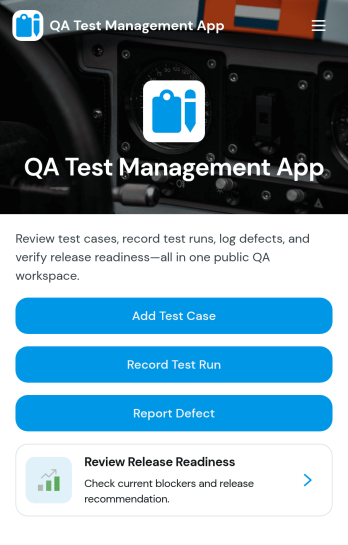
QA Test Management App
QA Test Management App brings your quality assurance work into one place so teams can browse test cases, capture execution results, and review outcomes without hopping between tools. It’s a practical fit for software teams, agencies, and product groups that run repeatable testing for releases, hotfixes, or regression cycles and want a simple way to keep test case details, ownership, and environment context easy to find. With guided navigation from test case lists to a record-result flow, testers can log what happened during execution and link results back to the related case for faster follow-up.Built with Jotform, this app template can be customized in a no-code app builder using a drag-and-drop interface, so you can adapt the pages to your QA process in minutes. Connect the app to forms and tables for reliable data collection, share it with your team on any device, and keep everyone aligned with a workflow that supports self-service access to current QA workspaces, submitted results, and ongoing test execution.
Go to Category:Information Technology Apps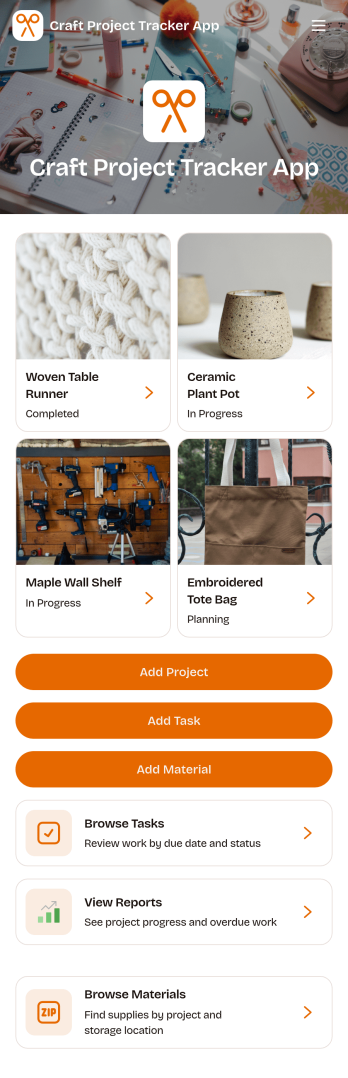
Craft Project Tracker App
Craft Project Tracker App helps makers keep creative work organized in one place, from new ideas to planned builds. It brings your project list into a simple browsing experience where each entry highlights the project name, and you can quickly add a new craft project through a dedicated button. Use it to track sewing, crochet, knitting, woodworking, paper crafts, DIY gifts, and studio commissions while keeping your plans clear and easy to revisit.Built with Jotform, this app template is easy to tailor for your process using a no-code app builder and a drag-and-drop interface. Connect the add-project button to your own data collection form, adjust navigation so people can view planned projects when they need to, and publish a shareable self-service experience for yourself, a small shop, or a craft group. As projects grow, Jotform helps you maintain a consistent workflow for updates, visibility, and day-to-day organization.
Go to Category:Project Management Apps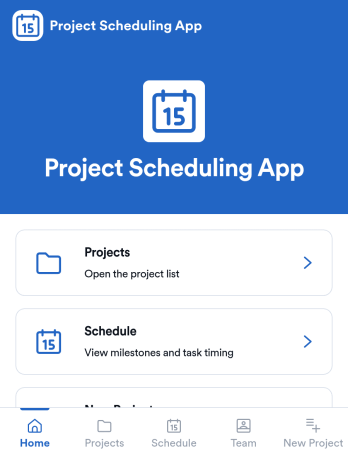
Project Scheduling App
Project Scheduling App brings project timelines, milestones, and task status into a single, easy-to-navigate workspace for teams that need to keep delivery dates visible and work moving. Use it to monitor active projects, spot the next milestone at a glance, and surface overdue tasks before they derail your plan. The built-in dashboard view supports weekly planning and capacity awareness, while project pages help standardize ownership and keep each project’s details, tasks, and team context accessible when decisions need to be made.With Jotform App Templates, you can publish a branded scheduling experience without coding and update it as your workflow evolves. Jotform’s no-code app builder and drag-and-drop interface make it simple to organize pages, link users to a dashboard or project list, and connect an Add Task form for consistent data collection. Share your app through a link for quick self-service access, and keep scheduling information aligned by connecting the app to the same workflow your team uses to capture and review updates.
Go to Category:Management Apps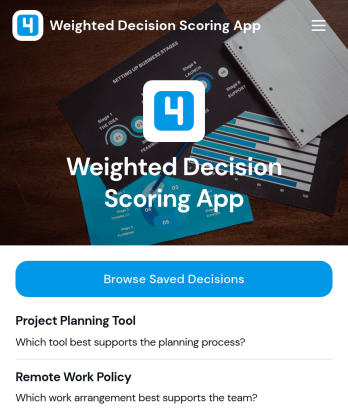
Weighted Decision Scoring App
Weighted Decision Scoring App provides a consistent way to evaluate choices against weighted criteria and compare their results. Managers, project teams, consultants, procurement groups, and business owners can use it when selecting vendors, prioritizing initiatives, reviewing proposals, or choosing between strategic options. Users can begin a weighted scoring exercise in a dedicated workspace and browse saved decisions for later reference. This shared approach reduces reliance on instinct alone, clarifies why one option ranks above another, and helps teams document repeatable decision-making processes.With Jotform Apps, this app template can be adapted to match an organization’s evaluation workflow without coding. The drag-and-drop interface makes it easy to update pages, navigation, visual branding, and supporting resources, while connected forms and tables can extend data collection and record management. Jotform’s no-code app builder also supports links to approvals and other processes, helping teams create a centralized self-service experience. Start with one of Jotform’s App Templates, tailor the scoring journey, and share the finished app through a direct link or QR code.
Go to Category:Management Apps
Music Release Tracker App
Music Release Tracker App helps artists, labels, and music teams keep every release organized from planning to post-launch follow-up. Use it to add new releases, review release status at a glance, and open release insights so everyone stays aligned on what is coming next. It works well for independent musicians managing singles and EPs, label coordinators juggling multiple artists, and managers who need a clear view of dates, genres, and label details without digging through scattered notes.Built with Jotform, this app template turns your release tracking process into a shareable, self-service experience that’s easy to maintain. Use Jotform’s no-code app builder and drag-and-drop interface to customize pages, control what details appear on each release card, and connect the app to your data collection form so updates stay consistent. As your catalog grows, Jotform Apps makes it simple to keep release records in one place, share progress with collaborators, and create a workflow that matches how your team actually ships music.
Go to Category:Entertainment Apps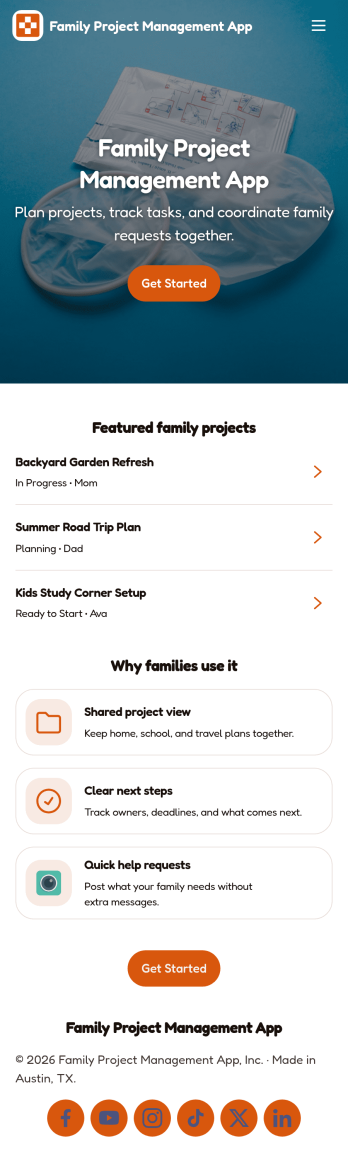
Family Project Management App
Family Project Management App helps households organize shared projects, coordinate tasks, and keep everyone aligned on what needs to happen next. Use it to manage everything from home improvement plans and holiday prep to school activities and recurring routines, with a simple way to browse projects, review open tasks, and maintain a quick family directory for who is involved. Built-in update forms make it easy for anyone to post progress notes as things change, so busy parents, caregivers, teens, and multi-home families can stay on the same page without long message threads.Jotform makes it easy to tailor this app template to your family’s workflow with a no-code app builder and a drag-and-drop interface. Connect the app to forms and tables for ongoing data collection, set up simple workflow steps for updates and follow-ups, and share access with a link so everyone can use it on the go. With Jotform App Templates, you can adjust pages, labels, and structure in minutes to fit how your household plans, tracks, and completes projects through self-service.
Go to Category:Organization Apps