
The Event Debrief App is an app template for collecting, reviewing, and organizing post-event evaluations in one accessible location. Event planners, venue teams, nonprofit coordinators, marketing departments, and internal event committees can use it after conferences, fundraisers, workshops, community programs, and corporate gatherings. Team members can submit an event debrief, browse previous event records, and review overall ratings alongside notes about successes, improvement opportunities, and required follow-up. This shared view helps teams preserve useful insights, identify recurring issues, assign attention to unresolved matters, and make informed decisions when planning future events.
Jotform makes this Event Debrief App easy to adapt with a no-code app builder and an intuitive drag-and-drop interface. Customize pages, navigation, colors, fonts, and branding while connecting forms and tables to support data collection and an organized review workflow. Updates can be managed without programming, and the finished app can be shared through a direct link or QR code for convenient mobile access. Jotform App Templates give teams a practical starting point for building self-service resources that bring feedback, event records, and actionable findings into one polished experience.
Related templates
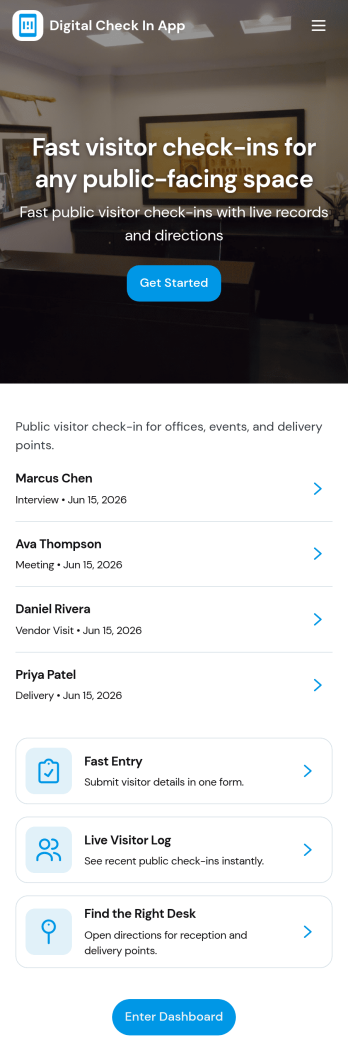
Digital Check in App
Digital Check in App helps you welcome and track visitors without paper sign-in sheets. It gives guests a simple way to start check in and complete a visitor check in form, while your team can quickly view visitors in one place. This works well for offices, coworking spaces, schools, clinics, warehouses, and event venues that need a clear record of who arrived and when, especially during busy periods with frequent walk-ins.Jotform makes it easy to turn this experience into a polished, shareable check-in flow using its app templates and no-code app builder. With a drag-and-drop interface, you can tailor pages, buttons, and navigation to match your front-desk process, then connect the app to your broader workflow for data collection and follow-up. Share the app link or QR code so visitors can check in from a phone or a kiosk-style device, and keep visitor information organized for your team.
Go to Category:Customer Portal Apps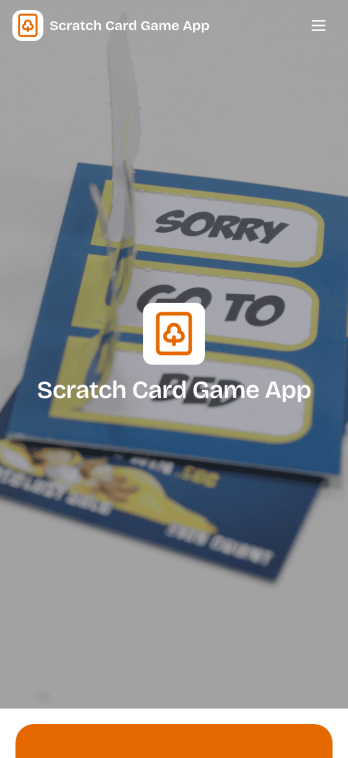
Scratch Card Game App
Scratch Card Game App helps you run a simple, interactive scratch-to-reveal game for promotions, events, and community engagement. Use it to share a digital scratch card experience that visitors can access quickly, then guide them to the next step with clear on-screen prompts such as claiming a reward, joining a list, or requesting follow-up. It works well for marketers launching limited-time campaigns, small businesses driving foot traffic, creators building audience excitement, and event organizers who want a lightweight game that keeps people participating.Jotform makes it easy to publish this kind of experience with ready-to-use app templates and a no-code app builder. Customize the page layout with a drag-and-drop interface, adjust the look to match your branding, and create a smooth self-service flow that fits your campaign goals. When you are ready, share your Jotform app with a link or QR code so people can play from their phones and you can keep the experience consistent across channels.
Go to Category:Entertainment Apps
Scavenger Hunt App
Scavenger Hunt App is a customizable starting point for creating clue-based activities for parties, corporate events, classrooms, community programs, fundraisers, and tourism experiences. Event organizers, educators, team leaders, hospitality teams, and nonprofits can use its focused page to present challenge instructions, provide clue access, and share essential event information. Keeping these details in one mobile-friendly destination helps participants understand the rules, follow the activity, and stay engaged without relying on printed handouts or scattered messages.Jotform makes it easy to adapt this app template to suit a theme, audience, or event format. Using the no-code app builder and its drag-and-drop interface, organizers can add pages, images, videos, buttons, and links while applying custom colors, fonts, and branding. The app can also connect with forms for data collection, payments, approvals, and other workflow steps when an activity requires registration or response gathering. Explore Jotform App Templates to create a polished self-service experience, then publish and share it through a direct link, QR code, or embedded experience.
Go to Category:Entertainment Apps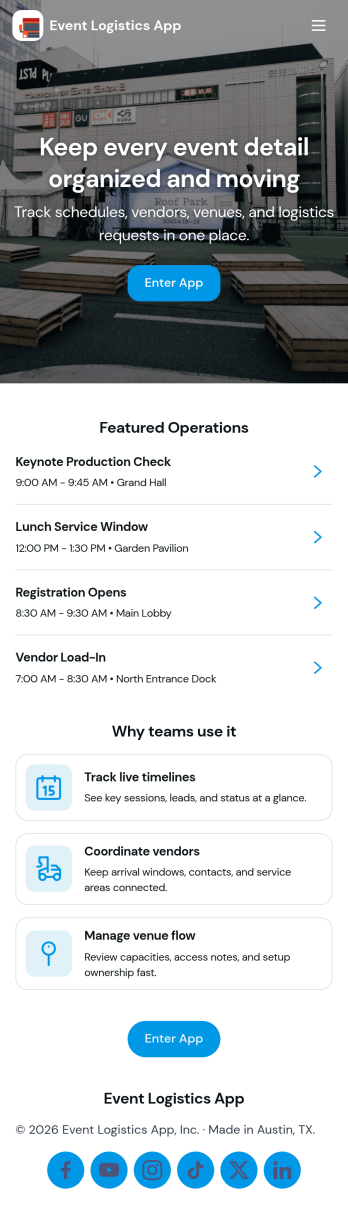
Event Logistics App
Event Logistics App brings day-of-event coordination into one place so organizers can keep timelines, staffing, and on-site issues moving without confusion. Use it to publish a working schedule, add staffing assignments as plans change, and give team leads a simple way to log issues from the floor as they happen. It’s a practical fit for event planners, venues, production crews, nonprofits running fundraisers, and campus teams managing conferences, festivals, tournaments, or multi-session programs where many people need the same source of truth.With Jotform, you can turn your Event Logistics App into a polished self-service experience using a drag-and-drop interface and a no-code app builder. Connect buttons to forms for data collection, route updates into tables for easy viewing, and keep your workflow moving with shareable links and mobile-friendly access. As details shift, you can adjust pages, branding, and navigation so staff and volunteers always know what to do next and where to report problems.
Go to Category:Event Planner Apps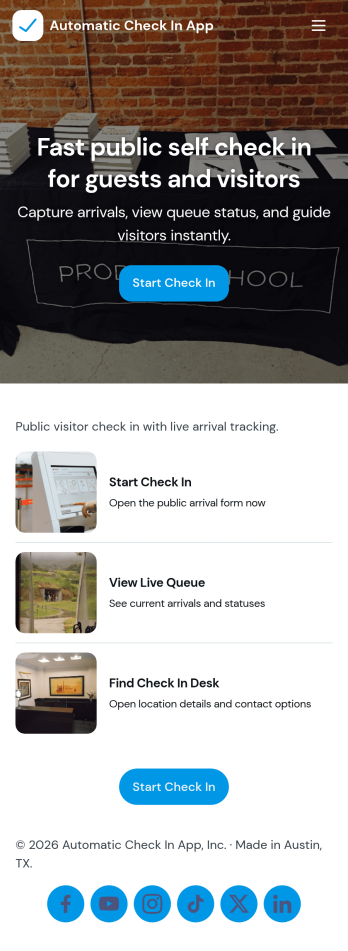
Automatic Check In App
Automatic Check In App helps organizations record arrivals quickly and consistently without relying on manual logs. From front desks and lobbies to events, classrooms, clinics, and shared workspaces, it gives staff a clear flow to start a check in, view arrivals as they happen, and keep a searchable history for follow-ups. Teams can capture repeat visits with a fast New Check In action, reduce lines during busy periods, and maintain a dependable record of who came in and when.Jotform makes it easy to turn this experience into a branded, mobile-friendly tool using customizable app templates and a no-code app builder. With a drag-and-drop interface, you can adjust pages, buttons, and lists to match your process, then connect the app to the included form and table views for ongoing data collection and simple workflow handoffs. Share it by link or QR code so staff can use it on-site and managers can review activity from anywhere.
Go to Category:Event Registration Apps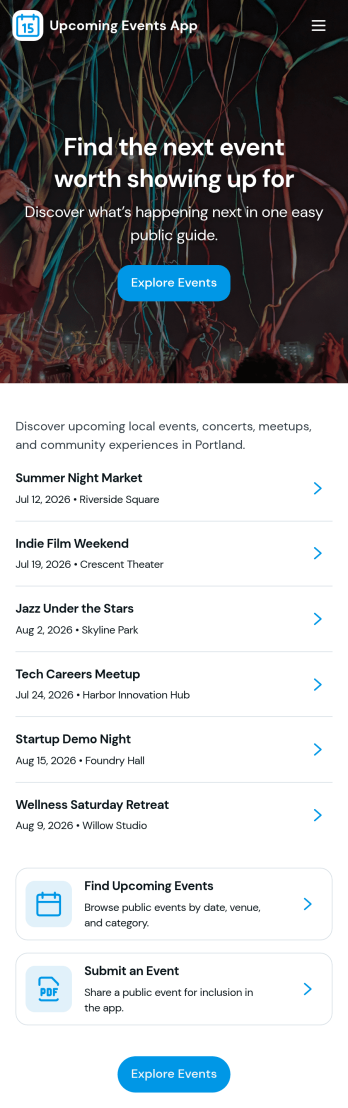
Upcoming Events App
Upcoming Events App gives you a simple, branded place to highlight what’s coming up and guide people from discovery to RSVP. Use it to publish event names and visuals, help visitors browse an events list, and send them into an RSVP flow without confusion. It’s a great fit for community groups, nonprofits, schools, fitness studios, venues, and small businesses that want one link to share upcoming happenings across email, social posts, or QR codes at the door.Built with Jotform, this app template is easy to tailor with a no-code app builder and a drag-and-drop interface so your team can update event details fast and keep information consistent. Connect the events list to your data, route RSVP responses into your workflow, and add supportive touchpoints like a simple email support button. Share the app anywhere to offer a smooth self-service experience that keeps attendees informed and helps you stay organized.
Go to Category:Event Planner Apps