
The Event Ticket Validation App is an app template for event organizers, venue managers, admissions teams, and front desk staff who need a reliable way to review and validate tickets at entry points. Staff can record submitted tickets, access essential attendee and ticket details, and validate admission from one organized experience. They can also browse available events and view practical information such as venues and entry windows. This setup helps teams maintain orderly check-in procedures, reduce manual lookups, and give authorized personnel a consistent view of admission information for conferences, performances, festivals, and community gatherings.
Jotform Apps makes it easy to customize this Event Ticket Validation App with a no-code app builder and intuitive drag-and-drop interface. Organizers can adjust pages, navigation, colors, fonts, and visual elements to match their event experience. Connected forms support data collection, while tables and related workflows keep ticket records organized for day-to-day operations. Like other Jotform App Templates, it can be shared through a direct link or QR code for convenient mobile access, helping admissions teams reach the tools they need without downloading software or writing code.
Related templates
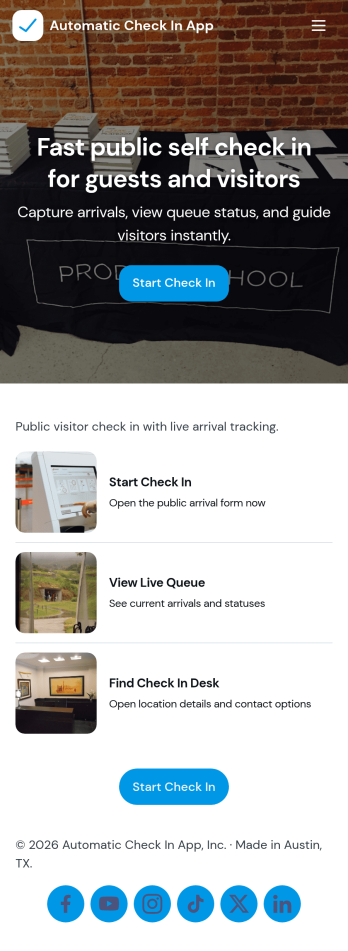
Automatic Check In App
Automatic Check In App helps organizations record arrivals quickly and consistently without relying on manual logs. From front desks and lobbies to events, classrooms, clinics, and shared workspaces, it gives staff a clear flow to start a check in, view arrivals as they happen, and keep a searchable history for follow-ups. Teams can capture repeat visits with a fast New Check In action, reduce lines during busy periods, and maintain a dependable record of who came in and when.Jotform makes it easy to turn this experience into a branded, mobile-friendly tool using customizable app templates and a no-code app builder. With a drag-and-drop interface, you can adjust pages, buttons, and lists to match your process, then connect the app to the included form and table views for ongoing data collection and simple workflow handoffs. Share it by link or QR code so staff can use it on-site and managers can review activity from anywhere.
Go to Category:Event Registration Apps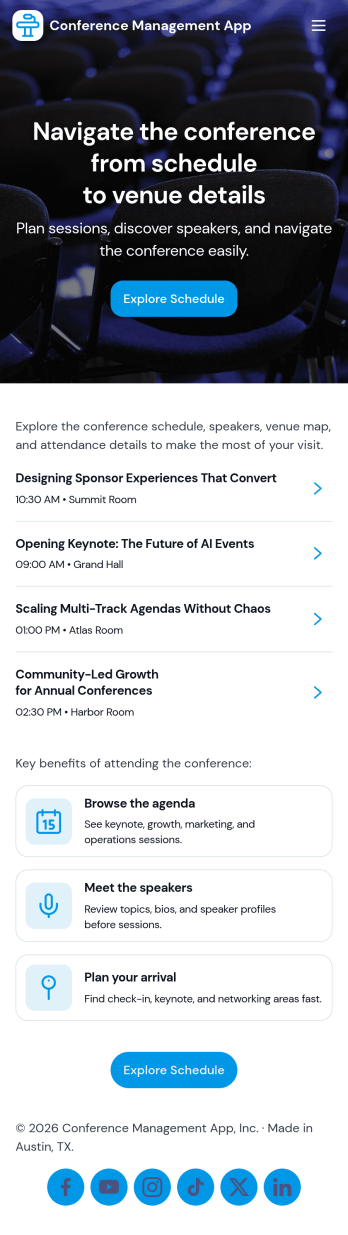
Conference Management App
Conference Management App brings your event experience into one place so attendees and organizers can stay aligned from planning through post-event follow-up. Use it to publish the conference agenda, highlight speakers, and guide participants to key actions like registration, check-in, and feedback without sending them across multiple links. It fits in-person, virtual, or hybrid conferences run by event teams, associations, corporate marketing departments, and community organizers who need a clear, mobile-friendly way to share schedules and reduce day-of confusion.Jotform makes it easy to turn conference workflows into a polished, shareable app experience using its no-code app builder and drag-and-drop interface. Connect the app to Jotform forms for data collection like registrations, on-site check-ins, and attendee feedback, then update your agenda and speaker information as plans change. With Jotform App Templates, you can launch quickly, match your branding, and deliver convenient self-service access from a single link.
Go to Category:Event Planner Apps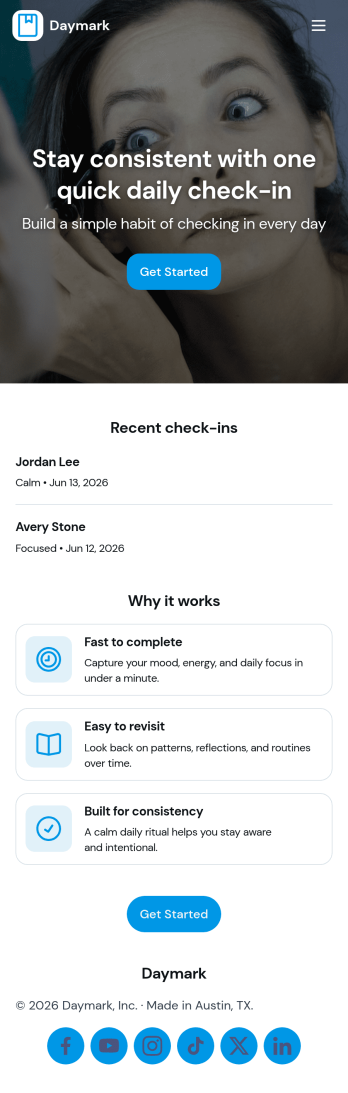
Daily Check In App
Daily Check In App helps you build a simple, repeatable routine for capturing how your day is going, then looking back on patterns over time. Use it to prompt quick daily reflections, add a new check-in in seconds, and review recent entries when you want context before planning the rest of your week. It’s a practical fit for individuals focused on habits, teams running lightweight wellness routines, coaches supporting clients between sessions, or HR and people teams who want a consistent internal check-in flow that’s easy to follow.With Jotform App Templates, you can publish a branded self-service experience powered by a no-code app builder and a drag-and-drop interface. Connect your check-in form to organized views for browsing recent logs, add an insights page for quick reflection, and share the app by link or QR code so people can check in from anywhere. Jotform makes data collection and workflow routing easier, so your daily check-in process stays consistent without adding admin work.
Go to Category:Activity Tracking Apps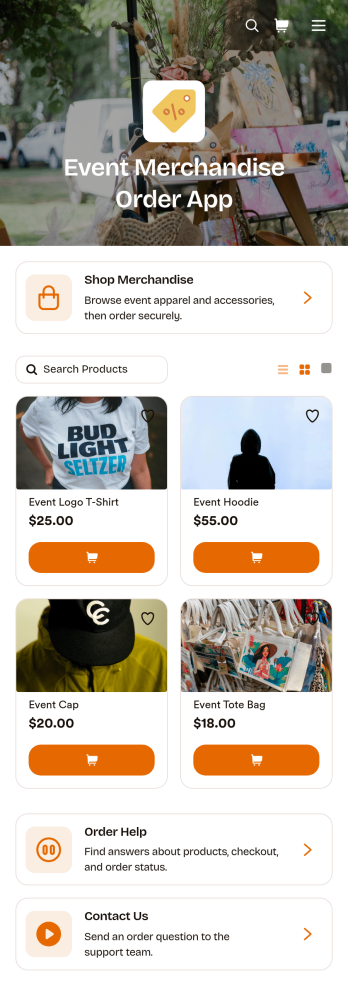
Event Merchandise Order App
Event Merchandise Order App is a mobile-friendly storefront for selling branded products connected to conferences, festivals, concerts, fundraisers, sports events, and community gatherings. Event organizers, merchandise teams, vendors, venues, and nonprofits can use it to give attendees one convenient place to browse available products and submit orders. Built-in access to merchandise shopping, order assistance, and contact options helps customers find items and resolve common questions without searching across separate channels. It also supports pre-event sales, on-site ordering, and post-event merchandise campaigns while giving teams a more organized approach to data collection and customer self-service.This app template can be personalized with Jotform Apps, a no-code app builder featuring a flexible drag-and-drop interface. Teams can update product content, add branded pages, connect order forms, and link workflows for payments, notifications, approvals, or fulfillment follow-up. Jotform App Templates make it easier to launch polished experiences without writing code, while sharing options such as direct links and QR codes help customers reach the store from event websites, signs, emails, or social posts. The layout can also be adapted as merchandise offerings and event needs change.
Go to Category:Event Management Apps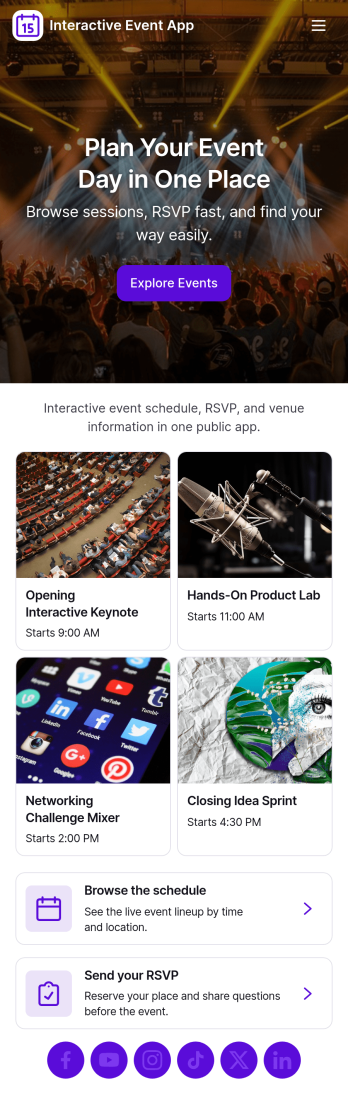
Interactive Event App
Interactive Event App brings event details into one place so attendees can browse events, check the schedule, register, and share feedback without hunting through emails or scattered links. It’s a strong fit for conference teams, community organizers, schools, nonprofits, and internal company events that need a simple, self-service experience for guests. Use it to reduce day-of questions, guide people to the right sessions, and keep participation high with clear navigation and quick actions.Built with Jotform App Templates, this app template is easy to tailor for any event and publish in minutes using a no-code app builder and a drag-and-drop interface. Connect buttons to registration and feedback forms for smooth data collection, and organize event listings so updates are easy to manage. Share your Jotform app through a link or QR code, keep the experience on-brand, and support your workflow from planning through post-event follow-up.
Go to Category:Event Planner Apps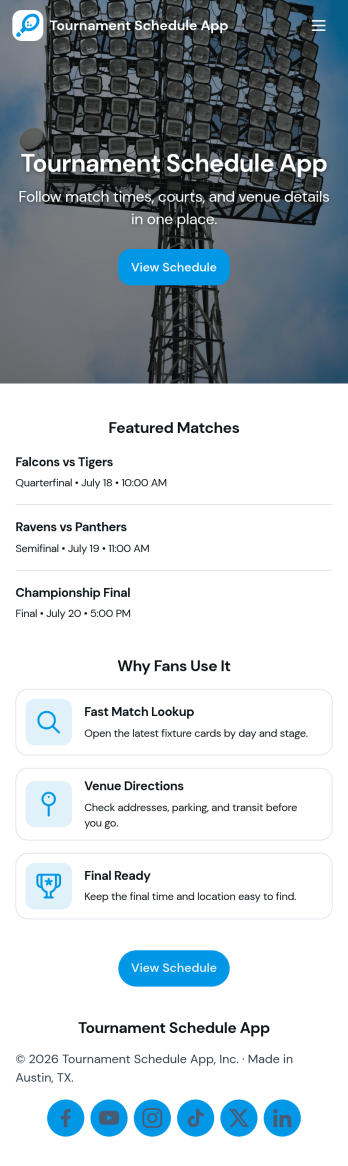
Tournament Schedule App
A tournament schedule app brings teams, matchups, and key game details into one place so organizers and participants can stay aligned throughout an event. This template helps you collect team registrations, schedule matches, and browse upcoming games in an easy, mobile-friendly layout. It’s a strong fit for sports leagues, school athletics, esports organizers, community rec centers, and clubs running single-day tournaments or multi-week brackets where last-minute changes can quickly cause confusion.Built with Jotform, this app template combines self-service access with structured data collection and an organized workflow. Use the no-code app builder and drag-and-drop interface to adjust pages, update navigation, and connect your team and match forms to Jotform Tables for clearer oversight. Share the app link with players and staff, keep schedules accessible, and manage tournament information without juggling spreadsheets, group chats, or scattered updates.
Go to Category:Event Planner Apps