Expenses Receipt App helps teams and individuals capture receipts, organize expenses, and keep a clear record for reimbursements, budgeting, or bookkeeping. Use it to snap and submit receipts as they happen, review an expense log by category, and check a simple summary view when you need a quick snapshot of spending. It’s a practical fit for small businesses, field teams, frequent travelers, project managers, and anyone who wants fewer lost receipts and faster follow-ups.
Jotform makes it easy to turn this use case into a polished self-service experience with customizable App Templates and a no-code app builder. With a drag-and-drop interface, you can tailor the pages, buttons, and navigation to match your process, then connect receipt intake to data collection in Jotform Forms and organize entries in connected tables. Share the app with a link or QR code so people can submit receipts on the go and keep your expense workflow moving without extra tools.
Related templates
Reimbursement App
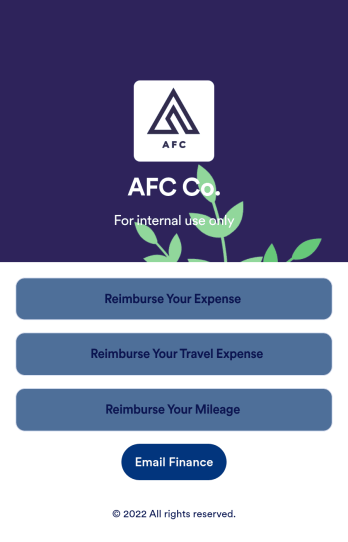
Jotform's Reimbursement App template is designed to streamline the process of submitting and managing expense reports. Ideal for corporate employees, freelancers, and small business owners, this no-code app builder allows users to easily log business or travel expenses, upload and organize receipts, and submit reports for approval. The Reimbursement App allows users to customize forms, add e-signature fields, and integrate with payment gateways, simplifying the reimbursement process for all users. Looking for a hassle-free way to manage expense reports and reimbursements? Look no further than Jotform's Reimbursement App. With a drag-and-drop builder, powerful app elements, and over 70 widgets to choose from, creating a customized app has never been easier. Add e-signature documents for quick approvals, connect with payment gateways for seamless transactions, and enjoy the flexibility of building a unique app that fits your specific needs. Plus, with features like advanced sharing options, custom URLs, and push notifications, staying on top of expense management has never been more convenient.
Go to Category:Finance Apps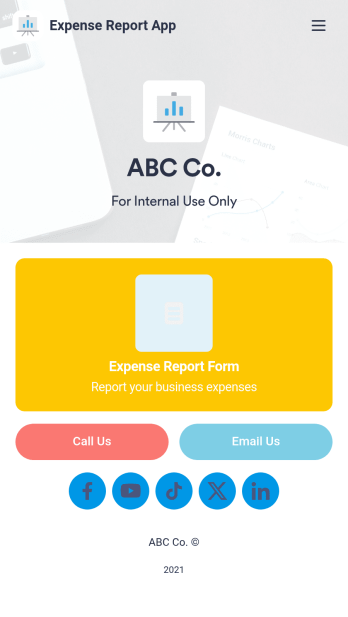
Expense Report App
An expense report app is used by companies for keeping track of employee expenses. This free Expense Report App allows employees to log business expenses by filling out a form with general contact information, cost, description, date and time, and payment and expense type. There is also an upload form for employees to attach any relevant documents and receipts. Expense reports are immediately synced and stored securely in your account, and can be sorted, filtered, and exported from any device.Customize this app template in no time using Jotform’s drag-and-drop form builder. You can easily add or swap out form elements, change text, customize your app icon and splash page, and more — no coding necessary. Share a link to your app in an email or embed it in your website, and employees can access and download it on any smartphone, tablet, or computer for future use. Keep track of all your employees’ business expenses with this Expense Report App.
Go to Category:Company Portal Apps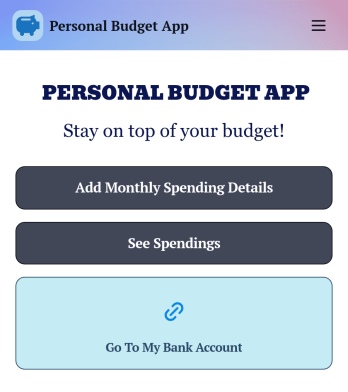
Personal Budget App
Track your expenses and income in a free Personal Budget App from Jotform! The app includes a Monthly Spending Details Form where you can add your spending information to create a complete record of money you have earned and the items you have bought. All submissions through the app are stored securely in your Jotform account, on an easy to access Personal Budget spreadsheet on any device.Make changes to this free app template with our drag-and-drop builder. Update the app icon, background image, and add as many forms, links, documents, images, and buttons as you’d like. Once your app is looking great, download it onto your computer, smartphone or tablet to start collecting budget details instantly on the go. Save time and track your budget online with a free Personal Budget App.
Go to Category:Finance & Accounting Portal Apps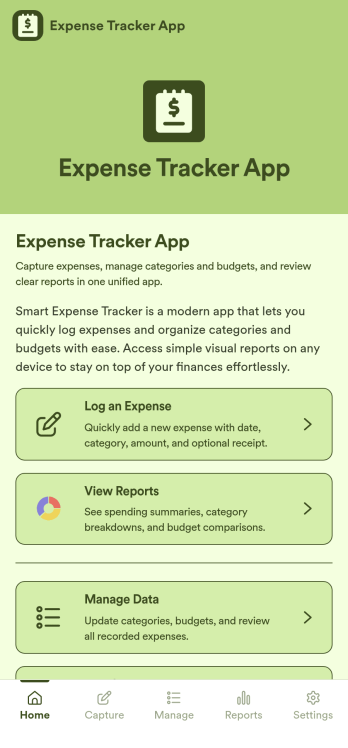
Expense Tracker App
Expense Tracker App is an app template designed to simplify and streamline the process of recording and monitoring expenses for businesses, freelancers, finance teams, and individuals. This robust app is built for making budgeting and expense management easier and more efficient, centralizing all expense data into one accessible location. Whether it’s for tracking daily operational costs, monitoring project expenses, or consolidating personal financial records, this app serves as a solid foundation for maintaining financial discipline and visibility. The app collects data related to the expenses, such as cost categories, transaction details, and corresponding notes, offering users a comprehensive view of their spending patterns. Its ready-to-use design makes it ideal for those seeking to improve their financial tracking without the need for complex setups or configurations. It's best for those who manage multiple expenses and need a reliable, convenient platform to monitor their financial activities.Jotform’s Expense Tracker App is easy to use and customizable, making it an excellent choice for all types of users, regardless of their technical expertise. The drag-and-drop interface allows for easy customization of the app to cater to specific financial tracking needs. Users can easily modify forms, adjust color schemes, and even add their logo, enhancing user experience and reinforcing their brand. The added convenience of electronic signature collection provides an additional layer of verification for expense records, enhancing accountability within teams. Moreover, Jotform’s platform supports seamless data collection, making it easier to generate comprehensive sheets and reports for analysis or audit purposes. Take control of your budgeting and expense management with Jotform’s Expense Tracker App.
Go to Category:Finance & Accounting Portal Apps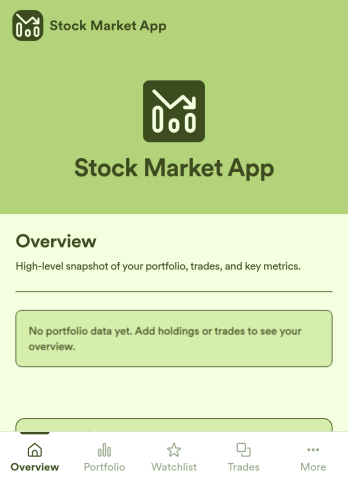
Stock Market App
Stock Market App is an app template designed to centralize and streamline financial data collection for financial service providers, fintech startups, investment platforms, and organizations. Its main purpose is to serve as a reliable platform for tracking stock market activity, monitoring investments, and providing users with a comprehensive view of their financial information in one system. With its ready-to-use functionality, this app template is an efficient solution for financial coordinators seeking to eliminate scattered data sources and bring consistency to their investment monitoring processes. The Stock Market App collects relevant financial data, making it a must-have for firms looking to simplify and optimize their investment tracking, especially in an environment of fast-paced stock market dynamics.Jotform’s no-code, drag-and-drop interface helps financial service providers easily customize their Stock Market App with their branding, fonts, and colors without the need for technical know-how. The addition of e-signature capabilities further streamlines data collection by enabling users to authenticate and approve transactions directly within the app. Ease of use is at the heart of Jotform's offering, and this extends to sharing and accessibility as well. The Stock Market App can be accessed on any smartphone, tablet, or desktop, and installed directly to users' home screens without requiring an App Store download. This seamless experience, combined with Jotform’s commitment to providing ready-to-use, effective solutions, makes the Stock Market App an invaluable addition to any financial service provider’s operational workflow.
Go to Category:Finance Apps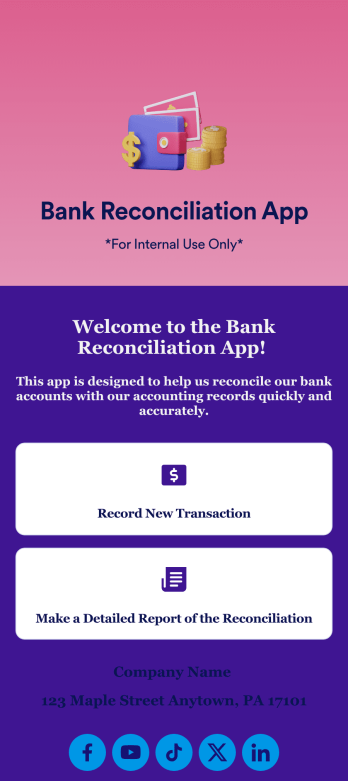
Bank Reconciliation App
Bank reconciliation is the process in which a bank account’s balance is reconciled to the amount reported by a financial institution according to the account’s most recent statement. To carry out this process in the easiest way possible, consider using Jotform to create a Bank Reconciliation App for internal use. Add forms to record new transactions, make detailed reports, and more! To share this app with others, simply link to it directly, share via QR code, or embed it in your online workspace.Need to make changes to how your Bank Reconciliation App looks? Just use our drag-and-drop app builder to do so. Upload personal branding assets, change fonts and colors, integrate with helpful payment or scheduling tools, edit letter text, and more depending on your needs. Make bank reconciliation easier for all parties with Jotform.
Go to Category:Finance Apps