
Facility Sign Ordering App gives facility teams a centralized way to request signs for offices, campuses, warehouses, residential properties, and other managed locations. Employees, property managers, maintenance teams, contractors, and operations departments can browse a sign catalog, review purpose and placement information, submit an order request, and check its current status. Clear records for sign type, quantity, installation needs, facility name, and delivery address help teams reduce incomplete requests and keep purchasing work organized. This app template is particularly useful for organizations that manage several buildings or receive recurring requests for directional, informational, operational, and safety signage.
Jotform App Templates make it easy to adapt this experience without coding. Using Jotform’s no-code app builder and drag-and-drop interface, teams can update pages, add branded visual elements, connect forms and tables, and arrange content around their workflow. The app can support data collection and self-service access while keeping catalog browsing, order intake, and status information in one mobile-friendly destination. Once customized, it can be shared through a direct link or QR code, helping staff and approved partners place requests from nearly any device.
Related templates
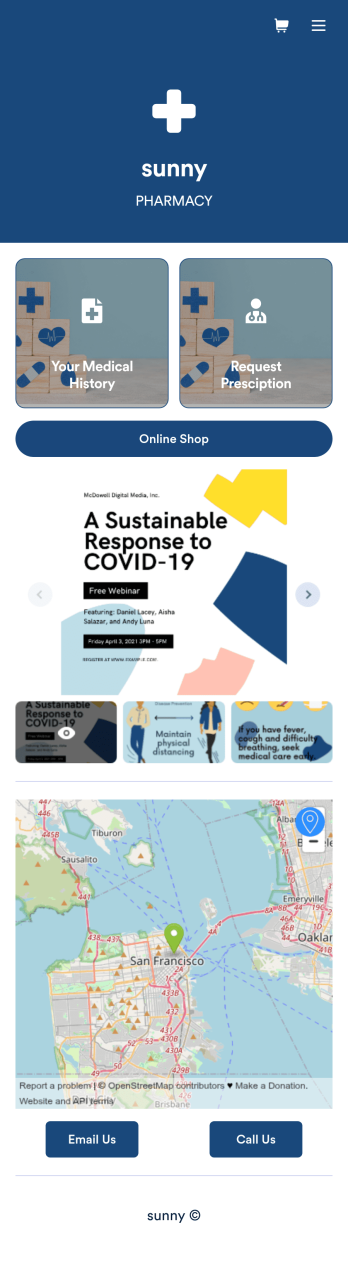
Pharmacy App
A pharmacy app is used by pharmacies for logging patient data and filling prescriptions. Need to know how to sell prescriptions online? Patients can download this Pharmacy App on any device and fill out a form with their personal and medical information, make prescription requests, and schedule COVID-19 vaccination appointments. This app also includes a COVID-19 consent form that patients can digitally sign prior to their appointment. Patient data and prescription refill requests are stored in your secure Jotform account for ease of access.Want to make this app template your own? No problem — just use Jotform’s no-code app builder to drag and drop form elements, choose fonts and colors, upload images, customize your app icon, and more. You can also use your splash screen to add informative content and make announcements. When you're finished customizing, share your app by embedding a link in your website or email newsletter. Manage your pharmacy from one convenient location with this free Pharmacy App from Jotform.
Go to Category:Delivery Apps
Grocery Delivery App
A grocery delivery app is used by grocery stores for online grocery orders. Need to find out how to sell groceries online? With this Grocery Delivery App, customers can browse your inventory, purchase items, and fill out a form with their general contact information and delivery address. From your splash screen, you can run promotional campaigns and showcase various items, as well as display pick-up and delivery hours. Grocery orders are instantly synced to your secure Jotform account, where you can browse, sort, filter, and search them from any device.Make this app template your own with no coding using our drag-and-drop form builder. You can add or change form elements, choose fonts and colors, upload your logo or thumbnail images of your products, connect an online payment form, and more. After you’re finished customizing your app, simply share it on your website or social media with a link, and customers can download it on any smartphone, tablet, or desktop. Sell grocery orders online for delivery with this Grocery Delivery App from Jotform.
Go to Category:Delivery Apps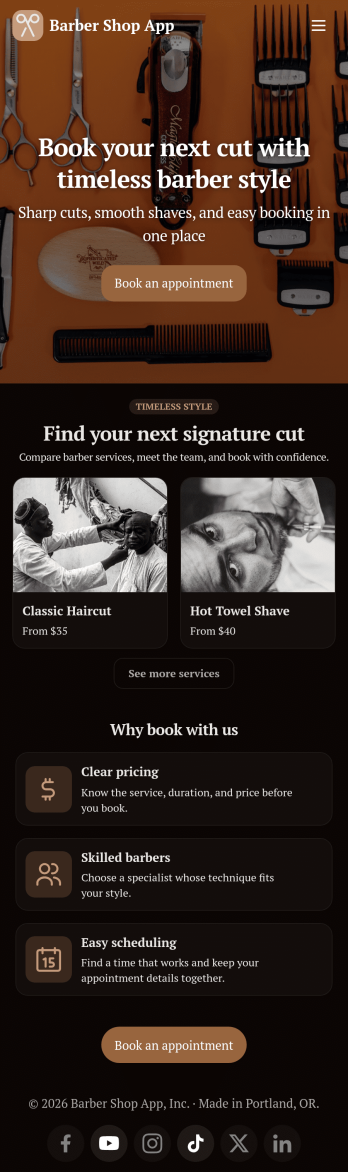
Barber Shop App
As a barber, you want to focus on your clients’ hair, not on booking appointments — so simplify the process for everyone with this Barbershop App! This free app template is ready to use and includes forms so you can schedule appointments and sell barber shop products online directly from your store. Customers can also fill out and update their profile, as well as write testimonials that you can display on your splash page. Your app can be easily accessed and downloaded to any smartphone, tablet, or computer for future use.This Barbershop App can be fully customized to match the branding of your barbershop. Our drag-and-drop interface allows you to add forms, upload logos and images, change fonts and colors, and more — no coding required. Jotform’s List Element feature lets you connect Tables and add actions, making it easy to organize data and manage your app’s flow. Once you’re satisfied with the look and have set the app up to sell your barbershop products online, simply share the link to your website or social media and start booking hair appointments today with this free and fully customizable Barbershop App!
Go to Category:Appointment & Booking Apps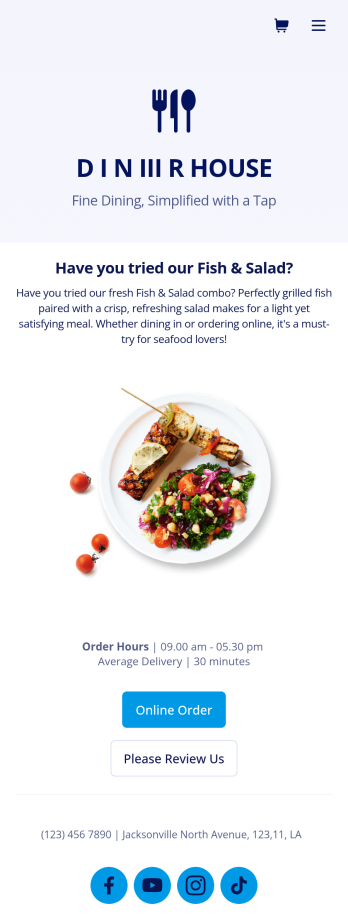
Food Delivery App
A food delivery app is used by food delivery services to communicate with customers, and drivers, while also providing an enhanced customer experience. This template is ideal for restaurants, food trucks, or anyone who may deliver the food ordered by their customers. Wondering how to sell food deliveries online? Whether you've got a restaurant, diner, or small cafe, our Food Delivery App is the perfect way to take online delivery orders and payments. This app template comes readymade with a product list where customers can view your menu and input their delivery address and payment information. You can even showcase signature and seasonal dishes, run promotional campaigns, and gather feedback. Customers can open and download your app on any smartphone, tablet, or computer.Want to make this Food Delivery App your own? Our drag-and-drop interface allows you to add forms, change fonts and colors, upload your logo and thumbnail images for menu items, and completely customize the look of your app icon — with no coding necessary. After that, simply share the link on your website or social media and you’re off and running. Start taking online delivery orders today to sell food deliveries online with this free Food Delivery App!Please refer to our article for further tips on creating a food ordering and delivery app.
Go to Category:Delivery Apps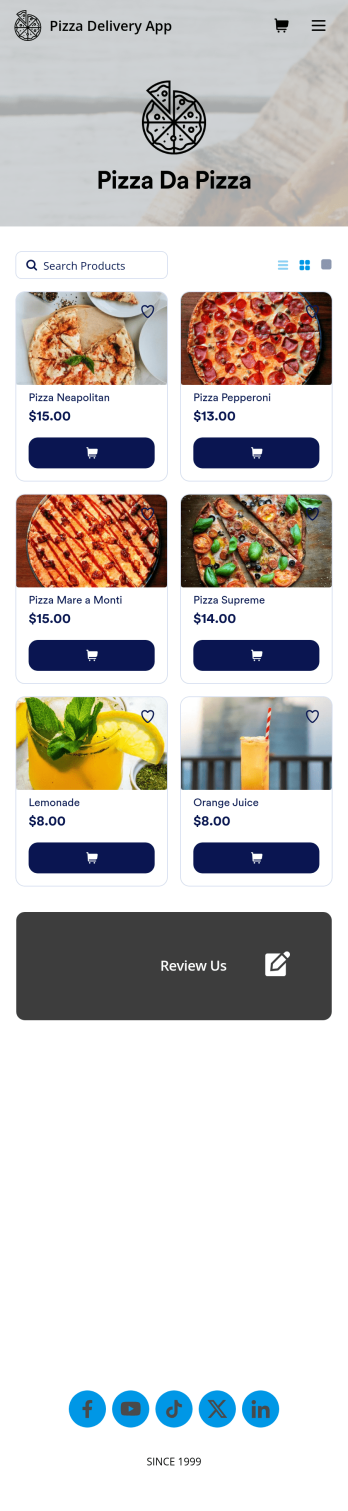
Custom Pizza Delivery App
Need to know how to sell pizza online to take your business to next level? Give your customers an easier way to order pizzas for delivery with this free Pizza Delivery App from Jotform. Start by adding your pizza and topping options to the app using our drag-and-drop builder, then connect the app with your preferred payment gateway to gather payments online — all while paying no extra transaction fees to Jotform! All orders are stored in your Jotform account, ready to be viewed, prepared, and delivered by you and your team.Need to make other changes to this Pizza Delivery App template? Drag and drop to add your company logo, change fonts and colors, and make other design updates with no coding. Not only does the app’s order form integrate with 30+ gateways like PayPal, Stripe, and Square, but it also connects with 100+ apps so you can track orders in other accounts too. Ditch time-consuming phone calls and enjoy a more efficient way to sell pizza online with a Pizza Delivery App.
Go to Category:Delivery Apps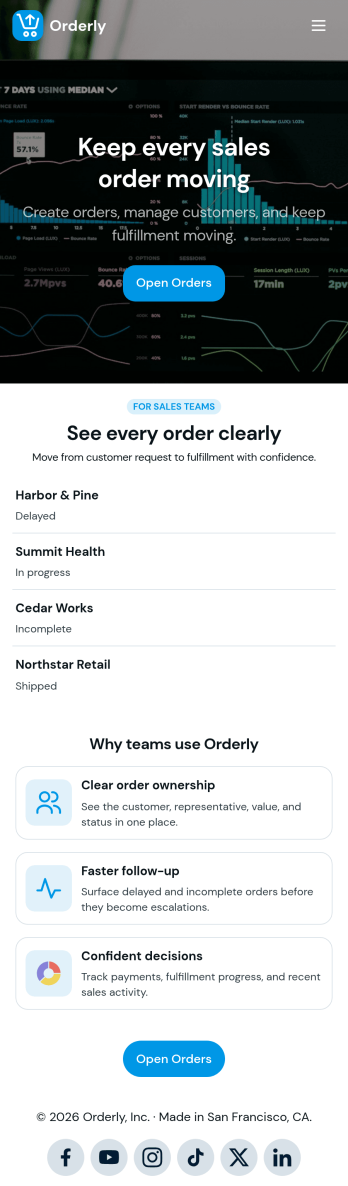
Sales Order App
This Sales Order App provides one convenient location for your customers to place and cancel sales orders. From this readymade app, customers can fill out account and shipping information, choose item and quantity numbers, and pay for their orders by card or PayPal. There is also a separate form for leaving feedback, and you can share testimonials on your splash page. Customers can access and download your app to their smartphone, tablet, or desktop computer for future use.Want to change the look of your Sales Order App? Our drag-and-drop interface makes customization a snap! With a few clicks, you can add forms, choose fonts and colors, upload your own logo, update the app icon and splash page, and more—no coding necessary. With Jotform’s Require Login feature, you can secure your app pages by requiring users to sign in before accessing certain content or features. Once you’re satisfied with your app’s design, simply share a link with your customers and they can start making orders from any device. Simplify your ordering process with this free Sales Order App!
Go to Category:Customer Portal Apps