Field Sales Management App helps outside sales teams organize customer accounts, track in-person activity, and keep deals moving while they’re on the road. Use it to maintain a live customer list, log visits right after a meeting, and monitor your pipeline so handoffs and follow-ups don’t get lost. It’s a practical fit for B2B sales reps, territory managers, distributors, and service-led sales teams who need one place to review active accounts, see upcoming follow-ups, and quickly pull up the right customer record before a call.
With Jotform App Templates, you can launch a mobile-friendly sales workspace that connects your app experience to forms and tables for consistent data collection. Build and tailor pages with a no-code app builder and a drag-and-drop interface, then link actions like adding customers and logging visits to the right workflows. Share the app with your team, keep records centralized, and use role-based views to support self-service access to the data each rep needs.
Related templates
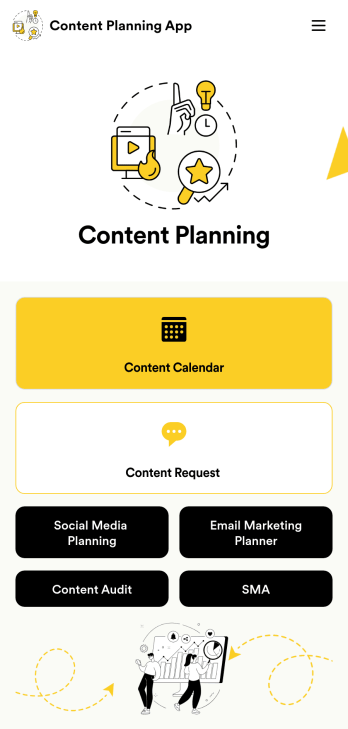
Content Planning App
A content planning app is commonly used by marketing teams to manage content calendars. With Jotform Apps, you can build your own Content Planning App for free. Add a content calendar, brainstorm notes, content audits, and so much more. You can even integrate your app with 250+ platforms to send data straight to your other marketing accounts — all with no coding required.Customizing your Content Planning App is easy and intuitive with Jotform’s drag-and-drop builder. Add or remove forms, switch up fonts and colors, choose a unique app icon, upload branding assets and images, and so much more. Once you’re happy with your app, all you need to do is share it with your team. Embed it in your online workspace or send it via link so your team members can download it to their mobile, tablet, or desktop device.
Go to Category:Company Portal Apps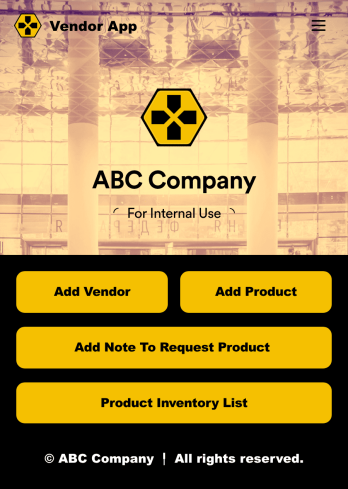
Vendor App
This ready-to-use app comes with a product inventory list via Jotform Tables, as well as forms for adding vendors or products and collecting product requests. You’ll be able to access, share, and download the app from any smartphone, tablet, or computer.Make modifications to your Vendor App in just a few clicks with our drag-and-drop interface. Feel free to create and add new forms, upload your company branding, and change the app icon, name, and splash page for a more personalized look and feel. When it’s ready, you can share your app with others by sending a link that can be opened on any device. Make vendor management a breeze!
Go to Category:Retail Apps
Expense Report App
An expense report app is used by companies for keeping track of employee expenses. This free Expense Report App allows employees to log business expenses by filling out a form with general contact information, cost, description, date and time, and payment and expense type. There is also an upload form for employees to attach any relevant documents and receipts. Expense reports are immediately synced and stored securely in your account, and can be sorted, filtered, and exported from any device.Customize this app template in no time using Jotform’s drag-and-drop form builder. You can easily add or swap out form elements, change text, customize your app icon and splash page, and more — no coding necessary. Share a link to your app in an email or embed it in your website, and employees can access and download it on any smartphone, tablet, or computer for future use. Keep track of all your employees’ business expenses with this Expense Report App.
Go to Category:Company Portal Apps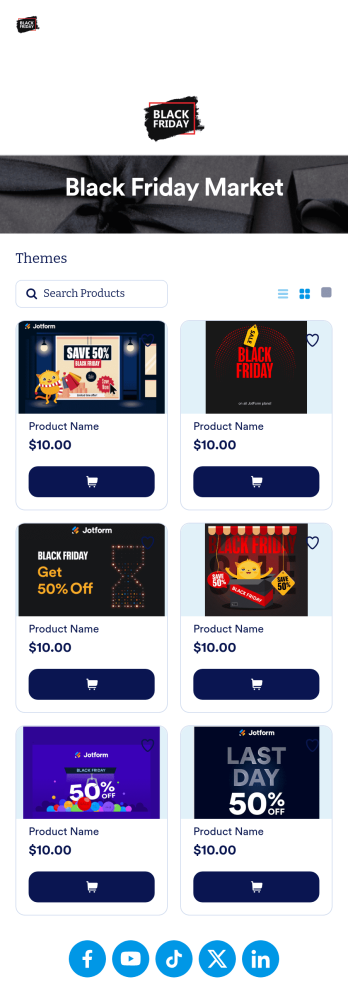
Black Friday App
Does your store need an easy way to sell your Black Friday merchandise and notify shoppers of hot deals? Look no further than this ready-made Black Friday App from Jotform. Add items, item descriptions, current deals and coupons, and more depending on your business’ needs. Then simply share your app with customers via email, QR code, or by linking straight to your mobile app in your social media bios.Use this Black Friday App ready-made, or customize it to match your store’s look and feel in just a few clicks. Our drag-and-drop builder makes it simple to add your own personal touch. Pick fonts and colors you like, upload images, integrate with helpful payment processors, and more. Engage smarter with your customers with this Black Friday App from Jotform.
Go to Category:Product Selling Apps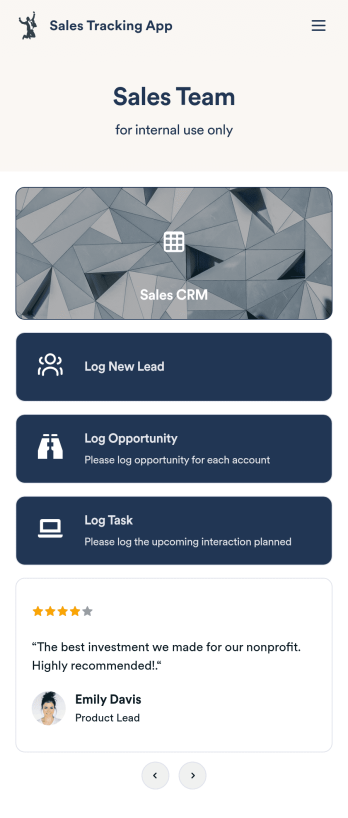
Customizable Sales Tracking App
A sales tracking app enables you to track your sales from any device. Get started with our free Sales Tracking App for businesses of all sizes. This ready-to-use app bundles multiple forms that you can sync to your CRM, so you can create a seamless workflow for generating leads and logging tasks. To get started, customize the template for your company using our drag-and-drop app builder. When you’re satisfied with the look and feel of your app, download it on your smartphone, tablet, or desktop computer, or share it with other members of your sales team to save onto their own devices.Customizing this Sales Tracking App for your sales team won’t require any coding. In just a few clicks, you can create new forms, integrate them with your CRM, embed links, add images and buttons, and change app settings such as name, icon, and splash screen for a fully-custom experience. To share it, just copy and paste the app link in emails or messages to your sales team members. Your Sales Tracking App will be easy to pull up on any device, so you can track and grow sales no matter where you are — even on the go.
Go to Category:Company Portal Apps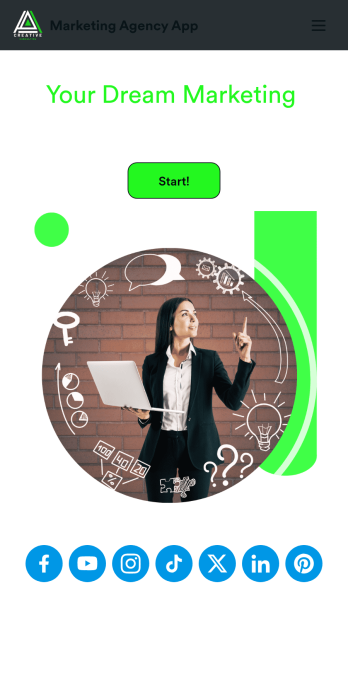
Marketing Agency App
Reach a wider audience and take your marketing agency online with a branded app from Jotform Apps. With this ready-made Marketing Agency App, you can showcase your offered services, marketing portfolio, and link to your social media accounts. Clients can access and download your app onto any smartphone, tablet, or desktop computer in seconds.Want to personalize this Marketing Agency App to suit your needs? No problem! Jotform’s drag-and-drop builder makes it easy to add form elements, install helpful widgets and integrations, change fonts and colors, upload your agency’s unique branding, and much more without any coding or design knowledge. Share your app by sending email invitations, including the app link in social media accounts and posts, or by seamlessly embedding it in your company website with a simple copy-paste code.
Go to Category:Consulting Apps