
Field Service Quotation App is an app template for contractors, maintenance providers, repair teams, and home service businesses that need to turn incoming service requests into clear quotations. Customers can submit a request with contact details, a service address, and a preferred date, while office staff or field teams can review each request before preparing an estimate. Key quotation details such as expected duration, amount, and status remain easy to access. This shared process reduces scattered messages, gives teams better visibility into prospective jobs, and supports faster responses from initial inquiry through quotation review.
Jotform offers ready-to-use App Templates that can be adapted with a no-code app builder and an intuitive drag-and-drop interface. Customize the Field Service Quotation App with your branding, reorganize pages, and connect forms, tables, notifications, approvals, or payment workflows as your operation grows. The app builder brings data collection, request handling, and customer self-service into one mobile-friendly experience. Publish the finished app through a direct link or QR code so customers and employees can access the right actions from virtually any device.
Related templates
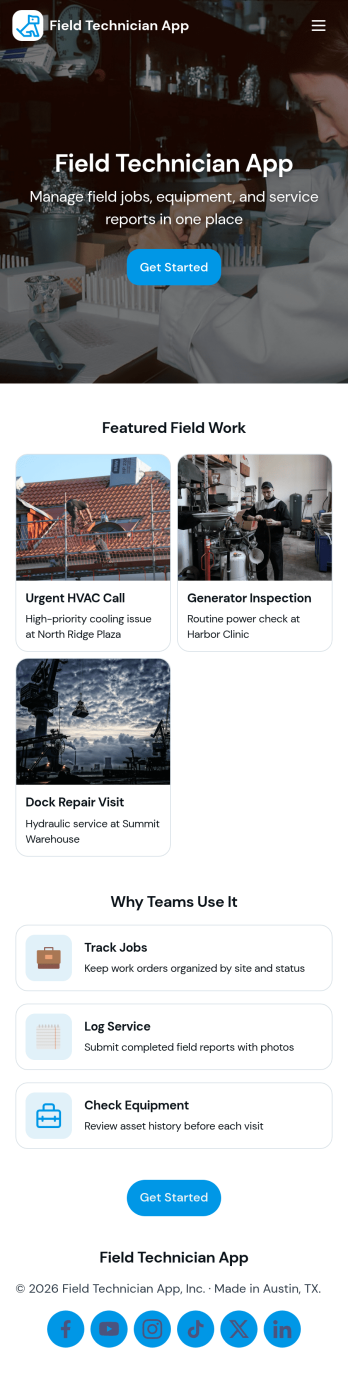
Field Technician App
Field Technician App brings open jobs, job details, and on-site visit logging into one mobile-friendly place for teams that work in the field. It’s built for service managers and coordinators who need technicians to see assigned work, review customer and asset information, and record what happened on a visit without chasing updates through calls or scattered notes. With pages for Open Jobs and job records, plus a simple Log Visit action, this app helps keep day-to-day service work organized while technicians move from site to site.Jotform makes it easy to publish this kind of self-service experience using App Templates and a no-code app builder with a drag-and-drop interface. Connect the app to your existing workflow for data collection, route field updates into the same records your office team relies on, and keep information current with quick refresh actions. You can customize navigation, add your branding, and share the app with your team using a link or QR code so everyone stays aligned from dispatch to completion.
Go to Category:Home Services Apps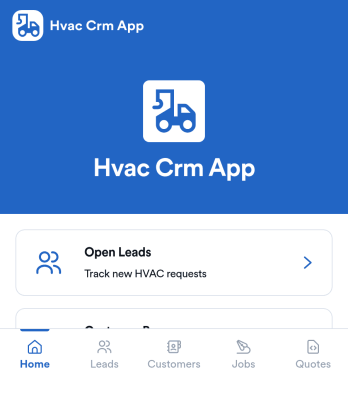
Hvac Crm App
HVAC Crm App helps heating and cooling businesses manage sales and customer relationships in one place, from capturing new inquiries to tracking active jobs and keeping customer histories organized. Use it to review open leads, browse your customer base, create jobs from qualified opportunities, and add customer notes so your team always has the latest context before a call, site visit, or follow-up.Built with Jotform App Templates, this app template can be tailored in a no-code app builder with a drag-and-drop interface, so you can match your workflow without technical overhead. Connect the app to forms and tables for consistent data collection, route updates to the right people, and share a self-service experience with your office staff or field team using a simple link or QR code.
Go to Category:CRM Apps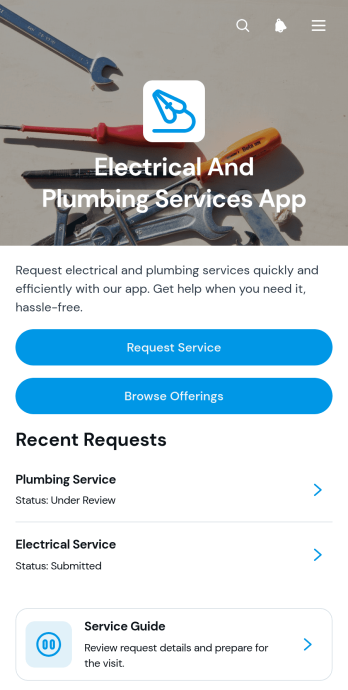
Electrical And Plumbing Services App
Electrical And Plumbing Services App gives electricians, plumbers, contractors, property maintenance teams, and home service businesses one convenient place to present services and receive customer requests. Customers can browse available electrical and plumbing offerings, review essential details such as what is included and starting prices, and submit a request with their issue, address, and preferred date. Teams can also display request summaries and current service statuses, helping customers understand what comes next without relying on scattered calls or messages. This app template is well suited to residential repairs, commercial maintenance, property management support, installation work, and recurring service operations.Jotform App Templates help businesses turn service information and connected processes into accessible digital experiences. Using Jotform’s no-code app builder and drag-and-drop interface, teams can customize pages, buttons, colors, fonts, and navigation to match their operations and visual identity. Forms and tables can support data collection, record organization, notifications, and workflow updates from one connected workspace. Once the app is ready, it can be shared through a direct link or QR code for convenient mobile access. This makes it easier to provide self-service options, organize incoming jobs, maintain accurate service records, and adapt the experience as business needs change.
Go to Category:Home Services Apps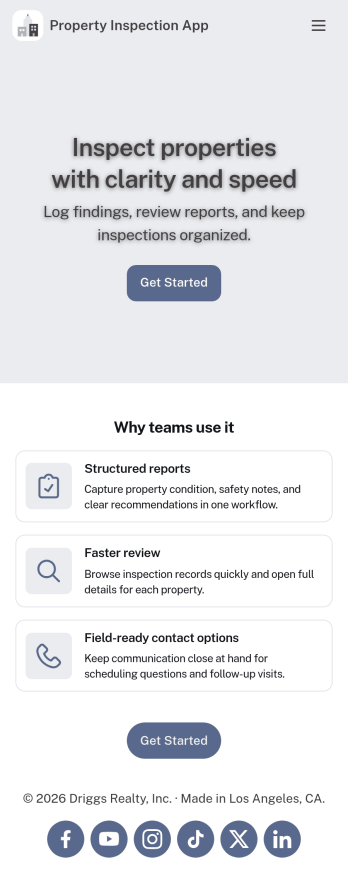
Property Inspection App
A property inspection app makes it easy for property inspectors and contractors to record and submit reports from any device. Build your own Property Inspection App without any coding using our free, fully-customizable template. This ready-to-use app comes with an online Rental Inspection Report Form that can be easily filled out from your smartphone or tablet. Submitted inspection reports and repair requests will be stored in your secure Jotform account, ready to view, download, and share.Customize your Property Inspection App without any coding. Simply drag and drop to add other report forms, embed links to other websites, upload branding elements, and change app settings such as name and icon. When it’s ready to use, you can download it onto your favorite device for easy access and share it with others via app link. Make it easier to identify, record, and solve issues in a rental property or building with an easy-to-use and fully-customizable Property Inspection App in hand.
Go to Category:Home Inspection Apps
Forest Metrics Calculator App
The Forest Metrics Calculator App is an app template for recording field measurements and reviewing calculated forest indicators in one accessible workspace. Forestry consultants, land managers, field crews, researchers, educators, and conservation teams can use it to document new measurements, browse practical guidance, and view results by tree species. It supports consistent data collection across plots while bringing key figures such as plot area, tree count, average dimensions, and carbon estimates into a clear results view. Formula and notes sections also help users review how each metric is interpreted before using findings in assessments, planning, teaching, or project reports.Jotform makes this App Template easy to adapt with a no-code app builder and an intuitive drag-and-drop interface. Teams can update pages, navigation, visual branding, guidance, and connected forms without programming, then organize the complete measurement workflow for convenient self-service access. The app can be shared through a direct link or QR code and opened on mobile devices, helping crews collect information in the field while office teams access the same connected process. Jotform also supports tables, notifications, approvals, and other workflows when broader review or recordkeeping is needed.
Go to Category:Estimation Apps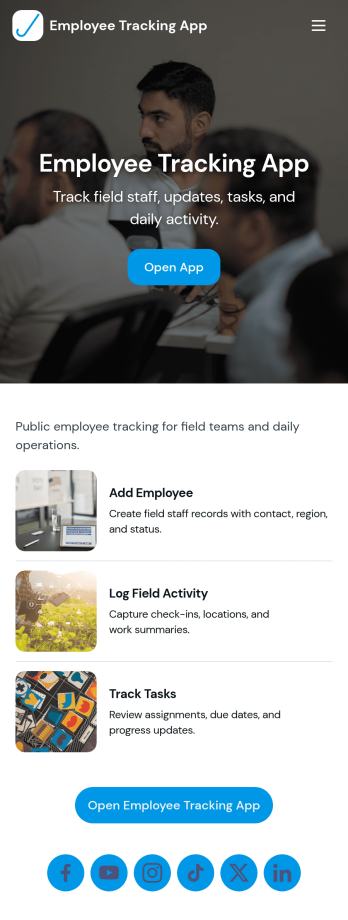
Field Employee Tracking App
Field Employee Tracking App helps teams monitor and coordinate employees who work off-site by keeping key details, check-ins, and daily activity in one place. Use it to maintain an employee list, capture new check-ins from the field, and review activity records without relying on scattered messages or spreadsheets. It fits supervisors managing mobile crews, operations teams overseeing routes or service calls, and HR or admin staff who need a clear view of who is working where and when.With Jotform, you can turn this app template into a branded self-service experience using a no-code app builder and a drag-and-drop interface. Connect the app to forms and tables for ongoing data collection, keep records organized for fast lookup, and share access with the right people through a simple link. As your workflow evolves, you can adjust pages, buttons, and navigation so the app matches how your field team actually works.
Go to Category:Activity Tracking Apps