Pest Control App helps pest control businesses and home service teams offer a simple, customer-friendly way to request treatment, explore common pests, and understand pricing before booking. Visitors can submit a service request, browse pest information to identify what they’re dealing with, and quickly reach your team using built-in contact options like phone, email, and a website link. It’s a practical fit for local exterminators, property managers, and facilities teams who want to reduce missed calls, standardize intake details, and guide customers to the right service faster.
With Jotform, you can customize this app template using a no-code app builder and a drag-and-drop interface, then connect it to your forms for consistent data collection. Update service offerings, adjust pricing details, and route requests to the right workflow without rebuilding your process. Share the app through a link or QR code so customers can self-service from any device while your team stays organized with a central place for requests and updates.
Related templates
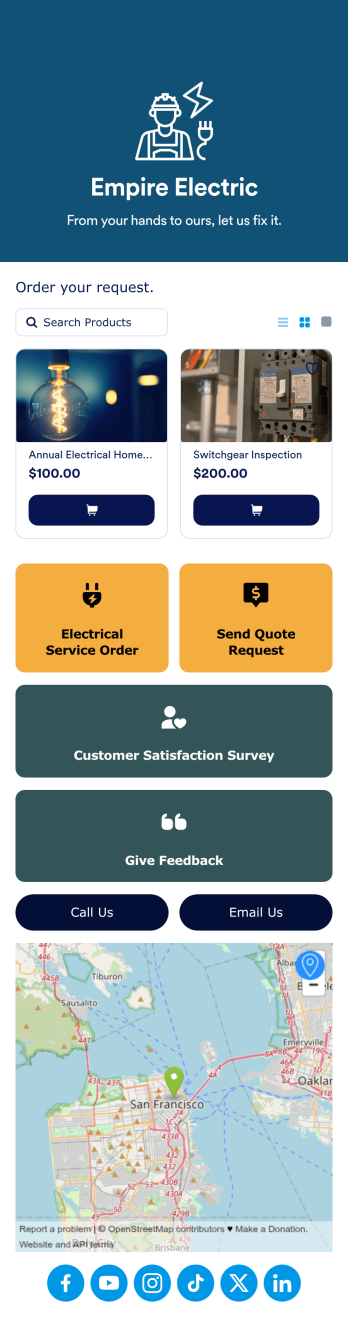
Electrician App
Create a one-stop shop for your electrician business with Jotform’s free Electrician App. Build an app from scratch or get started right away with one of our ready-made app templates — then customize it to match your business’s branding in seconds without any coding. Customers can download your app onto any device and put in electrical service orders, request quotes, give feedback, and take a customer satisfaction survey. You can even collect payments directly from your app with one of our 30+ payment gateways, including PayPal, Square, and Stripe — with no additional processing fees to Jotform.Personalize this Electrician App to fit your needs with Jotform’s powerful no-code app builder. Simply drag and drop to add new forms and pages, install widgets and integrations, choose fonts and colors, upload your branding, create a custom splash screen and app icon, and more. Share your custom app with customers by including the link in a text or email, generating a scannable QR code, or by seamlessly embedding it in your business’s website. Give your customers a convenient way to request quotes and electrical service orders with this fully customizable Electrician App.
Go to Category:Online Service Apps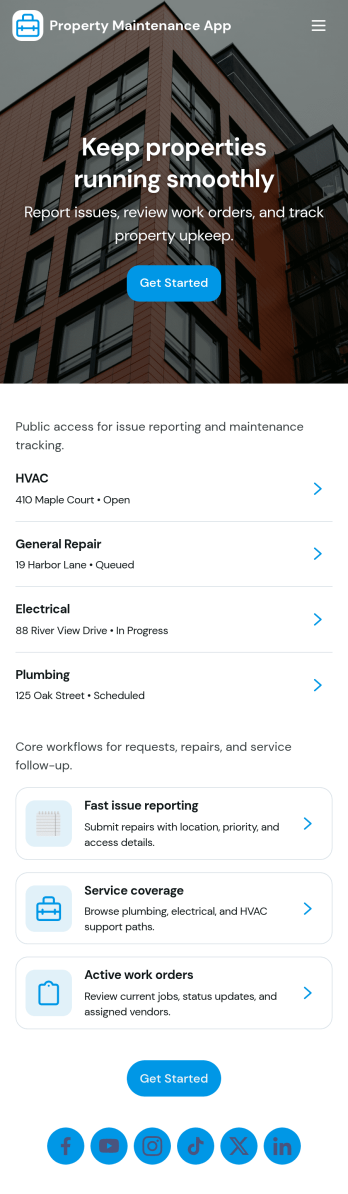
Property Maintenance App
Property Maintenance App gives teams a clear place to log maintenance issues, route them to the right property, and keep work moving without losing context. It’s a practical fit for property managers, landlords, HOAs, and service coordinators who handle recurring repairs across multiple locations and need an easy way to capture new requests, review properties, and follow what’s already been reported.Built with Jotform, this app template brings together self-service request intake and ongoing request visibility in one mobile-friendly experience. Using Jotform’s no-code app builder and drag-and-drop interface, you can tailor pages for your process, connect requests to your data collection, and centralize updates so your maintenance workflow stays organized as volume grows.
Go to Category:Equipment Maintenance Software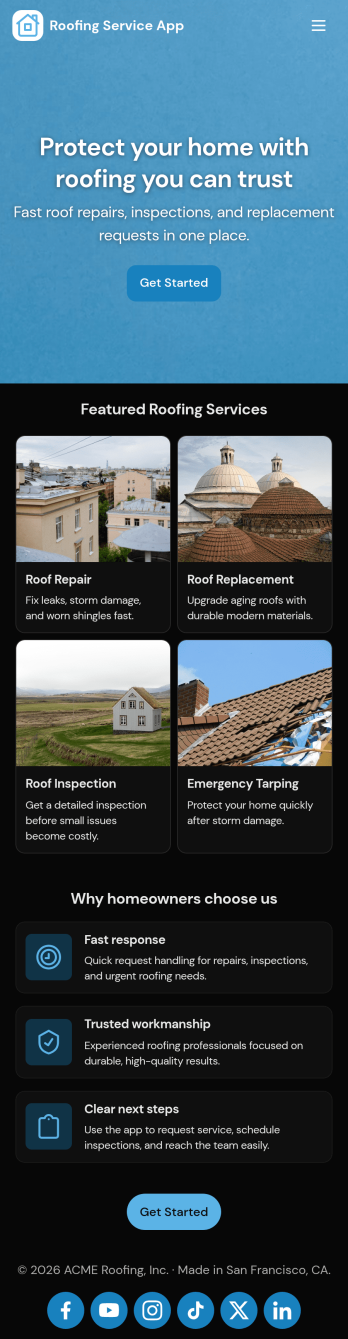
Roofing Service App
A roofing service app is used by roofing contractors to collect service requests, perform inspections, list their contact information, and more. Using this free Roofing Service App from Jotform, you can quickly and easily create your own mobile app! Simply use it as is or update it to better match your business. Then share it to be downloaded instantly.Feel free to customize this app with our drag-and-drop builder. Add your services and pricing, collect payments with 30+ payment processors, and update design elements by uploading your logo, choosing new fonts and colors, and splitting the app into multiple pages. Your custom Roofing Service App works great on any device, including both iOS and Android.
Go to Category:Online Service Apps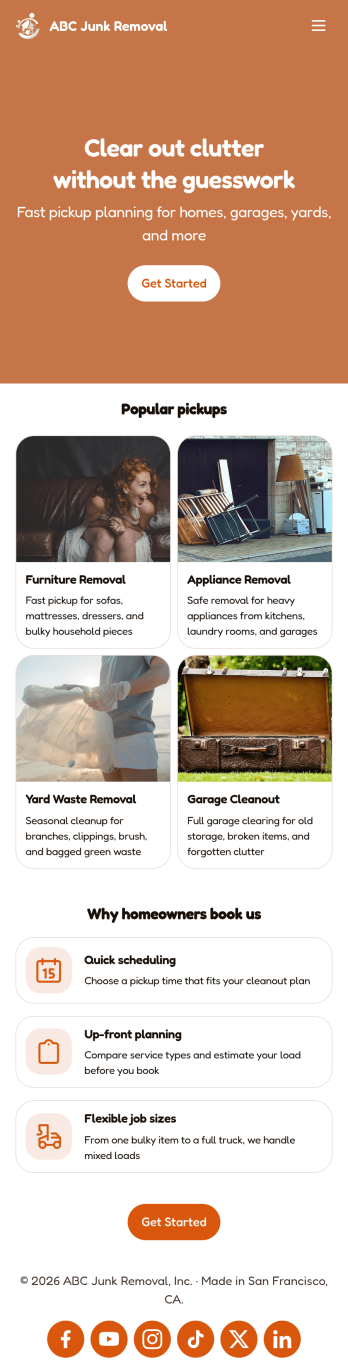
Junk Removal App
A junk removal app is a mobile application used by junk removal companies or contractors to collect junk removal requests from clients. Build your own Junk Removal App with Jotform Apps for free to start collecting requests on any device. Add previous client testimonials, collect donations and payments, include forms for various types of junk removal, and more.Need to customize the look of this Junk Removal App? No problem! Jotform’s easy-to-use online builder makes it easy to design your ideal app. Add or remove forms, change color scheme and font types, choose a unique app icon, and more. Once you’re happy with your app’s look and feel, all you need to do is share it with your clients.
Go to Category:Online Service Apps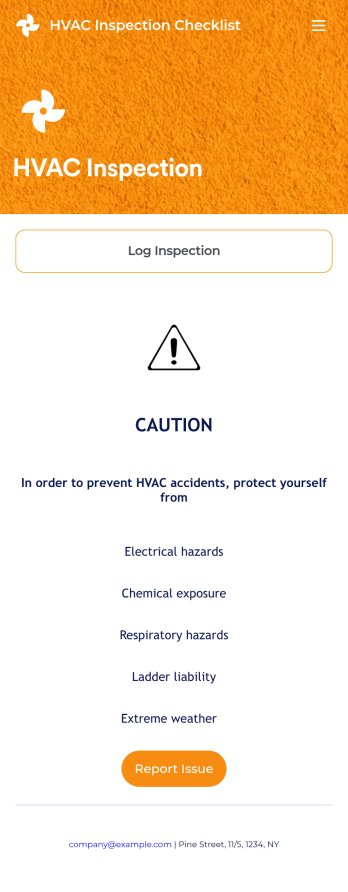
HVAC Inspection Checklist
An HVAC inspection app makes it easy for inspectors to inspect heating, ventilation, and air condition systems and log reports from any mobile device. If you’re a certified HVAC inspector or technician, create your own mobile app with our free HVAC Inspection Checklist App. This ready-to-use app template comes with an inspection report form where you can provide inspection details such as date and location, and check off inspection checklist items such as air intake, fans, and filters.Customizing your HVAC Inspection Checklist App for your specific needs will only take a few clicks. No coding required — simply drag and drop to update the checklist form, create and add new forms, embed links, include instructions or images, and change app settings such as name or icon. Once you’re satisfied with how your app looks, you can download and open it to any smartphone, tablet, or computer. Say goodbye to paper checklists with an efficient, easy-to-use HVAC Inspection Checklist App that keeps all your submitted reports in one secure place.
Go to Category:Checklist Apps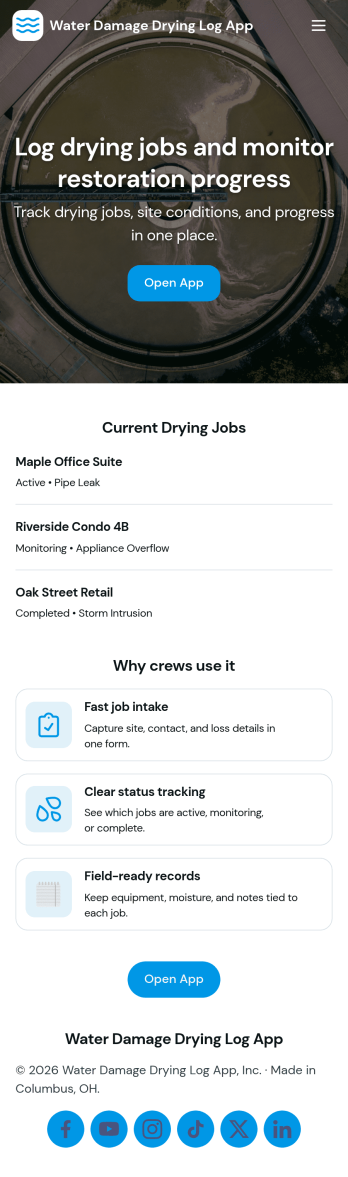
Water Damage Drying Log App
Water Damage Drying Log App helps restoration crews document drying progress across jobs and sites in a consistent, field-ready format. Use it to add drying logs on the spot, review job entries by job ID and site name, and keep notes organized for supervisors, project managers, and office staff who need quick visibility into what happened and when. It’s a practical fit for water mitigation teams, property services companies, and contractors managing multiple active locations, where missed details can slow down decisions and follow-ups.With Jotform, you can turn this app template into a branded, self-service experience using a no-code app builder and a drag-and-drop interface. Connect the app to forms and tables to support ongoing data collection, route updates through your workflow, and keep information easy to browse from a phone or tablet. Share the app by link or QR code so teams can log updates, check equipment, and stay aligned without switching between scattered tools.
Go to Category:Home Services Apps