Fire Pre Plan App helps fire safety teams and facility managers capture risk details, keep pre-incident plans organized, and maintain a practical asset register for faster decision-making during site visits and preparedness reviews. Use it to start a new risk intake for a property, review open plans that still need updates, and keep key assets recorded in one place so information is easier to find when it matters.
Built with Jotform, this app template pairs a drag-and-drop interface with connected forms and data views to support ongoing data collection and workflow follow-through. Share a single link with your team, route people to the right actions with clear navigation, and keep records accessible through list views and submission pages so planning and updates stay consistent across locations.
Related templates
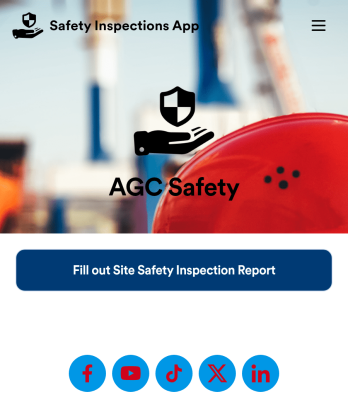
Safety Inspections App
Evaluate and report safety issues on construction sites with this fully-customizable Safety Inspection App from Jotform. This app template includes two forms: a Site Safety Inspection Form for recording construction site safety conditions, hazards, and safety practices, and a Safety Training Evaluation Form for gathering feedback from employees to determine if a safety program is adequate and effective. Once submitted, data from both forms is instantly synced and stored in your secure Jotform account.Customize this app template to your liking with our no-code app builder. Simply drag and drop to add form elements, integrations, and widgets, change form fields, choose fonts and colors, make a custom app icon and splash screen, and more. Download your mobile-ready app onto any device and share it with others by sending email invites or the app link. Keep detailed reports of construction site safety conditions and practices with this free Safety Inspections App.
Go to Category:Inspection Apps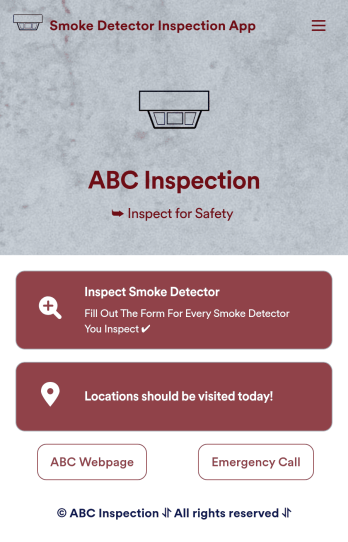
Smoke Detector Inspection App
A smoke detector inspection app is used by safety inspectors to log the working condition of smoke detectors within a building. This free Smoke Detector Inspection App allows inspectors to fill out a form with identification details for each smoke detector, as well as detail the overall condition of the smoke detector and any maintenance that was performed. There is a digital signature form at the bottom where inspectors can sign off on individual reports. These reports are compiled and stored securely in your account and can be viewed on any device.This app template is ready-made and requires no coding, but you can fully customize it with just a few clicks. Our drag-and-drop form builder enables you to add or change forms and text, choose fonts and colors, upload your logo, and more. Your app is easy to share, and can be accessed and downloaded on any smartphone, tablet, or desktop for future use. Keep your building safe with this customizable Smoke Detector Inspection App.
Go to Category:Inspection Apps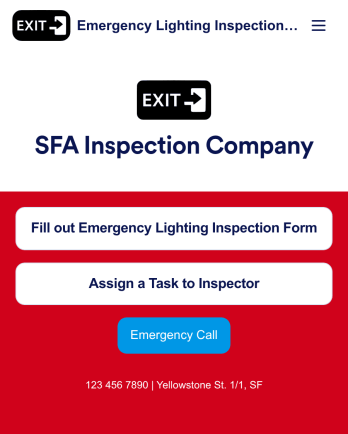
Emergency Lighting Inspection
An emergency lighting inspection app is used by safety inspectors to log reports ensuring that the proper emergency lighting is installed in a property or building. Inspectors can fill out an Emergency Lighting Inspection Form with details such as business name and address, inspection date, start and end times, and include general comments. There is also a safety checklist and an e-signature form to be signed by the inspector upon completion of a report. Managers can assign specific tasks and projects with an included Task Log Form.Want to customize this app template? No problem — Jotform’s intuitive app builder makes it easy to make changes without any coding knowledge. Just drag and drop to add form elements, edit text fields and checklist items, create additional forms and pages, choose fonts and colors, and more. Once you’re finished making changes, you can share your mobile-ready app with inspectors by sending email invites or the app link, where they can then download it on any device. Record and store emergency lighting inspection reports with this readymade app from Jotform.
Go to Category:Inspection Apps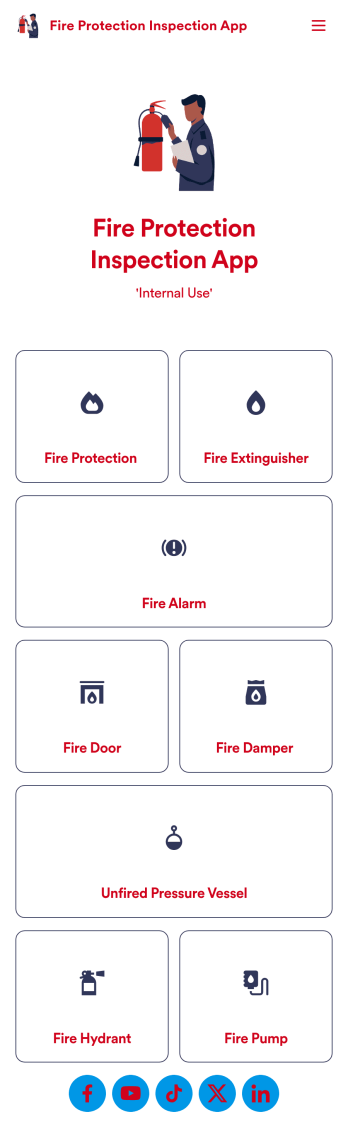
Fire Protection Inspection App
A fire protection inspection app is used to perform fire inspections on any device. Jotform’s free Fire Protection Inspection App allows members of your inspection company or organization to take note of what processes a building has in place to protect themselves from a fire disaster — such as fire extinguishers, fire alarms, and exit routes. Instead of completing inspections with paper forms, you can be more efficient and enter them directly into your mobile device.Want to make changes to the app design? Drag and drop to personalize the app icon or splash screen, add or remove forms, and make other updates with no coding. Every inspection collected through your custom Fire Protection Inspection App will be stored securely in your Jotform account, which you can use to view inspections in a spreadsheet in Jotform Tables, convert inspections into PDF documents with Jotform PDF Editor, and do more with a powerful suite of data management tools.
Go to Category:Inspection Apps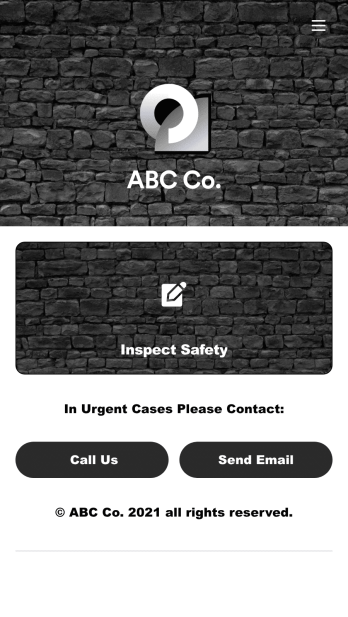
Safety Audit App
A safety audit app is used by safety auditors to perform safety inspections from their mobile devices. Have members of your inspection team perform audits without any messy paperwork using this free Safety Audit App. The app can be downloaded onto any computer, tablet, or smartphone to gather important data in the field — such as checks for fire prevention, equipment, first aid, and more.Customize this app template’s design without coding using our drag-and-drop app builder. Update items on your inspection checklist, include your company logo, change the app icon or background, and make other changes in seconds. You can then share the app via link or email to be downloaded onto iOS or Android devices. Save time and paper performing safety checks with a free Safety Audit App from Jotform.
Go to Category:Construction Apps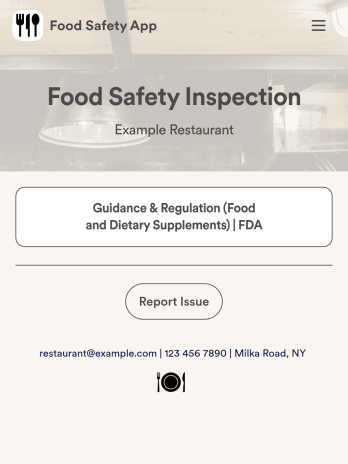
Food Safety App
A food safety app is used by restaurant managers and health inspectors to document food storage and preparation conditions of a restaurant kitchen. With this free Food Safety App from Jotform, you can fill out health and safety checklists for food preparation and contamination, as well as heated and frozen foods. Inspectors can date and sign their reports using a digital signature box at the bottom of the form. For convenience, a link to the FDA’s Guidance & Regulation web page is available on the main page of your app. Inspection reports are instantly synced to your secure Jotform account and can be accessed from any device.Customize this app template without any coding using our drag-and-drop interface. With a few clicks, you can swap out form elements, add checklists, upload images, choose fonts and colors, personalize your splash screen, and more. After you’re done, your app can be downloaded on any smartphone, tablet, or desktop with a shareable link. Make sure your restaurant is safe and hygienic with this Food Safety App from Jotform.
Go to Category:Inspection Apps