Floral Costing Dashboard App helps florists and floral businesses track stem costs, labor and overhead inputs, and waste percentage so pricing stays consistent from quote to delivery. Use it to browse floral items, open a cost dashboard for quick review, and add new cost records as prices change. It’s a practical fit for shop owners, studio florists, event teams, and managers who need clearer visibility into what each flower really costs before building arrangements, proposals, or retail pricing.
With Jotform, you can turn your costing workflow into a mobile-friendly experience using app templates and a no-code app builder. Customize pages with a drag-and-drop interface, connect the app to your underlying data collection, and keep cost records organized for faster decision-making. Share the app with your team for self-service access, reduce manual rework, and keep everyone working from the same up-to-date cost data.
Related templates

Household Expense Sharing App
Household Expense Sharing App is a ready-to-use app template for roommates, couples, families, and shared households that need a clear record of common costs. Users can add expenses, review expense details, and record settlements when one person reimburses another. Details such as the household, amount, contributor, participants, split method, status, settlement date, and notes keep each entry understandable without relying on scattered messages or spreadsheets. It is useful for managing rent, utilities, groceries, subscriptions, repairs, and other recurring or one-time purchases. By giving everyone one shared reference point, the app supports more transparent conversations about money and makes it easier to check what was paid, how a cost was divided, and which settlements have been recorded.Jotform Apps helps you customize this app template with a no-code app builder and an intuitive drag-and-drop interface. Adjust pages, cards, buttons, colors, fonts, and navigation to suit the way your household manages expenses. Connected forms support consistent data collection, while tables and workflows can help organize records and trigger notifications. Once the app is ready, share it by direct link or QR code so household members can access a mobile-friendly self-service experience from almost any device. No programming experience is required to update the layout, add resources, or publish the finished app.
Go to Category:Expense Tracking Apps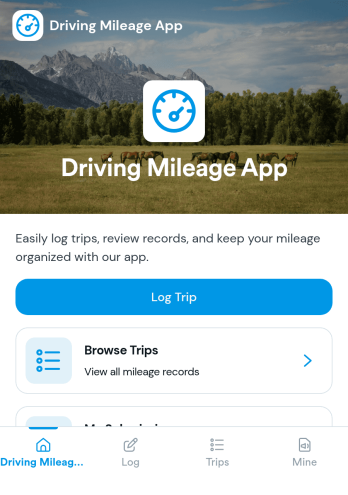
Driving Mileage App
Driving Mileage App helps individuals and teams record trips and understand mileage patterns over time. It’s useful for sales reps, field service crews, delivery drivers, real estate agents, and anyone who needs a simple place to log a trip, review recent trips, and separate business miles from personal miles without digging through spreadsheets or paper notes.Built with Jotform, this app template supports fast mileage data collection through an Add Trip form and organizes entries into an easy-to-browse trip list with a dedicated trip detail page. Using Jotform’s no-code app builder and drag-and-drop interface, you can tailor pages, labels, and trip categories to match your workflow, then share the app as a self-service tool for drivers to keep records up to date from any device.
Go to Category:Expense Tracking Apps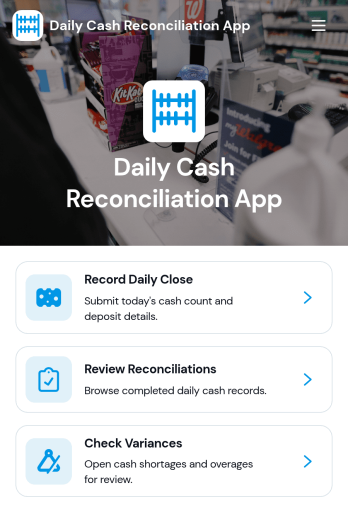
Daily Cash Reconciliation App
Daily Cash Reconciliation App helps teams document daily closes, compare expected versus actual cash, and flag variances by location and business date. It’s a practical fit for retail stores, restaurants, hospitality counters, pop-up shops, and any operation that handles cash across shifts. Use it to guide staff through recording the close, capture who prepared the reconciliation, and keep key figures like deposit amount and variance easy to review without digging through spreadsheets or paper logs.With Jotform, you can turn this workflow into a shareable, self-service experience using ready-to-use app templates and a no-code app builder. Customize pages with a drag-and-drop interface, connect the app to your data collection form, and organize reconciliations in a clear list for quick review. As your process evolves, you can update layouts, standardize how locations report their totals, and keep daily cash reconciliation consistent across teams.
Go to Category:Finance Apps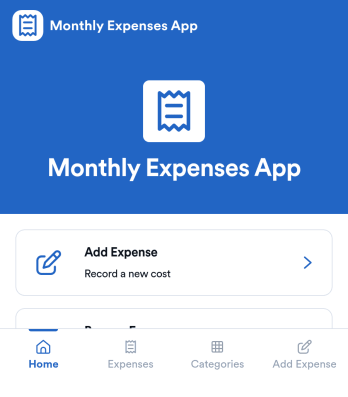
Monthly Expenses App
Monthly Expenses App helps you capture spending as it happens and keep a clear view of where your money goes each month. Use it to add expenses in seconds, browse past entries, and jump into a quick “This Month” view to spot patterns early. It’s a practical fit for individuals, families, roommates, freelancers, and small teams that need a simple way to record purchases like groceries, transport, and utilities without relying on messy notes or scattered receipts.With Jotform, you can turn this monthly tracking routine into a polished self-service experience using an app template built with a no-code app builder. Customize pages with a drag-and-drop interface, connect your expense form to organized records, and keep your workflow consistent as your needs change. Share your Jotform app through a link or QR code so it’s easy to log expenses from anywhere and keep monthly data collection on track.
Go to Category:Expense Tracking Apps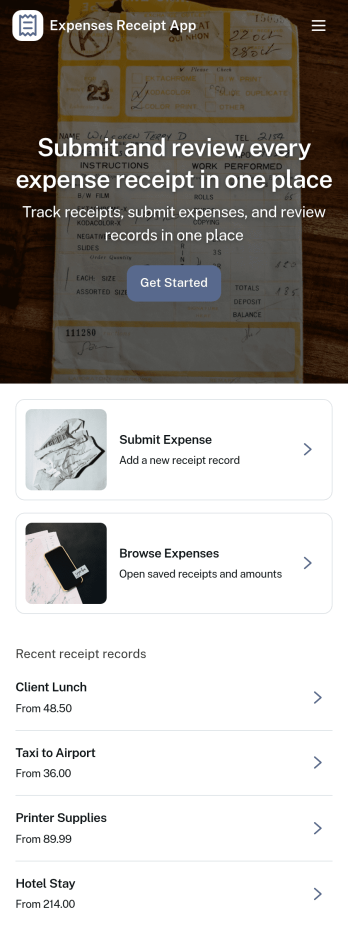
Expenses Receipt App
Expenses Receipt App helps teams and individuals capture receipts, organize expenses, and keep a clear record for reimbursements, budgeting, or bookkeeping. Use it to snap and submit receipts as they happen, review an expense log by category, and check a simple summary view when you need a quick snapshot of spending. It’s a practical fit for small businesses, field teams, frequent travelers, project managers, and anyone who wants fewer lost receipts and faster follow-ups.Jotform makes it easy to turn this use case into a polished self-service experience with customizable App Templates and a no-code app builder. With a drag-and-drop interface, you can tailor the pages, buttons, and navigation to match your process, then connect receipt intake to data collection in Jotform Forms and organize entries in connected tables. Share the app with a link or QR code so people can submit receipts on the go and keep your expense workflow moving without extra tools.
Go to Category:Finance & Accounting Portal Apps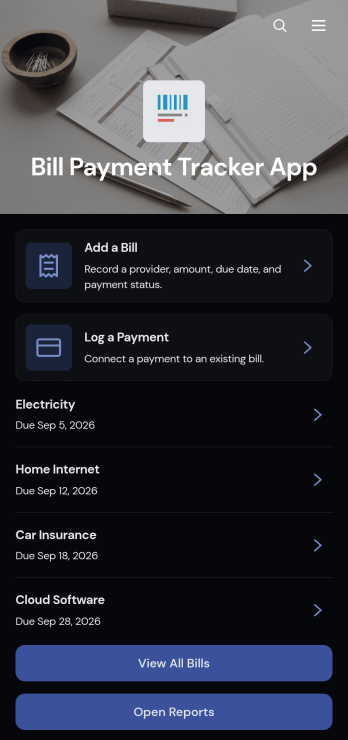
Bill Payment Tracker App
The Bill Payment Tracker App is an organized personal finance tool for recording recurring bills and documenting payments in one convenient location. Individuals, households, freelancers, and small business owners can use it to review bill information, monitor amounts and providers, and keep payment records easier to find. Users can add bills, log completed payments, open reports, and review details such as categories, payment methods, confirmation numbers, frequencies, and notes. This app template helps replace scattered spreadsheets, paper reminders, and disconnected records with a clear process for staying aware of regular financial obligations.Jotform Apps makes it easy to turn this Bill Payment Tracker App into a personalized, mobile-friendly experience without writing code. Using the no-code app builder and drag-and-drop interface, you can adjust pages, navigation, colors, fonts, and branded elements to fit personal or business needs. Connect forms and tables to support data collection, organize bill records, and maintain a practical financial workflow. Jotform App Templates can also be shared through a direct link or QR code, giving users convenient self-service access from a phone, tablet, or computer.
Go to Category:Personal Finance Apps