Freelance Marketplace App provides a central place where independent professionals and clients can discover opportunities, compare expertise, and make useful connections. Freelancers can publish profiles featuring their specialties, skills, experience, hourly rates, availability, and portfolios, while clients can post projects with budgets and required skills. Visitors can browse available talent, explore project listings, open detailed profiles, and submit applications without navigating disconnected tools. This app template is well suited to staffing agencies, professional communities, creative networks, consulting groups, and small to medium-sized businesses that want to operate a focused marketplace. It supports clearer project discovery and data collection while giving both sides a convenient self-service experience.
Jotform makes the Freelance Marketplace App easy to adapt with a no-code app builder and an intuitive drag-and-drop interface. Customize pages, cards, buttons, colors, fonts, and branding to suit your audience, then connect forms and tables to organize profile submissions, project posts, and applications within one workflow. Jotform App Templates help teams launch polished digital experiences quickly without programming knowledge. Publish your marketplace with a direct link, custom app URL, QR code, or embedded experience so freelancers and clients can access it from computers, tablets, or mobile devices.
Related templates
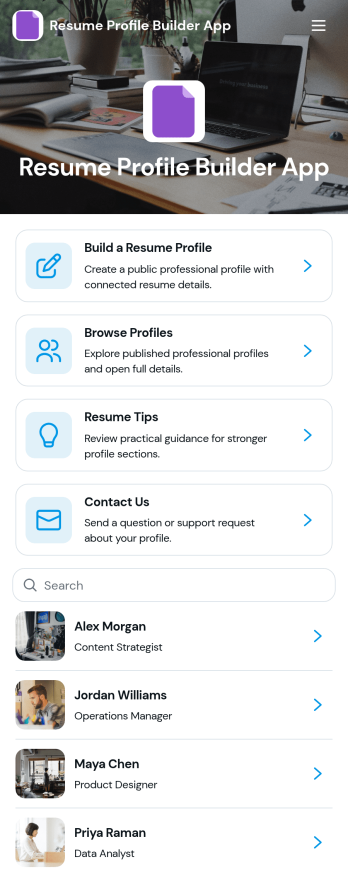
Resume Profile Builder App
Resume Profile Builder App is a ready-to-use app template for job seekers, freelancers, recruiters, career coaches, staffing teams, and educational institutions that need a convenient way to create and present professional profiles. Users can submit career details through a connected form, browse published profiles, and open individual pages featuring key resume information. The app also provides resume guidance and a contact path for questions. It can support candidate directories, student career showcases, freelancer networks, talent pools, and internal mobility programs while keeping profile creation and discovery in one accessible location.Jotform Apps helps organizations turn this Resume Profile Builder App into a branded, mobile-friendly experience without writing code. Its no-code app builder and drag-and-drop interface make it easy to adjust pages, navigation, colors, fonts, and visual elements. Teams can connect forms and tables to support data collection and workflow needs, then share the finished app through a direct link or QR code. Starting with Jotform App Templates reduces setup time while leaving room to create a polished self-service resource for candidates, employers, students, or professional communities.
Go to Category:Job Apps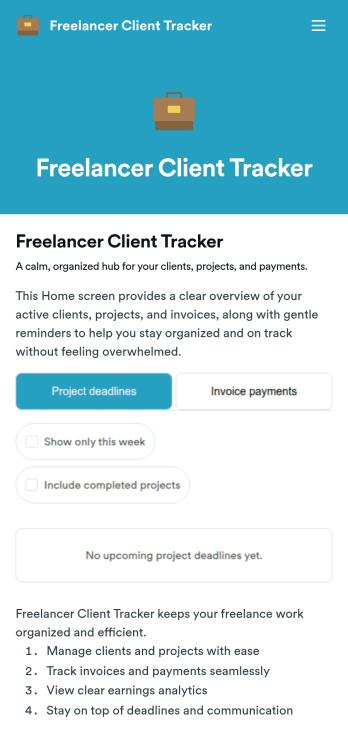
Freelancer Client Tracker
Freelancer Client Tracker is an app template designed to streamline the management of multiple client projects for independent professionals. This robust template simplifies the complexities of client relationship management, centralizing all relevant information into one accessible interface. It is specifically tailored to freelancers and small teams — designers, developers, writers, marketers, consultants — who need a structured yet straightforward approach to manage their client projects. The app captures essential client details, project statuses, files, and communication history, making it a trusted ally in the freelancer’s workflow. It also assists in tracking deadlines, sending invoices, and monitoring payments. Freelancers will find it to be a valuable asset in assessing their business performance, understanding their most profitable clients, and identifying where their time is most effectively spent.With Jotform, creating your own customized Freelancer Client Tracker is a breeze. Our No-Code App Builder, with its intuitive drag-and-drop interface, allows you to personalize the app to your liking. Tweak the app, add elements, customize layouts, all without writing a single line of code. The cross-platform compatibility of Jotform Apps means your clients and team can access the app seamlessly on any device — smartphones, tablets, or desktops. For enhanced user experience, the app can be downloaded directly to the device's home screen for instant access. Jotform's Freelancer Client Tracker provides the structure and simplicity you need to manage your clients effectively and grow your freelance business with confidence.
Go to Category:Activity Tracking Apps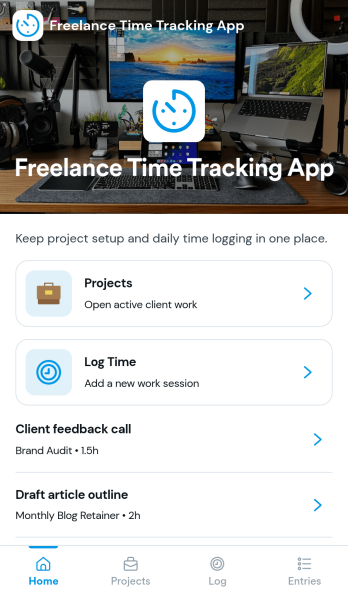
Freelance Time Tracking App
Freelance Time Tracking App helps independent professionals record billable hours across multiple projects without losing track of what was worked on and when. Use it to keep projects organized, log time entries by date, and maintain the details you need to confidently prepare invoices. With built-in actions like logging time, adding projects, starting a timer, and marking work as invoice ready, it fits naturally into daily freelance routines for designers, developers, writers, consultants, and anyone juggling client work.Jotform makes it easy to turn this workflow into a polished self-service experience using its no-code app builder and drag-and-drop interface. Connect forms to capture new projects, rate updates, and time entries, then view and manage records in one place as your workflow evolves. Share your Jotform app through a link and keep your time tracking process consistent from client to client while keeping your data collection organized.
Go to Category:Activity Tracking Apps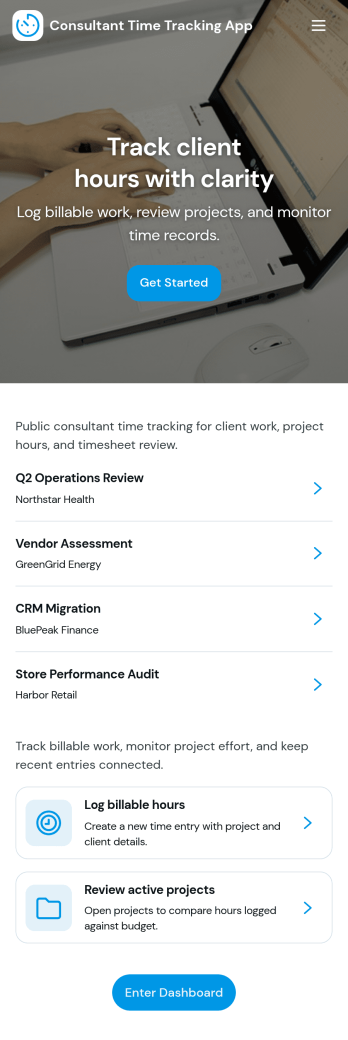
Consultant Time Tracking App
Consultant Time Tracking App helps independent consultants and consulting teams capture billable hours by client and project without juggling spreadsheets or scattered notes. Use it to log time as you work, review recent entries, and check a weekly client time summary that supports accurate invoicing and clearer workload visibility. It’s a practical fit for agencies, contractors, and advisors who need a simple way to document time spent across multiple engagements while keeping records organized for internal reviews or client conversations.With Jotform App Templates, you can publish a polished time tracking experience using a no-code app builder and a drag-and-drop interface, then connect it to your forms and tables for reliable data collection. Customize pages for your workflow, add projects as your book grows, and share a single link with your team so everyone logs time consistently. Jotform makes it easy to keep entries in one place, reduce missed hours, and turn time logs into a repeatable workflow you can manage week after week.
Go to Category:Activity Tracking Apps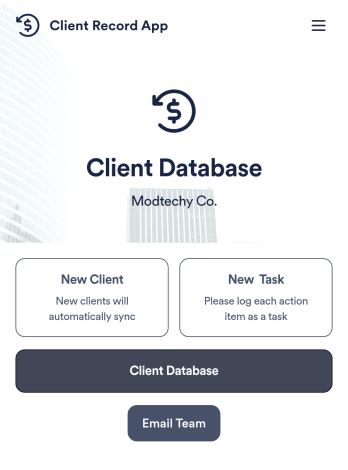
Client Record App
A client record app is used by companies to keep track of clients in a Jotform Tables database. With our Client Record App, you can add general contact information for new clients and view a list of existing clients. There is also a separate task form for employees to log projects. Submissions are stored securely in your online account and can be accessed directly through your app from any smartphone, tablet or computer.This Client Record App can be easily customized without any coding. Our drag-and-drop builder allows you to add and change forms, upload your logo, choose fonts and colors, create a custom app icon and splash screen, and more. When you’re finished, your team can access and download your app on any device with a share link. Keep all your business contacts in one convenient location with this Client Record App!
Go to Category:Freelancer Apps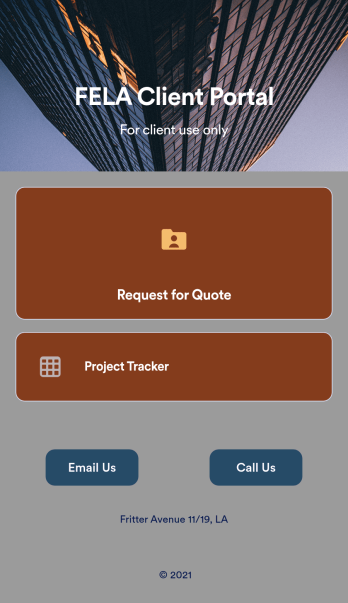
Custom Client Portal App
No matter what type of business you’re a part of, give your clients a quicker way to get in touch with your company using a free Client Portal App from Jotform. Start by customizing the app with our drag-and-drop builder to better match your branding. Then share the app to start collecting quote requests and more — all instantly viewable in your secure online Jotform account.Want to customize this Client Portal App? No problem! With no coding knowledge needed, you can add your logo, change the icon or splash screen, and make other changes in a few quick clicks. Your app downloads instantly onto any device, including both iOS and Android, so you’ll be ready to share it in seconds. Create your own Client Portal App fast using Jotform’s no-code app builder.
Go to Category:Management Apps