Location Based Time Clock App helps teams record work time with added confidence by tying clock-in entries to where the shift starts. It’s a practical fit for field services, construction crews, cleaning teams, delivery operations, and multi-site businesses that want a simple way for staff to clock in from the right place, review time logs, and reference shift reports without chasing updates across texts or spreadsheets. With quick navigation to Clock In, View Logs, and Shift Report, the app supports day-to-day time tracking for managers and employees who need clarity on hours and activity.
Jotform makes it easy to publish this kind of self-service experience using App Templates and a no-code app builder. Customize pages in a drag-and-drop interface, connect the app to your existing forms and tables for data collection, and keep your workflow organized from one shareable link. Whether you’re managing a mobile workforce or multiple locations, Jotform helps you roll out a branded time clock app that’s simple to use on any device.
Related templates
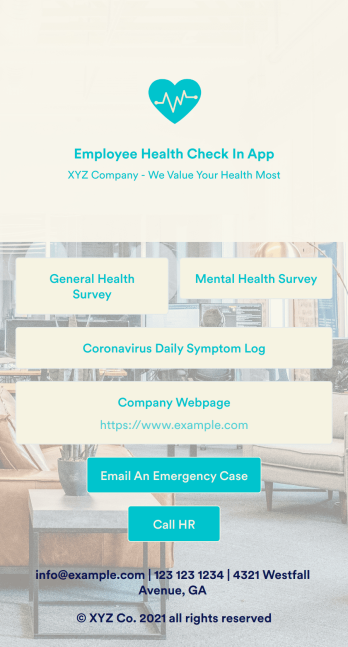
Employee Health Check In App
Screening your employees can help keep your workplace safe and free of contagious diseases. Conduct company health screenings and surveys in one place with our free Employee Health Check In App. Employees will be able to record possible coronavirus symptoms through the COVID-19 Daily Symptom Tracker and answer surveys from any smartphone, tablet, and computer.Customize your Employee Health Check In App for your company in just a few clicks. No coding necessary — simply drag and drop to add forms, surveys, spreadsheets, links, text, images, and more. You’ll even be able to modify the app name, icon, and splash page for a more professional and personalized look. When it’s ready, your app can be shared with employees via link and downloaded onto any device. Take care of your employees’ health and your business with a custom Employee Health Check In App for your company.
Go to Category:Human Resources Apps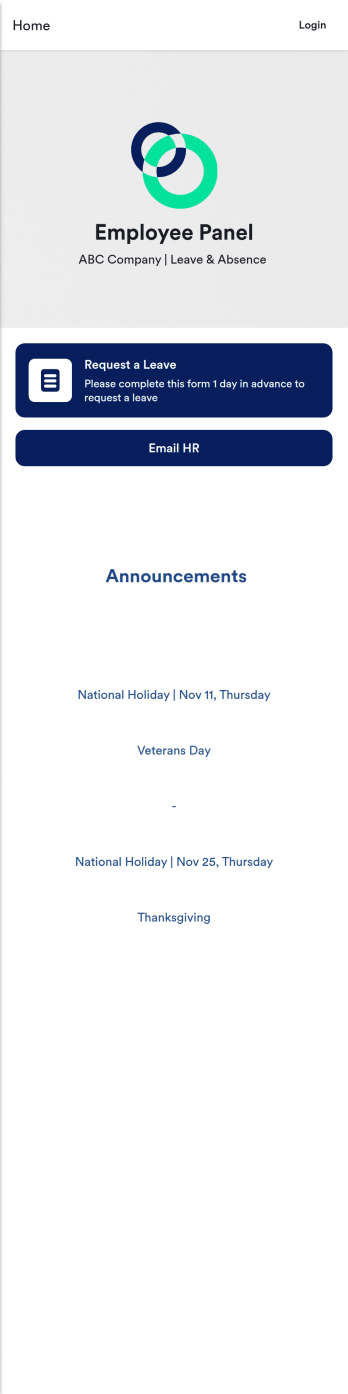
Customizable Employee Absence Tracking App
This Employee Absence Tracking App helps employees request time off and helps HR, managers, and employers track absences from any device. It includes submission tracking, with Admin-only access to view and manage requests and keep information organized and relevant based on the type of leave. All submissions are automatically available in Jotform Tables where admins can review them as a spreadsheet, calendar, or cards for faster follow-up and reporting.The app can be customized with multiple request forms for different leave types, a personalized splash screen or icon, and guidance text to support employees while submitting requests. With Jotform’s Role-based feature, you can control access so tutors, admins, and other users see only the parts of the app relevant to them. For privacy and compliance, sick leave request forms require employee login, ensuring only authenticated users can submit sensitive absence information. Save time and simplify leave management with a secure, streamlined way to handle employee absences.
Go to Category:Company Portal Apps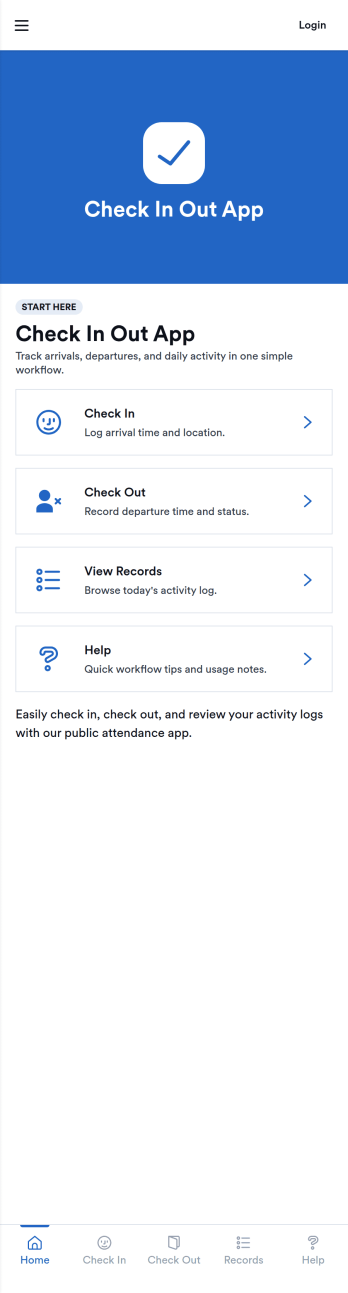
Check In Out App
Check In Out App helps you track when people arrive and leave, giving teams a simple way to maintain daily attendance records without chasing paper sign-in sheets. Use it in offices, schools, studios, clinics, coworking spaces, volunteer programs, or any environment where you need a clear view of who is currently on-site and a reliable log of activity. The app supports adding people to a list and logging check in and check out actions through connected forms, then viewing today’s records for quick confirmation during busy hours.Jotform makes it easy to turn this check in and check out workflow into a polished self-service experience using App Templates and a no-code app builder. Customize pages with a drag-and-drop interface, connect forms and tables for consistent data collection, and share the app by link or QR code so staff can log entries from any device. With Jotform, teams can keep day-to-day workflows organized and accessible while maintaining a central source of truth for attendance tracking.
Go to Category:Sign In Apps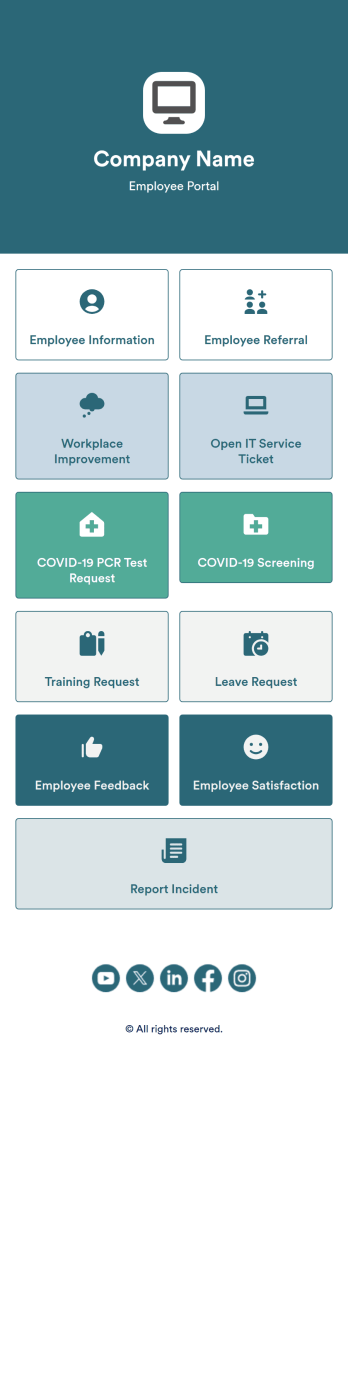
Intranet App
An Intranet App is used for consolidating company forms and documents in one convenient location. This Intranet App bundles nearly a dozen forms for employees to record general contact information, request training or time off, open IT service tickets, and fill out COVID-19 screening checklists. There are also several surveys for employees to submit workplace improvement suggestions and report incidents. Employee data and submissions are stored securely in your Jotform account, which managerial staff can access from any smartphone, tablet, or computer.Make this app template your own with Jotform’s no-code app builder. Just drag and drop to add or change forms, upload documents, create buttons, add external links, and more. You can also customize your splash screen to include your own branding and make company-wide announcements. When you’re finished, you can share your app with a link and employees can then access and download it on any device. Create a one-stop-shop for your company’s forms and documents with this free Intranet App from Jotform.
Go to Category:Company Portal Apps
Custom Employee App
An employee app allows employees to access important company information and submit their own data from any device. Create an employee portal for your company with Jotform’s free Employee App. This ready-to-use template includes multiple forms such as employee referral forms, leave request forms, meeting reservation forms, COVID-19 screening forms, expense reimbursement forms, and more. Thanks to the role-based visibility condition, only selected admin users can see certain forms, such as department rotation. Using the app, employees can access and fill out any of the included forms from any smartphone, tablet, laptop, or desktop.Customize your Employee App to match your company in just a few clicks. With our drag-and-drop builder, you can easily add as many forms, links, documents, buttons, pages, and other app elements as you need. Plus, you can update fonts and colors, upload logos, and change the app icon and name to better represent your company. With Jotform’s Role-based feature, you can control access so tutors, admins, and other users see only the parts of the app relevant to them. Share your app with employees to download onto their own devices by sending email invites or the app link. Keep important company forms all in one secure, easily accessible Employee App!
Go to Category:Company Portal Apps
Sign In and Sign Out App
Sign In and Sign Out App helps organizations record when people arrive and leave, creating a simple digital log that’s easy to reference later. It’s a practical fit for front desks, school offices, shared workspaces, job sites, studios, and community programs that need a clear sign-in and sign-out history without relying on paper sheets. With guided navigation and an Add Entry button that opens a connected form, staff or visitors can log a new entry quickly, while a list view makes it easy to browse names and open individual records.Jotform makes it easy to publish and manage app templates like this with a no-code app builder and a drag-and-drop interface, so you can match the experience to your workflow in minutes. Add your logo image, adjust pages and buttons, and share the app by link or QR code for fast self-service check-ins. Entries submitted through the form can be organized for ongoing tracking, giving your team a dependable way to keep sign-in activity consistent across locations and shifts.
Go to Category:Sign In Apps