
The Groundwater Sampling App is a field data collection template for recording groundwater samples, documenting site visits, and reviewing well and site records from one organized location. Environmental consultants, field technicians, engineering contractors, water resource teams, and research groups can use it during routine monitoring, investigation work, or follow-up visits. Staff can record sample details, log observations and findings, browse previous samples, consult sampling guidance, and check review status. Keeping this information connected helps teams maintain consistent field records, understand sampling history, coordinate follow-up work, and reduce gaps between field and office activities.
Jotform makes this app template easy to adapt with a no-code app builder and a flexible drag-and-drop interface. Teams can revise pages, navigation, forms, and visual elements to reflect their sampling workflow without writing code. Connected forms and tables support organized recordkeeping, while notifications and approval steps can help move submitted information through internal review. Like other Jotform App Templates, the Groundwater Sampling App can be shared by direct link or QR code for convenient mobile access, giving field personnel a practical self-service resource wherever sampling takes place.
Related templates
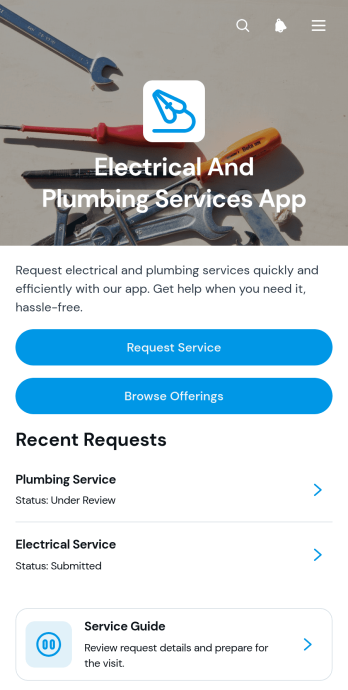
Electrical And Plumbing Services App
Electrical And Plumbing Services App gives electricians, plumbers, contractors, property maintenance teams, and home service businesses one convenient place to present services and receive customer requests. Customers can browse available electrical and plumbing offerings, review essential details such as what is included and starting prices, and submit a request with their issue, address, and preferred date. Teams can also display request summaries and current service statuses, helping customers understand what comes next without relying on scattered calls or messages. This app template is well suited to residential repairs, commercial maintenance, property management support, installation work, and recurring service operations.Jotform App Templates help businesses turn service information and connected processes into accessible digital experiences. Using Jotform’s no-code app builder and drag-and-drop interface, teams can customize pages, buttons, colors, fonts, and navigation to match their operations and visual identity. Forms and tables can support data collection, record organization, notifications, and workflow updates from one connected workspace. Once the app is ready, it can be shared through a direct link or QR code for convenient mobile access. This makes it easier to provide self-service options, organize incoming jobs, maintain accurate service records, and adapt the experience as business needs change.
Go to Category:Home Services Apps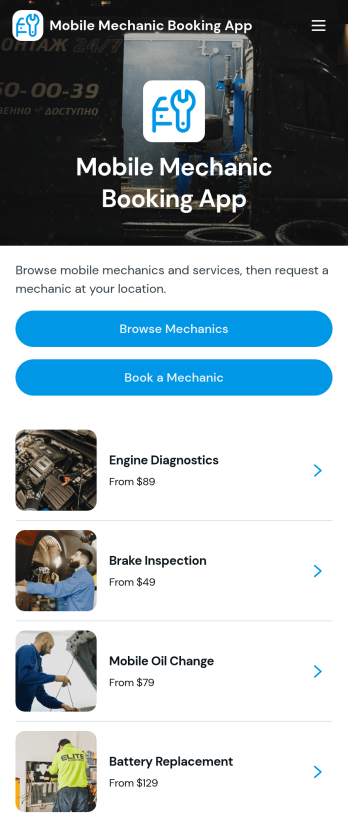
Mobile Mechanic Booking App
The Mobile Mechanic Booking App helps independent mechanics, roadside service providers, automotive repair businesses, and field service teams connect drivers with vehicle repair services at a convenient location. Customers can browse mechanic profiles, review service areas and availability, explore repair options, and submit a booking request from one mobile-friendly destination. This app template reduces the effort involved in finding a suitable professional while giving businesses a clear way to present experience, service details, typical duration, and starting prices. It is useful for scheduled maintenance, minor repairs, diagnostics, emergency assistance, and other services performed at homes, workplaces, or roadside locations.Jotform makes it easy to adapt the Mobile Mechanic Booking App to your brand and operating process without writing code. Use the no-code app builder and drag-and-drop interface to update pages, reorganize navigation, add mechanic information, and connect booking forms to your workflow. Requests and data collection can be managed through connected Jotform tools, helping teams coordinate appointments and provide customer self-service. Like other Jotform App Templates, this ready-made app template can be shared through a direct link or QR code, giving customers convenient access from phones, tablets, and computers.
Go to Category:Appointment & Booking Apps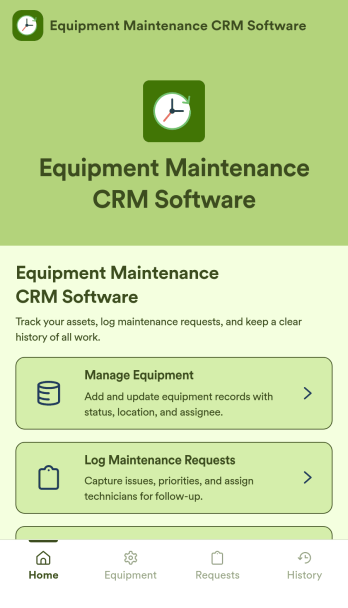
Equipment Maintenance CRM Software
Equipment Maintenance CRM Software is an app template designed to streamline the management of customer data, service histories, and maintenance activities. This robust template is intended for maintenance service companies, field service teams, asset managers, and operations departments who are keen on enhancing their service delivery. It centralizes customer data and service history, significantly reducing downtime and boosting operational efficiency. This template is particularly beneficial in scenarios of regular equipment maintenance checks, enabling a smoother scheduling process and better coordination of service delivery. What's more, it's ready to use right out of the box, making data collection a breeze for teams, whether they're in the field or at the office. This template is best suited for organizations seeking to maintain a comprehensive record of equipment maintenance activities in one accessible system.With Jotform, the Equipment Maintenance CRM Software template becomes an operational powerhouse. Jotform's ease of use and customization abilities allow you to tailor the template to your specific needs without requiring any technical skills. The ability to collect electronic signatures simplifies the verification process of maintenance activities, making it an extremely convenient feature for field service teams. Furthermore, you can generate easily digestible reports and sheets from collected data for an overview of maintenance activities. With Jotform, keeping up with maintenance schedules and coordinating service delivery has never been easier. Collect, track, and manage your maintenance data with precision using the Equipment Maintenance CRM Software from Jotform.
Go to Category:CRM Apps
Land Mapping App
Land Mapping App helps teams capture and organize parcel details and mapping needs in one place, so field staff and office coordinators can stay aligned from the first record to the final request. Use it to add new parcels as they come in, browse an up-to-date list of parcel entries, and submit mapping requests with clear location notes for survey work, boundary review, planning, or internal documentation. It’s a practical fit for surveyors, engineering groups, construction and land development teams, real estate operations, and municipalities that need a simple way to centralize parcel intake and track ongoing mapping work without relying on scattered emails or spreadsheets.Built with Jotform App Templates, this app template is powered by Jotform’s no-code app builder and a drag-and-drop interface, making it easy to tailor pages, buttons, and navigation to your workflow. Connect the app to forms and tables for reliable data collection, route updates across your workflow, and share a self-service link with the right people so they can add parcels, submit mapping requests, and review records from any device.
Go to Category:Engineering Apps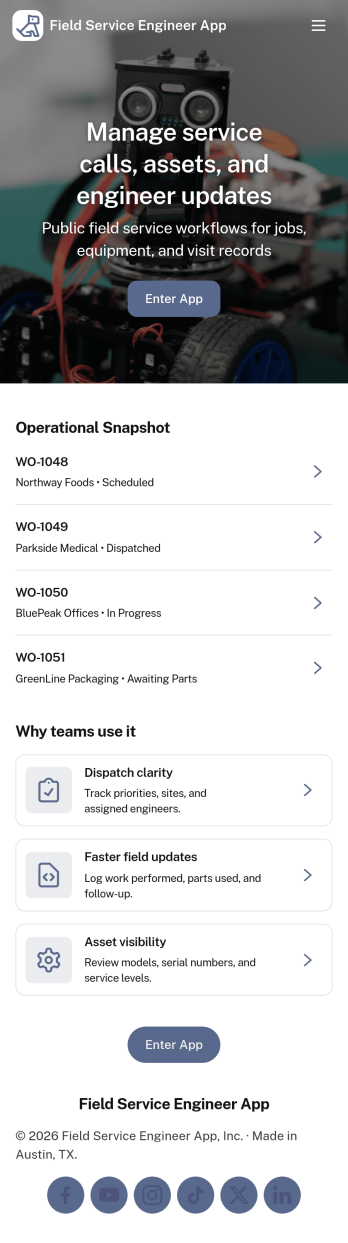
Field Service Engineer App
Field Service Engineer App helps field engineers manage daily site work by organizing today’s jobs, keeping work orders easy to browse, and providing a clear path to close out completed jobs. It’s a practical fit for service and maintenance teams, engineering contractors, and operations groups that need a simple way for technicians to check what’s next, open a job to review details, and finish work in the field without digging through messages or paperwork.With Jotform, you can turn this app template into a branded, self-service experience for your team using a no-code app builder and a drag-and-drop interface. Connect job closeout to a form for consistent data collection, keep work order records organized, and refine the workflow as your processes evolve, then share the app with a link or QR code so engineers can access it on any device.
Go to Category:Engineering Apps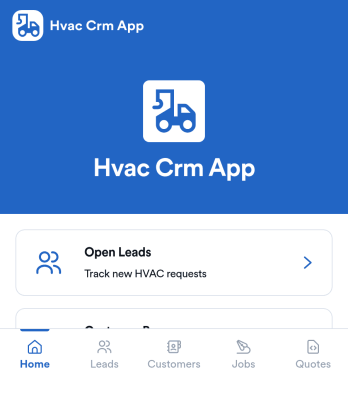
Hvac Crm App
HVAC Crm App helps heating and cooling businesses manage sales and customer relationships in one place, from capturing new inquiries to tracking active jobs and keeping customer histories organized. Use it to review open leads, browse your customer base, create jobs from qualified opportunities, and add customer notes so your team always has the latest context before a call, site visit, or follow-up.Built with Jotform App Templates, this app template can be tailored in a no-code app builder with a drag-and-drop interface, so you can match your workflow without technical overhead. Connect the app to forms and tables for consistent data collection, route updates to the right people, and share a self-service experience with your office staff or field team using a simple link or QR code.
Go to Category:CRM Apps