Healthcare Management App brings key clinic workflows into one place so teams can capture patient intake details, manage appointment requests, and keep internal records organized for quick reference. It fits outpatient clinics, private practices, community health centers, and mobile care teams that need a clear way to route new patient information, review incoming requests, and follow up without relying on scattered messages or disconnected files. With simple navigation to intake, appointments, records, and requests, staff can prioritize daily tasks and maintain a consistent front door for patients and caregivers.
Jotform offers a library of app templates you can tailor to your processes using a no-code app builder and a drag-and-drop interface. Connect pages to your forms and tables for reliable data collection, route information through approvals and notifications, and publish a self-service experience that works on any device. Whether you’re coordinating front-desk intake or tracking operational requests, Jotform helps turn routine healthcare workflows into an easy-to-share app experience.
Related templates
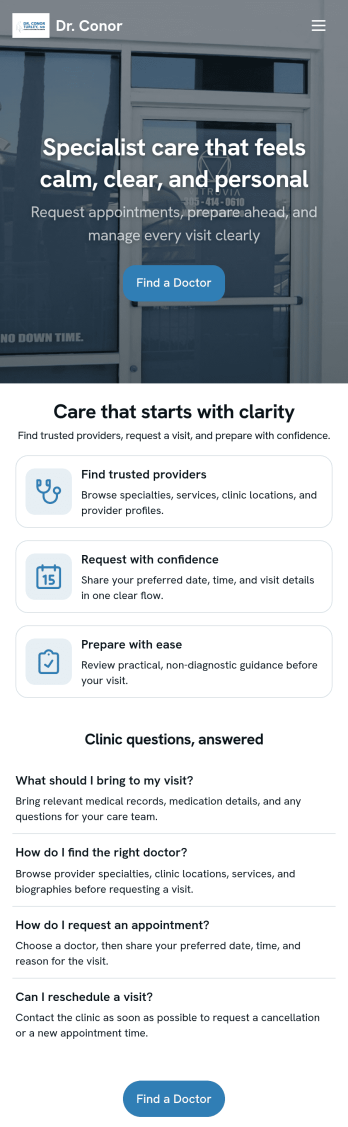
Doctor Appointment App
A doctor appointment app is used by healthcare providers to book appointments and collect patient information. Using Jotform’s Doctor Appointment App — complete with forms for collecting medical history, informed consent, and appointment requests—doctors or nurses can collect and manage patient information and store it securely online. With Jotform’s advanced security measures, you can even further protect data with HIPAA compliance features.Need to customize this app template to better match your practice? Include more links or forms, add your branding and logo, change the background or app icon, and make other changes with our simple drag-and-drop builder. Use Jotform’s easily trainable AI Chatbot guides users through your app and answers questions in real time. Once your app is ready to go, share it with a link to download instantly onto your office’s computer or tablet for easy access. Give your patients a cleaner alternative to messy paper forms with a powerful Doctor Appointment App.
Go to Category:Appointment & Booking Apps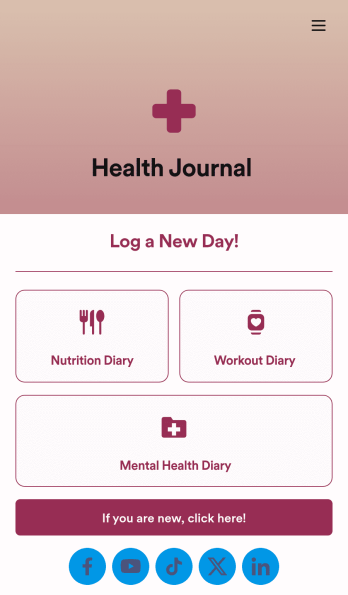
Health Journal App
Does your health services organization need an interactive and thoughtful way to track client data and progress? Give Jotform’s Health Journal App a shot. Have your patients log their moods, exercise goals, nutrition concerns, and health records. You can even receive payments and schedule appointments through your app.Use this Health Journal App ready-made, or use our drag-and-drop app builder to add your own personal flair. Make it your own by uploading images or videos, choosing colors and fonts you like, integrating with payment or scheduling widgets, including branding assets, and more. Get your clients on track to be their healthiest selves with Jotform Apps.
Go to Category:Healthcare Apps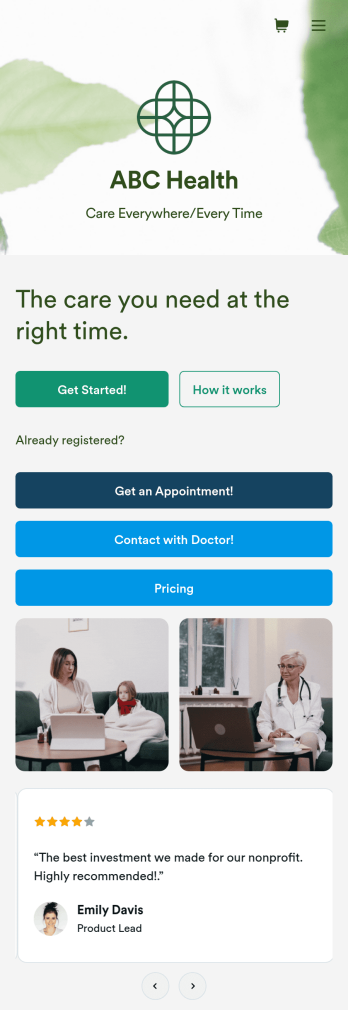
Telehealth App
Gather appointment bookings and patient information with ease using this Telehealth App from Jotform. Simple customize the app to match your needs, share it with patients using a link, and have them download it onto their computer, tablet, or smartphone for easy access. The app includes a Zoom Scheduler that lets patients select a time slot that works for them and generates a new Zoom meeting for each new booking.Need to customize this Telehealth App template? Drag and drop to rearrange the design, add your logo and branding, update existing forms, or connect them to 100+ popular app integrations. Jotform protects form data with a 256-bit SSL connection, GDPR and CCPA friendly features, but you can also optionally upgrade your forms to be HIPAA friendly. Save time with a free Telehealth App that your patients can use on any device.
Go to Category:Appointment & Booking Apps
Medical History App
A medical history app is used by healthcare professionals to collect medical history data from their patients. Whether you work for a hospital, doctor’s office, or other healthcare provider, enjoy a more efficient way to collect and manage patient information with this Medical History App. All of the data you collect — including intake forms, e-signatures, and file uploads — is stored with powerful security measures, including an option for HIPAA friendly features.Update this app to better match your practice with no coding needed. Add your logo, choose a new app icon, update the splash screen, include extra intake forms, and more using our drag-and-drop builder. To share your app after getting the look you want, copy and paste the app link so employees can save it to their smartphone, tablet, or computer for easy access. Collect medical data more securely with Jotform’s Medical History App.
Go to Category:HIPAA Apps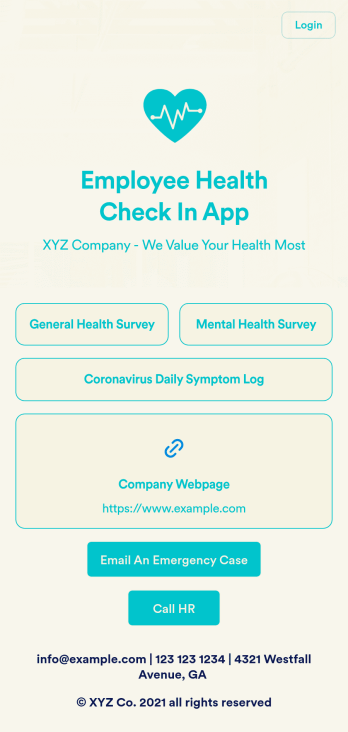
Employee Health Check In App
Screening your employees can help keep your workplace safe and free of contagious diseases. Conduct company health screenings and surveys in one place with our free Employee Health Check In App. Employees will be able to record possible coronavirus symptoms through the COVID-19 Daily Symptom Tracker and answer surveys from any smartphone, tablet, and computer.Customize your Employee Health Check In App for your company in just a few clicks. No coding necessary — simply drag and drop to add forms, surveys, spreadsheets, links, text, images, and more. You’ll even be able to modify the app name, icon, and splash page for a more professional and personalized look. When it’s ready, your app can be shared with employees via link and downloaded onto any device. Take care of your employees’ health and your business with a custom Employee Health Check In App for your company.
Go to Category:Human Resources Apps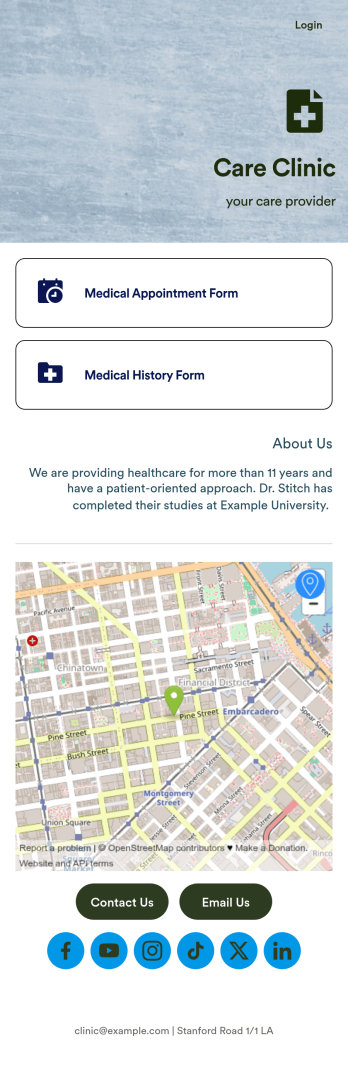
Medical Appointments App
A medical appointments app makes it easier for patients to schedule doctor’s appointments from any device. Simplify appointments for your hospital or health clinic with our free Medical Appointments App Template. This ready-to-use app includes an appointment scheduling form and a medical history form that patients can easily fill out from their smartphone, tablet, or computer. Submissions will be received instantly, stored in your dashboard, and encrypted if you opt for HIPAA friendly features in your Jotform plan.Customize this Medical Appointments App in just a few clicks with our drag-and-drop builder. It’s easy to create and add more healthcare forms, embed links to other webpages, update the provided text and images, upload branding elements, and even change the app name, icon, and splash page. Once it’s ready, share your app on your website or send it to patients directly to open and download onto their favorite device. Take the pain out of appointment scheduling by streamlining the process with a professional Medical Appointments App for your organization.
Go to Category:Booking Apps