The Holiday Greeting Ideas App gives individuals, marketing teams, community managers, nonprofits, and small businesses a welcoming place to discover and share seasonal messages. Users can browse greeting ideas for Christmas, New Year, and heartfelt occasions, then review useful context such as the intended audience, occasion, and tone. A connected submission form also makes it easy for contributors to suggest similar ideas. This app template helps teams maintain a useful source of inspiration, reduce the time spent drafting messages, and keep holiday communication thoughtful across cards, campaigns, community updates, and personal notes.
With Jotform Apps, you can adapt the Holiday Greeting Ideas App through a no-code app builder and an intuitive drag-and-drop interface. Update pages, cards, buttons, imagery, fonts, and colors to reflect your brand or seasonal theme. Jotform App Templates can also connect forms, tables, notifications, and workflows, helping you manage data collection and review new contributions from one place. Publish the finished experience with a direct link or QR code so visitors can enjoy convenient self-service access on phones, tablets, and computers.
Related templates
Secure Messaging App
Secure Messaging App helps teams and organizations share sensitive updates, quick instructions, and internal notes in one private place, especially when email threads and public chat tools feel too exposed. Use it for employee communications, client check-ins, on-call announcements, incident coordination, or confidential project discussions where clarity and controlled access matter most. It fits HR teams, IT and operations groups, healthcare and nonprofit staff, and any distributed team that needs a simple, focused channel for protected communication.With Jotform, you can build and publish a branded, mobile-friendly experience using a no-code app builder and a drag-and-drop interface. Start from this app template, tailor the content to your workflow, and share it by link or QR code for fast self-service access. As your needs grow, you can connect the app to Jotform forms and workflows to support structured data collection, internal requests, and organized follow-ups without adding complexity.
Go to Category:Customer Engagement Apps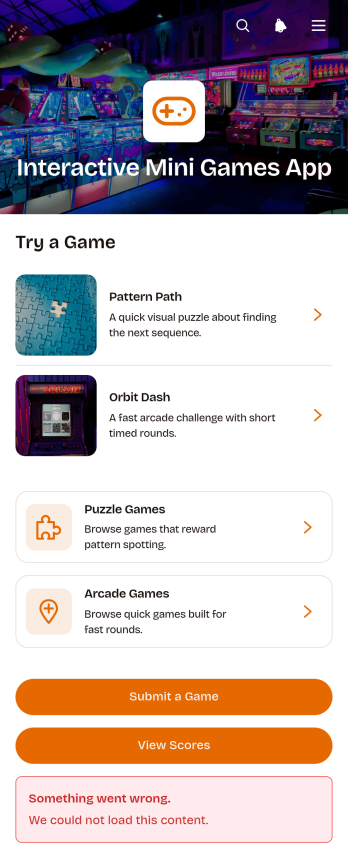
Interactive Mini Games App
The Interactive Mini Games App is a ready-to-use app template for event organizers, educators, community managers, marketing teams, and employers who want to offer casual digital entertainment from one convenient destination. It organizes game discovery and participation through browsable puzzle and arcade collections. Players can review difficulty levels, categories, and instructions before launching a game, then access score records or submit a game for consideration. The template works well for virtual events, classroom breaks, community activities, employee engagement programs, and promotional campaigns. Bringing game links, participation options, and results together gives players simple self-service access while helping organizers avoid scattered resources.Jotform App Templates make it easy to adapt this experience without coding. Use the no-code app builder and drag-and-drop interface to update pages, cards, buttons, images, and navigation so they match your audience and visual style. You can connect forms to support data collection, organize score-related workflows, and gather new game suggestions. Once your Interactive Mini Games App is ready, publish it with a direct link or QR code for convenient mobile access. Jotform also makes ongoing updates simple, so teams can refresh game selections and content without rebuilding the app.
Go to Category:Entertainment Apps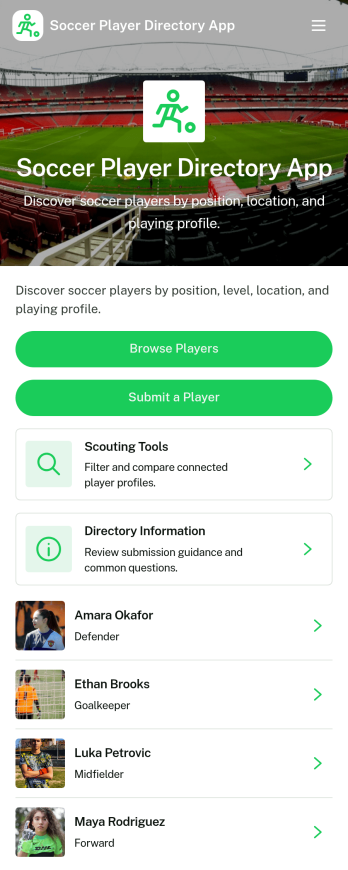
Soccer Player Directory App
Soccer Player Directory App helps coaches, scouts, clubs, and academies organize player profiles in one place so it’s easy to browse talent, review key details, and make faster outreach decisions. Use it to showcase rosters, maintain a scouting shortlist, or publish a searchable directory for tryouts and recruitment pipelines. With a browseable player list, individual profile views, and a built-in way to submit a player for inclusion, teams can keep information current without relying on scattered spreadsheets or long message threads.Jotform makes it simple to turn this directory into a polished self-service experience using a no-code app builder and a drag-and-drop interface. Connect the app to your data collection form to capture new players, update records over time, and keep your workflow organized as your directory grows. Share your Soccer Player Directory App as a link or QR code, customize branding and navigation, and give staff an easy way to explore players and contact them from a single place.
Go to Category:Sports Apps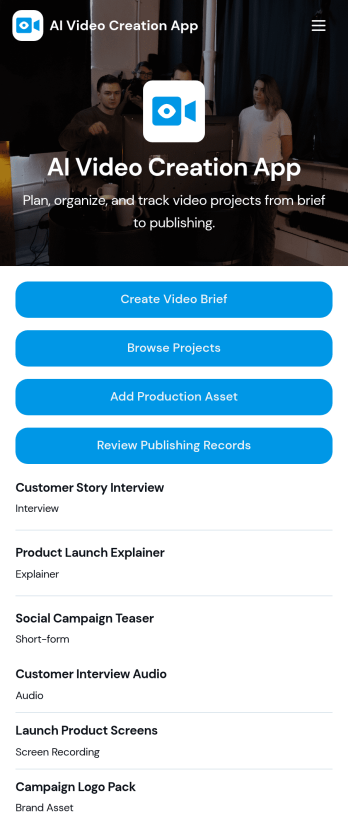
AI Video Creation App
AI Video Creation App brings your video production workflow into one place, so teams can move from concept to publish-ready content without scattered docs and endless status checks. Use it to capture consistent video briefs, organize projects, and maintain a shared library of production assets like scripts, brand guidelines, and creative references. It’s a practical fit for marketing teams, content creators, agencies, and social media managers who juggle multiple campaigns and need a dependable way to track what’s being made, what assets are approved, and what’s ready to go live.With Jotform, you can turn this AI Video Creation App into a branded self-service experience using a no-code app builder and a drag-and-drop interface. Connect buttons to forms for fast data collection, keep project and asset records organized, and build a repeatable workflow that teammates can follow across launches. Share your app with a link or QR code, update pages as your process evolves, and keep everyone aligned from brief intake to publishing records.
Go to Category:Sales & Marketing Portal Apps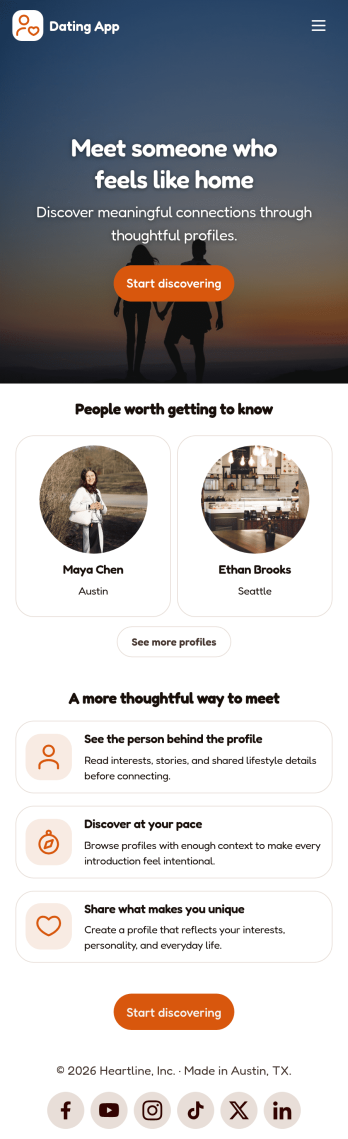
Dating App
Dating App helps you create a simple, mobile-friendly space where people can discover profiles, learn the basics at a glance, and take the next step to connect. It’s a practical choice for community organizers, niche social groups, matchmakers, and entrepreneurs who want a lightweight way to present dating or connection information without building complex features. Use it to highlight introductions, share guidelines, and point users to the right place to start a conversation or request more details.With Jotform, you can publish polished App Templates using a no-code app builder and a drag-and-drop interface that makes updates easy as your community grows. Customize the look and feel, adjust your page content in minutes, and support your workflow with connected data collection when you add forms later. Share your app with a link or QR code so users can access it anytime for quick self-service.
Go to Category:Community & Engagement Portal Apps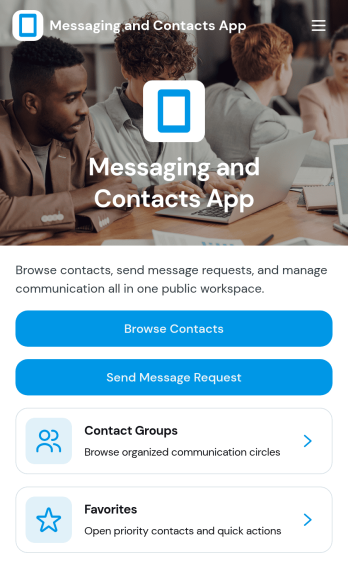
Messaging and Contacts App
Messaging and Contacts App helps teams organize contact details and send message requests from one central, easy-to-share workspace. It’s a practical fit for customer support, sales, community managers, and internal departments that need a simple way to browse contacts, group people by purpose, and quickly reach out when a follow-up is needed. With built-in navigation for browsing contacts, viewing favorites, and working with contact groups, this app keeps communication tasks moving without digging through spreadsheets or scattered tools.Jotform makes it easy to build and publish app templates like Messaging and Contacts App using a no-code app builder with a drag-and-drop interface. Connect buttons to forms for data collection, keep contact records organized, and support a smoother workflow for self-service updates and requests. Share your app through a link or QR code, tailor the branding to match your organization, and update the experience as your contact list and communication needs grow.
Go to Category:CRM Apps