Home Care Scheduling App helps home care providers coordinate in-home visits by giving clients and staff one place to book services and view what’s coming up. Use it to offer visit types such as morning support, companion care, and personal care, route requests through a simple booking flow, and keep an easy-to-scan list of upcoming visits. It’s a practical fit for private caregivers, small home care agencies, and care coordinators who need fewer missed appointments and clearer day-to-day planning across multiple clients.
Built with Jotform, this app template can be tailored in a no-code app builder using a drag-and-drop interface, so you can match your scheduling workflow without starting from scratch. Connect the booking experience to forms for data collection, organize visit details in tables, and create a self-service experience you can share by link or QR code. As your operations grow, Jotform makes it easier to update pages, adjust what users see, and keep scheduling information consistent across the team.
Related templates
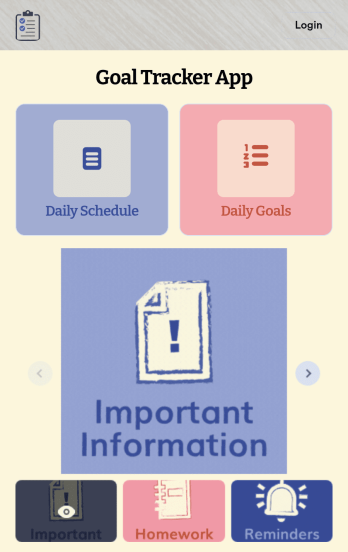
Customizable Goal Tracker App
Need an easier way for your clients to track their goals? With Jotform’s Goal Tracker App, you can build an online goal tracking app in minutes. Start creating your app from scratch or choose one of our ready-made app templates to get your creativity flowing. Add a contact form, let your customers create a schedule that works for them, showcase past client reviews, and more. Once you’ve customized your app to your liking, share with clients — downloadable onto any computer or iOS or Android device.Personalize your Goal Tracker App with Jotform’s easy-to-use app builder. Just drag and drop to change the look and feel of your app, add powerful app elements, install helpful app widgets, and integrate with one of our 25+ payment processors, including Stripe and Square. Share your customized app via email or embed it directly into your own website for easy access. Help your clients reach their goals with your very own Goal Tracker App — free on Jotform.
Go to Category:Activity Tracking Apps
Work Schedule App
A work schedule app is used by employees for logging work shifts and completed tasks. With this Work Schedule App, employees can log their shifts by filling out a form with their name, scheduled hours, and hourly wage. A separate task tracking form allows employees to log individual tasks they’ve completed throughout the week. Submissions are stored in two easy-to-read spreadsheets in your Jotform account, which you can sort, filter, and search from any smartphone, tablet, or computer.Want to customize this app template to match your company’s branding? No problem — just use our drag-and-drop builder to add or change form elements, choose fonts and colors, change your app icon or splash screen, and more. Once you’re finished, share your app by sending email invites to employees, or by embedding a link in your company’s HR portal. Employees will be able to access and download your app on any device, making it easy to log shifts and tasks from anywhere. Streamline employee scheduling with this Work Schedule App from Jotform.
Go to Category:Human Resources Apps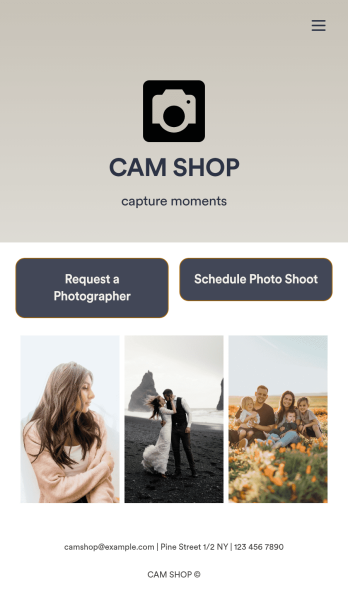
Photography Booking App
Whether you’re an independent photographer or run a photo studio, booking jobs is a crucial part of your trade — so why not make it as simple a possible? This free Photography Booking App allows customers to easily hire photographers and schedule photoshoots all from one location. Customers can fill out general contact information, specify media type and event dates, and include any special instructions about their shoot. Once a photographer is assigned to an event, customers can use a separate scheduling form to specify photograph sizes, add à la carte items, and choose appointment times based on your availability. You can accept form payments directly from your app via credit card, PayPal, Stripe, and more.Need to customize this app to match your studio’s branding? With our drag-and-drop form builder, it’s easy to add or change forms, choose fonts and colors, and upload your logo — all without any coding. You can also showcase your work by adding photographs to your fully customizable splash page. When you’re done, share your app with a link or embed it in your website and customers can start booking appointments right away from any device. Empower your photography business with this Photography Booking App from Jotform.
Go to Category:Booking Apps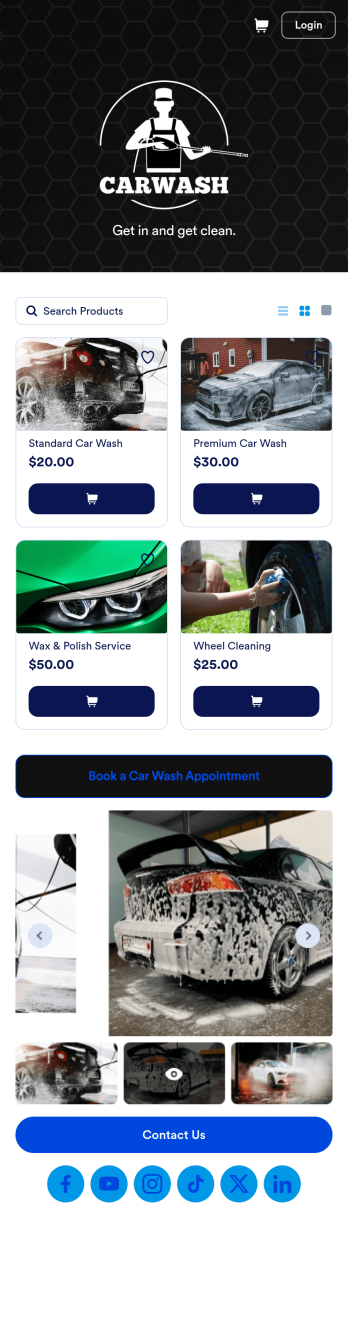
Custom Mobile Car Wash App
Wondering how to sell car washes online? Create a downloadable app for your mobile car wash customers with a free Mobile Car Wash App from Jotform. This app includes a Car Wash Appointment Form so customers can select their preferred date from a calendar and provide other booking details like name, phone number, and their car’s make and model. Also it includes a product list that customers choose a car wash service and make payments. All submissions are sent to your company Jotform account, ready to view instantly on any device.Add your logo, include other forms to collect additional info like e-signatures or payments, and make other design changes by dragging and dropping elements in our intuitive no-code app builder. Once your app is ready to be shared, copy and paste the link or invite people via email so they can download it onto their devices. Stop spending time on phone or email bookings and enjoy a more efficient booking process with this Mobile Car Wash App.
Go to Category:Appointment & Booking Apps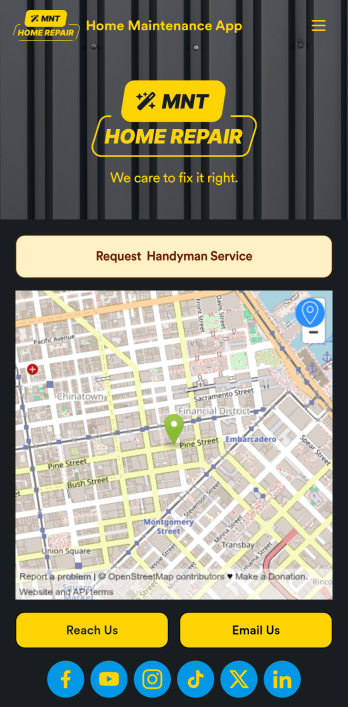
Home Maintenance App
A home maintenance app is used by construction companies and contractors to collect handyman service requests from customers. With this free Home Maintenance App from Jotform, customers can fill out a Handyman Service Request Form with their availability and general contact information, as well as the type of work they need performed. Customer requests are compiled and stored in your online account for ease of access, and can be sorted, filtered, and searched from any device.Make this app your own with Jotform’s drag-and-drop form builder. You can add or swap out form elements, choose fonts and colors, upload your logo, customize the splash page with your business address and phone number, and more — no coding necessary. Once you’re satisfied with the look and feel of your app, you can embed it in your website or share it with a link so customers can download it on any smartphone, tablet, or desktop. Make scheduling handyman service requests simple and easy with this Home Maintenance App.
Go to Category:Booking Apps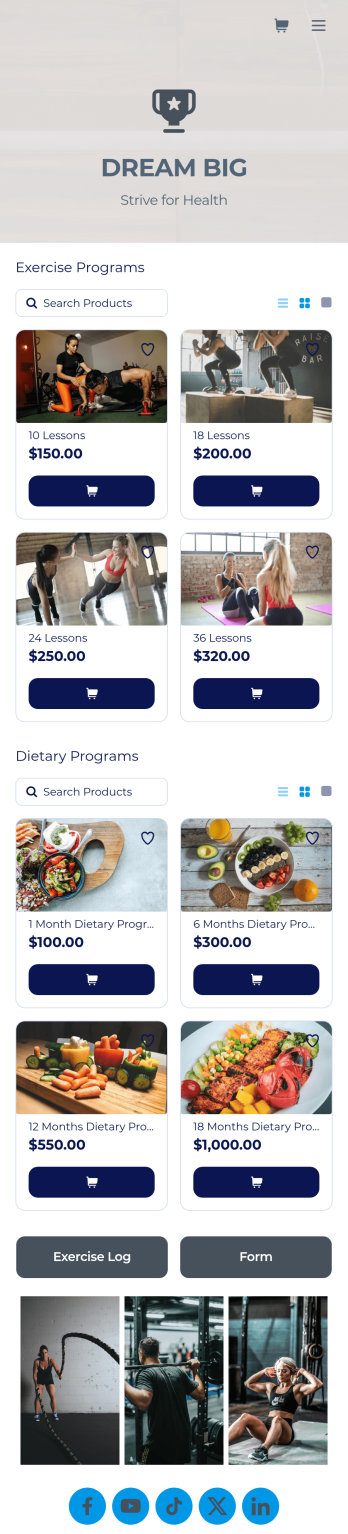
Personal Trainer App
A personal trainer app is used by personal trainers to keep track of information about their trainees. With Jotform’s Personal Trainer App — which can be downloaded on any smartphone, tablet, or computer for easy access — trainees can record their workouts, keep a daily food log, and request appointments for training sessions. All form submissions are instantly stored in the personal trainer’s Jotform account, ready to view instantly on any device.Every trainer does things differently, so be sure to customize your app to add new forms, remove existing ones, include your logo, and add other helpful links, documents, and information. Once you’ve got your app working great for your needs, share the app link so trainees can start recording their workouts. Give clients an easier way to log their training details with this free Personal Trainer App!
Go to Category:Sports Apps