
Household Expense Sharing App is a ready-to-use app template for roommates, couples, families, and shared households that need a clear record of common costs. Users can add expenses, review expense details, and record settlements when one person reimburses another. Details such as the household, amount, contributor, participants, split method, status, settlement date, and notes keep each entry understandable without relying on scattered messages or spreadsheets. It is useful for managing rent, utilities, groceries, subscriptions, repairs, and other recurring or one-time purchases. By giving everyone one shared reference point, the app supports more transparent conversations about money and makes it easier to check what was paid, how a cost was divided, and which settlements have been recorded.
Jotform Apps helps you customize this app template with a no-code app builder and an intuitive drag-and-drop interface. Adjust pages, cards, buttons, colors, fonts, and navigation to suit the way your household manages expenses. Connected forms support consistent data collection, while tables and workflows can help organize records and trigger notifications. Once the app is ready, share it by direct link or QR code so household members can access a mobile-friendly self-service experience from almost any device. No programming experience is required to update the layout, add resources, or publish the finished app.
Related templates
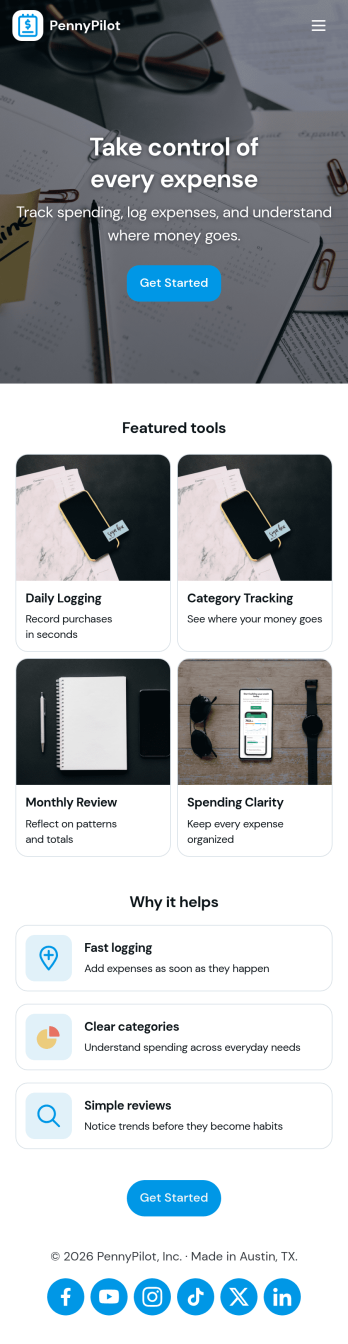
Calculate Expenses App
Calculate Expenses App helps individuals, freelancers, and small teams capture day-to-day spending and review it in one place. Use it to log new costs as they happen, browse past entries, and open a record to see key details at a glance. Whether you’re tracking project spend, travel purchases, office supplies, or recurring bills, the app supports consistent expense logging and faster month-end check-ins without hunting through messages, notes, or receipts.Built with Jotform App Templates, this experience can be tailored in minutes with a no-code app builder and a drag-and-drop interface. Connect the built-in Add Expense form to your records, organize entries into an easy-to-navigate list, and share the app as a simple self-service tool for yourself or your team. Jotform helps centralize data collection and keep your workflow moving with flexible pages, buttons, and connected data for quick updates and clearer visibility.
Go to Category:Finance & Accounting Portal Apps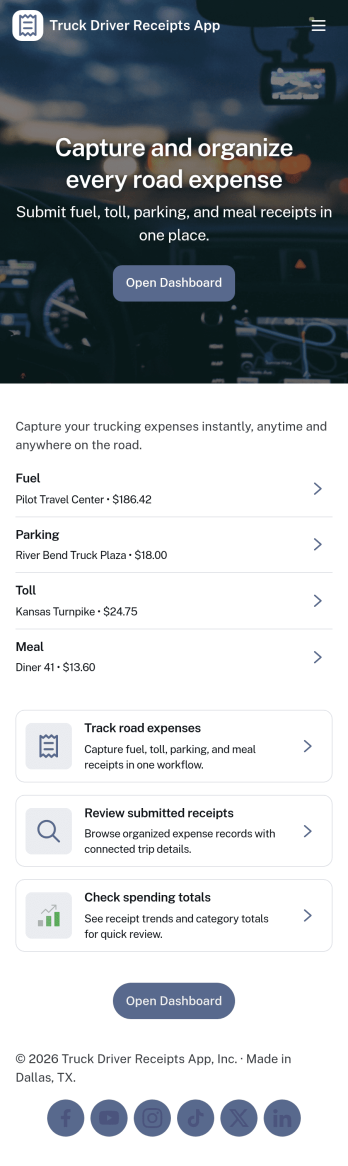
Truck Driver Receipts App
Truck Driver Receipts App helps drivers and fleet teams capture, organize, and review receipts tied to life on the road, such as fuel stops, tolls, repairs, and meals. With quick access to a New Receipt flow and a Recent Receipts view, it’s easy to log expenses while parked, reduce lost paper slips, and keep trip spending visible. This app template fits owner-operators, dispatchers, and back-office staff who need a consistent way to document costs across routes, trucks, and drivers without chasing photos in text threads.Built with Jotform, this app template combines self-service data collection with a simple browsing experience that works well on mobile. Use Jotform’s no-code app builder and drag-and-drop interface to adjust pages, add guidance text, and connect the receipt form to the same underlying records list so updates stay organized. Once published, you can share the app link with drivers, centralize receipt tracking in one workflow, and keep expense documentation ready for review whenever you need it.
Go to Category:Finance Apps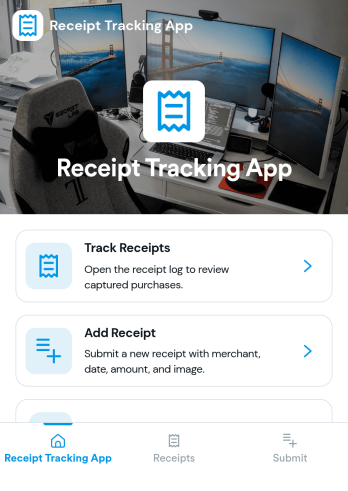
Reciept Tracking App
Reciept Tracking App helps individuals and teams capture, organize, and revisit purchase receipts in one place so expense records don’t get lost in email threads, wallets, or shared drives. Use it to add new receipts as they come in, review what’s been recorded in a simple receipts list, and keep older documents tidy in an archive for easy reference during budgeting, reimbursements, or tax-season prep. It fits freelancers tracking business purchases, office admins managing team spend, and anyone who wants a clearer view of everyday spending patterns without digging through piles of paper.Built with Jotform, this app template turns receipt collection into a guided self-service experience you can share by link or QR code. Customize pages and navigation with a drag-and-drop interface, connect the Add Receipt flow to your form for consistent data collection, and use the Insights area to spot trends at a glance. When you publish, everyone can submit and revisit entries from a mobile-friendly app experience while your workflow stays organized behind the scenes.
Go to Category:Finance Apps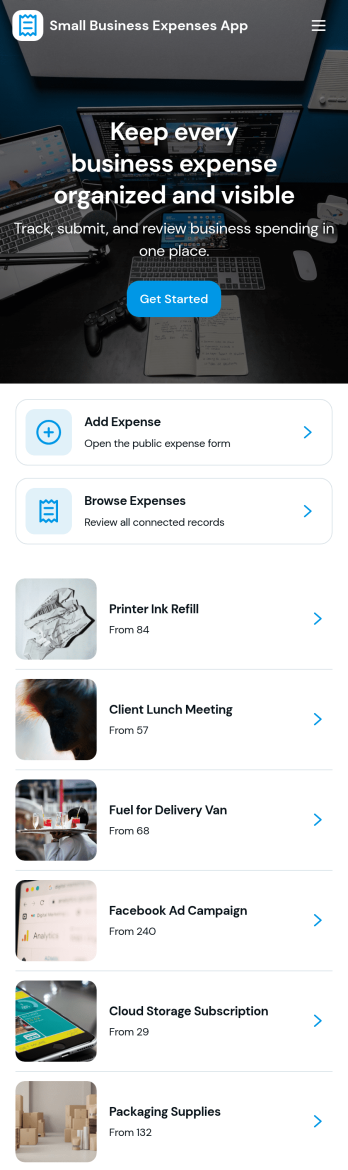
Small Business Expenses App
Small Business Expenses App helps teams capture, organize, and review day-to-day business spending in one place, so you can stay on top of receipts and keep expense records consistent. Use it to add a new expense as it happens, browse submitted expenses by merchant, and open a simple dashboard view to spot patterns in categories like office supplies and travel. It’s a practical fit for owners, office managers, and bookkeepers who need a clear trail of purchases without chasing paperwork across email threads, paper receipts, or scattered files.With Jotform, you can turn this expense tracking app template into a branded, self-service experience that works anywhere. Customize pages with a drag-and-drop interface, connect forms and tables for reliable data collection, and route the right actions to the right place such as adding receipts, viewing records, or exporting receipt information. Jotform’s no-code app builder makes it easy to publish and share an app your team will actually use, while keeping your workflow organized as spending volume grows.
Go to Category:Finance & Accounting Portal Apps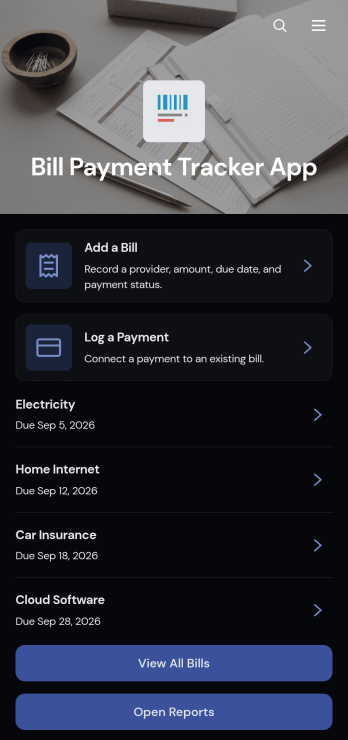
Bill Payment Tracker App
The Bill Payment Tracker App is an organized personal finance tool for recording recurring bills and documenting payments in one convenient location. Individuals, households, freelancers, and small business owners can use it to review bill information, monitor amounts and providers, and keep payment records easier to find. Users can add bills, log completed payments, open reports, and review details such as categories, payment methods, confirmation numbers, frequencies, and notes. This app template helps replace scattered spreadsheets, paper reminders, and disconnected records with a clear process for staying aware of regular financial obligations.Jotform Apps makes it easy to turn this Bill Payment Tracker App into a personalized, mobile-friendly experience without writing code. Using the no-code app builder and drag-and-drop interface, you can adjust pages, navigation, colors, fonts, and branded elements to fit personal or business needs. Connect forms and tables to support data collection, organize bill records, and maintain a practical financial workflow. Jotform App Templates can also be shared through a direct link or QR code, giving users convenient self-service access from a phone, tablet, or computer.
Go to Category:Personal Finance Apps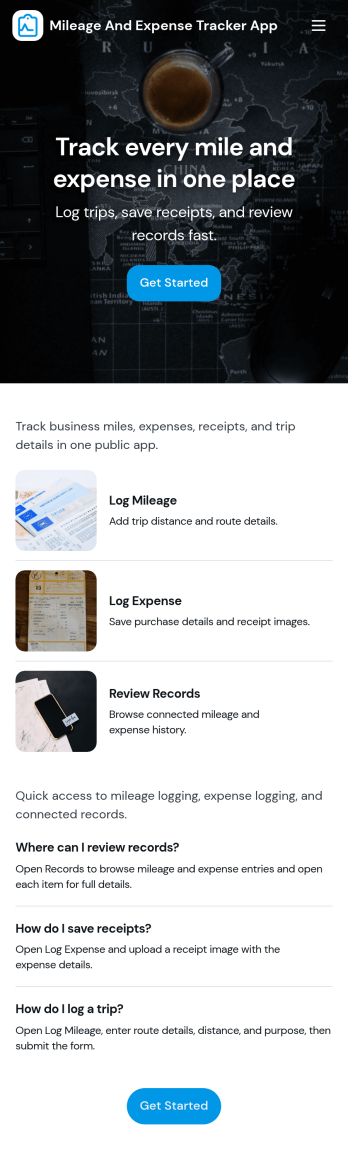
Mileage and Expense Tracker App
Mileage and Expense Tracker App helps you capture trip mileage and day-to-day spending in one place, so you can keep a clear record of travel and costs without digging through notes, emails, or receipts. It’s a practical fit for teams and individuals who drive for work, travel between job sites, or manage reimbursable purchases, including field services, sales reps, consultants, contractors, and small business owners. With quick actions to track mileage, track expenses, and view reports, the app supports consistent logging habits and makes it easier to stay on top of what’s been recorded.Built with Jotform, this app template pairs a no-code app builder with a drag-and-drop interface so you can adapt the experience to your process in minutes. Connect mileage and expense forms, organize entries into easy-to-browse lists, and use reports to review activity over time. Whether you’re collecting data for reimbursements, job costing, or internal budgeting, Jotform Apps turns routine tracking into a simple self-service workflow you can share with a team and manage from anywhere.
Go to Category:Expense Tracking Apps