
Image Feedback App is a centralized review experience for collecting, organizing, and acting on comments about images. Creative teams, marketing departments, educators, agencies, product teams, and clients can use this app template to submit visual feedback, browse existing responses, and manage review queues by status. Ratings and review insights help teams identify recurring opinions, prioritize revisions, and monitor progress from submission through resolution. It is especially useful for campaign artwork, design drafts, product photography, educational materials, website visuals, and other assets that require clear, traceable input from multiple reviewers.
Jotform App Templates make it easy to adapt this experience to an existing feedback workflow without writing code. With Jotform’s no-code app builder and drag-and-drop interface, teams can update pages, navigation, colors, fonts, and branding while connecting forms and data collection tools in one accessible location. Share the finished Image Feedback App through a direct link or QR code so reviewers can participate from a phone, tablet, or computer. Connected records help collaborators maintain an organized review process, support self-service access, and reduce scattered feedback across messages and documents.
Related templates
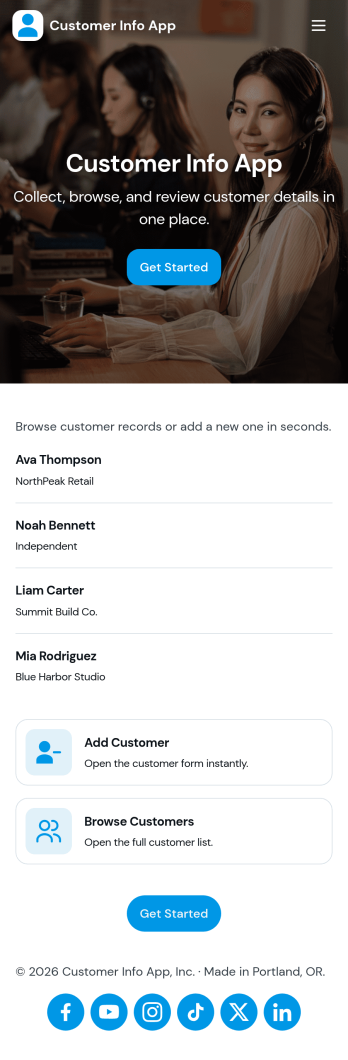
Customer Info App
Customer Info App brings customer details into one place so you can add new contacts, browse customer lists, and quickly open an individual record when you need context fast. It fits teams that juggle repeat clients and inquiries such as service businesses, agencies, consultants, and sales teams that need a simple way to look up names, contact info, and notes while staying organized. Use it to reduce scattered spreadsheets, avoid duplicate entries, and keep everyone aligned on the latest customer information during calls, on-site visits, or follow-ups.Built with Jotform, this app template pairs a form for adding customers with easy navigation for browsing and reviewing saved records, plus links to view all records or only the ones assigned to you. Customize the pages, buttons, and branding in Jotform’s no-code app builder using a drag-and-drop interface, then share the app for quick self-service access across your team. Connect your data collection to connected workflows so updates and customer information stay consistent as your process grows.
Go to Category:Customer Portal Apps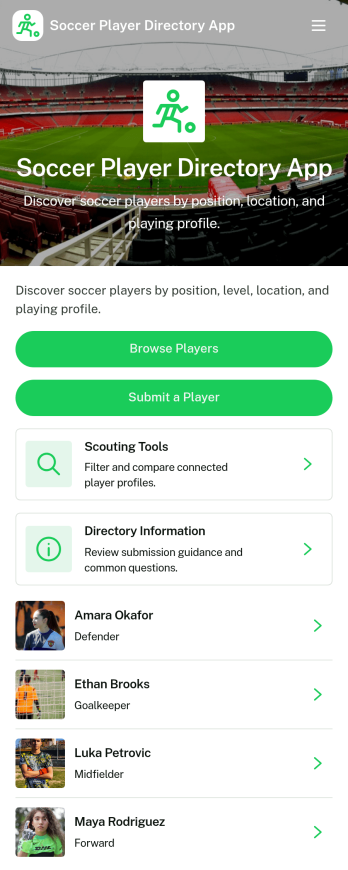
Soccer Player Directory App
Soccer Player Directory App helps coaches, scouts, clubs, and academies organize player profiles in one place so it’s easy to browse talent, review key details, and make faster outreach decisions. Use it to showcase rosters, maintain a scouting shortlist, or publish a searchable directory for tryouts and recruitment pipelines. With a browseable player list, individual profile views, and a built-in way to submit a player for inclusion, teams can keep information current without relying on scattered spreadsheets or long message threads.Jotform makes it simple to turn this directory into a polished self-service experience using a no-code app builder and a drag-and-drop interface. Connect the app to your data collection form to capture new players, update records over time, and keep your workflow organized as your directory grows. Share your Soccer Player Directory App as a link or QR code, customize branding and navigation, and give staff an easy way to explore players and contact them from a single place.
Go to Category:Sports Apps
Video Streaming Platform App
Video Streaming Platform App brings your video library into one place so viewers can discover content and creators can contribute new uploads without confusion. Use it to publish a public video collection for a community, classroom, organization, or media team, with simple navigation for browsing by category and keeping up with the latest uploads. It’s a practical fit for influencers sharing series content, nonprofits spotlighting stories, training teams curating tutorials, or event organizers posting session recordings, while keeping the experience easy for audiences to explore.With Jotform App Templates, you can launch this experience quickly and tailor it to your brand using Jotform’s no-code app builder and drag-and-drop interface. Connect the app to a video submission form for data collection, manage entries in your workflow, and share the finished app through a link or QR code for self-service access on any device. Update categories, featured content, and pages anytime, so your streaming-style hub stays current as your library grows.
Go to Category:Entertainment Apps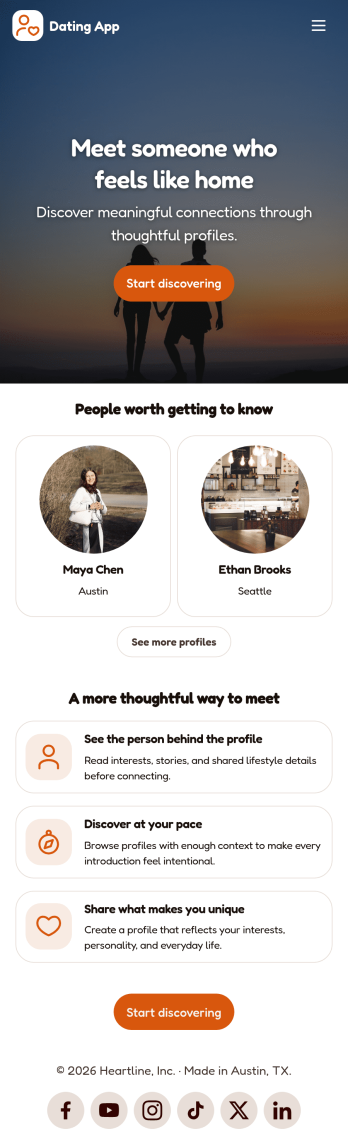
Dating App
Dating App helps you create a simple, mobile-friendly space where people can discover profiles, learn the basics at a glance, and take the next step to connect. It’s a practical choice for community organizers, niche social groups, matchmakers, and entrepreneurs who want a lightweight way to present dating or connection information without building complex features. Use it to highlight introductions, share guidelines, and point users to the right place to start a conversation or request more details.With Jotform, you can publish polished App Templates using a no-code app builder and a drag-and-drop interface that makes updates easy as your community grows. Customize the look and feel, adjust your page content in minutes, and support your workflow with connected data collection when you add forms later. Share your app with a link or QR code so users can access it anytime for quick self-service.
Go to Category:Community & Engagement Portal Apps
Secure Messaging App
Secure Messaging App helps teams and organizations share sensitive updates, quick instructions, and internal notes in one private place, especially when email threads and public chat tools feel too exposed. Use it for employee communications, client check-ins, on-call announcements, incident coordination, or confidential project discussions where clarity and controlled access matter most. It fits HR teams, IT and operations groups, healthcare and nonprofit staff, and any distributed team that needs a simple, focused channel for protected communication.With Jotform, you can build and publish a branded, mobile-friendly experience using a no-code app builder and a drag-and-drop interface. Start from this app template, tailor the content to your workflow, and share it by link or QR code for fast self-service access. As your needs grow, you can connect the app to Jotform forms and workflows to support structured data collection, internal requests, and organized follow-ups without adding complexity.
Go to Category:Customer Engagement Apps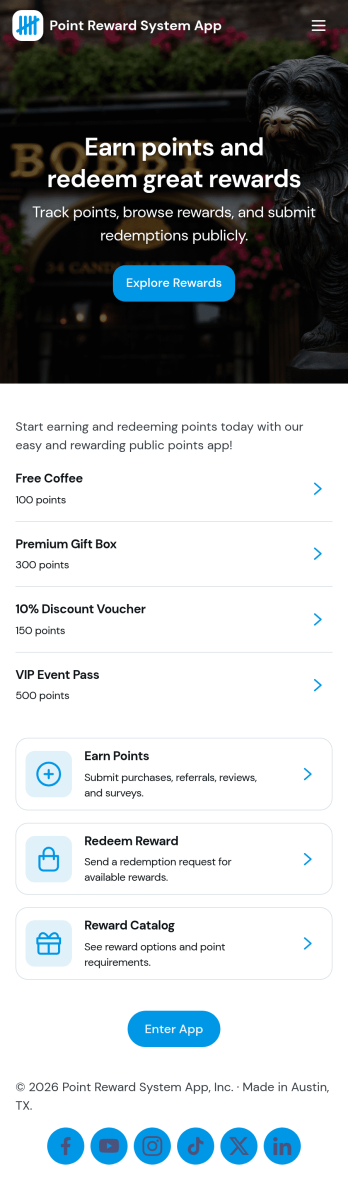
Point Reward System App
Point Reward System App helps businesses and organizations run a simple loyalty-style points experience where people can earn points, view available rewards, review activity, and redeem rewards from one place. It’s a practical fit for retail shops, gyms and studios, cafés, online communities, and internal teams that want to encourage repeat engagement without juggling scattered spreadsheets or manual updates. With dedicated areas for earning points, browsing rewards, and checking activity, users can understand how points are gained and what they can redeem next.Built with Jotform, this app template pairs a no-code app builder with a drag-and-drop interface so you can tailor the flow to your program in minutes. Connect the app to forms and tables for data collection and ongoing tracking, then share it as a self-service experience for customers or employees. You can also keep point entries organized in one place, update reward options as your program evolves, and maintain a clear workflow from point entry to reward redemption.
Go to Category:Community & Engagement Portal Apps