Secure Messaging App helps teams and organizations share sensitive updates, quick instructions, and internal notes in one private place, especially when email threads and public chat tools feel too exposed. Use it for employee communications, client check-ins, on-call announcements, incident coordination, or confidential project discussions where clarity and controlled access matter most. It fits HR teams, IT and operations groups, healthcare and nonprofit staff, and any distributed team that needs a simple, focused channel for protected communication.
With Jotform, you can build and publish a branded, mobile-friendly experience using a no-code app builder and a drag-and-drop interface. Start from this app template, tailor the content to your workflow, and share it by link or QR code for fast self-service access. As your needs grow, you can connect the app to Jotform forms and workflows to support structured data collection, internal requests, and organized follow-ups without adding complexity.
Related templates
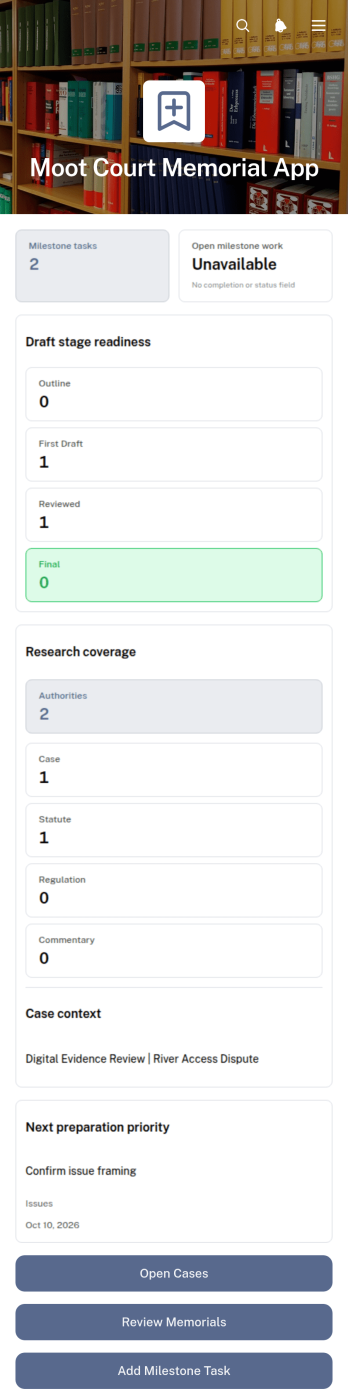
Moot Court Memorial App
The Moot Court Memorial App is an organized workspace for law students, moot court teams, coaches, and faculty advisers preparing written memorials for competitions or classroom exercises. Teams can maintain case records and legal authorities, assign milestone tasks with due dates, and review memorial drafts by stage from one accessible location. This structure helps participants connect research with written arguments, monitor drafting progress, and keep essential competition context visible throughout the preparation period. It is especially useful for teams handling several issues, authorities, deadlines, or draft versions while working toward a complete memorial.Jotform Apps makes this app template easy to adapt without coding. Using the drag-and-drop app builder, organizers can adjust pages, navigation, cards, buttons, colors, and typography to suit a course or competition workflow. Connected forms support data collection for new cases, authorities, tasks, and drafts, while organized records give team members a consistent self-service resource. Once ready, the app can be shared through a direct link or QR code for convenient access on phones, tablets, and computers.
Go to Category:Legal Apps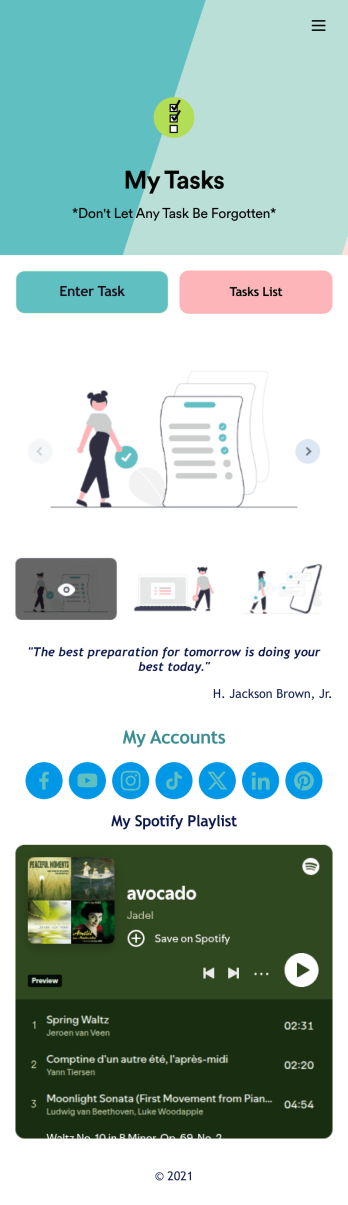
Recurring Tasks App
A recurring tasks app is used to track and manage daily tasks. Whether you’re organizing tasks for school, work, or at home, do it directly from your desktop or mobile device with a free Recurring Tasks App from Jotform! All tasks are stored securely in your Jotform account and easily accessible on any device — including as a spreadsheet, calendar, or individual cards with Jotform Tables’ Daily Task List!Feel free to update the design by adding other forms, changing colors, uploading your logo, and making other changes for a personalized touch with our no-code builder. You can even copy and paste the app link to send it to members of your team, so they can download it onto their devices too! Organize your tasks more efficiently with this Recurring Tasks App.
Go to Category:Management Apps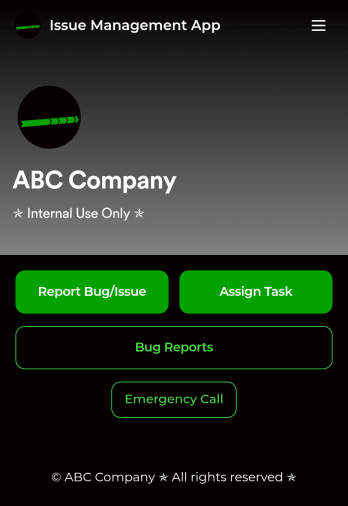
Issue Management App
An issue management app is used by IT professionals to report bugs or issues, track them in a spreadsheet, and assign tasks to teammates. Track and manage issues more efficiently with Jotform’s free Issue Management App! It saves onto any device — whether it be a smartphone, tablet, or computer — so you can quickly access the forms you need to do your job efficiently.Update this free app with no coding using our drag-and-drop interface. Add or remove forms, upload your logo, change fonts and colors, and make other changes to make this app work perfectly for your needs. You can then share the app with a link for teammates to download instantly. Streamline your IT workflow and save time with this powerful Issue Management App!
Go to Category:Event Planner Apps
Custom Time Tracker App
A time tracker app is used to keep track of employees’ hours and tasks. With Jotform’s free Time Tracker App, managers can keep a complete record of the times employees punch in or out, task details and the amount of time employees spend on them, and view all the information in a professional spreadsheet. All submissions are stored securely in your Jotform account and ready to access on any device.Need to make changes to this app template? Be sure to add your logo, change the background image, and choose new fonts and colors for a personalized touch. You can also customize the spreadsheet layouts and make changes to the app’s forms to collect other types of information — then share the app for your employees to download onto their devices. Better manage employee information with a free Time Tracker App from Jotform.
Go to Category:Management Apps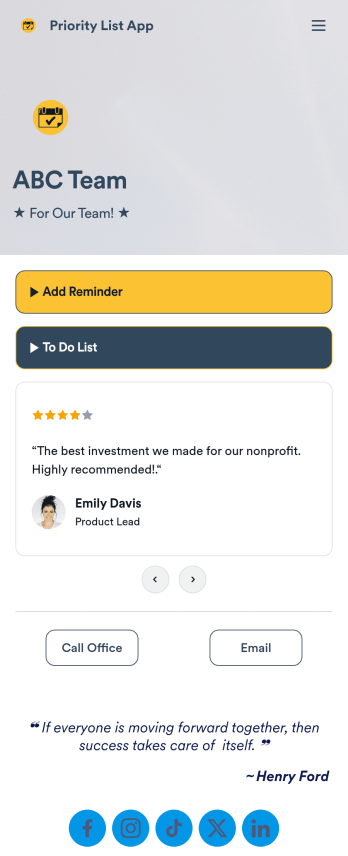
Priority List App
A priority list app is used by employees who work in a team to prioritize tasks. With Jotform’s free Priority List App, team members can easily add tasks with priority levels and deadlines, as well as set reminders. Tasks are compiled in a searchable and easy-to-understand task list table, which can be accessed by team members on any device.Customizing this Priority List App is easy. With our drag-and-drop form builder, you can add new forms, upload images, change fonts and colors, and more — all with no coding. After you’re done, you can share your app with other team members via link, or even embed it in an internal website. Your app can be downloaded on any smartphone, tablet, or desktop for future use. Keep your team on track with this fully customizable Priority List App!
Go to Category:Management Apps
Task Tracker App
A task tracker app is used to keep track of tasks on any device. No matter which industry you work in, Jotform’s free Task Tracker App lets you log and manage task details and even assign tasks to employees or teammates! The app is downloadable onto any smartphone, tablet, or computer, and all submissions are stored securely in your Jotform account — ready to access whenever you need them.Want to make changes to this free app? Add or remove forms, include your company logo, change fonts and colors, and personalize other elements with our drag-and-drop builder. No coding is necessary! Once you’ve got your app looking perfect, share it with a link for others to download directly onto their devices. Track tasks more efficiently with the help of a free Task Tracker App from Jotform.
Go to Category:Organization Apps