
The Image Submission Gallery App gives communities, event organizers, schools, nonprofits, marketing teams, and creative groups a central place to collect and showcase visual contributions. Visitors can browse the gallery and submit an image through a connected form, creating a straightforward experience for photo contests, event highlights, campaign entries, classroom projects, community collections, and customer-generated content. By bringing image submission and gallery viewing together, this app template reduces scattered uploads, makes participation easier, and supports organized data collection.
Jotform Apps helps teams turn this Image Submission Gallery App into a branded, mobile-friendly experience without writing code. Use the no-code app builder and drag-and-drop interface to adjust pages, navigation, colors, fonts, buttons, and visual elements. The app can connect with forms, tables, approval steps, notifications, and other workflow tools, helping teams review contributions and manage records from one place. Start with one of Jotform’s App Templates, tailor the app to your audience, and share it through a direct link, a QR code, or an embedded experience.
Related templates
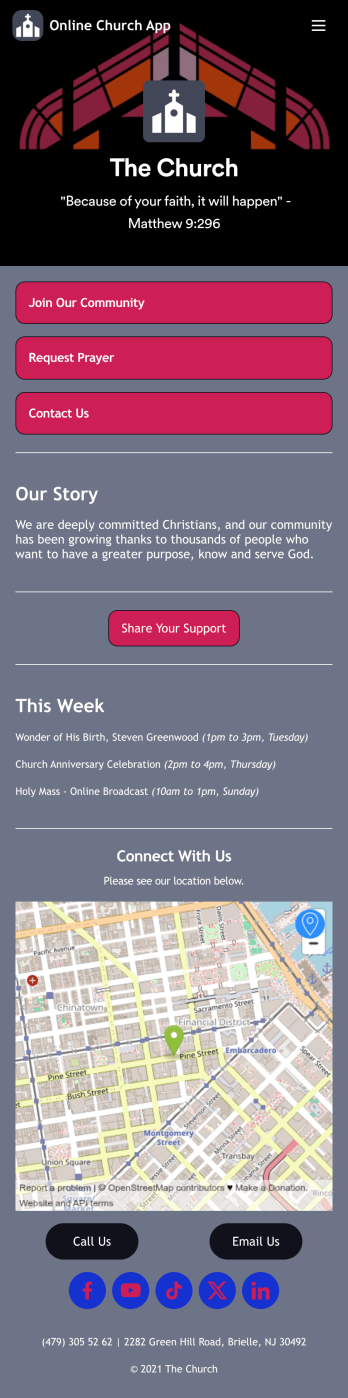
Online Church App
No matter which faith you belong to, share all of your church’s forms in a single Online Church App with Jotform! You can use the app to collect new member applications, gather donations, receive prayer requests, and more from any device to stay connected with your church members and community. Members can open the app from any device and download it for future use, and submissions are stored in your Jotform account which you can view as a spreadsheet, calendar, or cards using Jotform Tables.Feel free to customize this app template using our drag-and-drop app builder. Create or add readymade forms, update the app’s name and icon, change background colors, and add images with no coding. You can also change the app’s splash screen and icon, embed links, share information about your church, and much more. Then share the app with your community via link or email. Keep in touch with your church members using a free, fully-customizable Online Church App.
Go to Category:Nonprofit Apps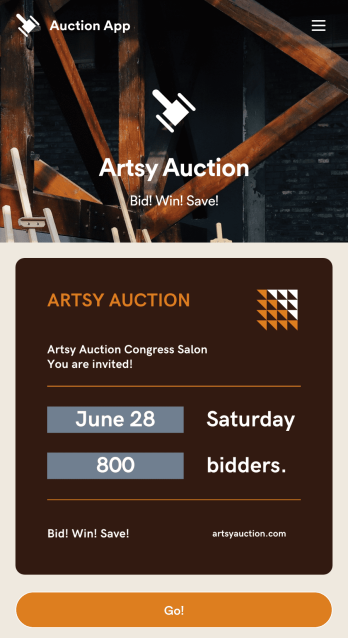
Customizable Auction App
Running an auction? With Jotform’s free Auction App, you can create a mobile app that lets people register as bidders, make an auction bid, donate an item, and take other actions from a downloadable app for iOS or Android. Instead of gathering information in time-consuming phone calls and emails, you can gather it all in a single app and view submissions instantly on the go.Updating this Auction App template is easy. Drag and drop to get the look you want with our no-code builder — whether that’s adding a logo, choosing a new icon or splash screen, or updating the forms within the app. Once you’re ready to go, share your personalized Auction App in your social media bio, via email, or with a link.
Go to Category:Entertainment Apps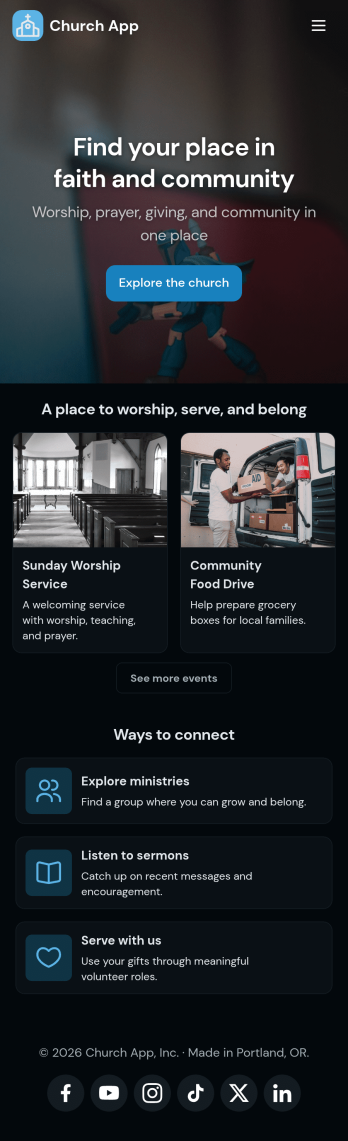
Church Donation App
No matter what type of church you run, create your own online application with our free Church Donation App! You can share all your church forms—such as donation forms, contact forms, prayer request forms, and more—through your app, making it easier to stay connected with your community. Current and new members of your church can open the app from any smartphone, tablet, or computer and even download it for future use.Want to customize this Church Donation App to better represent your church? Your prayers have been answered—using our drag-and-drop builder, you can easily make this ready-made template your own! Jotform’s List Element feature lets you connect Tables and add actions, making it easy to organize data and manage your app’s flow. Feel free to create and add new forms, update the app name and icon, change the background image or splash page, embed links, and much more. When it’s ready, share your app with members of your church via link. Keep in touch with members of your church on the go with a custom Church Donation App for your congregation.
Go to Category:Community & Engagement Portal Apps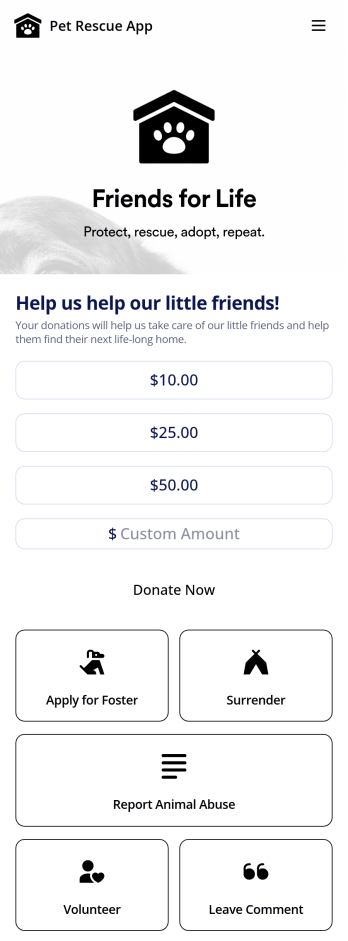
Animal Rescue App
Give people a better way to interact with your animal shelter with this free Animal Rescue App. App users can download the app onto their iOS or Android smartphone or tablet to fill out the included forms — including forms that allow people to surrender an animal, volunteer, donate, leave feedback, or request to foster an animal. All form submissions are stored in your Jotform account and are easy to access on any device.Need to make changes to this Animal Rescue App template? Drag and drop to customize the design without coding. Add your logo, update forms, choose a new app icon or background image, and make other changes in seconds. Then share your custom Animal Rescue App with others using a direct link, email, or social media to be downloaded instantly onto any device for quick and easy access.
Go to Category:Community & Engagement Portal Apps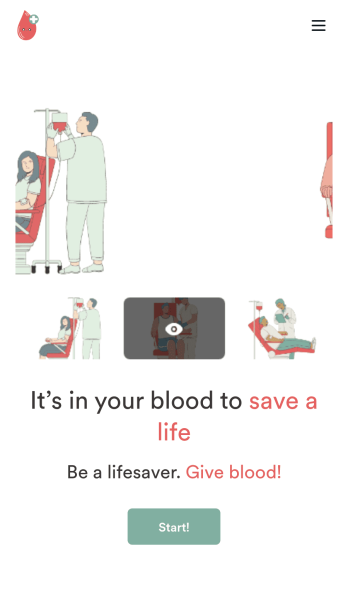
Customizable Blood Donation App
Does your nonprofit or hospital need an easy way to keep track of blood donation requests? Give your volunteers a seamless way to sign up with Jotform’s free Blood Donation App. Your customers can download your app on any Android or iOS device to fill out your forms. All your form submissions will be stored on your Jotform account in one easy to manage place – great for sharing access with all your employees. Review donation schedules, feedback responses, volunteer applications, consent forms, and many more.Need to make some changes to your Blood Donation App? No problem. With our easy to use drag-and-drop builder tool, you can change your app’s design without having to code. Upload your organization’s logo, update time-sensitive forms, or pick a fitting app icon and background image. For easy sharing, you can send your app through a direct link, via email, or even through a scannable QR code. Make blood donations for both you and your volunteers easier with Jotform’s Blood Donation App.
Go to Category:Community & Engagement Portal Apps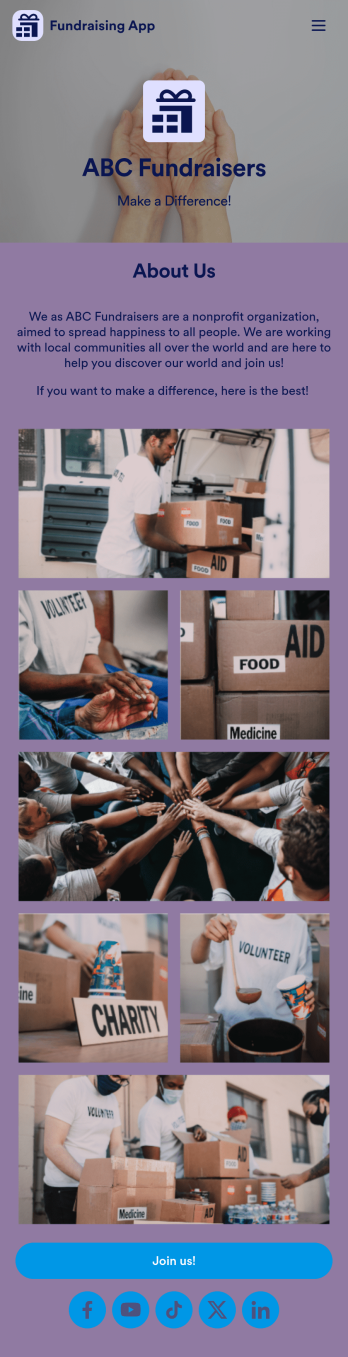
Fundraising App
Make fundraising fun and enjoyable for all with this intuitive online Fundraising App from Jotform. Add sign up sheets, track and collect volunteer hours, process donor payments, collect RSVPs, and more. You can also log your organization’s expenses and payments using Jotform Tables — perfect for small and large nonprofit organizations.Want to make changes to your Fundraising App? No problem! All you have to do is use our drag-and-drop app builder to add your own personalized look and feel. Upload videos or images of previous fundraisers, change up colors and fonts, add a fun app backsplash, and so much more. Once you’re done customizing, all you need to do is share your fundraising app’s link by putting it in your social media bios or by email.
Go to Category:Community & Engagement Portal Apps