
The Investment Transaction Review App is an app template for investment teams, finance departments, advisory groups, and internal committees that need a consistent way to assess proposed transactions. It brings transaction submission, centralized review context, and documented decisions into one accessible experience. Reviewers can examine key transaction information, consider risk and reviewer notes, apply relevant criteria, and retain the decision date with the record. This shared process reduces scattered communication, improves visibility across active reviews, and helps stakeholders evaluate opportunities with clearer context and a repeatable workflow.
Jotform Apps makes this Investment Transaction Review App easy to adapt with a no-code app builder and drag-and-drop interface. Teams can customize pages, navigation, colors, and branding, then connect forms, tables, notifications, and approval steps to support data collection and follow-up actions. Jotform App Templates also provide a practical starting point for building secure internal resources and self-service experiences without writing code. Publish the finished app through a direct link or QR code so authorized reviewers can access current transaction information from a phone, tablet, or computer.
Related templates
Construction Site Audit App
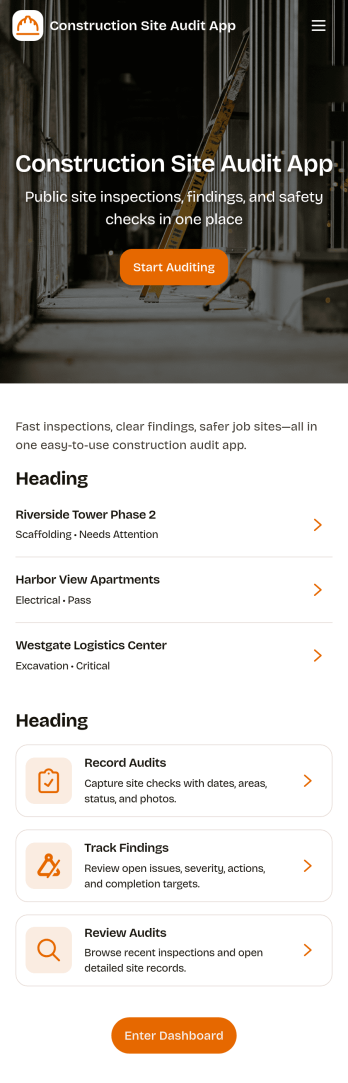
Construction Site Audit App helps crews document site inspections, record observations, and keep audit history organized across multiple jobsites. Use it to start a new audit, capture key notes for a specific site name, and create a consistent record that supervisors, safety leads, and project managers can review later. It’s a practical fit for general contractors, subcontractors, and construction firms that want a clear way to log findings, follow up on issues, and keep field reporting consistent from one project to the next.With Jotform, you can turn this app template into a mobile-friendly workflow that’s easy to share with field teams. Customize pages and navigation with a drag-and-drop interface, connect the audit form to your data collection process, and keep records organized for faster review. Jotform’s no-code app builder makes it simple to publish updates quickly, maintain a reliable inspection workflow, and support self-service reporting from the jobsite.
Go to Category:Construction Apps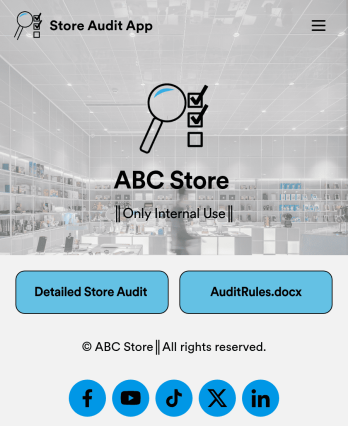
Store Audit App
A store audit app is used by store owners and managers for recording store audits. Jotform’s Store Audit App allows employees to create daily and monthly inspection audits by filling out a form detailing store standards, presentation, and security. Audits are automatically synced to an archive in your secure Jotform account, which you can access from any device for ease of use.Make this app template your own with our intuitive app builder. Drag and drop to add or change form elements, choose color schemes, upload images, and more — no coding required. You can also modify audit headers and textboxes to fit the needs of your store. Once you’re finished, simply download your app onto your store’s tablet or desktop, or share it with employees using a link. Ditch the paperwork and keep all your store audits in one place with this Store Audit App from Jotform.
Go to Category:Checklist Apps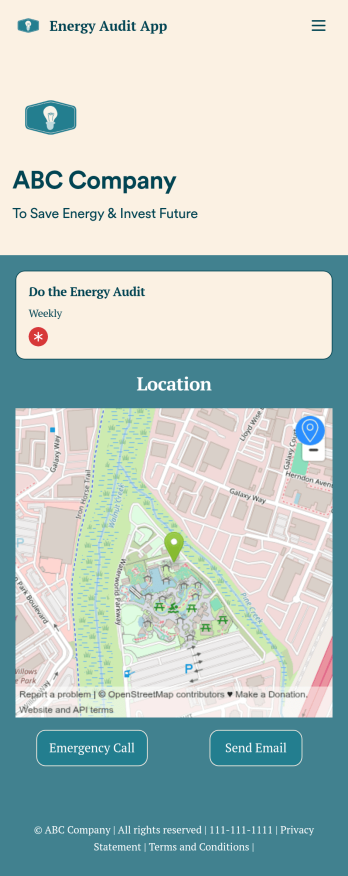
Energy Audit App
An energy audit app is used by auditors to perform energy inspections of buildings. With Jotform’s free Energy Audit App, your company can complete audits seamlessly on any device — making it easier than ever for your team to identify and address energy efficiency issues in the field. The app can be downloaded onto any device in a single click!Feel free to update the design of the app by creating and adding other online forms with our drag-and-drop builder, uploading your company logo, or making other changes with no coding. All information you collect is stored safely in your secure Jotform account. Make the switch from paper forms to online forms with the help of a free Energy Audit App for your team.
Go to Category:Finance & Accounting Portal Apps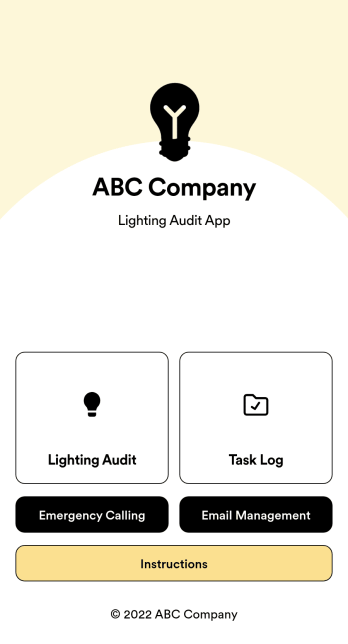
Lighting Audit App
Looking to conduct paperless lighting audits? Jotform’s free Lighting Audit App allows auditors to create audit reports from any device by filling out their name, date, and the facility name and location. Auditors can then make note of existing features, wattage, quantity, interior/exterior lights, and leave additional notes at the bottom if necessary. Reports are instantly synced and stored in your secure Jotform account, where you can review and share them with others in your organization.You don’t need to have any coding knowledge to customize this Lighting Audit App. With Jotform’s no-code app builder, simply drag and drop to add or change form fields and checklist items, install helpful widgets and integrations, add your business’ unique branding, and much more. Share your custom app by sending email invites or the app link, or by embedding it in an internal website. Auditors can then download your app and conduct on-site lighting audits from any smartphone or tablet.
Go to Category:Audit Apps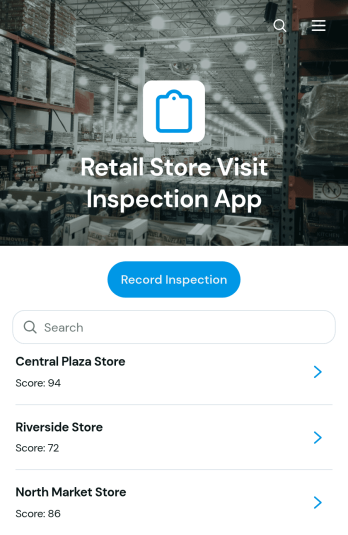
Retail Store Visit Inspection App
Retail Store Visit Inspection App is a ready-to-use app template for retail operations teams, regional managers, store auditors, franchise supervisors, and field inspectors who need a consistent way to evaluate store visits. Users can record an inspection, browse previous inspection records, review findings by location, and monitor follow-up actions with priorities, due dates, and statuses. It helps teams document merchandising, cleanliness, customer experience, inventory presentation, operational practices, and other store conditions without relying on scattered notes. Managers gain clearer visibility across locations, while inspectors can capture observations and communicate required actions during routine visits, internal audits, or performance reviews.Jotform App Templates make it easy to adapt this app to existing retail workflows without writing code. Using Jotform’s no-code app builder and drag-and-drop interface, teams can update pages, navigation, branding, inspection questions, and connected forms. Inspection data can feed organized tables, notifications, approvals, and other workflow steps, helping staff coordinate follow-up work from one accessible location. Publish the finished app with a direct link or QR code so inspectors and managers can use it on phones, tablets, or computers while supporting convenient data collection and self-service access.
Go to Category:Inspection Apps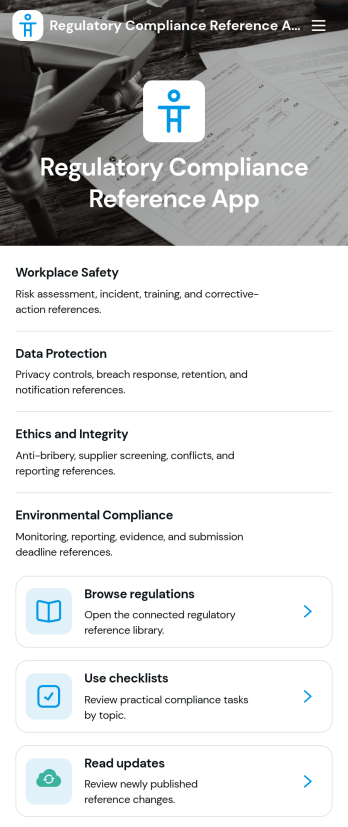
Regulatory Compliance Reference App
Regulatory Compliance Reference App brings your organization’s key regulations, checklists, and update notes into one easy-to-browse reference library. It’s built for compliance leads, operations managers, risk teams, and distributed departments that need a reliable place to review requirements by topic, confirm jurisdictions and effective dates, and keep internal guidance aligned with the latest reference status. With quick navigation to browse regulations, open source references, and use checklists tied to real responsibilities like owners and review frequency, teams can reduce time spent hunting for the right information and keep day-to-day decisions consistent.Jotform makes it simple to publish this app template as a self-service resource without coding. Using a drag-and-drop interface, you can tailor pages, organize your reference lists, and connect the app to a form for ongoing data collection when new regulations, checklist updates, or internal notes need to be added. Share the finished app with a link or QR code, keep content current in one place, and support clearer workflows across teams with Jotform.
Go to Category:Safety and Compliance Apps