Limo Booking App helps limo companies and private car services take ride requests, showcase available vehicles, and route customers to dispatch without confusion. Guests can browse your fleet, choose a vehicle, and jump into booking from multiple entry points, which is ideal for airport transfers, corporate travel, weddings, proms, and special events. It also supports fast communication with options to call or email dispatch for immediate pickup or detailed questions, making it useful for both planned reservations and last-minute needs.
Jotform makes it easy to publish this kind of self-service experience with customizable app templates and a no-code app builder. Use the drag-and-drop interface to adjust pages, update vehicle details, and connect your booking form to your workflow for smoother data collection. Share the app with a link or QR code so customers can book on mobile, while your team keeps requests organized and responds faster.
Related templates
Carpool Schedule App
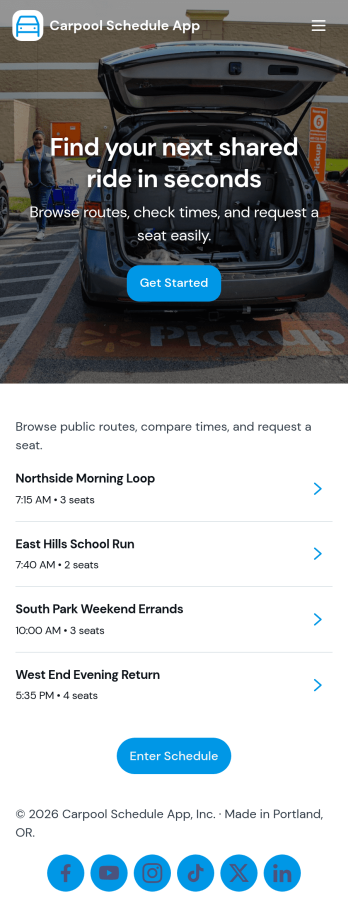
A carpool schedule app helps schools, workplaces, and neighborhood groups coordinate shared rides without confusion. Use it to publish available routes, let riders request a seat, and give everyone a clear view of what’s open and what’s already planned. It’s especially useful for parent carpools, team practices, recurring commutes, and community programs where multiple drivers and riders need one reliable place to stay aligned.With Jotform, you can turn this carpool schedule app into a branded, self-service experience using a no-code app builder and a drag-and-drop interface. Connect routes and ride requests to your data collection workflow, organize records in tables, and keep requests easy to manage with dedicated views like My Requests. Share the app by link or QR code so drivers and riders can quickly check routes and submit ride requests from anywhere.
Go to Category:Transportation Apps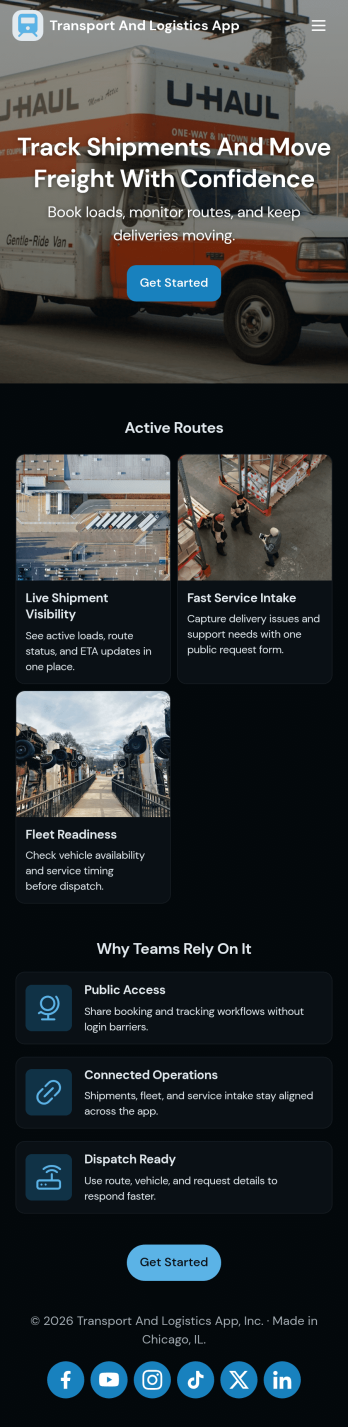
Transport and Logistics App
Transport and Logistics App brings shipment intake and dispatch coordination into one place for teams that move freight day to day. Use it to create new shipments, send requests into a shared workflow, and keep a simple dispatch view that helps operations stay on top of what needs to go out next. It fits trucking companies, delivery operators, freight brokers, and in-house logistics teams that manage multiple loads, drivers, and vehicles while trying to reduce missed details and scattered updates.Built with Jotform App Templates, this app template can be tailored in a no-code app builder with a drag-and-drop interface, so you can match the experience to how your team works. Connect the app to a shipment form for fast data collection, organize incoming records, and share a self-service link with staff who need to submit requests or review assigned work. As your workflow evolves, you can adjust pages, navigation, and connected processes without rebuilding from scratch.
Go to Category:Delivery Apps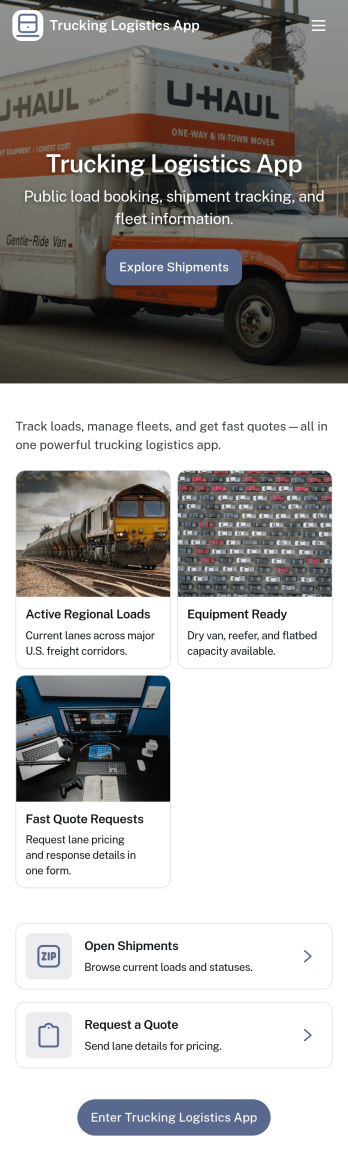
Trucking Logistics App
Trucking Logistics App brings load dispatch, driver check-ins, and day-to-day visibility into one place for carriers, dispatchers, and operations teams. Use it to create new loads, share key load details internally, and keep a running tracking board that helps your team follow what’s moving, what’s delayed, and what needs attention. It’s a practical fit for small fleets, owner-operators working with a dispatcher, and growing logistics teams that want fewer missed updates and clearer handoffs across shifts.With Jotform App Templates, you can publish a mobile-friendly experience that connects buttons and lists to the forms behind your workflow, so dispatch and field updates stay organized as your volume increases. Customize pages with a drag-and-drop interface, add your branding, and keep data collection consistent across teams. Jotform makes it easy to share the app through a link, support self-service updates, and turn routine trucking operations into a repeatable workflow without code.
Go to Category:Transportation Apps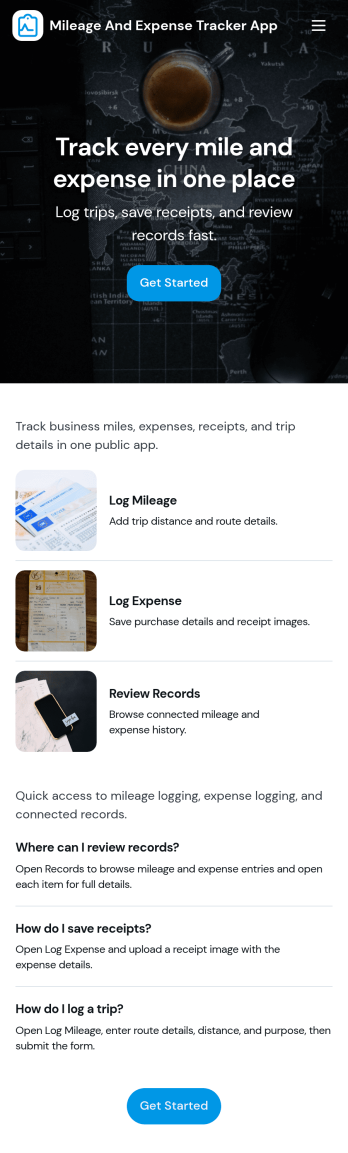
Mileage and Expense Tracker App
Mileage and Expense Tracker App helps you capture trip mileage and day-to-day spending in one place, so you can keep a clear record of travel and costs without digging through notes, emails, or receipts. It’s a practical fit for teams and individuals who drive for work, travel between job sites, or manage reimbursable purchases, including field services, sales reps, consultants, contractors, and small business owners. With quick actions to track mileage, track expenses, and view reports, the app supports consistent logging habits and makes it easier to stay on top of what’s been recorded.Built with Jotform, this app template pairs a no-code app builder with a drag-and-drop interface so you can adapt the experience to your process in minutes. Connect mileage and expense forms, organize entries into easy-to-browse lists, and use reports to review activity over time. Whether you’re collecting data for reimbursements, job costing, or internal budgeting, Jotform Apps turns routine tracking into a simple self-service workflow you can share with a team and manage from anywhere.
Go to Category:Expense Tracking Apps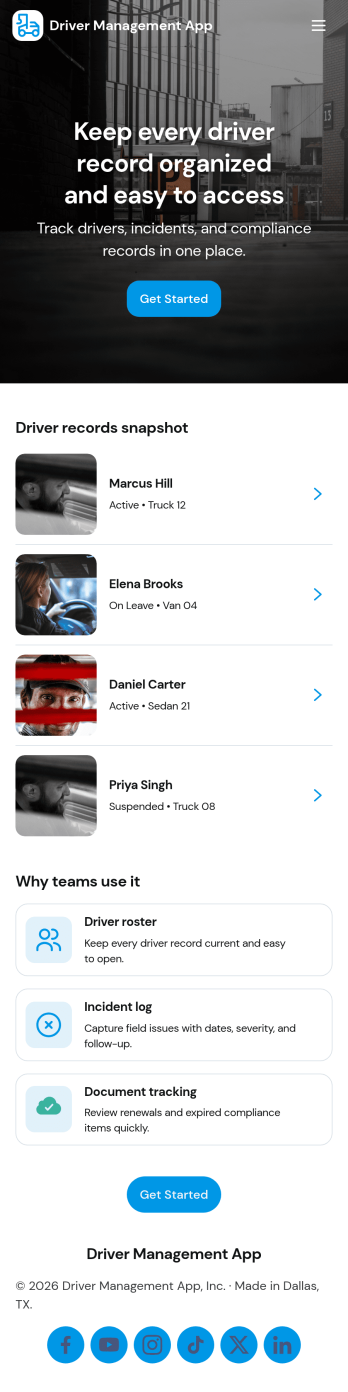
Driver Management App
Driver Management App centralizes the day-to-day details you need to run a reliable fleet, giving dispatchers, transportation teams, and operations managers one place to keep driver records organized and easy to access. Use it to browse a driver list, open an individual profile to review key details like license, contact info, base, and status, and quickly add new drivers as your roster grows. It also supports practical, on-the-road routines with simple navigation for logging trips and reporting incidents, so critical updates don’t get lost across messages or paperwork.Built with Jotform, this app template can be customized in a no-code app builder using a drag-and-drop interface, so you can match it to your workflow without engineering help. Connect the app to forms that capture driver updates, trip logs, and incident reports, then share it with your team as a self-service hub they can use from anywhere. As information comes in, Jotform helps you keep data collection consistent, improve visibility across daily operations, and maintain a clearer workflow for fleet coordination.
Go to Category:Transportation Apps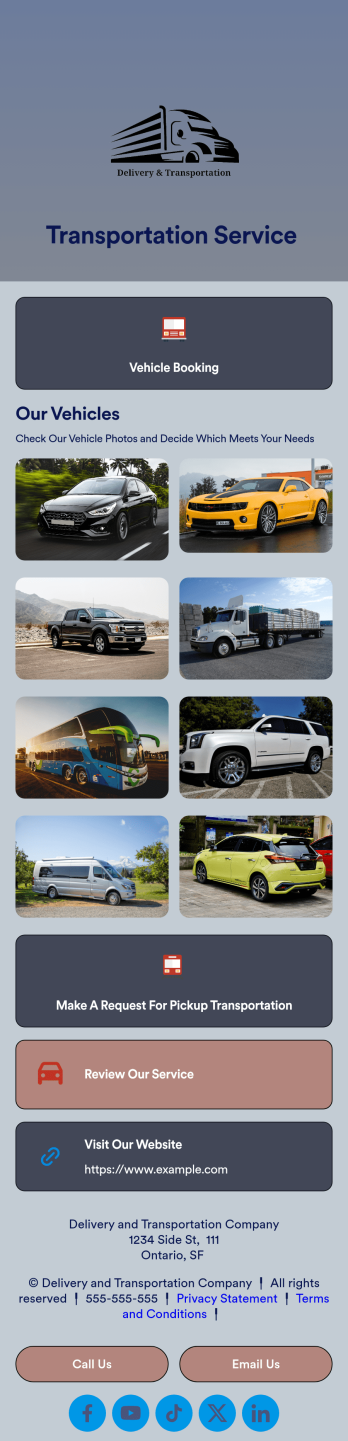
Transportation Service App
A transportation service app is used by transportation companies — such as car services or taxi services — to list what services they offer and allow customers to book their services in a convenient way. With this free Transportation Service App from Jotform Apps, you can create a custom app that clients can download directly onto their smartphone!Customize the design with our drag-and-drop builder. You can add your company logo, include your contact information, show off photos of your vehicles, and personalize the app background and icon. Once your custom Transportation Service App is ready to go, publish it by sharing it via email or adding it to your social media bio — ready for your customers to download onto any device.
Go to Category:Booking Apps