Logging Driving Hours App helps teams record drive time and keep a clear history of trips across drivers and vehicles. From a simple start log action to a searchable history view, it supports day-to-day tracking for delivery services, field technicians, small fleets, and any organization that needs consistent driving-hour records for planning and oversight. Use it to capture details like driver name, date, vehicle, and odometer readings, then review entries later to confirm time on the road, compare activity across drivers, and reduce missed or inconsistent log notes.
Built with Jotform, this app template makes data collection and self-service easy to roll out without coding. Customize pages, cards, and navigation with a drag-and-drop interface, connect your log form to tables for organized recordkeeping, and share the app with a link or QR code so drivers can log hours from their phones. As your workflow evolves, you can add approvals, notifications, and role-based access to keep driving logs accurate, visible, and ready for internal reporting.
Related templates
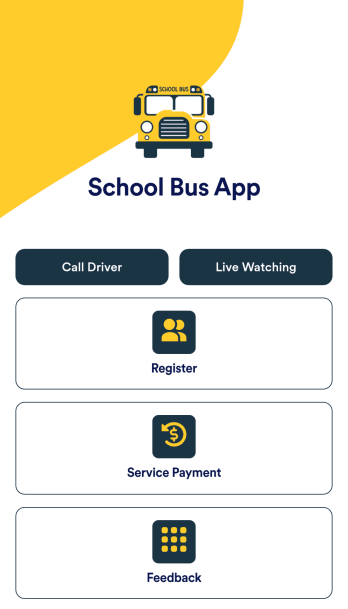
School Bus App
A school bus app is a handy digital tool designed to streamline the management and tracking of school transportation services. Enhance safety and improve coordination with a free School Bus App template that helps parents, students, drivers, and school administrators stay connected and informed. This pre-built template makes it easy to create an all-in-one platform where you can provide bus routes and schedules, link to GPS tracking to provide real-time location updates, and post alerts to let parents and staff know about delays or emergencies. The connected forms offer a super convenient way to register students for bus pickup, collect payments, and gather feedback.With Jotform’s no-code, drag-and-drop app builder, it’s easy to create an app that suits your needs with just a few clicks. Update the School Bus App template to feature your school’s colors, set your school’s logo as the app icon, add or remove sections, and link to additional forms. You can even connect to popular payment gateways with no extra fees and make collecting one-time or recurring payments completely seamless. When you’re done, share the app via link, email, or QR code for instant access from any desktop or mobile device.
Go to Category:Automotive Apps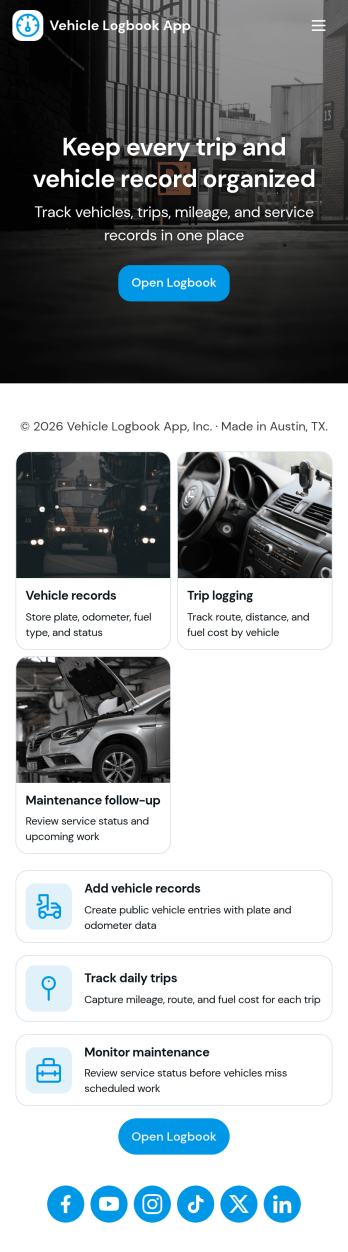
Vehicle Logbook App
Vehicle Logbook App helps individuals and teams keep accurate records of company or personal vehicle activity in one place. Use it to manage vehicle details, log trips as they happen, and capture expenses tied to each vehicle so you can stay organized across day-to-day driving. It fits fleet managers, field service crews, delivery teams, real estate agents, and anyone who needs a reliable driving history for reporting, reimbursements, or internal tracking.With Jotform, you can turn this vehicle logbook app template into a branded, mobile-friendly experience using a no-code app builder and a drag-and-drop interface. Connect the app to forms for adding vehicles, trips, and expenses, then keep entries consistent in a single workflow you can review anytime. Share the app by link or QR code, collaborate with your team, and keep data collection simple whether you’re on the road or at the office.
Go to Category:Automotive Apps
Custom Logistics Management App
A logistics management app is used by logistic companies to log important company information. With this Logistics Management App from Jotform, managers can keep track of vehicles, drivers, and driver availability information. Drivers can download this app on their mobile devices to record trip information such as truck number, departure date, and total mileage using a Drivers Log Sheet. You can also manage driver job applicants from an easy-to-understand Driver Application Tracking Log.Making changes to this Logistics Management App is easy with Jotform’s no-code app builder. Simply drag and drop to add or change form elements, edit text fields and checklist items, choose fonts and colors, upload your company’s branding, and much more. Share your custom app with management and other drivers by sending email invites or the app link, where they can then download it on any device. Ditch the paperwork and use this Logistics Management App to keep digital records of all your vehicle and driver information.
Go to Category:Automotive Apps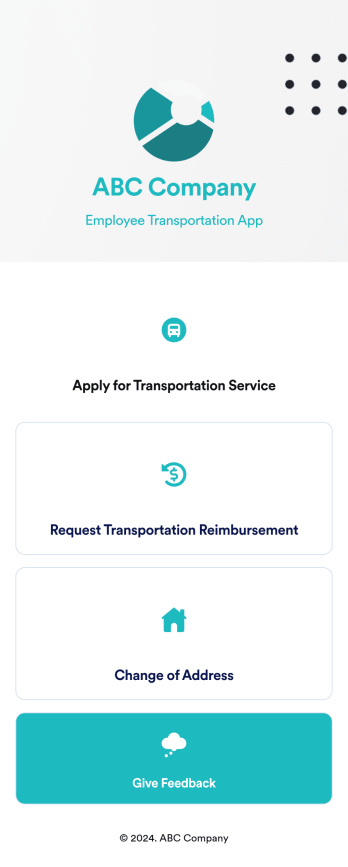
Employee Transportation App
An employee transportation app is used by companies or organizations to track and manage employee transportation requests and reimbursements. Build your own Employee Transportation App for free with Jotform Apps to streamline your company transportation practices. Once you’re finished creating your app, send it off to your employees via direct link or embed it in your company’s online portal for easy access.Customizing your Employee Transportation App is easy with Jotform’s no-code app builder. Drag and drop to change fonts and colors, integrate with trusted apps and payment processors, edit company policies, upload company branding assets and images, and so much more. Upgrade the way your company handles employee transportation with this free Employee Transportation App.
Go to Category:Construction Apps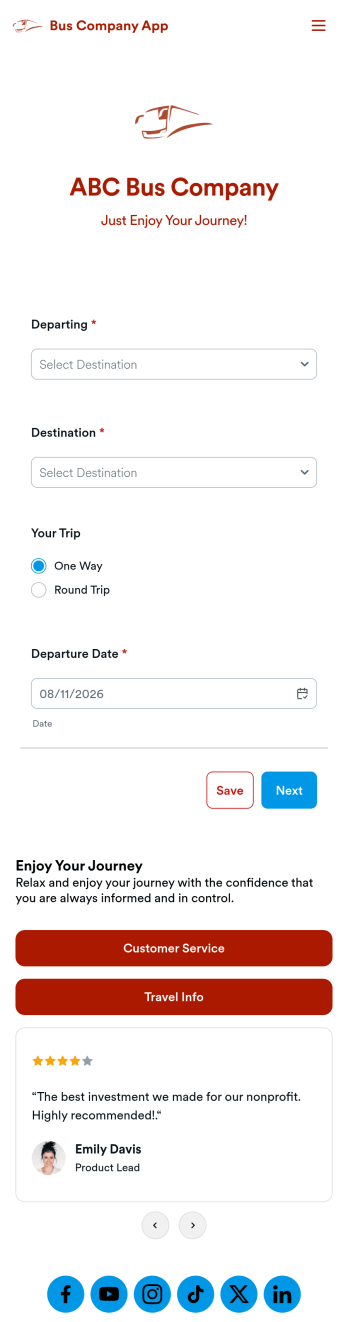
Bus Company App
A bus company app is a type of mobile application used by bus transportation companies to manage and organize customer rides and payments. Build your own custom app with this ready-made Bus Company App from Jotform Apps. Collect customer payments, book bus rides, share information about your policies, and more — all from your very own app. Gather requested departure dates and pickup locations from your mobile device.Want to customize this template to match your business’ branding? No problem. Use our no-code, drag-and-drop builder to make any changes you see fit. Add or remove forms from your app, edit text, change colors and fonts, and more. You can even integrate with 200+ platforms like Google Calendar, PayPal, and Calendly to take your app to the next level.
Go to Category:Reservation Apps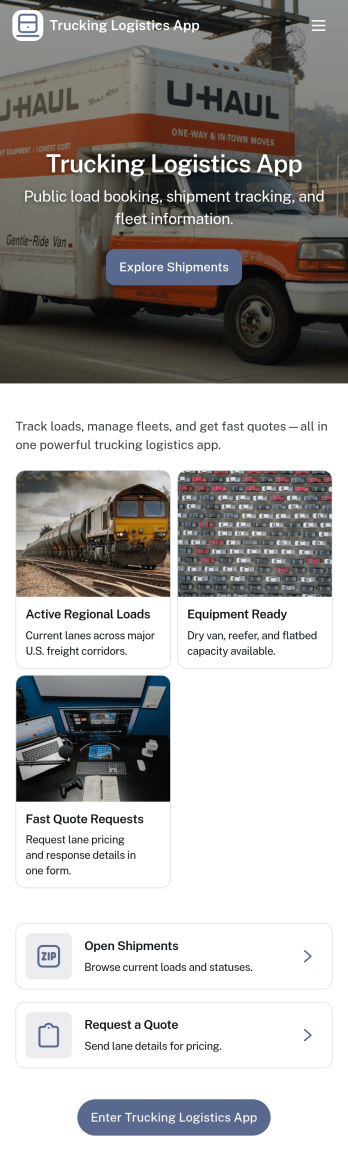
Trucking Logistics App
Trucking Logistics App brings load dispatch, driver check-ins, and day-to-day visibility into one place for carriers, dispatchers, and operations teams. Use it to create new loads, share key load details internally, and keep a running tracking board that helps your team follow what’s moving, what’s delayed, and what needs attention. It’s a practical fit for small fleets, owner-operators working with a dispatcher, and growing logistics teams that want fewer missed updates and clearer handoffs across shifts.With Jotform App Templates, you can publish a mobile-friendly experience that connects buttons and lists to the forms behind your workflow, so dispatch and field updates stay organized as your volume increases. Customize pages with a drag-and-drop interface, add your branding, and keep data collection consistent across teams. Jotform makes it easy to share the app through a link, support self-service updates, and turn routine trucking operations into a repeatable workflow without code.
Go to Category:Transportation Apps