
The Machining Job Log App is a ready-to-use workspace for recording and reviewing machining work as it moves through production. Machine shops, manufacturing teams, production supervisors, machinists, and contractors can use it to browse job records, view essential material and operation details, and monitor quantities, due dates, and estimated labor hours. By keeping current job information in one accessible place, the app helps teams plan workloads, clarify priorities, prepare for shift handoffs, and reduce reliance on scattered notes or spreadsheets. It can support daily floor coordination, job status reviews, production scheduling, and communication between office and shop personnel.
Jotform makes the Machining Job Log App easy to adapt with a no-code app builder and drag-and-drop interface. Add or rearrange pages, cards, buttons, and links to fit your workflow, connect a form for consistent data collection, and organize records for quick self-service access. Teams can apply their own colors and visual style, share the finished app by direct link or QR code, and open it on phones, tablets, or computers. As one of Jotform’s customizable App Templates, it provides a practical starting point that can grow with changing shop procedures, reporting needs, and internal collaboration.
Related templates
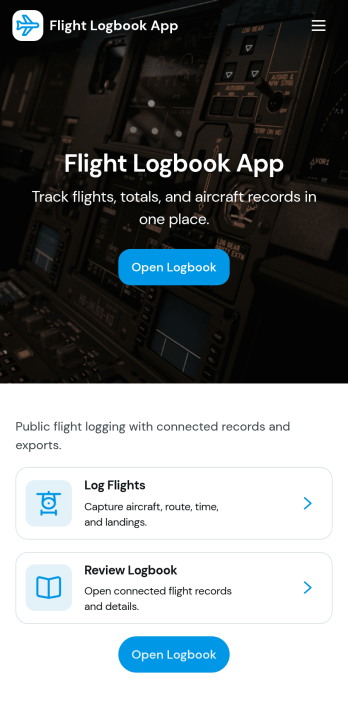
Flight Logbook App
Flight Logbook App helps pilots, flight schools, and small aviation teams record flights and keep key details organized in one place. Use it to log a new flight in seconds, browse past flights, and review a summary dashboard that highlights totals and trends like flight hours over time. It also supports day-to-day coordination by letting you check fleet status and jump into aircraft and maintenance views when you need a quick reference before the next departure.With Jotform, you can turn this flight log workflow into a polished self-service app experience using a no-code app builder and a drag-and-drop interface. Connect the app to your forms and data tables for consistent data collection, keep records accessible across devices, and update the layout as your operation grows, whether you’re tracking solo time, training flights, or a shared fleet schedule.
Go to Category:Log Apps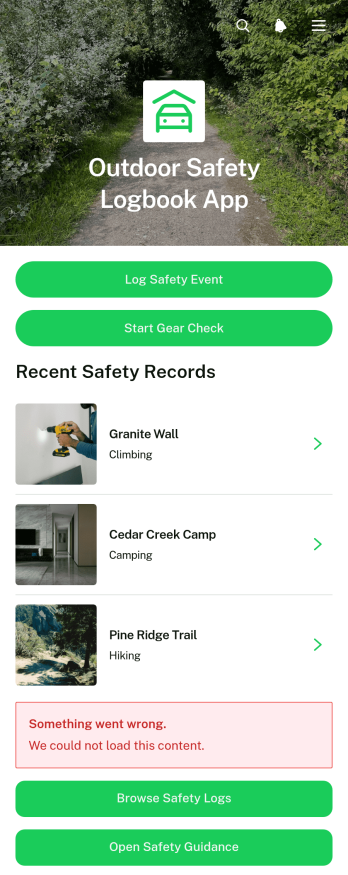
Outdoor Safety Logbook App
Outdoor Safety Logbook App is a central recordkeeping tool for outdoor crews, trip leaders, field service teams, contractors, recreation groups, and organizations that manage activities away from a fixed workplace. It supports safety event reporting, gear checks, log browsing, and quick access to safety guidance. Teams can document site conditions, identified hazards, actions taken, incidents, equipment inspected, and follow-up status while details are still fresh. By keeping these records in one accessible experience, the app improves visibility across locations, helps coordinators identify unresolved concerns, and gives field personnel a consistent way to share updates before, during, or after outdoor work and activities.Jotform makes this app template easy to adapt without writing code. Use the drag-and-drop app builder to update pages, buttons, colors, fonts, and navigation, then connect forms and tables to support data collection and related workflows. Logs can be organized for convenient self-service access, while notifications help the appropriate team members respond to new entries or pending follow-up. Like other Jotform App Templates, the finished app can be published with a shareable link or QR code and opened from phones, tablets, or computers, giving distributed teams a practical resource wherever their activities take place.
Go to Category:Logbook Apps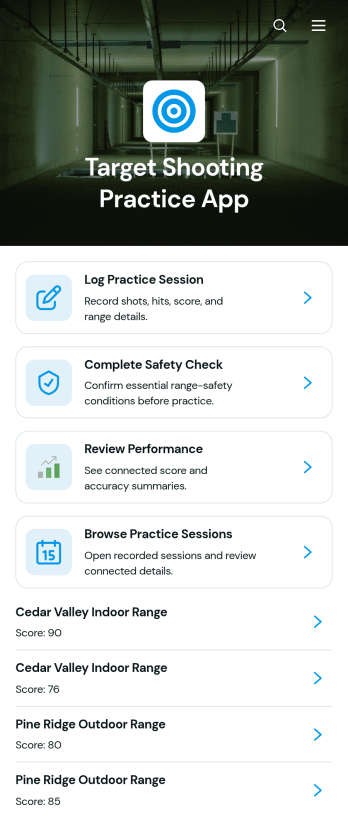
Target Shooting Practice App
The Target Shooting Practice App is a digital practice log for recreational target shooters, coaches, shooting clubs, and range-based training programs that want to keep session information organized. Users can complete a safety check before practice, record session details such as the date, range, firearm type, distance, and shot results, and review past performance from one convenient location. Notes provide context for each visit and help users recognize patterns or set goals for future sessions. By replacing scattered paper records and spreadsheets, this app template makes it easier to maintain consistent records while supporting thoughtful preparation and performance review.Jotform Apps helps organizations and individuals turn these activities into a mobile-friendly experience without writing code. Start with this template, then use the no-code app builder and drag-and-drop interface to adjust pages, update branding, connect forms, and organize data collection around your preferred workflow. Practice logs and related records can be kept together for easier browsing and self-service access. Once the app is ready, share it through a direct link or QR code so authorized participants can open it on a phone, tablet, or computer. Jotform App Templates also make it simple to expand the experience as training needs change.
Go to Category:Sports Apps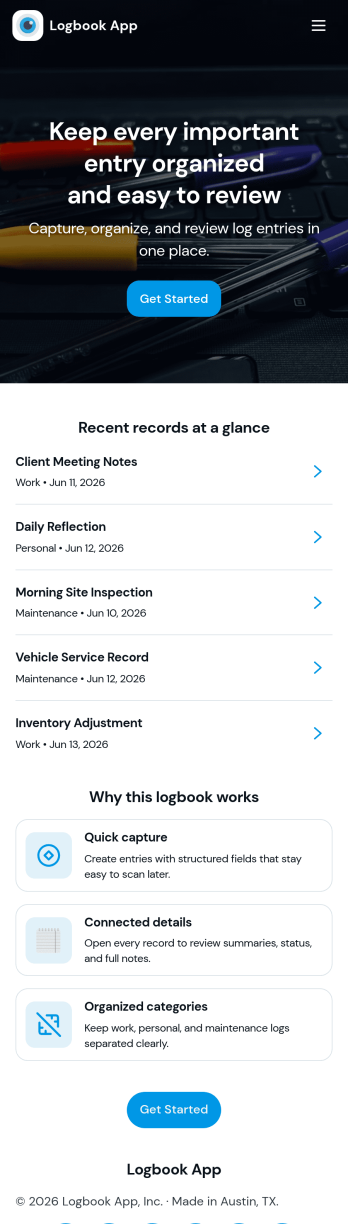
Logbook App
Logbook App gives teams and individuals a simple way to record activity, keep notes, and look back on past entries without digging through scattered documents. It fits day-to-day logging for field services, operations, labs, vehicle and equipment usage, shift handovers, or personal tracking where consistency matters. With quick actions to add a new entry and browse the log, the app supports fast record creation and easy review, helping you capture what happened, when it happened, and any context your workflow needs.Jotform makes it easy to turn this logbook app template into a polished self-service experience using a no-code app builder and a drag-and-drop interface. Connect your entry form to a live log list, link to tables for viewing all entries, and give each person a “My Entries” view for cleaner follow-ups. As your workflow changes, you can adjust pages, navigation, and data collection in minutes, then share the app by link or QR code so logging stays accessible on any device.
Go to Category:Activity Tracking Apps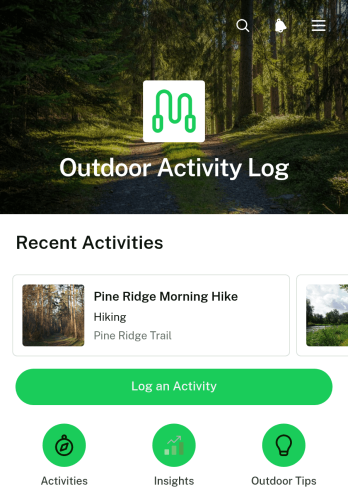
Outdoor Activity Log App
The Outdoor Activity Log App is a ready-to-use app template for hikers, walkers, cyclists, outdoor clubs, fitness groups, and recreation programs that need a convenient way to document activities. It brings activity entry, record browsing, and progress insights into one mobile-friendly experience. Users can record an activity name, duration, location, and notes, then open past entries to review the details. This organized history helps individuals maintain consistent routines while giving coaches, group leaders, and program coordinators better visibility into participation and activity patterns.Jotform makes it easy to adapt this Outdoor Activity Log App with a no-code app builder and a flexible drag-and-drop interface. Add or rearrange pages, update visual elements, connect forms and workflows, and organize collected data without programming. The app can be shared through a direct link or QR code, giving participants quick self-service access from their phones. Whether it supports a personal fitness goal, a recreation challenge, or a community outdoor program, this customizable option among Jotform App Templates simplifies data collection and keeps activity information accessible.
Go to Category:Activity Tracking Apps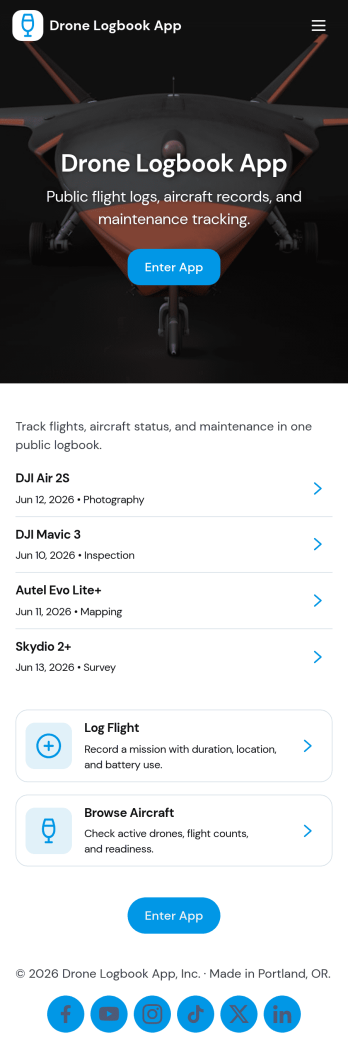
Drone Logbook App
Drone Logbook App helps pilots and teams keep day-to-day operations organized by bringing aircraft records, flight logging, and maintenance history into one place. Use it to register aircraft details, add pilot profiles, document each mission, and review flight entries when you need clear records for internal reporting or client updates. It fits solo operators, aerial photography crews, surveying teams, public safety units, and training programs that want a consistent way to track flights and service activity across multiple drones and pilots.Built with Jotform App Templates, this app template can be tailored in minutes with Jotform’s no-code app builder and drag-and-drop interface. Connect forms to collect data the way your operation works, keep information organized for quick self-service lookup, and share the app with your team using a simple link. As your workflow grows, you can expand pages, update navigation, and keep flight and maintenance logs aligned without adding complexity.
Go to Category:Activity Tracking Apps