Logbook App gives teams and individuals a simple way to record activity, keep notes, and look back on past entries without digging through scattered documents. It fits day-to-day logging for field services, operations, labs, vehicle and equipment usage, shift handovers, or personal tracking where consistency matters. With quick actions to add a new entry and browse the log, the app supports fast record creation and easy review, helping you capture what happened, when it happened, and any context your workflow needs.
Jotform makes it easy to turn this logbook app template into a polished self-service experience using a no-code app builder and a drag-and-drop interface. Connect your entry form to a live log list, link to tables for viewing all entries, and give each person a “My Entries” view for cleaner follow-ups. As your workflow changes, you can adjust pages, navigation, and data collection in minutes, then share the app by link or QR code so logging stays accessible on any device.
Related templates
Vending Machine App
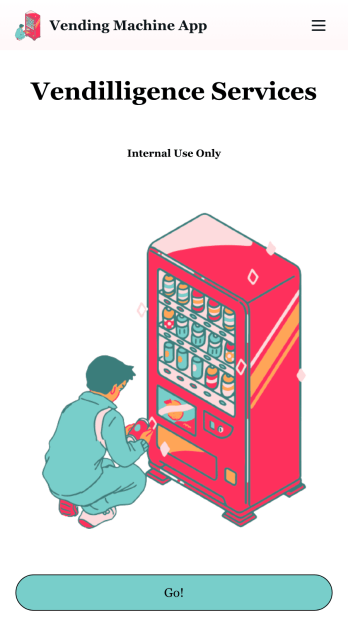
Do you have a vending machine business? Equip your employees with the tools they need to take on any request by using the free Vending Machine App from Jotform. In your custom app your employees will be able to request services and inspections, log inventory, and report any issues to the company. All employee data will be stored on your Jotform account in one easy to manage place – making work as seamless as possible for both you and your employees. Need to switch up the look and feel of your Vending Machine App? With Jotform’s no-code drag-and-drop app builder you’ll never have to worry about a tedious brand refresh. Upload your own logo or pick an app icon and background image that works for you. Send your app out to your employees via direct message, email, or even through a scannable QR code. Try Jotform’s free Vending Machine App and revolutionize your business’s workflow.
Go to Category:Inspection Apps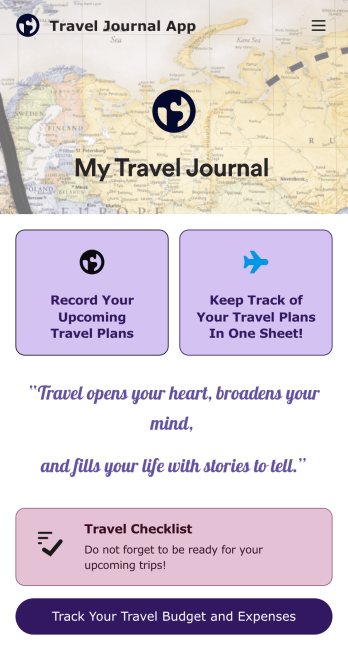
Travel Journal App
A travel journal is used by travel agencies or individual travelers to plan and track vacation itineraries and other important trip details. Build your own Travel Journal App for your traveling needs with Jotform’s app builder. Include a preparation checklist, list of possible destinations, transportations tickets, payment plans, and other important documents.Change the look and feel of your Travel Journal App up with our easy-to-use online app builder. Drag and drop to add personal touches like uploading branding assets, changing colors and fonts, picking an app icon, and much more. Then simply share your app with your clients or other travelers via link, QR code, or by embedding a link in your online portal or website.
Go to Category:Log Apps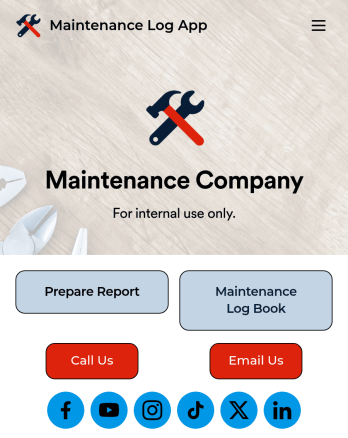
Maintenance Log App
A maintenance log app is used by companies to record and keep track of maintenance records. With our free Maintenance Log App, you can use a Maintenance Report Form to track general personnel information, equipment and building issues, and any repairs performed. There is a digital signature box at the bottom of the form to be signed upon completion. Reports are instantly compiled and stored in an Equipment Maintenance Log, which is accessible from your Jotform account.You can easily customize this app to suit your needs by adding or changing forms, uploading your logo, choosing fonts and colors, and more — no coding required. Share your app with a link or embed it in an internal website, and maintenance staff can begin using it right away on any device. Say goodbye to paperwork and start keeping all your maintenance records online with this free Maintenance Log App.
Go to Category:Engineering Apps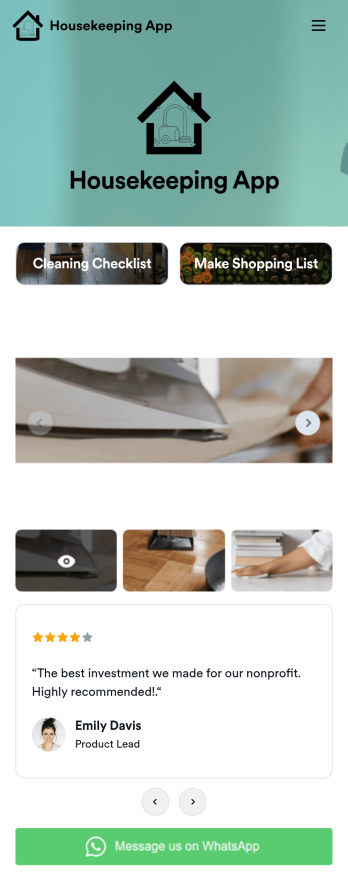
Custom Housekeeping App
A housekeeping app is used by homeowners and housekeepers for organizing job duties in a single location. Jotform’s Housekeeping App bundles two forms: a cleaning checklist for housekeepers to make notes about various areas of the house and any supplies that need restocking, and an itemized shopping list for logging purchased groceries and their total cost. Form submissions are instantly synced to your secure Jotform account, so you can easily keep track of which duties were performed and when.Making this app template your own is easy with Jotform’s no-code app builder. Just drag and drop to add form elements, edit the content of individual forms, choose fonts and colors, upload your own app icon, and more. You can also customize your splash screen to display a rotating schedule listing duties to be completed on individual days. Once you’re finished, share your app by sending a link in an email or text message, and housekeepers can then download it on any device. Manage your housekeeping checklists and shopping lists from a single app with this fully-customizable Housekeeping App from Jotform.
Go to Category:Checklist Apps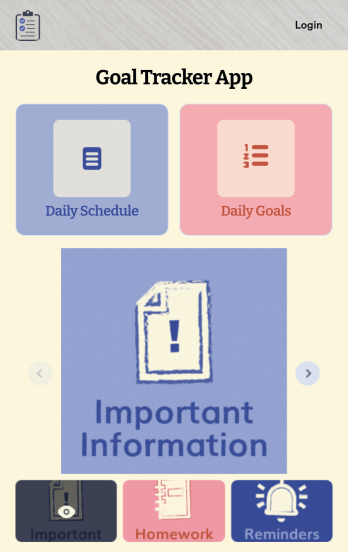
Customizable Goal Tracker App
Need an easier way for your clients to track their goals? With Jotform’s Goal Tracker App, you can build an online goal tracking app in minutes. Start creating your app from scratch or choose one of our ready-made app templates to get your creativity flowing. Add a contact form, let your customers create a schedule that works for them, showcase past client reviews, and more. Once you’ve customized your app to your liking, share with clients — downloadable onto any computer or iOS or Android device.Personalize your Goal Tracker App with Jotform’s easy-to-use app builder. Just drag and drop to change the look and feel of your app, add powerful app elements, install helpful app widgets, and integrate with one of our 25+ payment processors, including Stripe and Square. Share your customized app via email or embed it directly into your own website for easy access. Help your clients reach their goals with your very own Goal Tracker App — free on Jotform.
Go to Category:Activity Tracking Apps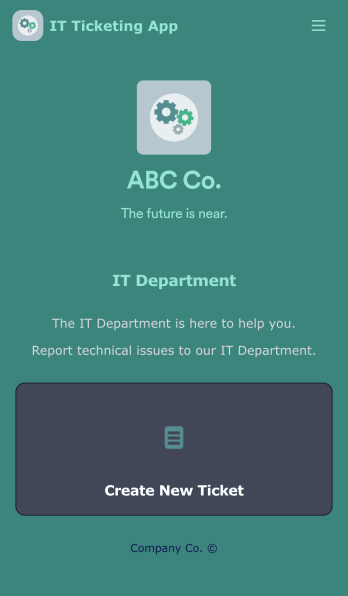
IT Ticketing App
An IT Ticketing App is used by companies to internally record IT issues using support tickets. This readymade app allows employees to specify their IT issue, browser, and operating system, add relevant URLs, assign priority level, and even attach screenshots using an included upload form. IT tickets are then stored securely in your account, where they are compiled into an easy-to-read spreadsheet in Jotform Tables.Our drag-and-drop interface makes customizing this IT Ticketing App a breeze. With just a few clicks, you can add or change forms and text, choose fonts and colors, upload your company logo, update the app name and icon, and more — no coding required. When you’re finished, just share a link with your employees, where they can access and download your app on any smartphone, tablet, or desktop. Start squashing bugs today with this fully customizable IT Ticketing App!
Go to Category:Tracker Apps