
The Marriage Group Facilitator Recruitment App is a recruitment workspace for organizations seeking qualified people to lead marriage-focused group discussions. Prospective facilitators can review what information to share and apply through a connected form, while coordinators can browse applications and compare contact details, relevant experience, facilitation background, and availability. It suits nonprofits, community organizations, counseling programs, and local groups that want a consistent way to identify suitable facilitators. Centralizing applicant intake and review helps teams reduce scattered messages, maintain an organized screening process, and select candidates for interviews, orientation, or group assignments with clearer context.
Jotform Apps makes it easy to adapt this app template with a no-code app builder and a flexible drag-and-drop interface. Teams can update pages, guidance, branding, and navigation, then connect forms, tables, approvals, and notifications to support data collection and the recruitment workflow. The finished app can be shared through a direct link or QR code for convenient mobile access. As one of Jotform’s ready-to-use App Templates, it provides a practical starting point for applicant self-service and collaborative recruitment management without requiring programming knowledge.
Related templates
HR Management App
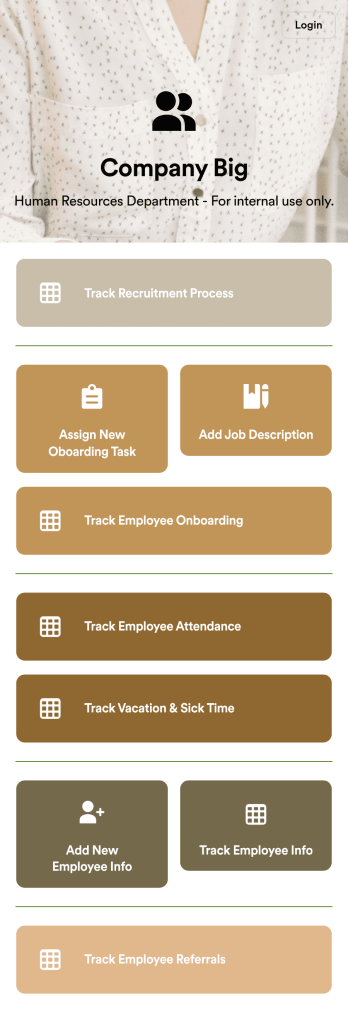
An HR management app keeps all your recruiting tools in one place that can be accessed from any device. Support your human resources team with a fully custom HR Management App powered by Jotform. This ready-to-use template includes multiple HR forms and tables to help you keep all of your data organized in one central location. You and your HR team can download the app onto any smartphone, tablet, or computer for easy access to your forms, tables, and other resources.Want to modify this app template for your company? You won’t need any coding knowledge – with our intuitive builder, all you need to do is drag and drop to add or update forms, tables, links, documents, pages, buttons, and other app elements. You can even change the app name, icon, fonts, colors, and splash screen to match your branding. When it’s ready to use, share it with your HR team by sending email invites or the app link. Manage new and existing employees effectively with a HR Management App built just for your HR team.
Go to Category:Company Portal Apps
Employee Training App
Monitor your employees’ training progress from a central location with Jotform’s free Employee Training App. Employees can download this app onto any device and document when they’ve completed individual training courses, as well as evaluate the effectiveness of their courses and instructors with a detailed checklist. HR can track employee training statuses and attendance using built-in Jotform Tables spreadsheets.Customize this ready-made app template to match your company’s branding without any coding knowledge. Simply drag and drop to add or change form fields and checklist items, create additional pages, choose fonts and colors, personalize the app icon and splash screen with your unique branding — and much more. After you’re finished, simply embed your app in an internal company website or send out email invites to new employees during the onboarding process. Make sure your employees are getting the training they need with this fully-customizable Employee Training App from Jotform.
Go to Category:Company Portal Apps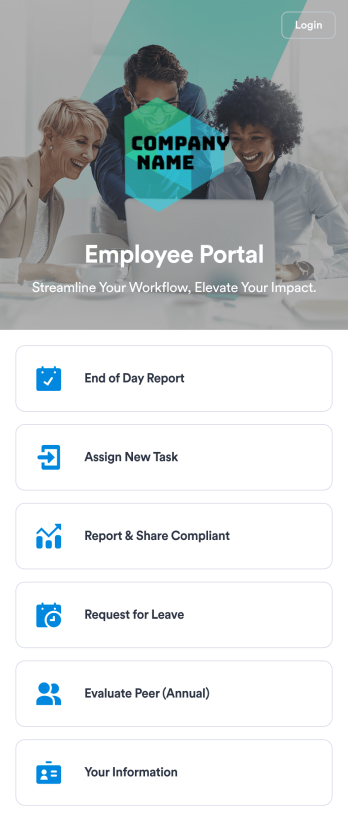
Employee Portal App
An employee portal app allows employees to access all internal company documents and links from any mobile device or computer. Create your own company portal in just a few clicks with Jotform’s free Employee Portal App. This customizable template includes a report form, task form, complaint form, leave request form, evaluation form, and employee information form all in one app. Employees will be able to fill out these forms from any smartphone, tablet, or computer, and submissions will be stored in your secure Jotform account.Customize this Employee Portal App to better meet your company’s needs. Without any coding, you can add forms, documents, links, images, buttons, videos, and much more to the template. You can also change the app icon and name and include your company branding in just a few clicks. When it’s ready to use, send email invites to employees directly or share the app link. With a fully-custom Employee Portal App for your company, your employees will enjoy more organized team collaboration and communication, no matter which device they prefer!
Go to Category:Company Portal Apps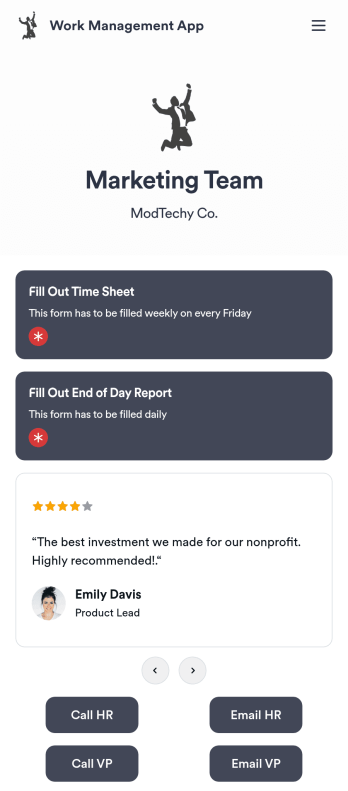
Work Management App
A work management app is used by team managers to assign tasks to others, track employee information, and fill out timesheets and end-of-day reports. Whether you work in marketing, sales, or another department, use this fully-customizable Work Management App to expertly track your team’s work from your computer, smartphone, or other mobile device. Tasks submitted through your Employee Task Assignment Form will be sent straight to your Employee Task List Table, and submissions through your Time Sheet Log Form and Employee Information Form will automatically populate your Employee Timesheet Table — no manual data entry required!Need to make changes like adding more forms, including your logo, or changing fonts and colors? Do it quickly with our drag-and-drop builder, with no coding knowledge needed. Once you’re done, share the app with a link to be saved onto any device, and start securely managing work information in your Jotform account. Get organized with a streamlined Work Management App for your team.
Go to Category:Human Resources Apps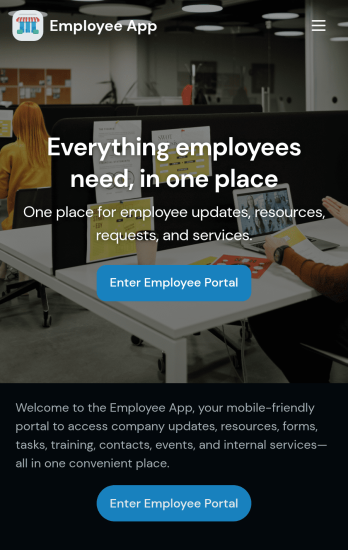
Custom Employee App
An employee app allows employees to access important company information and submit their own data from any device. Create an employee portal for your company with Jotform’s free Employee App. This ready-to-use template includes multiple forms such as employee referral forms, leave request forms, meeting reservation forms, COVID-19 screening forms, expense reimbursement forms, and more. Thanks to the role-based visibility condition, only selected admin users can see certain forms, such as department rotation. Using the app, employees can access and fill out any of the included forms from any smartphone, tablet, laptop, or desktop.Customize your Employee App to match your company in just a few clicks. With our drag-and-drop builder, you can easily add as many forms, links, documents, buttons, pages, and other app elements as you need. Plus, you can update fonts and colors, upload logos, and change the app icon and name to better represent your company. With Jotform’s Role-based feature, you can control access so tutors, admins, and other users see only the parts of the app relevant to them. Share your app with employees to download onto their own devices by sending email invites or the app link. Keep important company forms all in one secure, easily accessible Employee App!
Go to Category:Company Portal Apps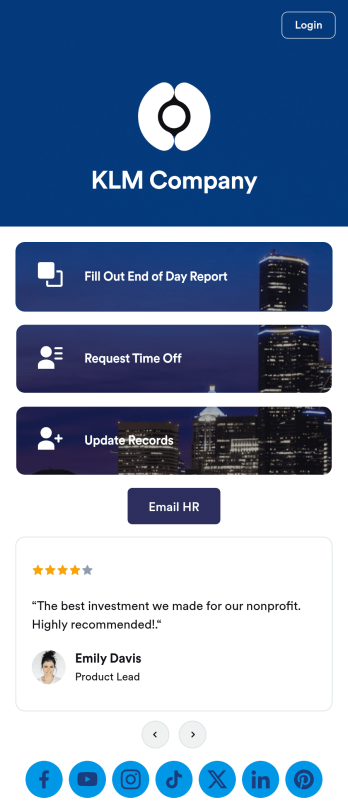
Staff App
A staff app is used by companies as a central location for recording and storing employee data. Our Staff App is a convenient way for employees to request time off from work, log their daily activities using an end of day report, and update their personal contact information for HR purposes. All sensitive information is immediately synced to your secure Jotform account.Make this staff app template match your company’s branding with just a few clicks using Jotform’s no-code app builder. Drag and drop to add form elements, edit individual forms, upload your logo, attach documents, and more. You can also use your app’s splash screen to announce company holidays and introduce new team members. Once you’re satisfied with the look and feel, share your app with employees by sending an invitation email or embedding a link in your company’s HR portal, and employees can then access and download it on any device. Create an all-in-one Staff App for employees to log tasks and request time off with this free app template from Jotform.
Go to Category:Human Resources Apps