
The Media Editing Request App gives creative teams a central place to receive, review, and manage requests for video, audio, image, and other media updates. It is well suited to marketing departments, production teams, agencies, freelancers, educational institutions, and internal communications groups handling multiple editing assignments. Requesters can submit project details, source media, references, and due dates, while team members can browse requests and review workflow information. Dedicated delivery and feedback areas help keep completed work and revision comments connected to each request, reducing scattered messages and unclear priorities.
With Jotform Apps, teams can adapt this app template to their own creative workflow without writing code. The drag-and-drop app builder makes it easy to update pages, navigation, buttons, visual styling, and branding. Connected forms and tables support organized data collection and request record management, while notifications and related workflows can help teams respond to new activity. Publish the finished app with a shareable link or QR code to provide convenient mobile-friendly access for employees, clients, or collaborators.
Related templates
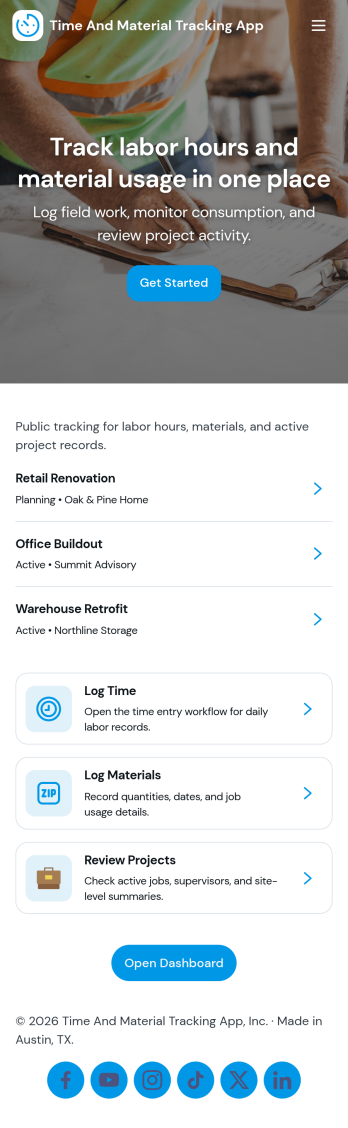
Time and Material Tracking App
Time and Material Tracking App helps teams record labor hours and material usage against specific jobs so job costs are easier to understand and review. It fits contractors, field service crews, repair teams, and small operations groups that need a simple way to log time and materials during the day, then look back at what was used on each job. With quick navigation to log time, log materials, and view personal entry history, the app supports consistent tracking without relying on scattered notes or end-of-week reconstruction.Built with Jotform, this app template can be adjusted to match how your jobs are organized and how your team works in the field. Use a no-code app builder with a drag-and-drop interface to update pages, labels, and navigation, then connect entries to your underlying records for easier reporting and follow-up. Share the app with a link so staff can submit updates from anywhere, and keep job activity centralized with connected forms and tables that support ongoing workflow and self-service access to records.
Go to Category:Activity Tracking Apps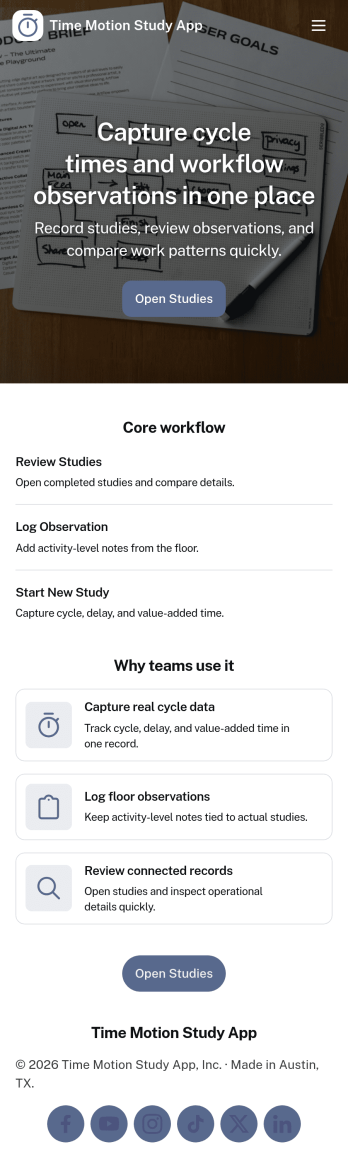
Time Motion Study App
Time Motion Study App helps teams capture how work is performed so they can understand cycle times, spot delays, and standardize repeatable processes. Use it on the floor, in the field, or in an office setting to log a study as it happens, keep a centralized list of studies, and review insight-ready records without relying on scattered notes. It’s a practical fit for operations leaders, industrial engineers, continuous improvement teams, supervisors, and analysts who need consistent time-and-motion documentation across shifts, sites, or job types.With Jotform, you can turn this app template into a branded, self-service experience that’s easy to share and update. Using Jotform’s no-code app builder and drag-and-drop interface, you can connect your study logs to forms and data collection workflows, organize studies into navigable lists, and give stakeholders a simple way to view recent studies and drill into details. As your process changes, you can adjust the app layout and connected workflow in minutes so the same hub keeps supporting ongoing improvement.
Go to Category:Engineering Apps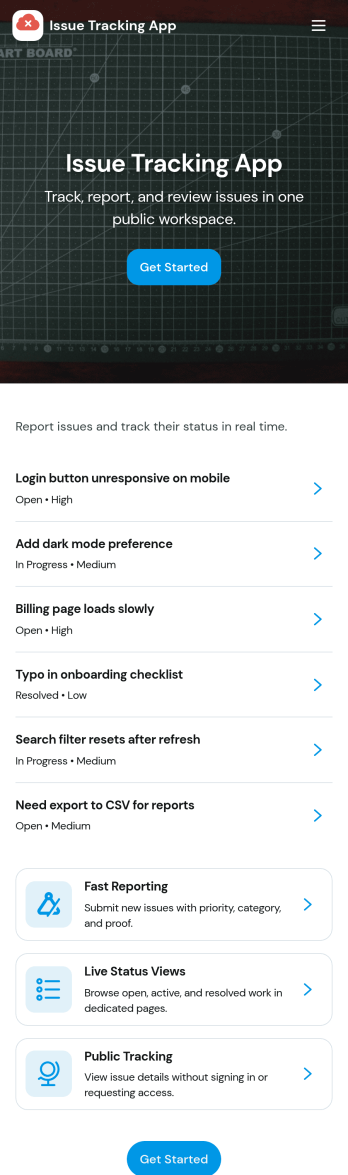
Issue Tracking App
Issue Tracking App helps teams capture, organize, and follow up on problems without losing context. Use it to report new issues as they come up, submit a new ticket in seconds, and keep a personal view of what you’ve raised through My Issues and My Submissions. It fits IT support, engineering, operations, and internal service teams that need a clear place for employees or customers to flag bugs, service interruptions, and process blockers, then monitor what’s still pending review.Built with Jotform App Templates, this app template turns everyday issue reporting into a simple self-service experience you can share as a link or QR code. Customize pages with a drag-and-drop interface, connect the report form to your data collection workflow in Jotform, and keep issue records organized for faster triage and better visibility across the team.
Go to Category:Information Technology Apps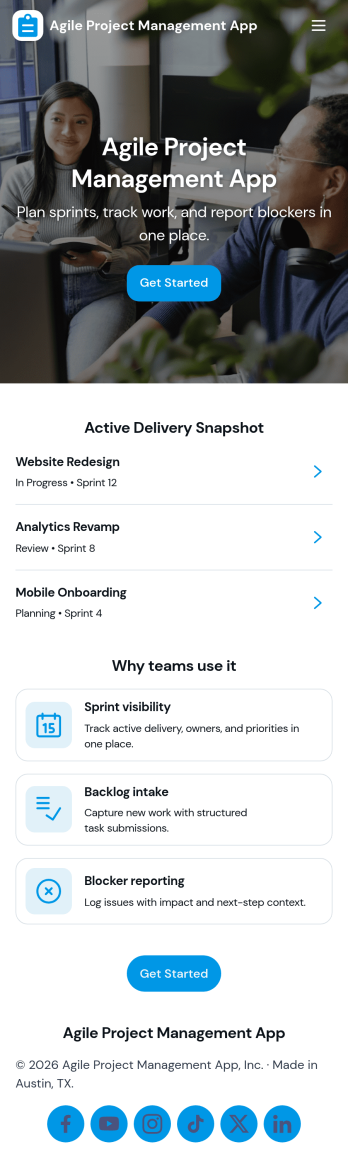
Agile Project Management App
Agile Project Management App helps teams organize product work into a clear, repeatable cadence so planning, delivery, and collaboration stay visible in one place. Use it to capture and prioritize backlog items, plan sprints with goals and dates, and keep daily execution moving with a simple board view that reflects real status as work progresses. It’s a practical fit for product managers, scrum masters, engineering teams, agencies, and cross-functional groups who need a lightweight way to align on what’s next, what’s in progress, and who owns each task.Built with Jotform, this app template can be tailored with a no-code app builder and a drag-and-drop interface so you can match your workflow without engineering effort. Connect task and sprint information to tables for structured data collection, keep your process consistent with reusable forms for adding tasks and planning sprints, and give teammates self-service access to what they need, including personal task views and shared lists. Share the app by link to support day-to-day delivery, faster handoffs, and better visibility across the team.
Go to Category:Information Technology Apps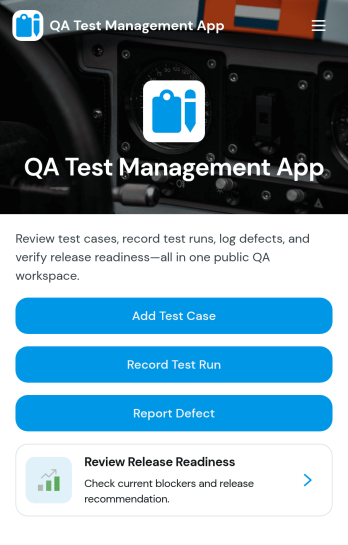
QA Test Management App
QA Test Management App brings your quality assurance work into one place so teams can browse test cases, capture execution results, and review outcomes without hopping between tools. It’s a practical fit for software teams, agencies, and product groups that run repeatable testing for releases, hotfixes, or regression cycles and want a simple way to keep test case details, ownership, and environment context easy to find. With guided navigation from test case lists to a record-result flow, testers can log what happened during execution and link results back to the related case for faster follow-up.Built with Jotform, this app template can be customized in a no-code app builder using a drag-and-drop interface, so you can adapt the pages to your QA process in minutes. Connect the app to forms and tables for reliable data collection, share it with your team on any device, and keep everyone aligned with a workflow that supports self-service access to current QA workspaces, submitted results, and ongoing test execution.
Go to Category:Information Technology Apps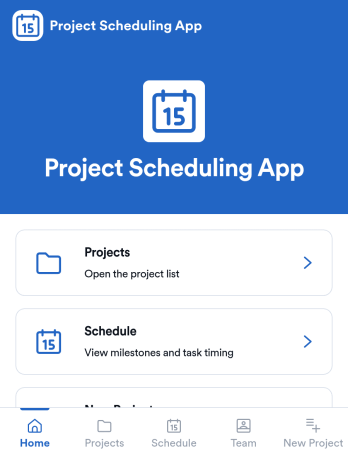
Project Scheduling App
Project Scheduling App brings project timelines, milestones, and task status into a single, easy-to-navigate workspace for teams that need to keep delivery dates visible and work moving. Use it to monitor active projects, spot the next milestone at a glance, and surface overdue tasks before they derail your plan. The built-in dashboard view supports weekly planning and capacity awareness, while project pages help standardize ownership and keep each project’s details, tasks, and team context accessible when decisions need to be made.With Jotform App Templates, you can publish a branded scheduling experience without coding and update it as your workflow evolves. Jotform’s no-code app builder and drag-and-drop interface make it simple to organize pages, link users to a dashboard or project list, and connect an Add Task form for consistent data collection. Share your app through a link for quick self-service access, and keep scheduling information aligned by connecting the app to the same workflow your team uses to capture and review updates.
Go to Category:Management Apps