
The Media Submission App gives marketing teams, publishers, event organizers, educators, nonprofits, and creative groups one accessible place to receive and review media contributions. This app template can collect media files, publish submission guidelines, and let authorized users browse entries with category, date, and review status information. It is useful for campaign assets, event photography, community stories, classroom projects, portfolio reviews, user-generated content, and internal creative requests. By replacing scattered emails and disconnected file transfers with a consistent submission journey, teams can keep incoming material organized, help contributors follow expectations, and make review progress easier to understand.
Jotform makes the Media Submission App easy to adapt with a no-code app builder and a flexible drag-and-drop interface. Teams can update pages, navigation, colors, fonts, and visual elements to suit their audience, then connect forms, tables, approvals, notifications, and other workflow steps as needs evolve. Among Jotform App Templates, this option provides a practical starting point for data collection and contributor self-service without requiring programming knowledge. Publish it with a direct link, share it through a QR code, or embed the experience so contributors can access submission resources from a phone, tablet, or computer.
Related templates
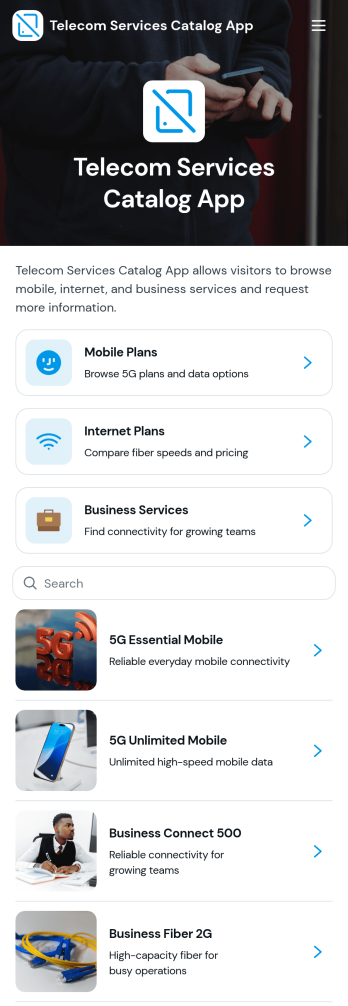
Telecom Services Catalog App
Telecom Services Catalog App gives telecommunications providers, network consultants, resellers, and sales teams a customer-friendly place to present mobile plans, internet plans, and business services. Visitors can browse service categories, review key details such as connectivity, speed or access, availability, and recommended use, then submit a request for the service that fits their needs. By bringing plan discovery and service inquiries into one branded experience, the app helps customers make informed choices while giving sales and support teams a clearer path for handling prospective accounts and upgrade requests.With Jotform Apps, organizations can customize this app template through a no-code app builder and an intuitive drag-and-drop interface. Teams can adjust branding, reorganize navigation, update service information, and connect forms, tables, approvals, or other workflow assets without programming. The finished app can support customer self-service and data collection across phones, tablets, and computers, then be shared through a direct link, QR code, or embedded experience. Jotform App Templates make it easier to launch polished service catalogs quickly while keeping content and connected processes manageable as offerings change.
Go to Category:Information Technology Apps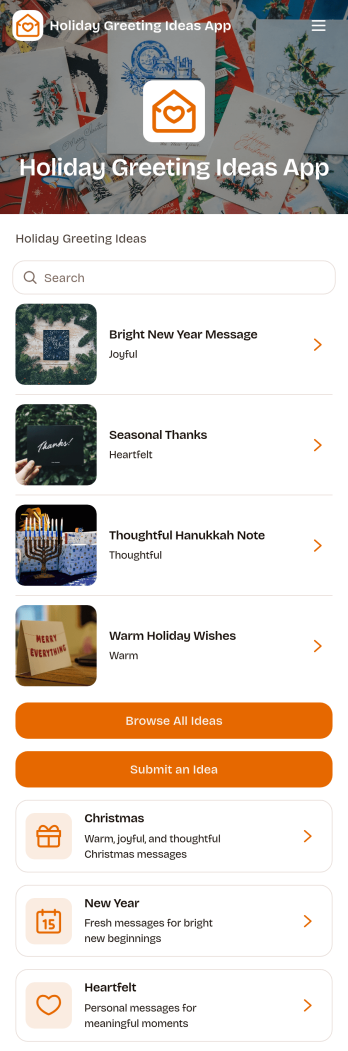
Holiday Greeting Ideas App
The Holiday Greeting Ideas App gives individuals, marketing teams, community managers, nonprofits, and small businesses a welcoming place to discover and share seasonal messages. Users can browse greeting ideas for Christmas, New Year, and heartfelt occasions, then review useful context such as the intended audience, occasion, and tone. A connected submission form also makes it easy for contributors to suggest similar ideas. This app template helps teams maintain a useful source of inspiration, reduce the time spent drafting messages, and keep holiday communication thoughtful across cards, campaigns, community updates, and personal notes.With Jotform Apps, you can adapt the Holiday Greeting Ideas App through a no-code app builder and an intuitive drag-and-drop interface. Update pages, cards, buttons, imagery, fonts, and colors to reflect your brand or seasonal theme. Jotform App Templates can also connect forms, tables, notifications, and workflows, helping you manage data collection and review new contributions from one place. Publish the finished experience with a direct link or QR code so visitors can enjoy convenient self-service access on phones, tablets, and computers.
Go to Category:Customer Engagement Apps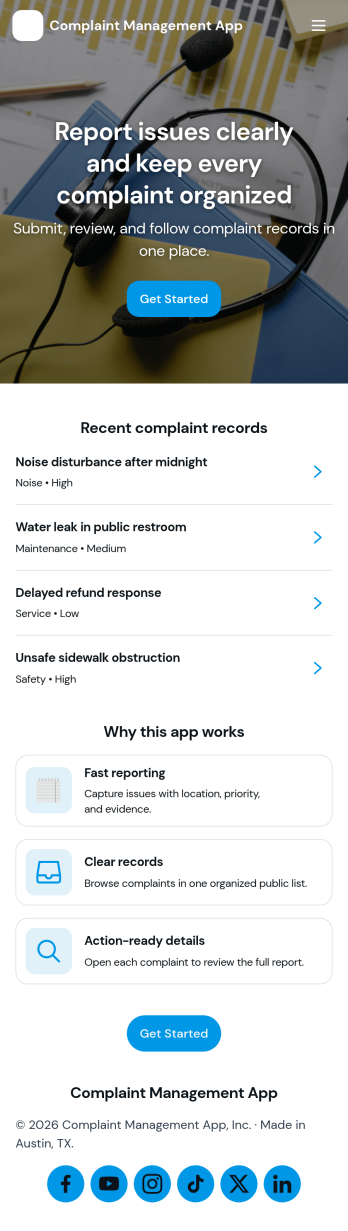
Complaint Management App
Complaint Management App helps organizations capture, organize, and follow up on customer or employee complaints in one place. It supports a simple intake experience with a Submit Complaint page, a Browse Complaints area for reviewing records, and a Support Contact page for quick escalation when someone needs help. Use it in retail, hospitality, property management, internal HR operations, or any service team that wants clearer visibility into issues, faster handoffs, and more consistent responses across locations or departments.Jotform makes it easy to turn this app template into a branded self-service experience with a no-code app builder and a drag-and-drop interface. Connect your complaint forms to the app, keep information organized, and share a single link or QR code so people can submit issues and teams can review them from anywhere. With Jotform, you can update pages, adjust what you collect, and refine the workflow as your support process evolves.
Go to Category:Customer Portal Apps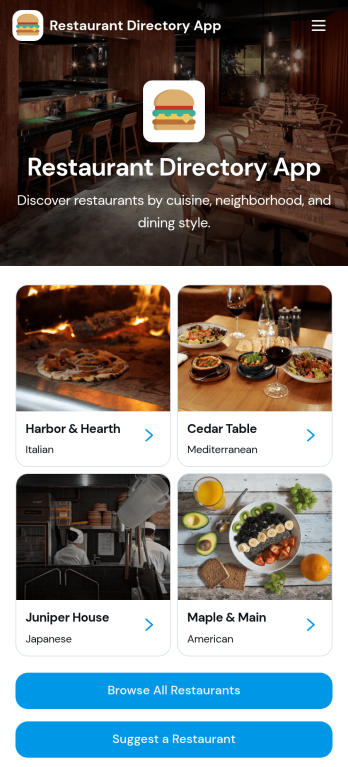
Restaurant Directory App
Restaurant Directory App brings your restaurant listings into one place so customers, tourists, and local communities can quickly discover where to eat. Use it to publish a curated guide for a neighborhood, campus, hotel concierge desk, food festival, or chamber of commerce, with list-style browsing and dedicated restaurant pages that highlight key details. Visitors can explore options, open a restaurant profile, and take action with one-tap calling or a direct website link, while your team keeps the directory consistent and easy to navigate.Jotform makes it simple to turn this restaurant directory app template into a branded, mobile-friendly experience using a no-code app builder and a drag-and-drop interface. Connect your directory to data collection with linked forms, route updates through a workflow your team controls, and publish changes fast without relying on developers. Share your Jotform app through a link or QR code so people can access the directory anytime and suggest new restaurants as your guide grows.
Go to Category:Food & Beverage Apps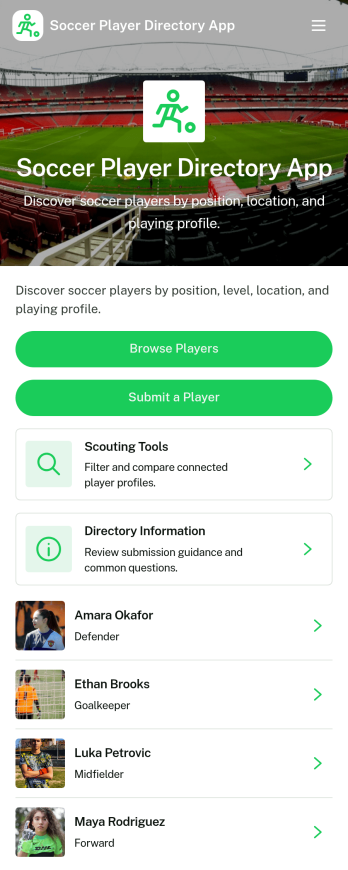
Soccer Player Directory App
Soccer Player Directory App helps coaches, scouts, clubs, and academies organize player profiles in one place so it’s easy to browse talent, review key details, and make faster outreach decisions. Use it to showcase rosters, maintain a scouting shortlist, or publish a searchable directory for tryouts and recruitment pipelines. With a browseable player list, individual profile views, and a built-in way to submit a player for inclusion, teams can keep information current without relying on scattered spreadsheets or long message threads.Jotform makes it simple to turn this directory into a polished self-service experience using a no-code app builder and a drag-and-drop interface. Connect the app to your data collection form to capture new players, update records over time, and keep your workflow organized as your directory grows. Share your Soccer Player Directory App as a link or QR code, customize branding and navigation, and give staff an easy way to explore players and contact them from a single place.
Go to Category:Sports Apps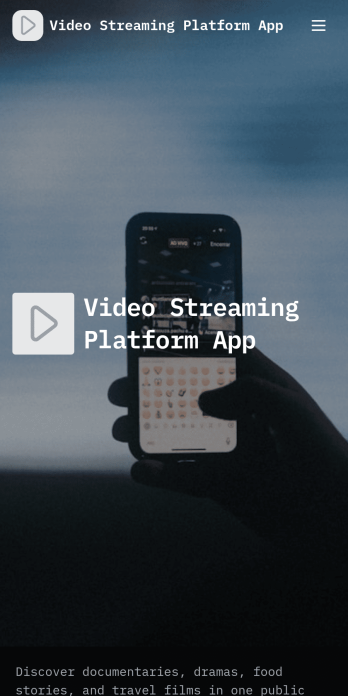
Video Streaming Platform App
Video Streaming Platform App brings your video library into one place so viewers can discover content and creators can contribute new uploads without confusion. Use it to publish a public video collection for a community, classroom, organization, or media team, with simple navigation for browsing by category and keeping up with the latest uploads. It’s a practical fit for influencers sharing series content, nonprofits spotlighting stories, training teams curating tutorials, or event organizers posting session recordings, while keeping the experience easy for audiences to explore.With Jotform App Templates, you can launch this experience quickly and tailor it to your brand using Jotform’s no-code app builder and drag-and-drop interface. Connect the app to a video submission form for data collection, manage entries in your workflow, and share the finished app through a link or QR code for self-service access on any device. Update categories, featured content, and pages anytime, so your streaming-style hub stays current as your library grows.
Go to Category:Entertainment Apps