Messaging Monetization Dashboard App helps teams organize and evaluate how messaging campaigns generate revenue across channels. Use it to add campaigns, record revenue as it comes in, and log message activity so performance is easier to review in one place. It’s a practical fit for creators, growth and marketing teams, sales organizations, and customer engagement leaders who need a clearer view of what content and outreach is driving returns, which campaigns are active, and where engagement is trending.
Built with Jotform, this app template can be tailored in a no-code app builder using a drag-and-drop interface, so you can match the layout to your workflow without development time. Connect forms for data collection to keep campaign details, revenue entries, and message activity consistent, then share the app for self-service updates from teammates. With Jotform Apps, you can keep workflows moving, reduce scattered spreadsheets, and maintain a reliable source of truth for messaging monetization.
Related templates
Reimbursement App
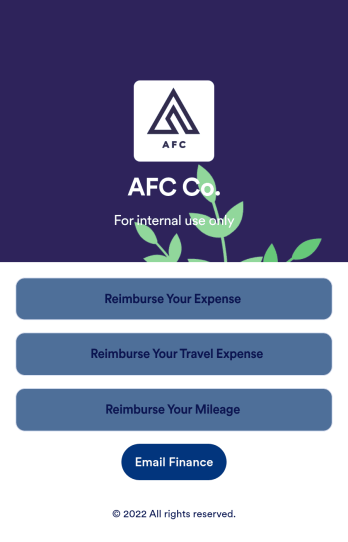
Jotform's Reimbursement App template is designed to streamline the process of submitting and managing expense reports. Ideal for corporate employees, freelancers, and small business owners, this no-code app builder allows users to easily log business or travel expenses, upload and organize receipts, and submit reports for approval. The Reimbursement App allows users to customize forms, add e-signature fields, and integrate with payment gateways, simplifying the reimbursement process for all users. Looking for a hassle-free way to manage expense reports and reimbursements? Look no further than Jotform's Reimbursement App. With a drag-and-drop builder, powerful app elements, and over 70 widgets to choose from, creating a customized app has never been easier. Add e-signature documents for quick approvals, connect with payment gateways for seamless transactions, and enjoy the flexibility of building a unique app that fits your specific needs. Plus, with features like advanced sharing options, custom URLs, and push notifications, staying on top of expense management has never been more convenient.
Go to Category:Finance Apps
Birthday Invitation App
A birthday invitation app is used by event planners or individuals to collect RSVPs and share important details for a birthday party. Whether you’re planning your own party or planning one for your clients, this ready-made Birthday Invitation App makes it easy to collect information like RSVPs, dietary preferences, and more on any device.Customize the app design with Jotform’s drag-and-drop builder — no coding knowledge required. You can update the app icon or background, add or remove forms, and add your party details in seconds. Keep all of your party information organized in one place with this free Birthday Invitation App that works great on any device.
Go to Category:Management Apps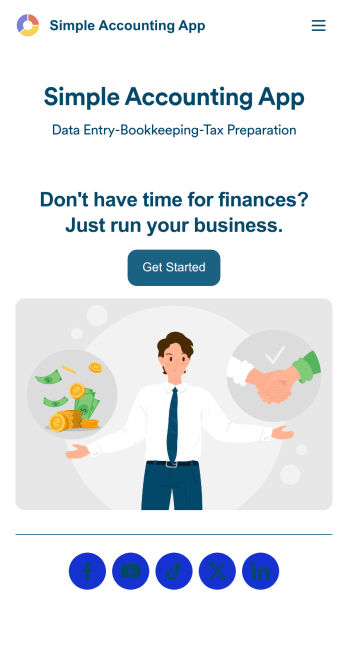
Simple Accounting App
Looking for an easy and convenient way to manage your accounting clients? With Jotform’s Simple Accounting App, you can create a bookkeeping app that works seamlessly for both you and your clients. Build your app from scratch or pick one of our ready-made app templates to spark your creativity. Add pricing information, contact forms, showcase past client reviews, and more.Customize your Simple Account App with Jotform’s easy-to-use app builder. Use our drag-and-drop app builder to change up the look and feel of your app, add powerful app elements, install helpful app widgets, and integrate with one of our 30+ payment processors, including Stripe and Square to collect fees and payments. Share your customized app via email or embed it directly into your own website. Help your clients reach their finance goals with your very own Simple Accounting App.
Go to Category:Company Portal Apps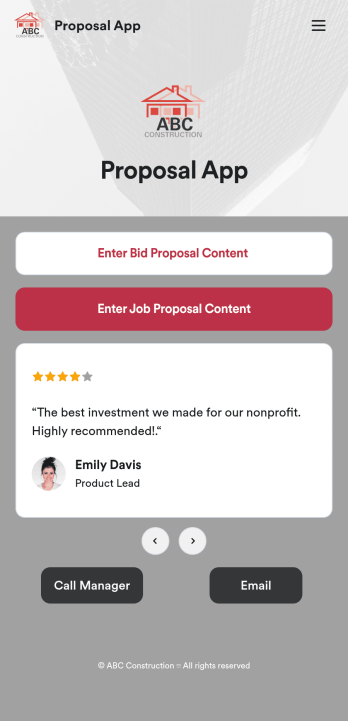
Custom Proposal App
Proposals are necessary for assuring clients that your construction services are the right fit for the job. Share and fill out your proposal forms in one place with our free Proposal App for construction companies and contractors. This ready-made app template includes a bid proposal form and job proposal form where users can enter client, contractor, and project details from any device. Since this app works with our Job Proposal PDF Template, form submissions will automatically turn into professional PDFs!Customizing your Proposal App only takes a few minutes with our drag-and-drop builder. Without any coding, you can create and add new forms, embed links to other pages, include images, and update app details such as name, icon, and splash page for a fully-custom design. When your app is ready to use, it can be downloaded from any smartphone, tablet, or computer. Make a good impression on your clients with a professional and personalized Proposal App for your services!
Go to Category:Finance Apps
Expense Report App
An expense report app is used by companies for keeping track of employee expenses. This free Expense Report App allows employees to log business expenses by filling out a form with general contact information, cost, description, date and time, and payment and expense type. There is also an upload form for employees to attach any relevant documents and receipts. Expense reports are immediately synced and stored securely in your account, and can be sorted, filtered, and exported from any device.Customize this app template in no time using Jotform’s drag-and-drop form builder. You can easily add or swap out form elements, change text, customize your app icon and splash page, and more — no coding necessary. Share a link to your app in an email or embed it in your website, and employees can access and download it on any smartphone, tablet, or computer for future use. Keep track of all your employees’ business expenses with this Expense Report App.
Go to Category:Company Portal Apps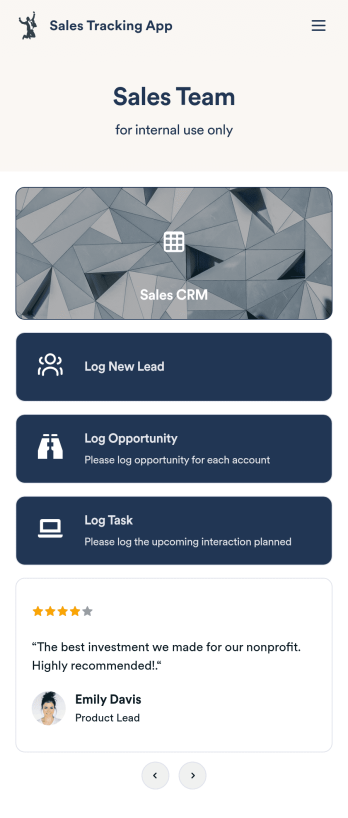
Customizable Sales Tracking App
A sales tracking app enables you to track your sales from any device. Get started with our free Sales Tracking App for businesses of all sizes. This ready-to-use app bundles multiple forms that you can sync to your CRM, so you can create a seamless workflow for generating leads and logging tasks. To get started, customize the template for your company using our drag-and-drop app builder. When you’re satisfied with the look and feel of your app, download it on your smartphone, tablet, or desktop computer, or share it with other members of your sales team to save onto their own devices.Customizing this Sales Tracking App for your sales team won’t require any coding. In just a few clicks, you can create new forms, integrate them with your CRM, embed links, add images and buttons, and change app settings such as name, icon, and splash screen for a fully-custom experience. To share it, just copy and paste the app link in emails or messages to your sales team members. Your Sales Tracking App will be easy to pull up on any device, so you can track and grow sales no matter where you are — even on the go.
Go to Category:Company Portal Apps