
The Music Audition Submission App gives casting teams, music educators, ensemble directors, event producers, and talent coordinators one organized place to receive and review auditions. Applicants can access a dedicated submission form, while reviewers can browse entries, open individual audition profiles, check performance details and statuses, and contact applicants when follow-up is needed. It is well suited to choirs, bands, orchestras, music programs, competitions, stage productions, and other selection processes that need clearer data collection and a more consistent applicant experience.
Jotform makes this app template easy to adapt without coding. Using the drag-and-drop app builder, teams can update pages, navigation, colors, fonts, and visual elements to fit their audition process. Connected forms, tables, approvals, notifications, and workflows can help staff organize incoming entries and coordinate reviews from one mobile-friendly location. Start with one of Jotform’s app templates, personalize the content, and publish the finished experience through a direct link, scannable code, or embedded page for convenient self-service access.
Related templates
Quiz App
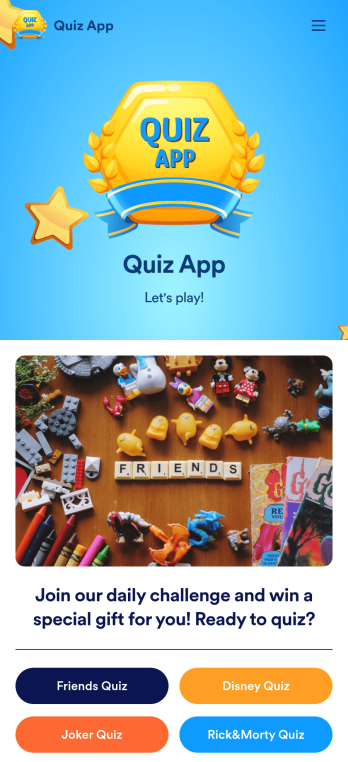
A quiz app lets you take quizzes and submit answers from any device. Whether you need a place to share quizzes for your classroom, office party, or friend group, get started with Jotform’s free Quiz App! This ready-to-use template includes four premade quizzes that you can fill out using any device and share with others. Using our drag-and-drop builder, you can create and add your own quizzes. All responses will be instantly synced to your secure and easily-accessible Jotform account for quick and easy scoring.Make this Quiz App your own in just a few clicks. All you need to do is drag and drop to build and add quizzes, upload tables to see results, embed links and documents, create new pages and buttons, upload photos and videos, and much more. When your app is ready to use, download it onto your favorite device and share it with others via the app link or by sending email invites. Take your online quizzes to the next level with a fully custom and engaging Quiz App that works anywhere.
Go to Category:Education Apps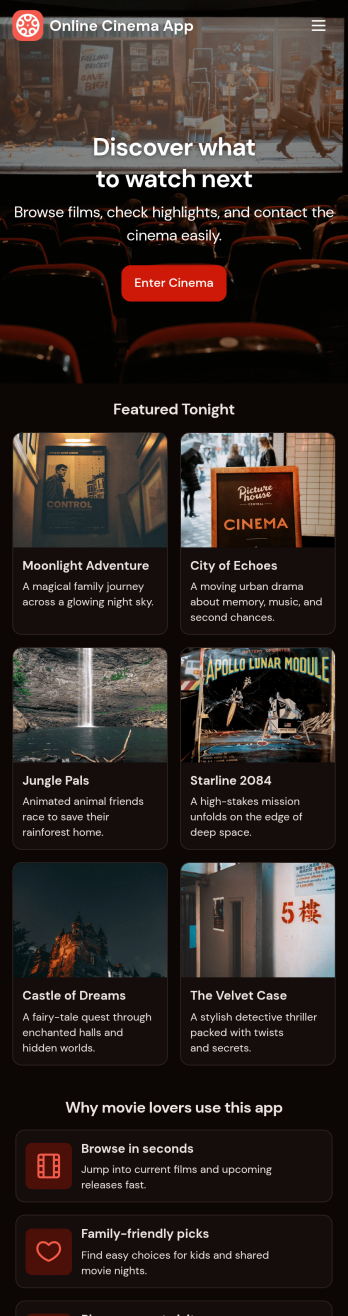
Custom Online Cinema App
An online cinema app is used by movie theaters to allow customers to purchase tickets and watch movie trailers from any smartphone, tablet, or desktop computer. Jotform’s Online Cinema App is the perfect way to create an all-in-one app for processing online ticket sales ahead of time to gauge audience attendance numbers. Ticket sales are instantly stored in your secure Jotform app for ease of use.Make this app template your own with Jotform’s intuitive app builder. No coding knowledge is required—just drag and drop to add or change form elements, choose fonts and colors, upload your branding, attach movie posters, and more. Jotform’s List Element feature lets you connect Tables and add actions, making it easy to organize data and manage your app’s flow. You can also choose from 30+ of Jotform’s popular payment gateways to process tickets directly from your app. When you’re finished, share your app by posting the app link on your website or social media, or generate a QR code to affix to the outside of your theater. Create a custom theater portal and start selling movie tickets online with this free Online Cinema App that works on any device.
Go to Category:Booking Apps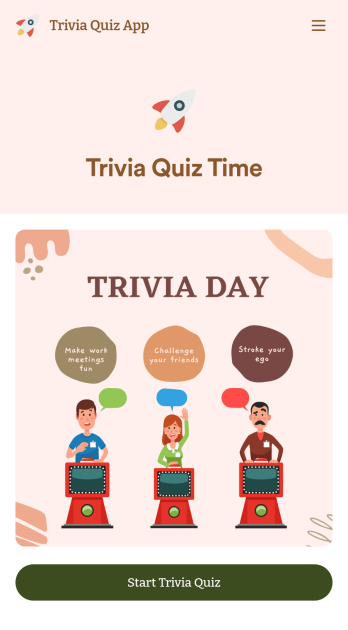
Trivia Quiz App
Create a fun trivia quiz app for your coworkers, students, or friends. Using this ready-made Trivia Quiz App, you can quickly add your quiz and share the app to be downloaded onto any iOS or Android device. Then the people who download your app can complete the quiz no matter where they are, sending you their results instantly upon completion.Customize this Trivia Quiz App with our drag-and-drop builder. Add or remove questions, upload images, add fun form widgets, change the app’s background image or icon, and make other changes in seconds with no coding knowledge needed. Enjoy a quick, easy way to create your own custom Trivia Quiz App with Jotform.
Go to Category:Entertainment Apps
Community Membership App
A community membership app allows community members to connect to each other from any device. Build your own Community Membership App without any coding with our free template. It includes a membership application form and a list of qualifications that can be accessed from any smartphone, tablet, or desktop computer. Submitted applications will be received instantly and stored in your secure Jotform account, ready to view, share, and approve.Make this Community Membership App your own by customizing it with our drag-and-drop builder. You can easily add more forms, upload logos, change the qualifications, embed links to other resources, and update the app name, icon, and splash page. Share your app by adding the link in your website, posting it on social media accounts, or sending it directly to interested applicants. Keep your community connected with an easy-to-use Community Membership App that works on the go.
Go to Category:Booking Apps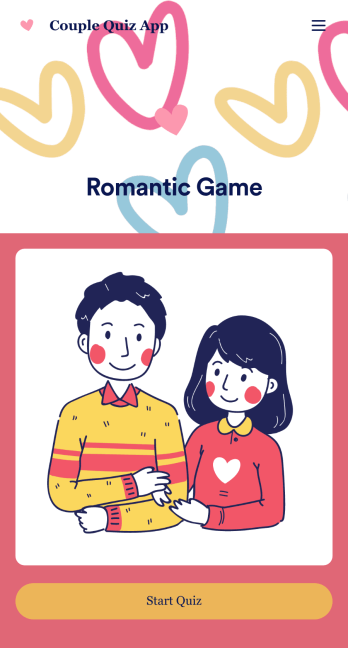
Couple Quiz App
Want to make a sweet and romantic game for your partner for an upcoming anniversary or birthday? Create your own Couple Quiz App with Jotform to show your appreciation for your loved one in just a few clicks. Add photos of you two together or places you’ve been, include cheeky questions, link to songs you both love, and more.This Couple Quiz App is ready to be used instantly, however that shouldn’t stop you from personalizing it to your liking if you feel so inclined. Upload images and videos, change fonts and colors, integrate with useful widgets, and more. Then share your app with your partner via direct link, email, or QR code.
Go to Category:Entertainment Apps
Football News App
A football news app is used to display football-related news, scores, and collect subscriptions from fans. As the app owner, you can aggregate news articles from other websites, or upload your own original work. Football fans can download your app onto their favorite device and sign up to receive email updates whenever your app is updated with football news or scores. Subscriber information is stored securely in your Jotform account.This Football News App can be fully customized to your liking with Jotform’s intuitive app builder. No coding knowledge required — simply drag and drop to add form elements, create new pages and forms, customize your app’s main screen, upload your own images and branding, and much more. You can even install one of our 30+ payment gateway integrations to charge for premium subscriptions fees. Create an all-in-one Football News App to keep sports fans in the know with this free app template from Jotform.
Go to Category:Education Apps