
News Tip Submission App gives newsrooms, publishers, community reporting teams, campus media, and nonprofit communications teams a central place to receive and review potential stories. This app template guides contributors to share a tip summary, reported timing, relevant people or organizations, contact details, and supporting material. A clear submission path makes it easier for sources and community members to provide useful context, while organized tip browsing helps editorial teams assess leads without relying on scattered emails. It is well suited to local reporting, investigative projects, public-interest coverage, and organizations that invite audiences to suggest stories or report noteworthy events.
Jotform Apps helps teams turn this News Tip Submission App into a branded, mobile-friendly experience without writing code. The no-code app builder and drag-and-drop interface make it simple to adjust pages, guidance, buttons, and visual styling. Teams can connect forms, tables, notifications, approvals, and other workflow steps to support data collection and internal review. Once customized, the app can be shared through a direct link or QR code, giving contributors convenient self-service access while keeping incoming information organized for follow-up.
Related templates
Custom Political Canvassing App
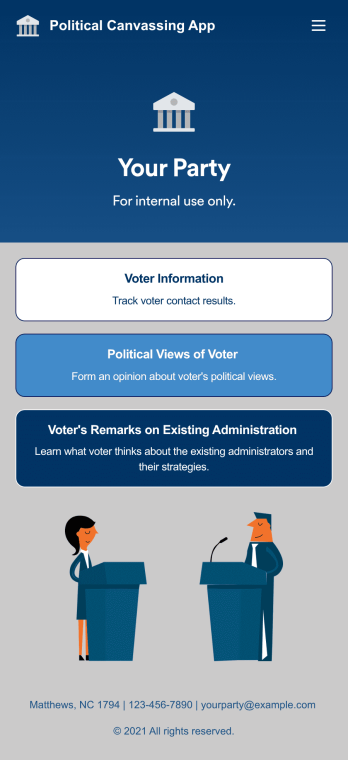
A political canvassing app is used by political parties and candidates for collecting voter information during elections. This free Political Canvassing App from Jotform includes three forms: a Political Canvassing Debriefing Form for tracking voter information, a Political Survey for gauging voters’ political views, and a Political Poll to to learn where voters stand on the current administration and their strategies. Results are instantly synced and compiled in your secure Jotform account.This app template is ready-made and requires no coding, but customizing is easy with our drag-and-drop form builder. You can add or swap out form elements, change poll and survey questions, choose fonts and colors, upload your campaign’s logo, and more. You can also personalize your app’s splash screen by adding images, contact information, and any other relevant campaign information. When you’re finished, share a link to your app on your website or social media, or attach it to a newsletter or mailing list, where it can be accessed and downloaded on any device. Empower your campaign with voter surveys and polls using this fully-customizable Political Canvassing App.
Go to Category:Report Apps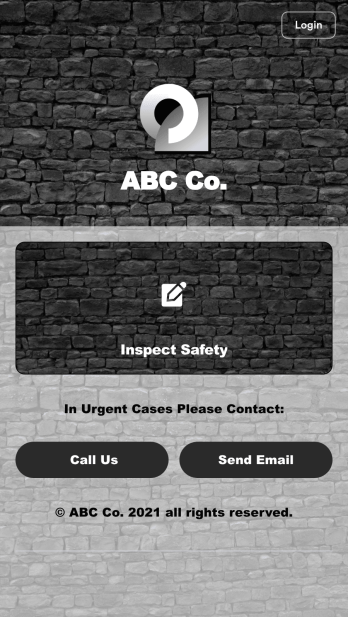
Safety Audit App
A safety audit app is used by safety auditors to perform safety inspections from their mobile devices. Have members of your inspection team perform audits without any messy paperwork using this free Safety Audit App. The app can be downloaded onto any computer, tablet, or smartphone to gather important data in the field — such as checks for fire prevention, equipment, first aid, and more.Customize this app template’s design without coding using our drag-and-drop app builder. Update items on your inspection checklist, include your company logo, change the app icon or background, and make other changes in seconds. You can then share the app via link or email to be downloaded onto iOS or Android devices. Save time and paper performing safety checks with a free Safety Audit App from Jotform.
Go to Category:Construction Apps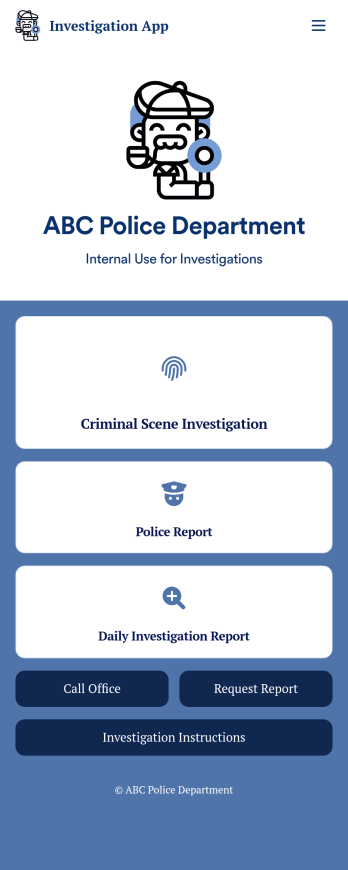
Investigation App
An investigation app is used by police officers and crime scene investigators to log important crime scene details. Investigators can create CSI reports documenting important case details such as dates, witnesses, addresses, and items found. A separate police report form allows officers to log their name and ID, incident dates and times, location, people involved, and any additional relevant information. Officers can also upload images and documents and sign off on reports using an e-signature form. All submissions are stored in your secure Jotform account.Customize this app template to meet your department’s individual needs with Jotform’s no-code app builder. Simply drag and drop to create additional forms, edit text fields and checklist items, install widgets and integrations, and much more without any coding knowledge. Share your custom Investigation App with CSI investigators and police officers by sending email invites or embedding it in an internal website, where it can be accessed and downloaded on any device. Create secure online crime scene reports with a free Investigation App from Jotform.
Go to Category:Inspection Apps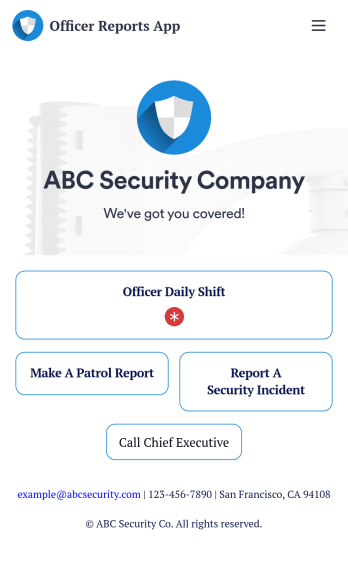
Officer Reports App
An officer reports app is used by security companies to track and manage reports from their security officers. Downloadable on any device, this free Officer Reports App from Jotform makes it easy for officers to report security incidents, submit a patrol report, or complete a daily shift form. As the company manager or owner, you can then view their submission securely from your online Jotform account.Need to customize this app’s template? Drag and drop to include more forms or spreadsheets, personalize visual elements like the icon or splash screen, and make other changes with no coding. Submissions are protected with Jotform’s advanced security features, so you can rest easy knowing your data is kept safe. Save time by switching from paper forms to online forms with this free Officer Reports App.
Go to Category:Report Apps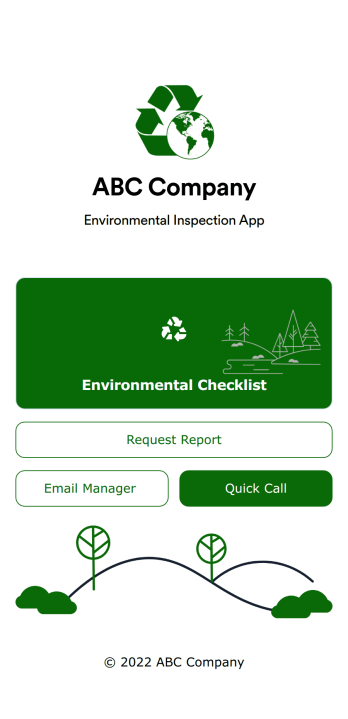
Environmental Inspection App
An environmental inspection app is used by government agencies and other environmental organizations to conduct inspections from their mobile devices. With Jotform’s free Environmental Inspection App, your agency can switch from paper forms to online forms to reduce messy paperwork and create a secure database of all your inspection information. Just customize and share the app to download it onto any device — no coding required!Customize the app design with our drag-and-drop no-code builder. Choose a new app icon and splash screen, add or remove forms, include your unique logo, and make other changes in seconds. You can then send your personalized Environmental Inspection App to your teammates with a copy-paste link that they can use to download the app onto their iOS or Android device.
Go to Category:Checklist Apps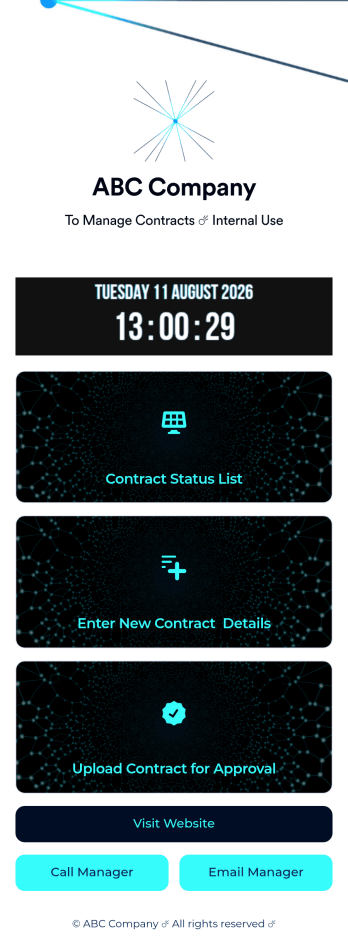
Customizable Contract App
A contract app is used by contractors to manage contract status, contract content, and approval status. Contractors can download this ready-made Contract App on any device and record details such as customer contact information, job request description and status, cost estimate, and more. This app template comes bundled with a Contract Approval Form as well as an easy-to-read Contractor Estimate Table for keeping track of contract details in one secure location.Want to make changes to this app template? No problem — just use Jotform’s drag-and-drop app builder to add form elements, edit text fields and checklist items, choose fonts and colors, upload your brand’s unique logo, install widgets and templates, and much more. Once you’re finished, share your custom app with employees by sending email invites or the app link, and they can begin filing contracts right away. Create a mobile-friendly Contract App for documenting and fulfilling job requests with this free app template from Jotform.
Go to Category:Construction Apps