
The Overtime Charge Consent App gives contractors, service businesses, project managers, and operations teams a clear way to request and document consent for additional charges tied to overtime work. Customers, supervisors, or other authorized reviewers can examine the worker name, overtime hours, charge amount, work date, and supporting notes before recording a consent decision. Dedicated access to consent submission, record viewing, and guidance helps reduce uncertainty about added labor costs while keeping each decision easy to reference. It is especially useful for field services, construction projects, maintenance work, consulting engagements, and other services where schedules may extend beyond agreed hours.
Jotform Apps makes this app template easy to adapt without coding. Use the drag-and-drop app builder to update the layout, add branded content, revise guidance, or connect forms and tables that support your workflow. Submitted information can be organized for data collection, internal review, and ongoing record management, while notifications can help teams respond to new decisions. Share the finished app through a direct link or QR code so customers and staff can access a mobile-friendly self-service experience whenever overtime authorization is needed.
Related templates
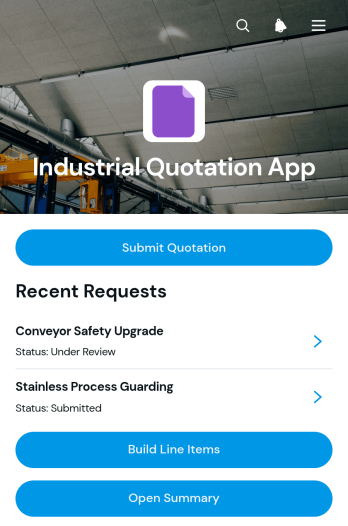
Industrial Quotation App
Industrial Quotation App gives manufacturers, engineering firms, fabricators, contractors, and industrial suppliers a central workspace for preparing detailed project quotations. Teams can capture requester details, review scope and specifications, build priced line items, and open a quotation summary before following up with the customer. This app template is useful when estimates depend on quantities, delivery requirements, unit pricing, or custom production details. Sales representatives, estimators, procurement teams, and project managers can use it to keep quote information organized, reduce calculation errors, and maintain a clear record of each request. It also supports quicker communication between customer-facing staff and the technical teams responsible for costing work.Jotform Apps helps businesses turn quotation processes into accessible, interactive experiences without writing code. Start with this option from Jotform App Templates, then use the drag-and-drop app builder to adjust pages, navigation, colors, fonts, and branded visual elements. Connected forms support data collection, while organized records make it easier to manage the quotation workflow from request through pricing review. The finished app can be shared by direct link or QR code and opened on phones, tablets, or computers, giving teams convenient access whether they work in an office, workshop, warehouse, or field location.
Go to Category:Estimation Apps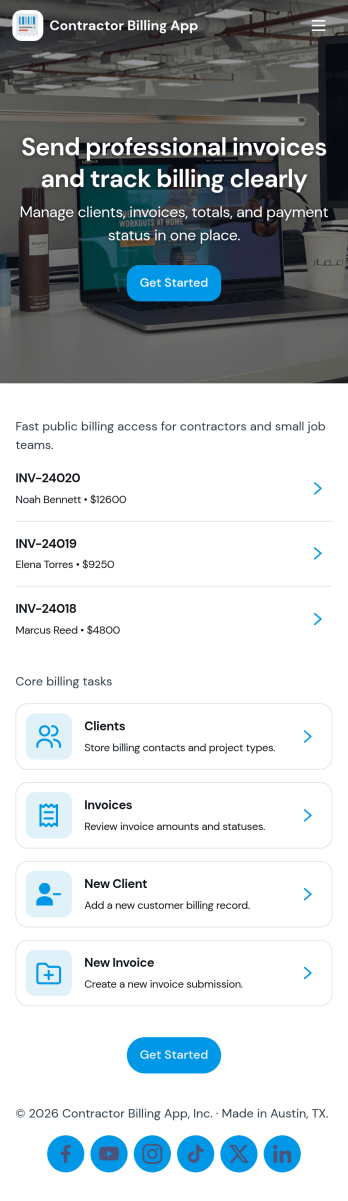
Contractor Billing App
Contractor Billing App brings your billing workflow into one place so independent contractors and service teams can manage client accounts, create and track invoices, and monitor incoming payments without juggling separate tools. With dedicated sections for Clients, Invoices, and Payments plus a billing dashboard view, it fits common contractor scenarios like progress billing, recurring service work, and multi-job projects where you need quick visibility into what’s been billed and what’s still outstanding.Jotform makes it easy to turn this experience into a polished, shareable app using a no-code app builder and a drag-and-drop interface. Connect the app to your form for data collection, route details into a workflow, and keep records organized for fast follow-ups. Update pages as your process changes, collaborate with your team, and share a self-service experience with clients using a simple link.
Go to Category:Construction Apps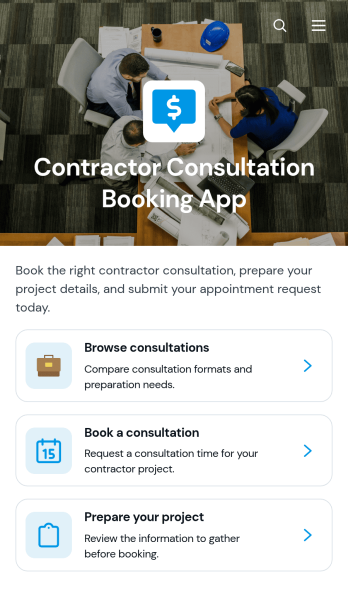
Contractor Consultation Booking App
Contractor Consultation Booking App gives contractors and construction service providers a convenient way to present consultation options and accept appointment requests from prospective clients. Visitors can browse available consultations, review details such as the best-fit project type, duration, and meeting format, then book the most relevant option. Project preparation guidance helps clients arrive with useful information, while direct contact access supports questions before scheduling. This app template is well suited to general contractors, remodelers, builders, tradespeople, project consultants, and home service teams that want to create a more organized booking experience, qualify inquiries, and reduce the time spent coordinating initial meetings.Jotform makes it easy to adapt this app template to your services without writing code. Use the drag-and-drop app builder to update pages, apply your branding, connect booking forms, and organize consultation resources in one mobile-friendly experience. You can also connect data collection to tables, notifications, approvals, payments, and other workflow steps as your process develops. Publish the finished app with a direct link or QR code to offer convenient self-service access from your website, social channels, proposals, or client communications.
Go to Category:Contractor Apps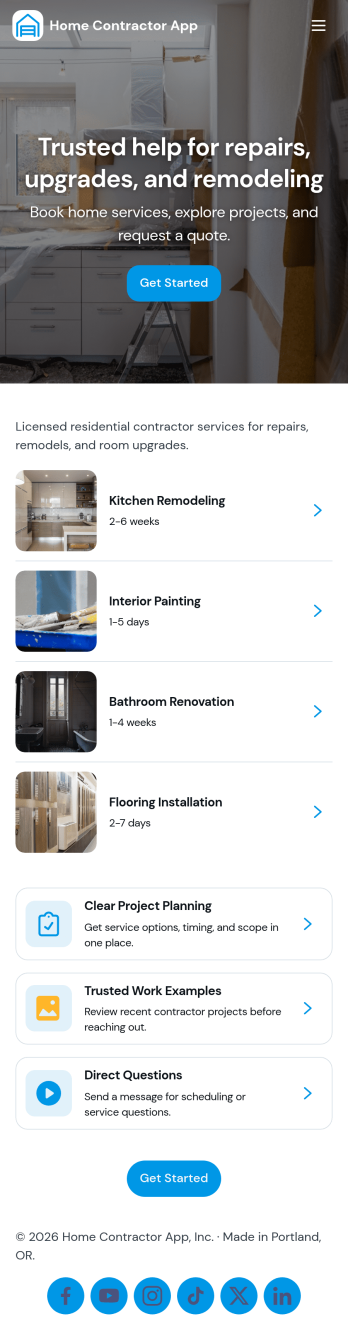
Home Contractor App
Home Contractor App gives homeowners and property managers a simple way to explore a contractor’s services, review past work, and request pricing in one place. Use it to route new inquiries to the right team faster by letting people browse services, view project examples, and send quote requests tied to specific services or similar past projects. It’s a practical fit for remodelers, general contractors, handymen, and specialty trades who want a consistent intake experience without relying on phone calls or scattered email threads.Jotform makes it easy to publish and customize app templates like this with a no-code app builder and a drag-and-drop interface. Connect your app to Jotform forms for data collection, automate follow-ups with workflow steps, and keep requests organized for your team. Share your app with a link or QR code, update services and project lists as you grow, and create a polished self-service experience that works smoothly on any device.
Go to Category:Construction Apps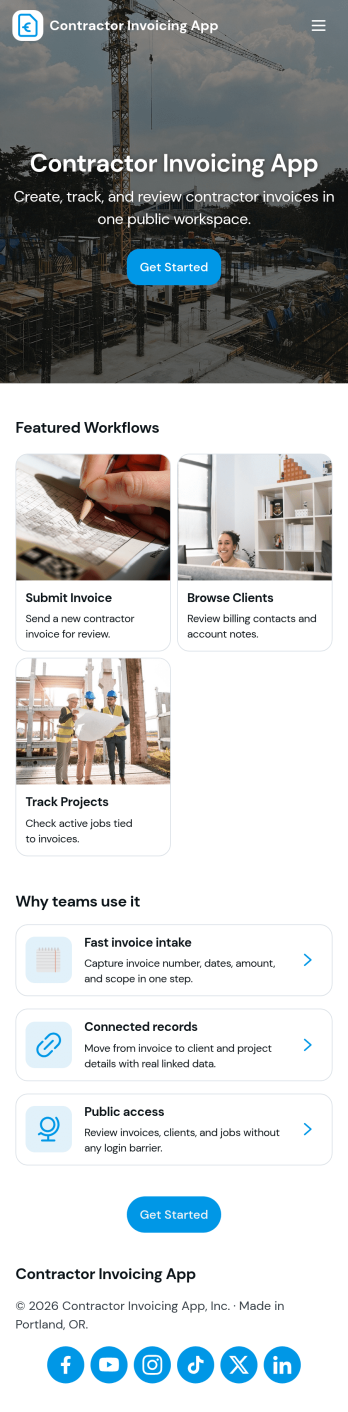
Contractor Invoicing App
Contractor Invoicing App helps independent contractors and small service teams create invoices, keep client details in one place, and stay on top of billing without juggling spreadsheets. From the home screen, you can start a new invoice, add an invoice through a connected form, browse invoice entries in a list, and pull up an invoice snapshot when you need a quick view of what’s been sent. It’s also built to support day-to-day follow-up with a clear path back to your invoice list and a dedicated Clients area for organizing customer records.With Jotform, you can turn invoicing into a branded, self-service workflow using a no-code app builder and a drag-and-drop interface. Connect your app template to the forms and data collection you already rely on, then share a single link with your team so everyone works from the same invoice and client information. As your process grows, you can adjust pages, refine what you track, and use built-in reporting summaries to get a clearer picture of overdue invoices and billing activity.
Go to Category:Construction Apps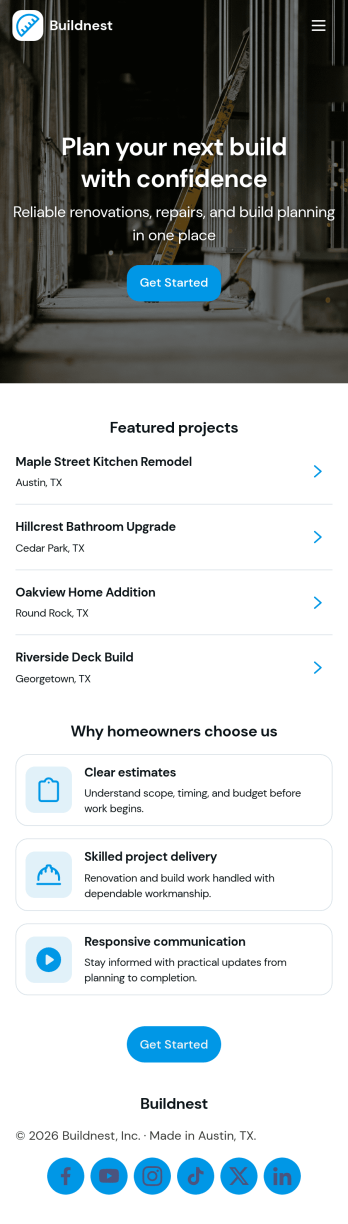
Building Contractor App
Building Contractor App gives contractors and home service teams a simple, client-friendly way to showcase past work, highlight available services, and capture new quote requests in one place. Use it to let homeowners browse projects, request a quote for similar work, and book a quote visit without phone tag. It also supports quick access to office contact details and keeps quote activity easy to reference, which helps small crews and growing contractors stay responsive while jobs are moving.Built with Jotform, this app template can be tailored with a no-code app builder and a drag-and-drop interface, so you can match your brand and process in minutes. Connect the app to your forms to support data collection for estimate requests and site visit booking, then share it with a link or QR code for fast self-service from any device. As your workflow evolves, you can update pages, refine what clients see, and route incoming requests to the right person without rebuilding from scratch.
Go to Category:Construction Apps