Parking Kiosk App helps parking operators provide a simple, on-site experience for starting parking sessions, checking past activity, and accessing permit information from a single kiosk-style interface. It’s a practical fit for garages, lots, campuses, hospitals, HOAs, and event venues that need a clear flow for drivers to begin a session, review records by license plate, and find payment-by-phone details without staff assistance.
With Jotform, you can tailor this app template to match your location’s rules and branding, then connect it to your forms and data collection workflows. Use a no-code app builder and a drag-and-drop interface to update navigation, add instructions, and organize records so attendants and visitors can quickly find what they need. Share the kiosk link or QR code for fast self-service access and keep parking activity organized in one place.
Related templates
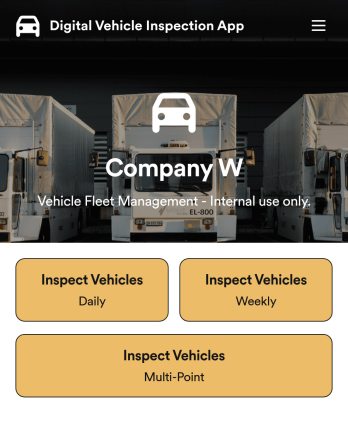
Custom Digital Vehicle Inspection App
A digital vehicle inspection app is used by fleet management companies for inspecting company vehicles. Create a fully-custom Digital Vehicle Inspection App in seconds with Jotform’s app builder. Inspectors can download this app onto any smartphone, tablet, or desktop to record and compile daily, weekly, and multi-point inspection reports for fleet vehicles. No need for paperwork — your digital inspection reports are automatically compiled and synced to your secure Jotform account, where you can manage them all from one location.Want to make this Digital Vehicle Inspection App Template your own? No coding necessary — just use Jotform’s drag-and-drop app builder to add or change form elements, edit form text and fields, upload your company’s logo and branding, choose fonts and colors, and more. When you’re done customizing your app, share it with the rest of the company by sending a link to the app or generating an invitation email. Manage all your fleet vehicles and inspection reports from one convenient app with this Digital Vehicle Inspection App from Jotform.
Go to Category:Inspection Apps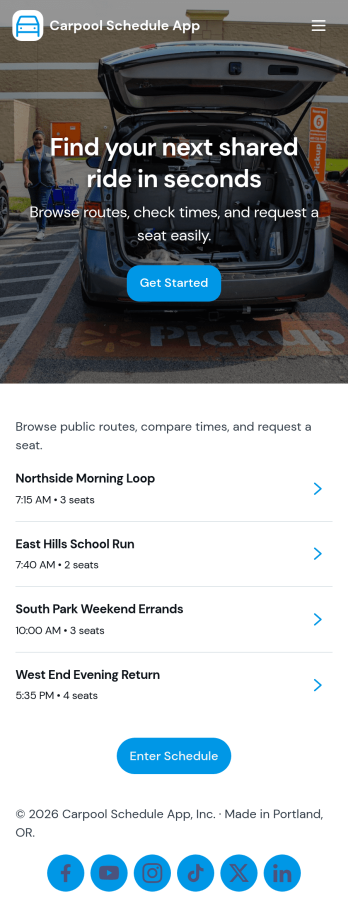
Carpool Schedule App
A carpool schedule app helps schools, workplaces, and neighborhood groups coordinate shared rides without confusion. Use it to publish available routes, let riders request a seat, and give everyone a clear view of what’s open and what’s already planned. It’s especially useful for parent carpools, team practices, recurring commutes, and community programs where multiple drivers and riders need one reliable place to stay aligned.With Jotform, you can turn this carpool schedule app into a branded, self-service experience using a no-code app builder and a drag-and-drop interface. Connect routes and ride requests to your data collection workflow, organize records in tables, and keep requests easy to manage with dedicated views like My Requests. Share the app by link or QR code so drivers and riders can quickly check routes and submit ride requests from anywhere.
Go to Category:Transportation Apps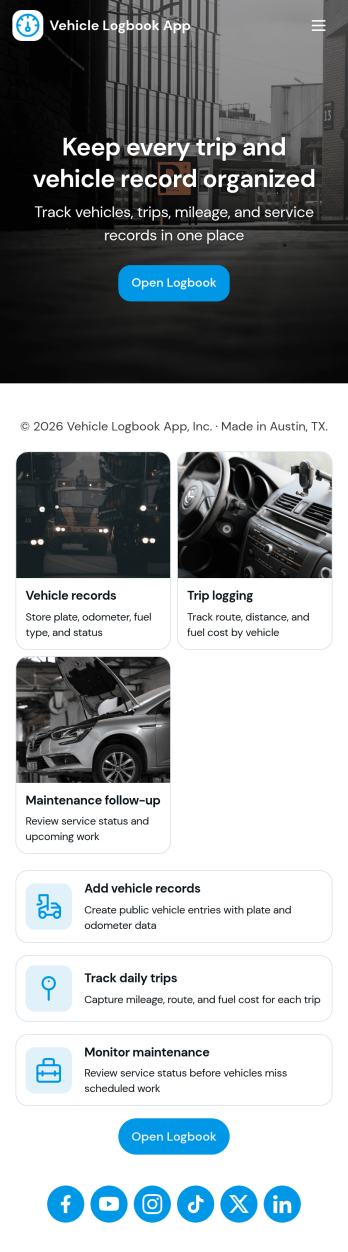
Vehicle Logbook App
Vehicle Logbook App helps individuals and teams keep accurate records of company or personal vehicle activity in one place. Use it to manage vehicle details, log trips as they happen, and capture expenses tied to each vehicle so you can stay organized across day-to-day driving. It fits fleet managers, field service crews, delivery teams, real estate agents, and anyone who needs a reliable driving history for reporting, reimbursements, or internal tracking.With Jotform, you can turn this vehicle logbook app template into a branded, mobile-friendly experience using a no-code app builder and a drag-and-drop interface. Connect the app to forms for adding vehicles, trips, and expenses, then keep entries consistent in a single workflow you can review anytime. Share the app by link or QR code, collaborate with your team, and keep data collection simple whether you’re on the road or at the office.
Go to Category:Automotive Apps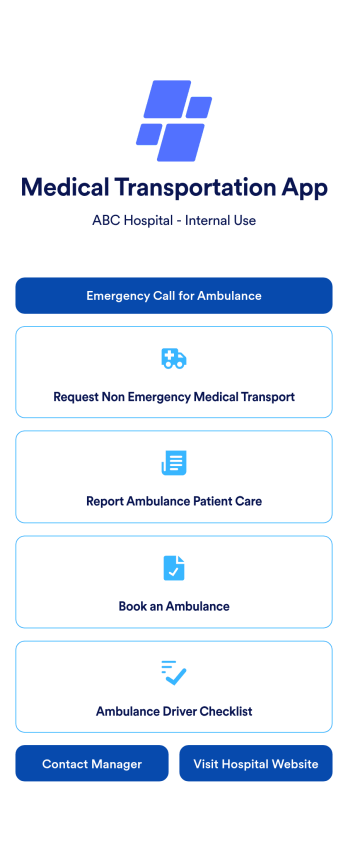
Medical Transportation App
A medical transportation app is a mobile application used by healthcare workers to direct and request ambulances, report medical care, and complete driver checklists. Using Jotform Apps, you can build a custom Medical Transportation App in minutes to streamline ambulance calls and consolidate your checklists. Just choose the template that best suits your needs, customize it to your liking, and share it via link, email, or QR code. Your healthcare workers can then download it onto any iOS or Android device!With Jotform’s drag-and-drop app builder, you can add your hospital logo, change fonts and colors, rearrange app elements, and make other design changes in just a few clicks — no coding required. Plus, integrates with 150+ popular integrations to keep your data in one place, like Google Drive, Slack, or Asana. Keep track of your ambulances with a free Medical Transportation App from Jotform.
Go to Category:Company Portal Apps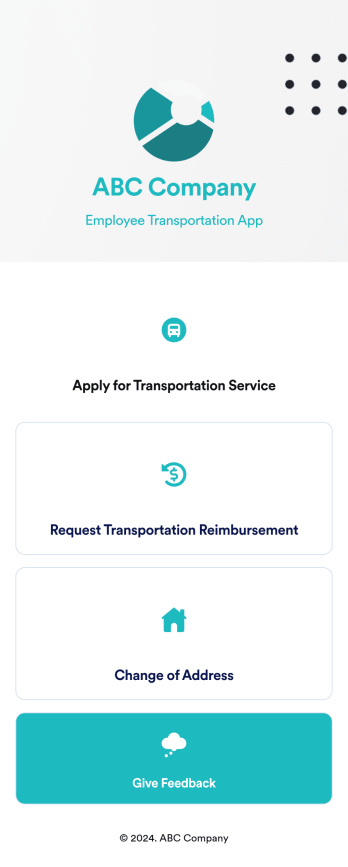
Employee Transportation App
An employee transportation app is used by companies or organizations to track and manage employee transportation requests and reimbursements. Build your own Employee Transportation App for free with Jotform Apps to streamline your company transportation practices. Once you’re finished creating your app, send it off to your employees via direct link or embed it in your company’s online portal for easy access.Customizing your Employee Transportation App is easy with Jotform’s no-code app builder. Drag and drop to change fonts and colors, integrate with trusted apps and payment processors, edit company policies, upload company branding assets and images, and so much more. Upgrade the way your company handles employee transportation with this free Employee Transportation App.
Go to Category:Construction Apps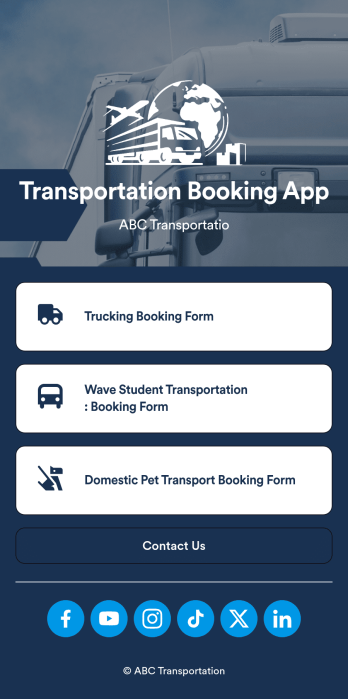
Transportation Booking App
A transportation booking app is a type of mobile application that transportation service providers use to collect bookings from customers and clients. Create your own app for free with this ready-made Transportation Booking App from Jotform Apps. Add multiple booking forms, collect appointment payments, and so much more.Want to customize this Transportation Booking App to more closely match your company branding? No problem. Use our intuitive online builder to design your app. Add or remove forms, change your app logo, switch up fonts and colors, and so much more. You can even integrate your app with 250+ platforms — like Google Calendar, Square, and HubSpot — to make your app that much more efficient.
Go to Category:Booking Apps