Parking Management App helps organizations centralize everyday parking operations in one place, from collecting parking requests to giving staff and drivers quick visibility into spot availability and past permits. It fits workplaces, campuses, residential communities, and event venues that need a clear process for assigning lots and spots while keeping a dependable record of who requested what and when. With guided navigation for requesting parking, checking spot status, and reviewing permit history, teams can reduce confusion at peak hours and handle requests more consistently.
Built with Jotform, this app template works with a no-code app builder and a drag-and-drop interface, so you can adjust pages, buttons, and layouts to match how your lots are organized. Connect the experience to your existing Jotform forms and tables for data collection, route requests to the right people, and support self-service for drivers who want to submit a new request or review their own request history. Share the app by link or QR code to make parking requests and tracking accessible from any device.
Related templates
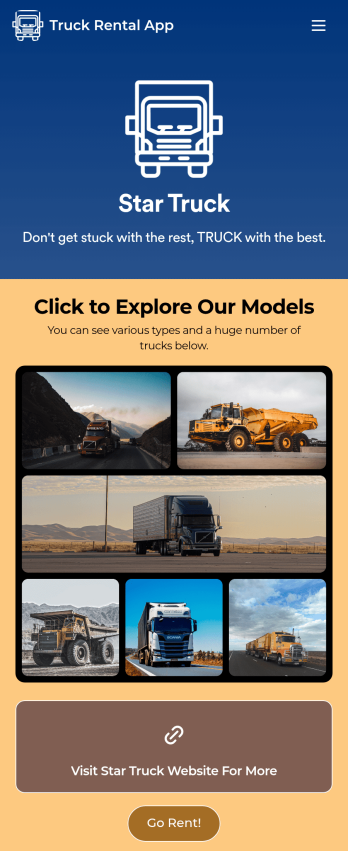
Truck Rental App
Give your customers an easy way to rent your trucks with this free Truck Rental App! Want to learn how to rent out your trucks online? The app is fully-customizable with Jotform’s drag-and-drop app builder, so you won’t need any coding knowledge to make it match your branding. Once you’ve got your app looking how you want it to, share it with your customers with a link or via email for them to download onto any iOS device, Android device, or computer for easy access.Need to make changes to this Truck Rental App template? Drag and drop to get the look you want by adding your logo, including more forms, and adding images of the trucks you have available. All submissions you receive through your custom Truck Rental App are stored securely in your Jotform account and ready to view instantly on any device — so you and your team can respond to customers right away.
Go to Category:Automotive Apps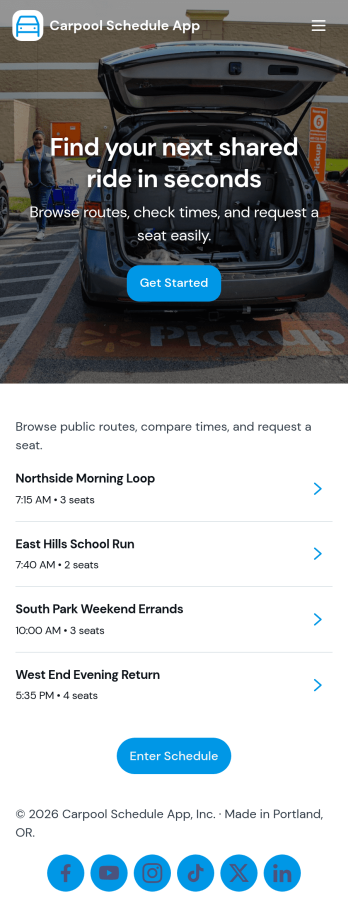
Carpool Schedule App
A carpool schedule app helps schools, workplaces, and neighborhood groups coordinate shared rides without confusion. Use it to publish available routes, let riders request a seat, and give everyone a clear view of what’s open and what’s already planned. It’s especially useful for parent carpools, team practices, recurring commutes, and community programs where multiple drivers and riders need one reliable place to stay aligned.With Jotform, you can turn this carpool schedule app into a branded, self-service experience using a no-code app builder and a drag-and-drop interface. Connect routes and ride requests to your data collection workflow, organize records in tables, and keep requests easy to manage with dedicated views like My Requests. Share the app by link or QR code so drivers and riders can quickly check routes and submit ride requests from anywhere.
Go to Category:Transportation Apps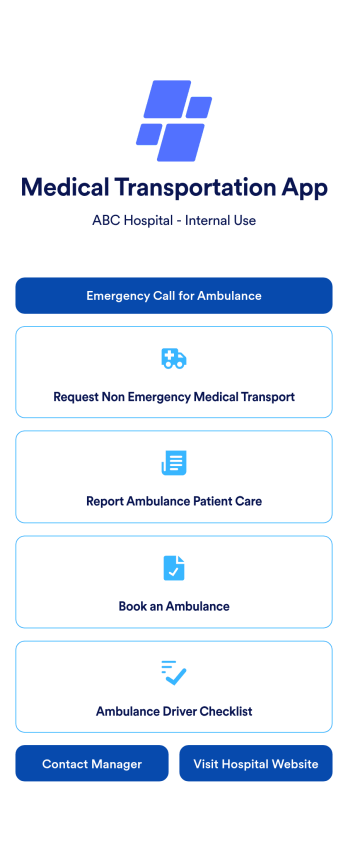
Medical Transportation App
A medical transportation app is a mobile application used by healthcare workers to direct and request ambulances, report medical care, and complete driver checklists. Using Jotform Apps, you can build a custom Medical Transportation App in minutes to streamline ambulance calls and consolidate your checklists. Just choose the template that best suits your needs, customize it to your liking, and share it via link, email, or QR code. Your healthcare workers can then download it onto any iOS or Android device!With Jotform’s drag-and-drop app builder, you can add your hospital logo, change fonts and colors, rearrange app elements, and make other design changes in just a few clicks — no coding required. Plus, integrates with 150+ popular integrations to keep your data in one place, like Google Drive, Slack, or Asana. Keep track of your ambulances with a free Medical Transportation App from Jotform.
Go to Category:Company Portal Apps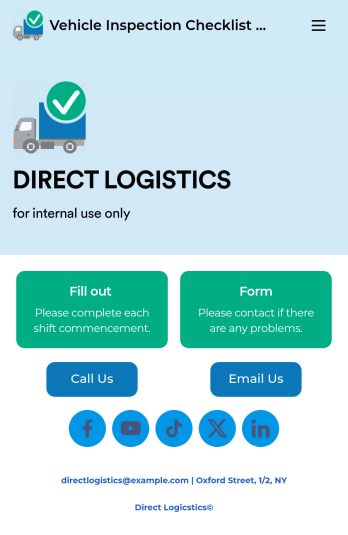
Vehicle Inspection Checklist App
A vehicle inspection checklist app is used by businesses to keep track of vehicle inspection reports for company vehicles. With this free Vehicle Inspection Checklist App, employees can fill out a pre-trip inspection checklist documenting the fuel level and overall condition of a vehicle. Employees can also add notes and attach any relevant pictures using an image upload form. There is a separate contact form employees can use to report issues. Inspection reports are synced automatically to your account, and can be sorted, filtered, and exported from any device.Customize this free app template using Jotform’s drag-and-drop interface. With just a few clicks, you can add or swap out form elements, choose fonts and colors, upload your logo, and more — no coding required. When you’re done, embed a link in an email or on your company website to have employees download your app on any smartphone, tablet, or computer. Create and store vehicle inspection reports in one convenient place with this Vehicle Inspection Checklist App.
Go to Category:Checklist Apps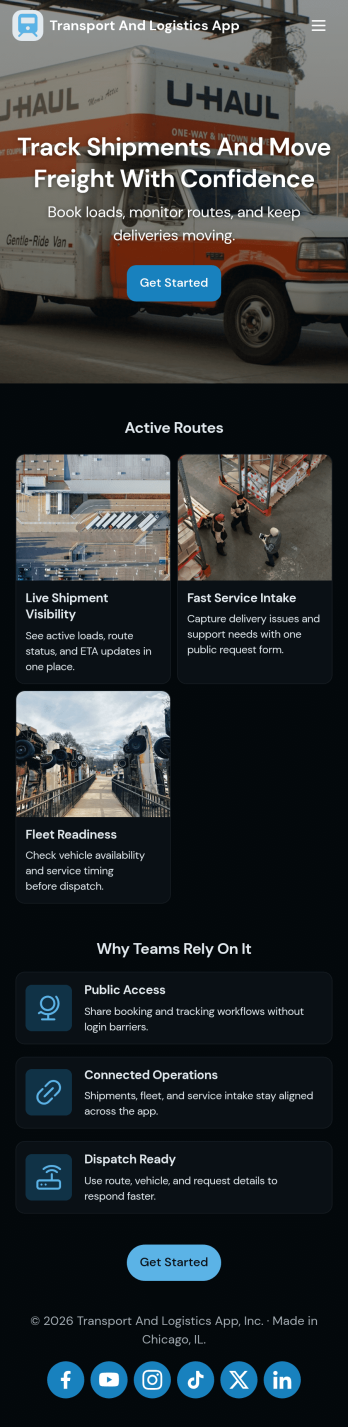
Transport and Logistics App
Transport and Logistics App brings shipment intake and dispatch coordination into one place for teams that move freight day to day. Use it to create new shipments, send requests into a shared workflow, and keep a simple dispatch view that helps operations stay on top of what needs to go out next. It fits trucking companies, delivery operators, freight brokers, and in-house logistics teams that manage multiple loads, drivers, and vehicles while trying to reduce missed details and scattered updates.Built with Jotform App Templates, this app template can be tailored in a no-code app builder with a drag-and-drop interface, so you can match the experience to how your team works. Connect the app to a shipment form for fast data collection, organize incoming records, and share a self-service link with staff who need to submit requests or review assigned work. As your workflow evolves, you can adjust pages, navigation, and connected processes without rebuilding from scratch.
Go to Category:Delivery Apps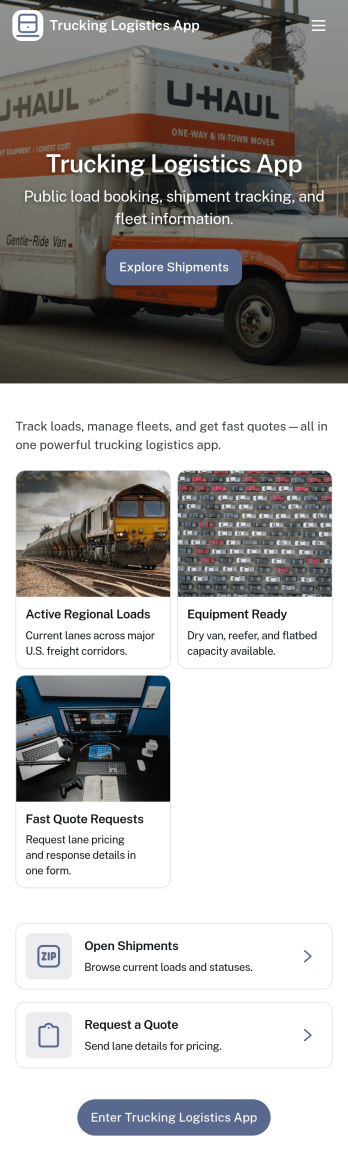
Trucking Logistics App
Trucking Logistics App brings load dispatch, driver check-ins, and day-to-day visibility into one place for carriers, dispatchers, and operations teams. Use it to create new loads, share key load details internally, and keep a running tracking board that helps your team follow what’s moving, what’s delayed, and what needs attention. It’s a practical fit for small fleets, owner-operators working with a dispatcher, and growing logistics teams that want fewer missed updates and clearer handoffs across shifts.With Jotform App Templates, you can publish a mobile-friendly experience that connects buttons and lists to the forms behind your workflow, so dispatch and field updates stay organized as your volume increases. Customize pages with a drag-and-drop interface, add your branding, and keep data collection consistent across teams. Jotform makes it easy to share the app through a link, support self-service updates, and turn routine trucking operations into a repeatable workflow without code.
Go to Category:Transportation Apps