
The Patient Financial Assistance App gives hospitals, clinics, community health centers, and patient support teams a central place to guide people through requests for financial help. It brings together application access, assistance resources, and self-service guidance so patients can understand their options and begin an application without searching across disconnected materials. Staff can use this app template to improve access to support programs, provide a consistent starting point for applicants, and reduce routine questions about where to find forms or relevant information.
Jotform App Templates help organizations turn essential processes into accessible digital experiences without coding. Using Jotform’s no-code app builder and drag-and-drop interface, teams can adapt the Patient Financial Assistance App with their own content, branding, forms, and resource links. Connected data collection and workflows can support internal review processes, while flexible sharing options make the app easy to distribute through a direct link, scannable code, or embedded experience. Updates can be published from one place as assistance information or operational needs change.
Related templates

Dentist App
A dentist app is used by dental practitioners to gather patient information. With Jotform’s powerful Dentist App, your practice can collect patient dental history, consent forms with e-signatures, and schedule appointments from any device. All responses are stored securely in your Jotform account, which is protected by advanced security methods and the ability to opt into HIPAA compliance.Feel free to update the design of this app template by including your practice’s logo, adding or removing forms, updating the background image, and more with our drag-and-drop no-code app builder. Once your app is ready to go, share it with your staff to download onto any smartphone, tablet, or computer — so it can be filled out fast with no messy paperwork. Improve the patient experience with a free Dentist App from Jotform.
Go to Category:Booking Apps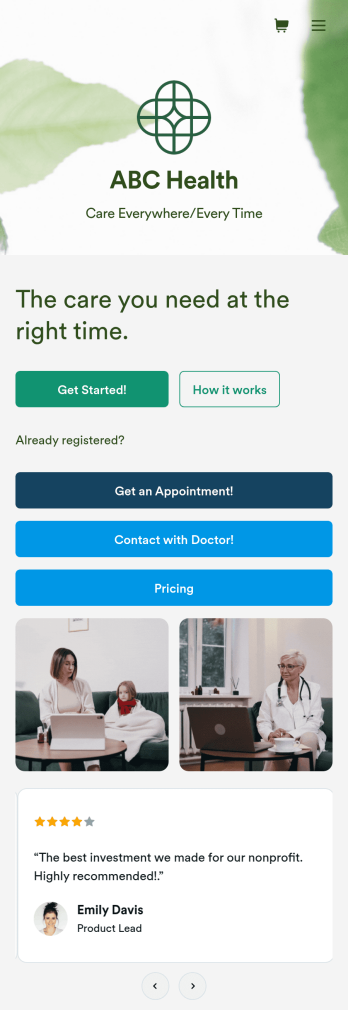
Telehealth App
Gather appointment bookings and patient information with ease using this Telehealth App from Jotform. Simple customize the app to match your needs, share it with patients using a link, and have them download it onto their computer, tablet, or smartphone for easy access. The app includes a Zoom Scheduler that lets patients select a time slot that works for them and generates a new Zoom meeting for each new booking.Need to customize this Telehealth App template? Drag and drop to rearrange the design, add your logo and branding, update existing forms, or connect them to 100+ popular app integrations. Jotform protects form data with a 256-bit SSL connection, GDPR and CCPA friendly features, but you can also optionally upgrade your forms to be HIPAA friendly. Save time with a free Telehealth App that your patients can use on any device.
Go to Category:Appointment & Booking Apps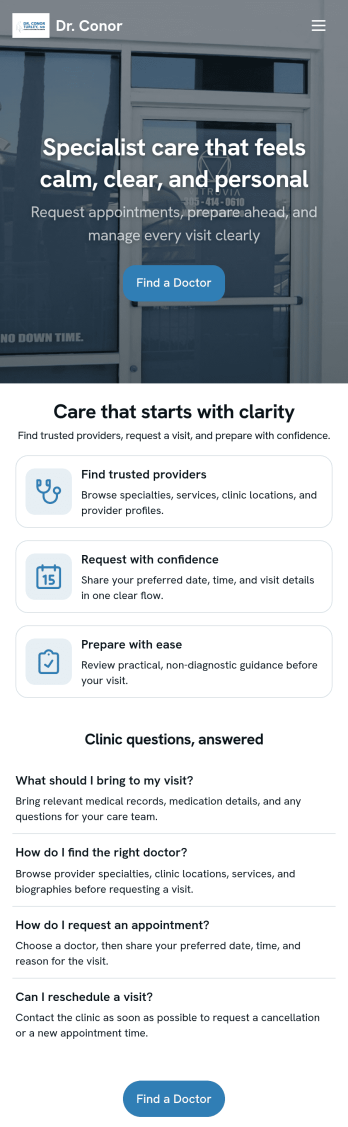
Doctor Appointment App
A doctor appointment app is used by healthcare providers to book appointments and collect patient information. Using Jotform’s Doctor Appointment App — complete with forms for collecting medical history, informed consent, and appointment requests—doctors or nurses can collect and manage patient information and store it securely online. With Jotform’s advanced security measures, you can even further protect data with HIPAA compliance features.Need to customize this app template to better match your practice? Include more links or forms, add your branding and logo, change the background or app icon, and make other changes with our simple drag-and-drop builder. Use Jotform’s easily trainable AI Chatbot guides users through your app and answers questions in real time. Once your app is ready to go, share it with a link to download instantly onto your office’s computer or tablet for easy access. Give your patients a cleaner alternative to messy paper forms with a powerful Doctor Appointment App.
Go to Category:Appointment & Booking Apps
Coaching App
A coaching app is used by coaching companies — like fitness centers or coaching agencies — to receive client applications for coaching sessions. Using this free Coaching App, your company can create a free downloadable app for your customers so they can submit their contact details and coaching goals to apply for a session or program from any device! All submissions are easy to view directly from your secure Jotform account.With our drag-and-drop app builder, you can change this app template to include your logo, collect other information, include photos and profiles of your coaches, and personalize other design elements in a few easy clicks — then share your app with a link or invite clients to download it via email onto their computer, tablet, or smartphone. Create a custom Coaching App for your business with Jotform!
Go to Category:Sports Apps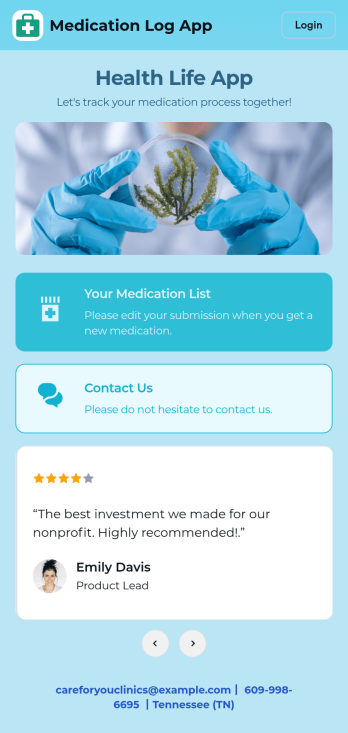
Medication Log App
For patients and clinics alike, keeping track of your patients' medications can be daunting — so streamline the process for everyone with our Medication Log App! This readymade app provides your patients with a single online portal to log and update their medical history, medication regimen, and general contact information. Patients can then access and download your app on any smartphone, tablet, or desktop computer.This Medication Log App is ready to use and doesn't require any coding, but you can easily customize this app template to better suit your needs. With our drag-and-drop interface, you can add forms, choose fonts and colors, and customize your app name, icon, and splash screen. Make it easier for your patients to keep track of their medications with a custom Medication Log App they can use from any device!
Go to Category:Healthcare Apps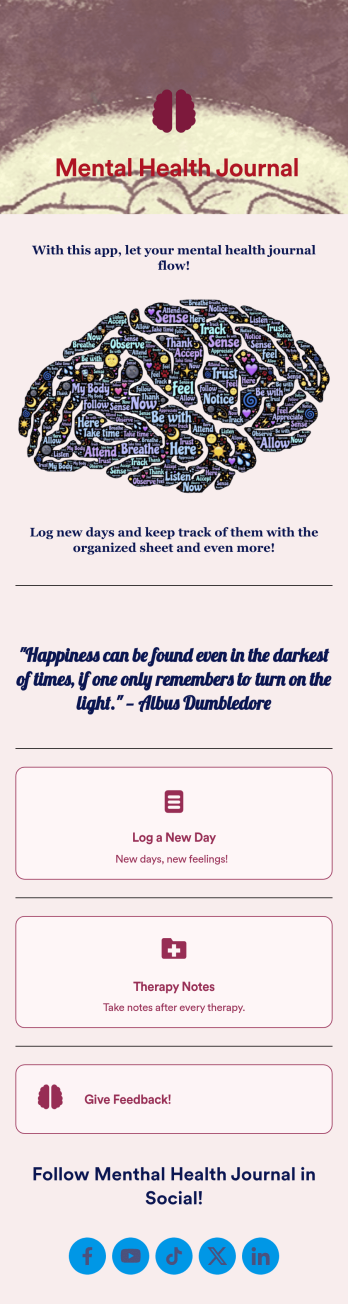
Mental Health Journal App
Need an efficient and less intrusive way to oversee your patients’ mental health? Jotform’s got you covered with our own custom Mental Health Journal App — no coding knowledge required. This app is great for psychologists or psychiatrists alike. Build a thoughtful app that lets your patients express themselves in a variety of ways. Upload daily or weekly check in forms, provide a list of resources and exercises, add appointment scheduling forms, and collect payments from your very own app.Need to make some changes to your app? Simply utilize our easy-to-use online app builder to give your Mental Health Journal App your own signature touch. Pick fonts and colors you like, upload images, integrate with helpful scheduling widgets, and more depending on you and your patients’ needs. Then simply share with your patients via QR code, email, or by linking to it in your patient portal.
Go to Category:Healthcare Apps