Performance Review App brings employee evaluations into one consistent, repeatable flow so managers and HR teams can start a review, capture feedback, and keep review records organized over time. It’s a practical fit for growing companies that need a clear place to document goals, competencies, and outcomes for each employee, whether reviews happen quarterly, annually, or after a probation period. With an easy starting point for new evaluations and a dedicated area for past reviews, this app supports fair, timely conversations without scattered notes or missing history.
Jotform makes it simple to turn this performance review app template into a tailored self-service experience using a no-code app builder with a drag-and-drop interface. Connect the app to your existing workflow for data collection, keep review records accessible in one place, and share the app with the right stakeholders so reviews stay consistent across teams. As your process evolves, you can update pages, refine prompts, and keep insights easy to reference without rebuilding from scratch.
Related templates
Employee Review App
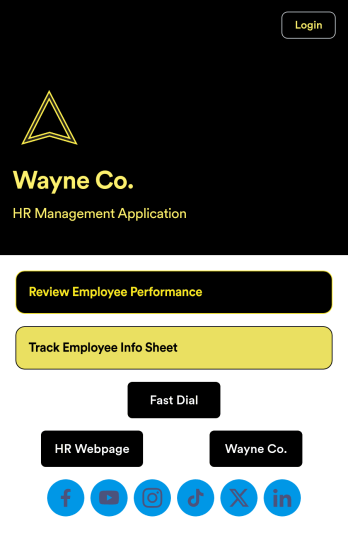
An employee review app is used by HR professionals or managers to monitor the performance of employees in a company. With this free app that downloads onto any smartphone, tablet, or computer, employee reviews are a breeze! Just share the app with the members of your company who conduct employee reviews or track employee information for a paper-free solution.Without coding, you can personalize this Employee Review App by changing the icon or splash screen, creating and including other online forms, and adding any other information or spreadsheets you may need. All data is kept safe and secure with Jotform’s advanced security measures, and easy to access when you need it in a Human Resources Table. Perform employee reviews more efficiently with a free Employee Review App.
Go to Category:Company Portal Apps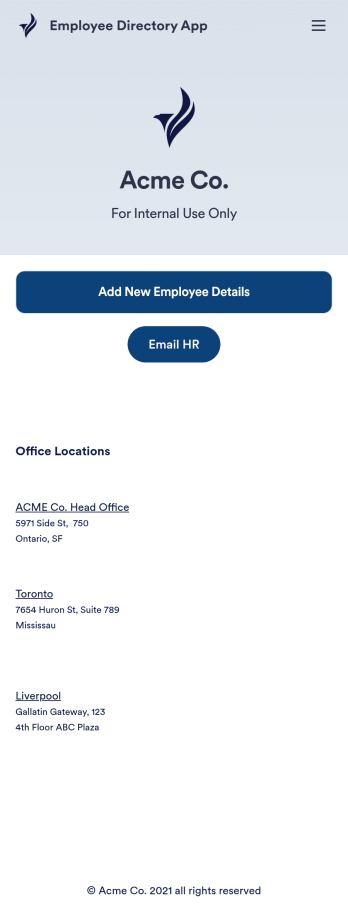
Employee Directory App
An employee directory app is used by businesses to collect information from new employees. Jotform’s Employee Directory App allows new employees to fill out general contact information, position title, manager, days of employment, and start date. If applicable, there is also space to specify an end date for contract workers. Submissions are instantly synced to an Employee Info Sheet in your Jotform account, which you can sort, filter, and search from any device.Customizing this app template to match your business’ branding is a snap. With our drag-and-drop form builder, you can add or change form elements, choose fonts and colors, upload your logo, and more — no coding required. You can also personalize your splash page by adding contact numbers and business address, or any other relevant information that might be useful to new employees. Share your app with a link or embed it in your website and employees can download it on any smartphone, tablet, or desktop. Streamline the onboarding process and keep all your employees’ information in one place with this Employee Directory App.
Go to Category:Human Resources Apps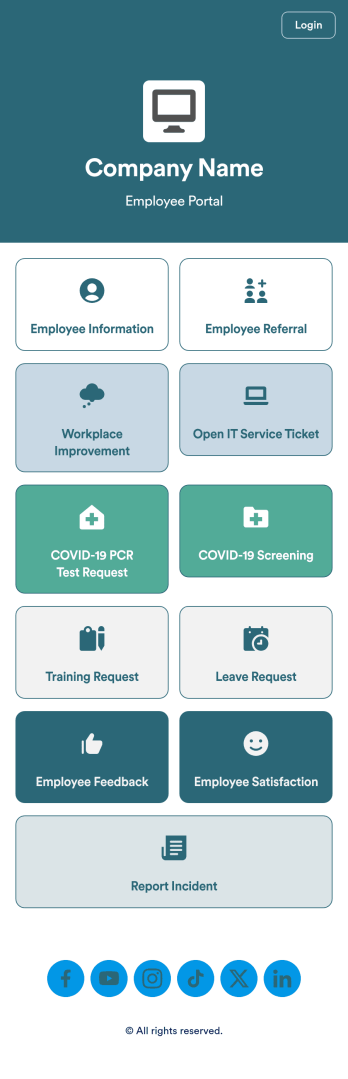
Intranet App
An Intranet App is used for consolidating company forms and documents in one convenient location. This Intranet App bundles nearly a dozen forms for employees to record general contact information, request training or time off, open IT service tickets, and fill out COVID-19 screening checklists. There are also several surveys for employees to submit workplace improvement suggestions and report incidents. Employee data and submissions are stored securely in your Jotform account, which managerial staff can access from any smartphone, tablet, or computer.Make this app template your own with Jotform’s no-code app builder. Just drag and drop to add or change forms, upload documents, create buttons, add external links, and more. You can also customize your splash screen to include your own branding and make company-wide announcements. When you’re finished, you can share your app with a link and employees can then access and download it on any device. Create a one-stop-shop for your company’s forms and documents with this free Intranet App from Jotform.
Go to Category:Company Portal Apps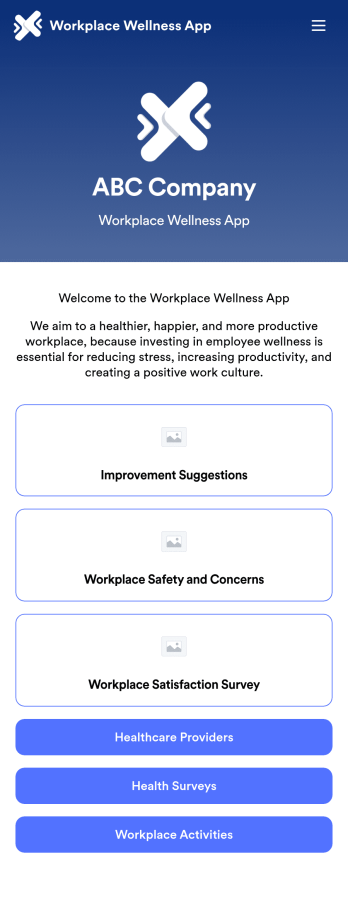
Workplace Wellness App
A workplace wellness app is a mobile application used by HR departments to receive feedback from their employees. Need a more efficient way to collect work environment improvement suggestions, workplace safety concerns, and workplace satisfaction feedback? Share this app as-is or customize it to start collecting responses on any device.Drag and drop to get the app design you want with no coding required. You can add or remove forms, add your company logo, split the app into multiple pages, and make other updates. You can also sync submissions from your Workplace Wellness App to 200+ platforms including Dropbox, Box, Salesforce, Google Drive, Slack, Asana, Trello, and more.
Go to Category:Company Portal Apps
Custom Employee Onboarding App
An employee onboarding app makes it easier to integrate a new employee into your company by making important internal resources available on any device. Simplify the transitional period and successfully onboard new hires with a fully custom Employee Onboard App powered by Jotform. This ready-to-use mobile app includes a table for tracking onboarding progress, company photos and social links, and a separate page with team contact information. New hires can download the app onto their mobile device or computer for easy access at any time.Customize this Employee Onboarding App for your company in just a few clicks. Without coding, you can use our drag-and-drop builder to add forms and tables, embed links, upload documents and training videos, create new pages, update fonts and colors, and much more. When your app is ready to use, it can be sent directly to new hires via email invites or the app link. Successful employee onboarding can be the key to business success — so get started with an efficient, easy-to-use Employee Onboarding App tailored to your company.
Go to Category:Company Portal Apps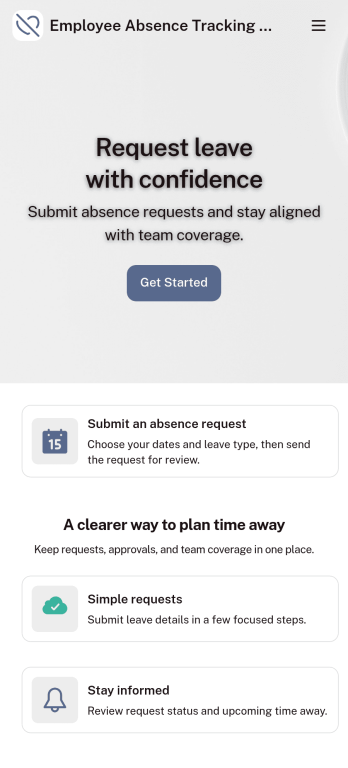
Customizable Employee Absence Tracking App
This Employee Absence Tracking App helps employees request time off and helps HR, managers, and employers track absences from any device. It includes submission tracking, with Admin-only access to view and manage requests and keep information organized and relevant based on the type of leave. All submissions are automatically available in Jotform Tables where admins can review them as a spreadsheet, calendar, or cards for faster follow-up and reporting.The app can be customized with multiple request forms for different leave types, a personalized splash screen or icon, and guidance text to support employees while submitting requests. With Jotform’s Role-based feature, you can control access so tutors, admins, and other users see only the parts of the app relevant to them. For privacy and compliance, sick leave request forms require employee login, ensuring only authenticated users can submit sensitive absence information. Save time and simplify leave management with a secure, streamlined way to handle employee absences.
Go to Category:Company Portal Apps