
Photo Preference Poll App gives creative teams, marketers, educators, event organizers, and small businesses a focused way to compare images and gather audience choices. Participants can browse photo options, select a preferred image through a connected form, and contribute feedback from one accessible location. Submitted responses can be reviewed together, helping teams choose campaign visuals, product photos, event images, design concepts, or classroom materials based on clear input rather than scattered messages. This app template supports faster decision-making while keeping visual options and preference data organized.
Jotform Apps makes it easy to adapt this experience with a no-code app builder and an intuitive drag-and-drop interface. Add or rearrange content, apply custom branding, connect forms and tables, and shape the workflow around an internal review or public poll. The finished app can be shared by direct link or QR code and opened on phones, tablets, and computers, giving participants a convenient self-service experience. Jotform app templates also provide a ready-made foundation that can be updated as new photo choices or voting rounds become available.
Related templates
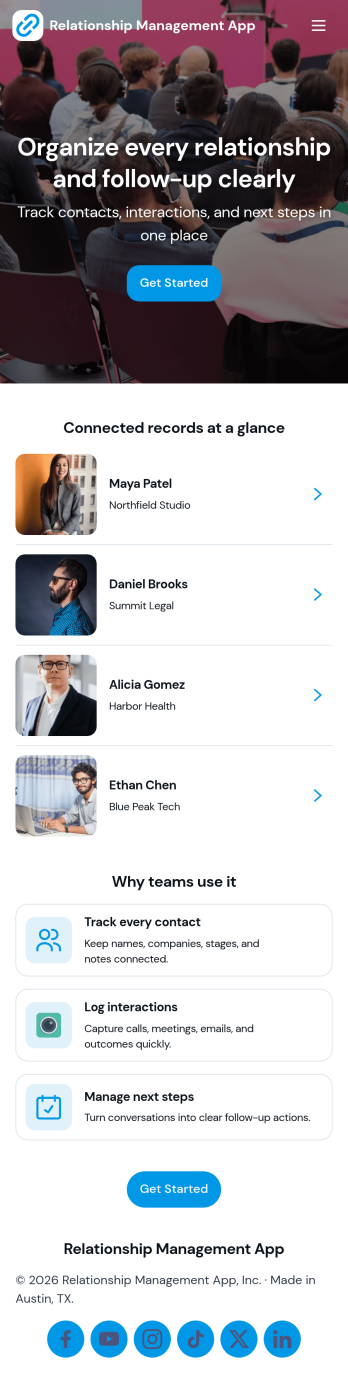
Relationship Management App
Relationship Management App helps teams keep important connections organized and easy to follow up on, whether you’re managing customers, leads, partners, donors, or community members. It brings key contact details into a simple contacts view and supports consistent outreach with interaction logging and reminders, so nothing gets missed after a call, meeting, or email. This works well for small businesses, sales and marketing teams, agencies, consultants, and nonprofits that need a lightweight way to track relationship history without juggling scattered notes or separate spreadsheets.With Jotform, you can turn relationship tracking into a shareable self-service experience using app templates and a no-code app builder. Customize pages with a drag-and-drop interface, connect your app to forms and tables for reliable data collection, and keep your workflow moving with quick updates and centralized records. Publish the app for your team, align on the same source of truth, and expand it as your process evolves.
Go to Category:Customer Engagement Apps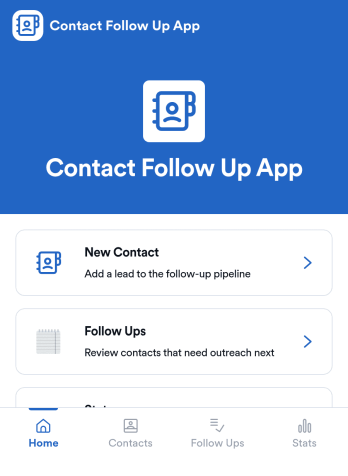
Contact Follow Up App
Contact Follow Up App helps you capture new leads and keep every conversation moving forward without losing track of who needs a reply. It’s built for sales reps, small business owners, agencies, and client-facing teams who juggle outreach across events, referrals, inbound inquiries, and repeat customers. With a simple New Contact entry point and a dedicated Follow Ups area, you can quickly log contact details, review people who need attention, and open an individual contact view when it’s time to act.Jotform makes it easy to turn this kind of follow-up workflow into a shareable, branded experience using a no-code app builder and a drag-and-drop interface. Connect your app to forms and tables for consistent data collection, keep information organized in one place, and publish updates fast as your workflow evolves. Whether you’re tracking lead status, prioritizing outreach, or reviewing simple stats, Jotform app templates help you deliver reliable self-service and internal processes without extra tools.
Go to Category:Customer Engagement Apps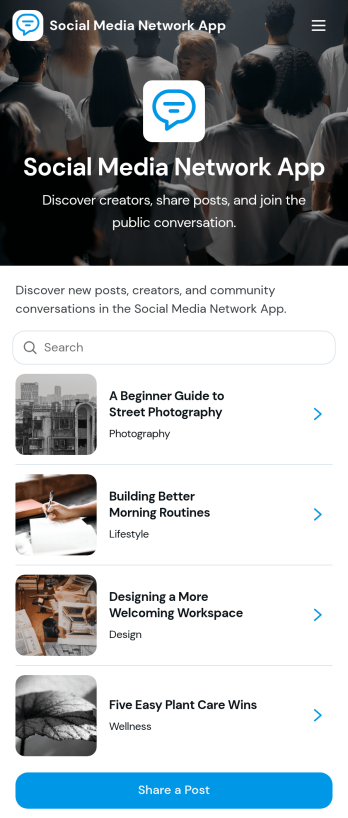
Social Media Network App
Social Media Network App brings a community-style social space into one simple, shareable experience so people can post updates, explore creators, and discover new messages as they’re published. It works well for creator communities, clubs, nonprofits, internal culture groups, alumni networks, and niche interest spaces that want a lightweight feed where members can share posts, publish profiles, and browse what others are talking about without complicated setup.Built with Jotform, this app template helps you launch a mobile-friendly social hub using App Templates and a no-code app builder with a drag-and-drop interface. Connect your app to forms and workflows for data collection, then organize posts and creator profiles into scrollable lists and cards that are easy to navigate. Share your Social Media Network App with a link, keep content organized in one place, and update the experience anytime as your community grows.
Go to Category:Community & Engagement Portal Apps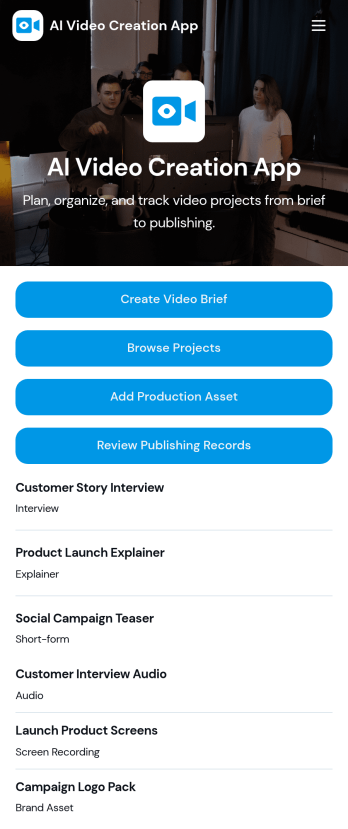
AI Video Creation App
AI Video Creation App brings your video production workflow into one place, so teams can move from concept to publish-ready content without scattered docs and endless status checks. Use it to capture consistent video briefs, organize projects, and maintain a shared library of production assets like scripts, brand guidelines, and creative references. It’s a practical fit for marketing teams, content creators, agencies, and social media managers who juggle multiple campaigns and need a dependable way to track what’s being made, what assets are approved, and what’s ready to go live.With Jotform, you can turn this AI Video Creation App into a branded self-service experience using a no-code app builder and a drag-and-drop interface. Connect buttons to forms for fast data collection, keep project and asset records organized, and build a repeatable workflow that teammates can follow across launches. Share your app with a link or QR code, update pages as your process evolves, and keep everyone aligned from brief intake to publishing records.
Go to Category:Sales & Marketing Portal Apps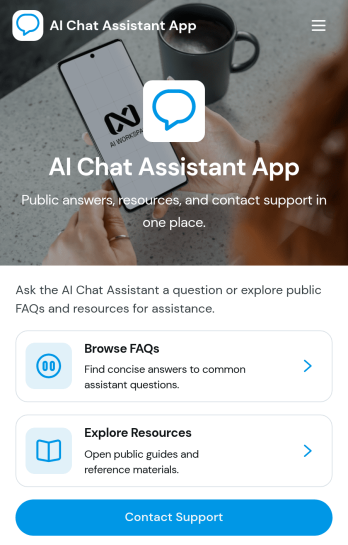
AI Chat Assistant App
AI Chat Assistant App gives organizations a central, user-friendly destination for answering common questions and guiding people toward useful information. Customers, employees, students, members, and other audiences can browse FAQs, explore curated resources, contact a support team, and send feedback without searching across disconnected channels. It is particularly useful for customer service departments, internal help desks, educational institutions, nonprofits, and service providers that want to reduce repetitive inquiries while keeping human assistance within easy reach. The template supports a consistent self-service experience and helps teams learn where users may need clearer guidance.Jotform makes this app template easy to adapt with a no-code app builder and a visual drag-and-drop interface. Teams can update pages, cards, buttons, navigation, colors, and fonts to match their brand, then connect forms and related workflows for data collection, support requests, or feedback management. Among Jotform’s customizable App Templates, the AI Chat Assistant App offers a practical starting point that can be published quickly and shared through a direct link or QR code. It also provides mobile-friendly access, helping users find support and resources wherever they are.
Go to Category:Customer Engagement Apps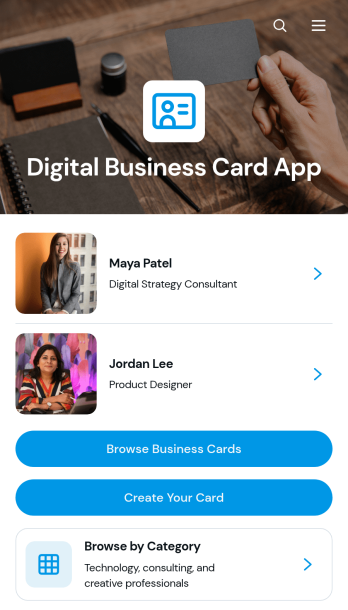
Digital Business Card App
The Digital Business Card App is a mobile-friendly directory for creating, publishing, and discovering professional profiles. Individual professionals, consultants, agency teams, networking groups, and business communities can use it to make contact details easier to share and explore. Visitors can browse business cards, filter profiles by professional category, and contact a listed person by email, phone, or website. It is well suited to conferences, membership networks, referral groups, company directories, and lead generation campaigns where printed cards are inconvenient or quickly become outdated. Centralized profiles help people present consistent information while giving prospective clients, partners, and peers a convenient way to connect.Jotform Apps makes the Digital Business Card App easy to adapt with a no-code app builder and an intuitive drag-and-drop interface. Start with this app template, update the pages and branding, connect forms for profile data collection, and organize records through related Jotform workflows. Teams can add useful links, adjust navigation, and publish changes without rebuilding the experience from scratch. Jotform App Templates also support self-service access through a direct link or QR code, helping users share a polished professional directory across mobile and desktop devices.
Go to Category:Social Bio Link Apps