Practice Management App helps clinics and independent practices keep daily operations organized in one place. Use it to maintain patient records, track visits, and manage upcoming appointments so staff can quickly find what they need during a busy day. It’s a practical fit for medical, dental, therapy, and wellness offices that want a clearer view of schedules and patient activity without juggling multiple tools. With patient and appointment lists plus detail pages, teams can review key information quickly and stay consistent across front desk and clinical workflows.
Jotform makes it easy to create and publish polished App Templates like this one with a no-code app builder and a drag-and-drop interface. Connect your app to forms and tables for reliable data collection, then route updates through simple workflow steps to keep information current. Share your app with your team for self-service access on any device, customize the layout and branding, and expand the experience over time as your practice grows.
Related templates
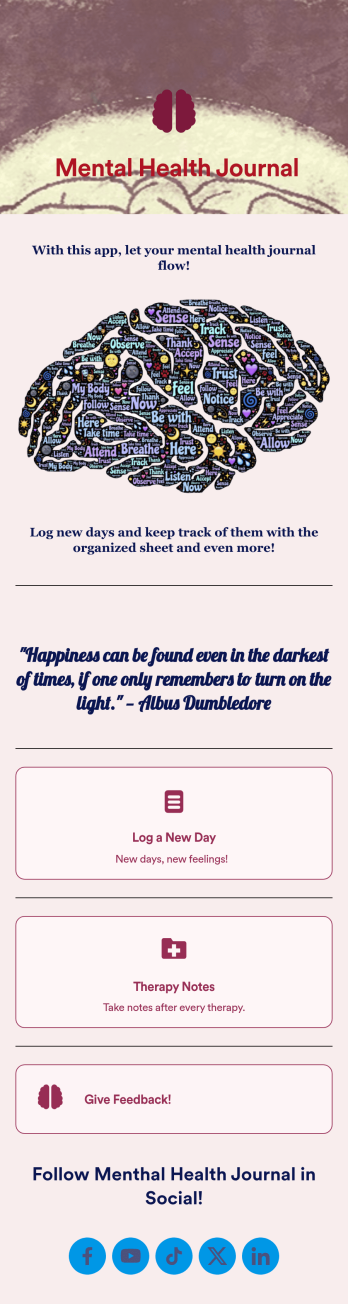
Mental Health Journal App
Need an efficient and less intrusive way to oversee your patients’ mental health? Jotform’s got you covered with our own custom Mental Health Journal App — no coding knowledge required. This app is great for psychologists or psychiatrists alike. Build a thoughtful app that lets your patients express themselves in a variety of ways. Upload daily or weekly check in forms, provide a list of resources and exercises, add appointment scheduling forms, and collect payments from your very own app.Need to make some changes to your app? Simply utilize our easy-to-use online app builder to give your Mental Health Journal App your own signature touch. Pick fonts and colors you like, upload images, integrate with helpful scheduling widgets, and more depending on you and your patients’ needs. Then simply share with your patients via QR code, email, or by linking to it in your patient portal.
Go to Category:Healthcare Apps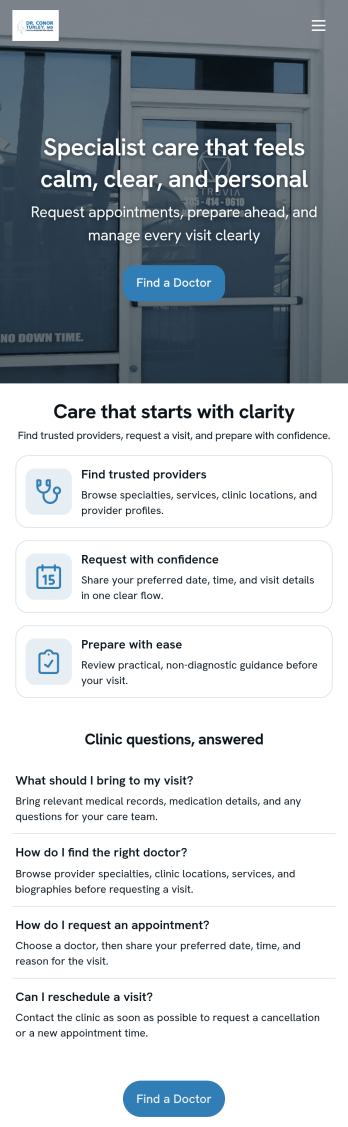
Doctor Appointment App
A doctor appointment app is used by healthcare providers to book appointments and collect patient information. Using Jotform’s Doctor Appointment App — complete with forms for collecting medical history, informed consent, and appointment requests—doctors or nurses can collect and manage patient information and store it securely online. With Jotform’s advanced security measures, you can even further protect data with HIPAA compliance features.Need to customize this app template to better match your practice? Include more links or forms, add your branding and logo, change the background or app icon, and make other changes with our simple drag-and-drop builder. Use Jotform’s easily trainable AI Chatbot guides users through your app and answers questions in real time. Once your app is ready to go, share it with a link to download instantly onto your office’s computer or tablet for easy access. Give your patients a cleaner alternative to messy paper forms with a powerful Doctor Appointment App.
Go to Category:Appointment & Booking Apps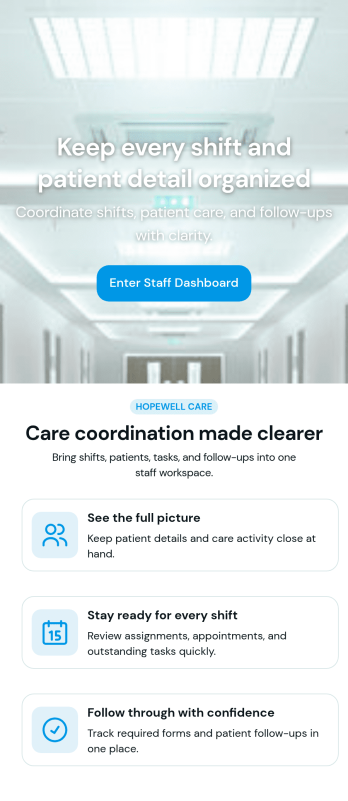
Custom Patient Management App
Patient Management App is an app template designed to streamline the workflows of healthcare providers, clinics, hospitals, and medical practices. By offering a centralized system that manages patient information, appointments, and care plans, the app helps improve operational efficiency. Suitable for healthcare administrators who are tasked with scheduling patients, updating medical records, tracking treatment plans, and facilitating communication throughout the patient care journey, it collects critical data in a structured and consistent manner. The app's value lies in its ability to simplify complex operational tasks, thus reducing the likelihood of errors and enhancing the quality of care provided.Jotform's intuitive design tools make it easy to customize the Patient Management App to match your healthcare practice's branding. Using Jotform's No-Code App Builder, you can quickly adjust forms, pick fonts and colors, and upload your logo without writing a single line of code. Once set up, your patients can access and download the app onto any device; be it a smartphone, tablet, or desktop, through a shareable link. This ease of access maximizes the app's adoption and use, further improving the efficiency of your healthcare practice. The Patient Management App from Jotform embodies the perfect blend of utility and usability, making patient management a breeze.
Go to Category:HIPAA Apps
Coaching App
A coaching app is used by coaching companies — like fitness centers or coaching agencies — to receive client applications for coaching sessions. Using this free Coaching App, your company can create a free downloadable app for your customers so they can submit their contact details and coaching goals to apply for a session or program from any device! All submissions are easy to view directly from your secure Jotform account.With our drag-and-drop app builder, you can change this app template to include your logo, collect other information, include photos and profiles of your coaches, and personalize other design elements in a few easy clicks — then share your app with a link or invite clients to download it via email onto their computer, tablet, or smartphone. Create a custom Coaching App for your business with Jotform!
Go to Category:Sports Apps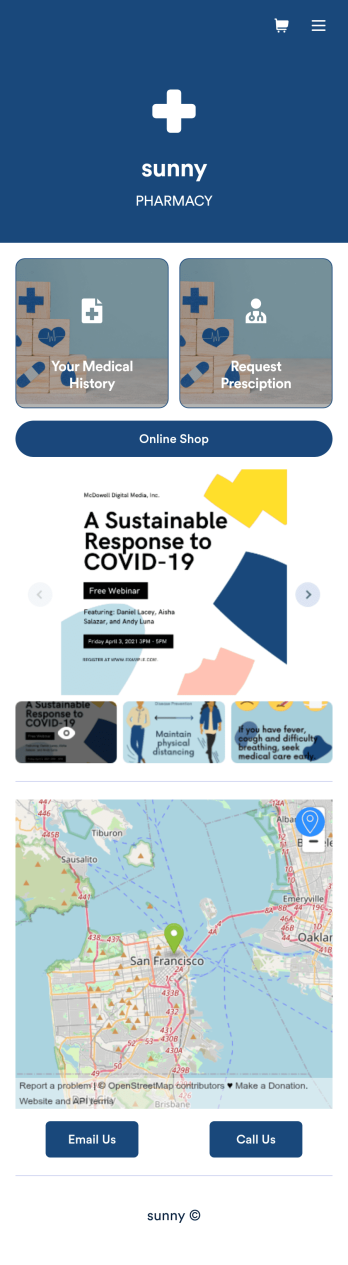
Pharmacy App
A pharmacy app is used by pharmacies for logging patient data and filling prescriptions. Need to know how to sell prescriptions online? Patients can download this Pharmacy App on any device and fill out a form with their personal and medical information, make prescription requests, and schedule COVID-19 vaccination appointments. This app also includes a COVID-19 consent form that patients can digitally sign prior to their appointment. Patient data and prescription refill requests are stored in your secure Jotform account for ease of access.Want to make this app template your own? No problem — just use Jotform’s no-code app builder to drag and drop form elements, choose fonts and colors, upload images, customize your app icon, and more. You can also use your splash screen to add informative content and make announcements. When you're finished customizing, share your app by embedding a link in your website or email newsletter. Manage your pharmacy from one convenient location with this free Pharmacy App from Jotform.
Go to Category:Delivery Apps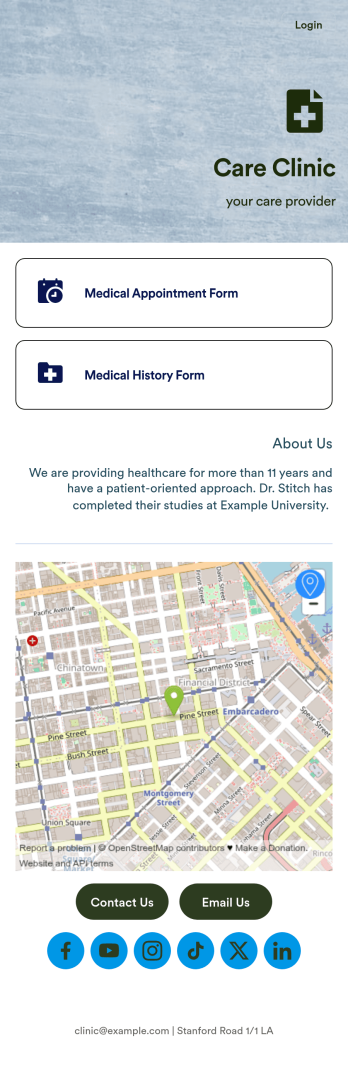
Medical Appointments App
A medical appointments app makes it easier for patients to schedule doctor’s appointments from any device. Simplify appointments for your hospital or health clinic with our free Medical Appointments App Template. This ready-to-use app includes an appointment scheduling form and a medical history form that patients can easily fill out from their smartphone, tablet, or computer. Submissions will be received instantly, stored in your dashboard, and encrypted if you opt for HIPAA friendly features in your Jotform plan.Customize this Medical Appointments App in just a few clicks with our drag-and-drop builder. It’s easy to create and add more healthcare forms, embed links to other webpages, update the provided text and images, upload branding elements, and even change the app name, icon, and splash page. Once it’s ready, share your app on your website or send it to patients directly to open and download onto their favorite device. Take the pain out of appointment scheduling by streamlining the process with a professional Medical Appointments App for your organization.
Go to Category:Booking Apps